AI Thank You Video Maker
What Is a Thank You Video Maker?
A thank you video maker converts reception photographs, donor notes, and appreciation letters into personal or corporate gratitude videos for guests and sponsors. Leadde Video Agent pairs up to 20 event snapshots and 2 text files with keepsake frames, a cloned voice, or 300+ AI presenters in Studio, whereas yearly milestone tributes belong on Anniversary Video Maker or Birthday Video Maker.
Trusted by the world's leading brands







What Sets Our Appreciation Video Maker Apart
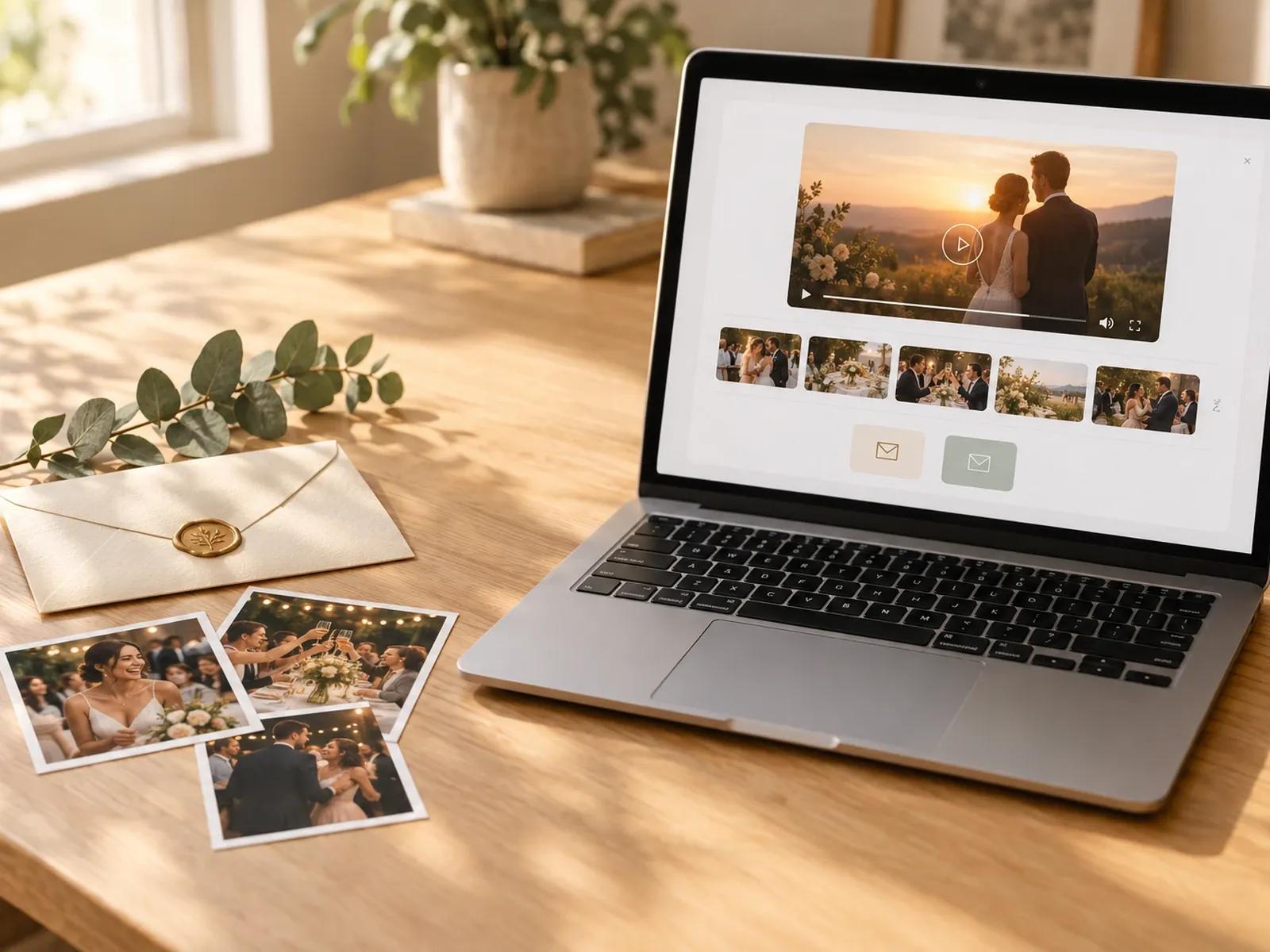
Group 20 Snapshots and 2 Letters
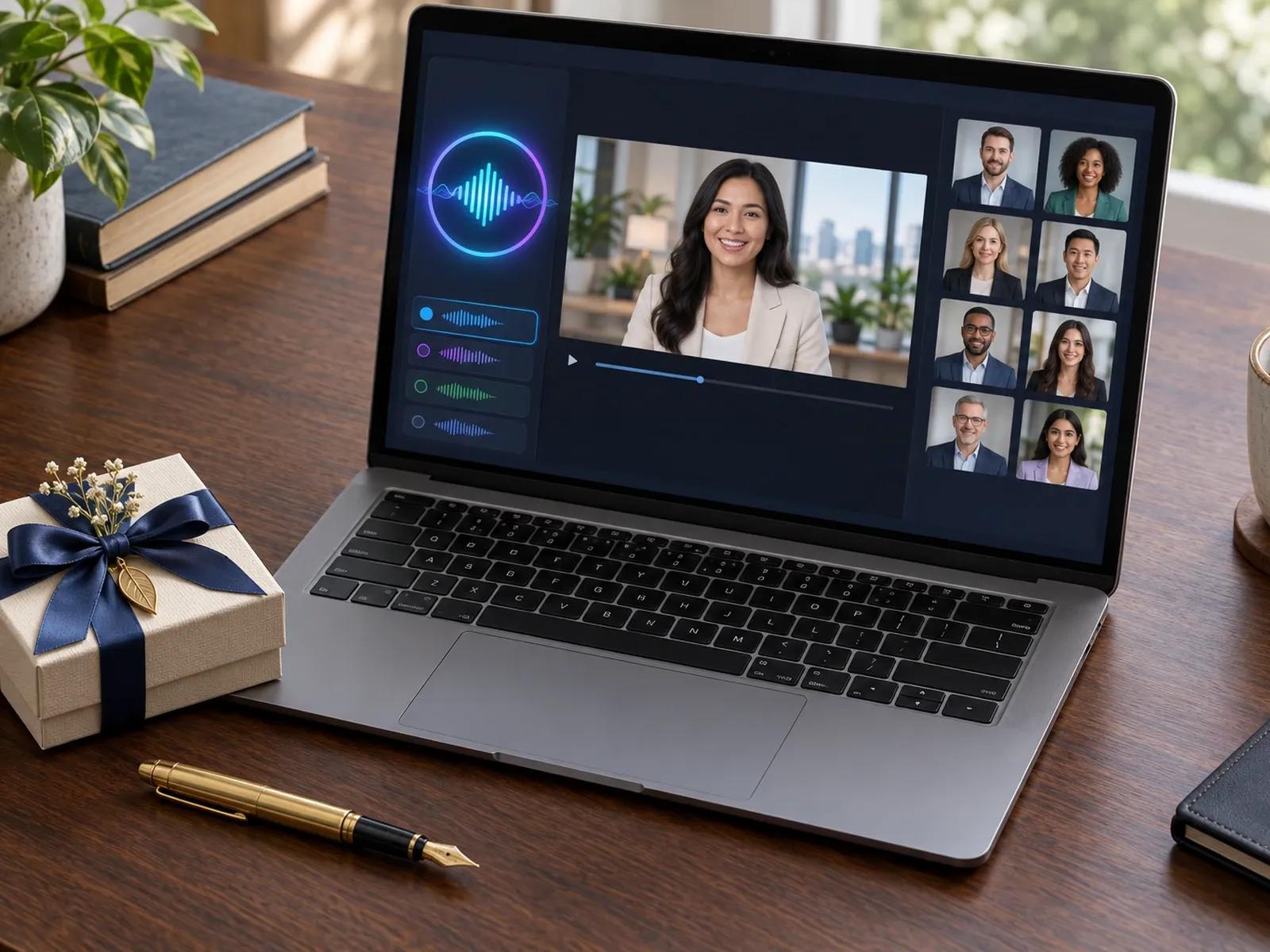
10-60s Voice Cloning or 300+ Presenters
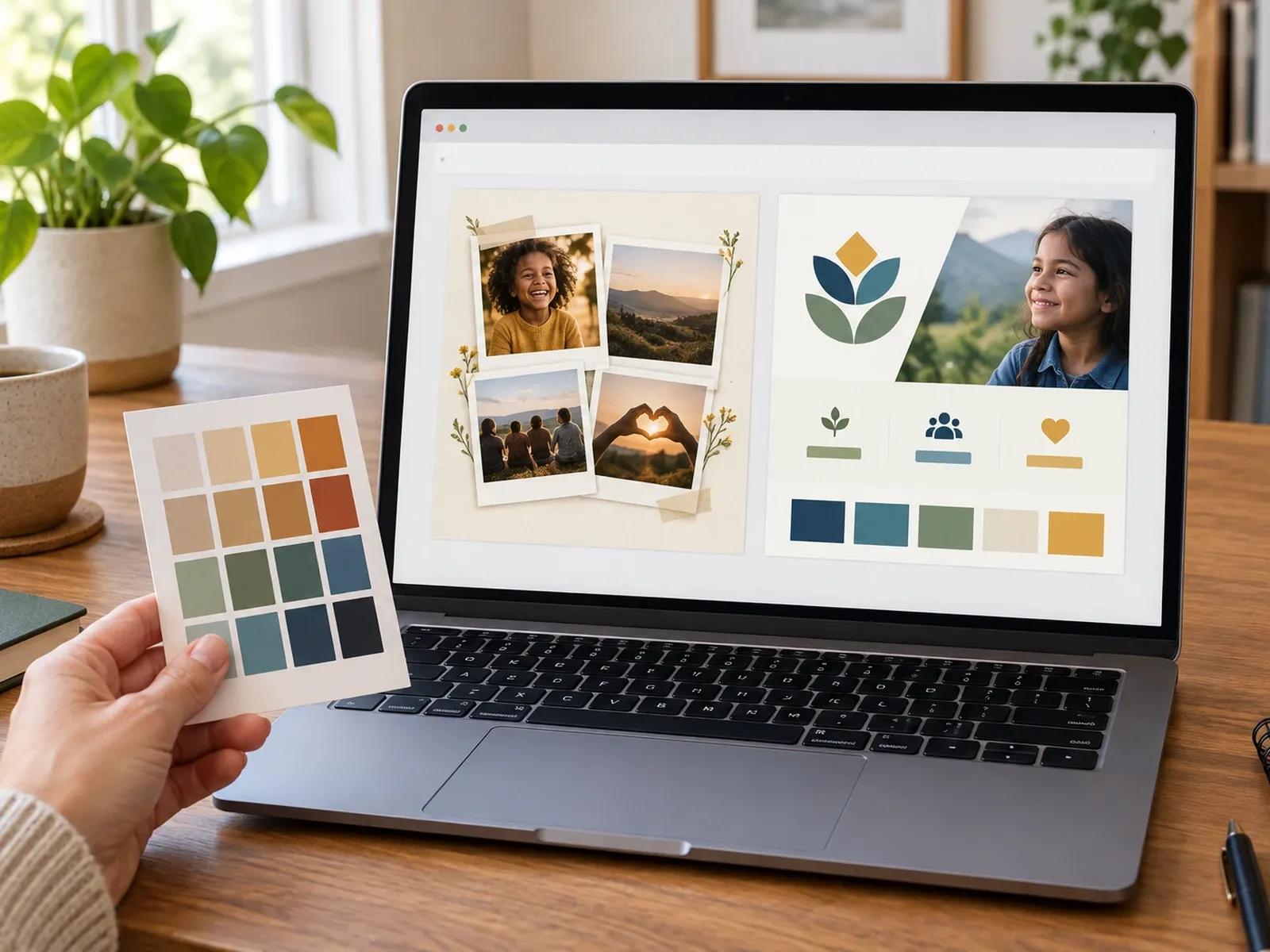
Keepsake Collages and Corporate Brand Kits
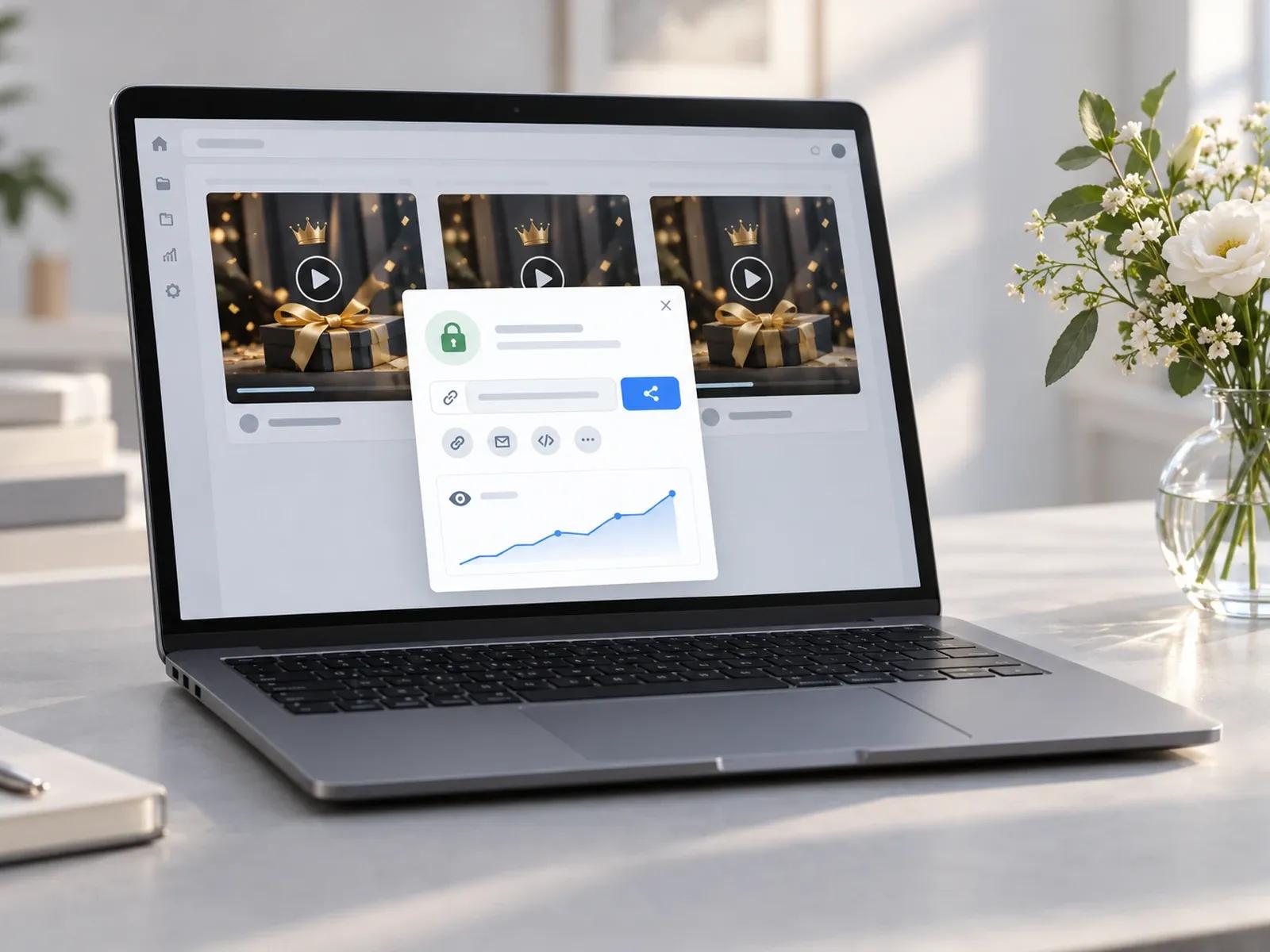
Private Viewing Links and Project Duplication
Crafting Messages in a Gratitude Video Creator
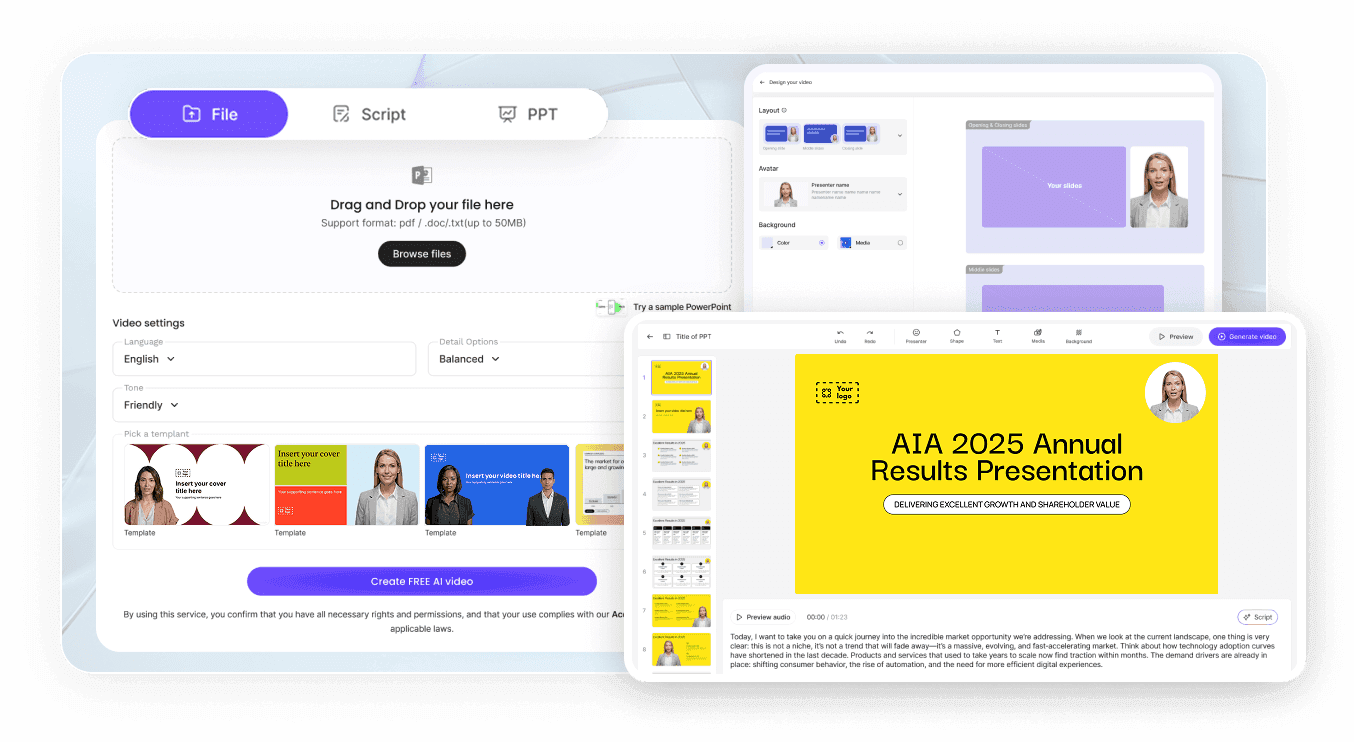
Step 1: Pick Email Card or Mobile Framing
Step 2: Supply Event Snapshots and Thank-You Copy
Step 3: Personalize Names and Share Your Link
Occasions for a Customer Thank You Video Generator
Post-Wedding & Baby Shower Guest Cards
Send wedding or baby shower guests a personal video card showing reception snapshots and gratitude for their kind gifts.
Nonprofit Donor & Volunteer Impact Recaps
Show nonprofit donors and volunteers the real community impact of their contributions using field photos and clear stats.
Client Onboarding & Account Renewal Notes
Welcome new buyers or thank loyal accounts at renewal time with a presenter-led appreciation clip and password link now.
Teacher, Coach & Mentor Appreciation Tributes
Gather classroom photos, project highlights, and parent notes into a heartfelt end-of-term thank you video for teachers.

Benefits of Our Donor Thank You Video Tool
Genuine Vocal Warmth Without Camera Fatigue
Fast VIP Customization via Project Duplication
Anchored in Your Actual Reception and Field Photos
Viewer Analytics on Shared Appreciation Links
Tips for Memorable Thank You Videos
Mention the Gift or Impact Right Away
Feature Candid Guest or Team Snapshots
Speak in Your Own Cloned Voice
Keep Gratitude Clips Under Sixty Seconds
Duplicate Master Projects for VIP Sponsors
Password-Protect Donor and Guest Links
Thank You Video Maker Frequently Asked Questions
Inside Leadde Video Agent, pick 16:9 widescreen for email embeds or 9:16 vertical for mobile messages with a 30 or 60 second runtime; once you attach 20 reception or fundraiser photos and 2 thank-you notes, the agent builds gratitude cards you can edit in Studio.
In Leadde Studio, open Voices -> My Voices -> Voice Cloning to upload a clean 10-60s single-speaker recording (MP3, WAV, or M4A); pairing that cloned voice with a "No avatar" layout lets wedding guests or donors hear your real voice over your event photographs.
No. Leadde is an authoring platform where you assemble gratitude videos from your script, up to 20 uploaded photos, and 2 document files, or upload existing MP4 and MOV clips into your Studio media library. It does not host crowd-submission forms for external guests.
Build your primary donor appreciation video once, then open My Videos and select Duplicate to create separate copies while preserving your master file. In each duplicated draft, update the donor's name and gift reference in the Studio script editor before exporting.
Thank You Video Maker is tailored for post-wedding guest cards, nonprofit donor recaps, teacher tributes, and customer appreciation notes; couples or brands celebrating yearly milestones can visit Anniversary Video Maker, while revenue teams sending deal follow-ups can open AI Sales Enablement Video Maker.
Yes. Newlyweds, nonprofit directors, and account managers can assemble gratitude storyboards in Video Agent under the Free in beta badge and review scene cards in Studio without charge; using Voice Cloning, AI presenters, or downloading your MP4 follows the Leadde Pricing page.
Share a Personal Thank You Video With Guests or Donors