
IMAGE MODEL
GPT Image 1.5 AI Image Generator





What Is GPT Image 1.5?
GPT Image 1.5 is an AI image generation model released by OpenAI. It creates images from natural language prompts and edits existing pictures through written instructions.
The model handles composition, lighting, and style direction from the prompt, making it suitable for advertising, ecommerce, social, and editorial workflows.
Key Features of GPT Image 1.5

Text-to-Image Generation
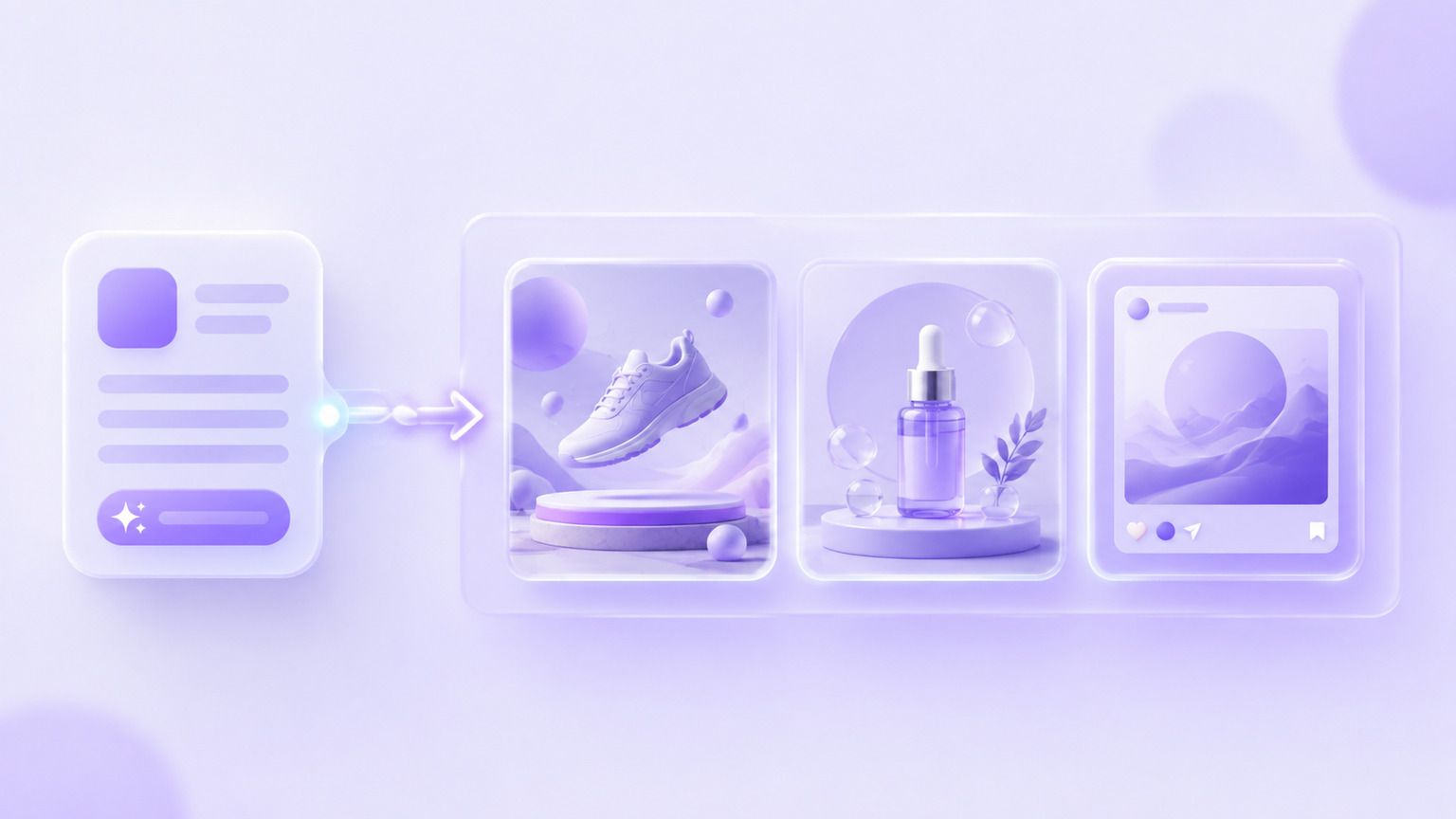
Describe the visual you want and GPT Image 1.5 renders it, from ad concepts and product shots to illustrations and editorial artwork.

Instruction-Based Editing
Upload a picture and say what should change. Swap backgrounds, remove objects, adjust the styling, or produce a fresh variation.

Style and Lighting Control
Steer camera angle, lighting, and art direction from the prompt so new visuals match the look a campaign already uses.

Consistent Output at Scale
Run one prompt for a set of related visuals, which keeps a product line or a campaign looking like it belongs together.
What Can You Create with GPT Image 1.5?
GPT Image 1.5 supports everyday visual production across different teams.
Use Case
- Ad Creatives
- Ecommerce Imagery
- Social Posts
- Blog Illustrations
- Concept Art
- Event Graphics
Description
- Create paid social and display visuals
- Generate clean product and lifestyle shots
- Produce platform-ready graphics
- Illustrate articles without stock photos
- Explore looks before a shoot
- Design announcements and invites
GPT Image 1.5 Examples
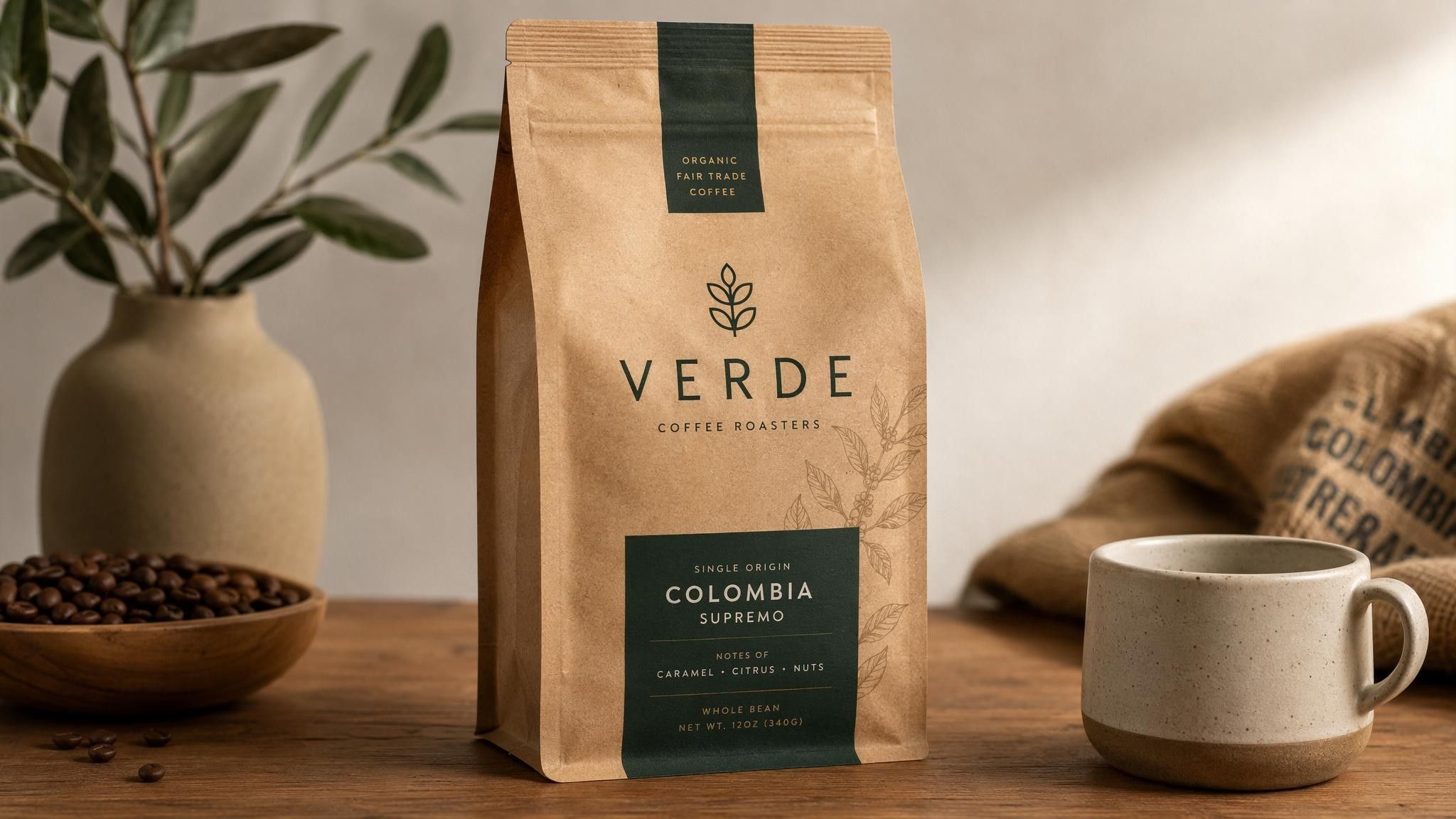
Ad Creative
Create paid-social visuals with a clear product focus and room for a headline.
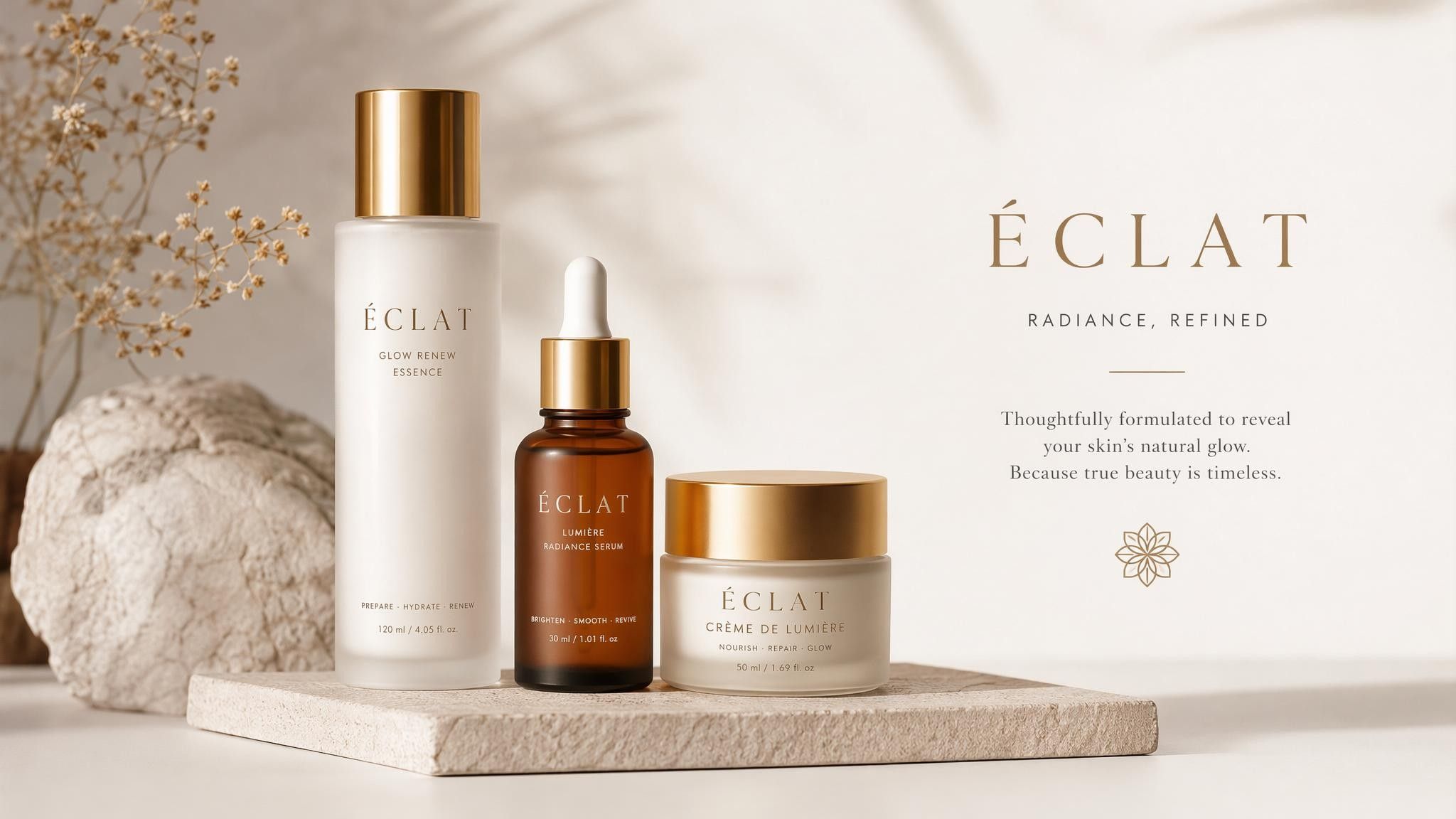
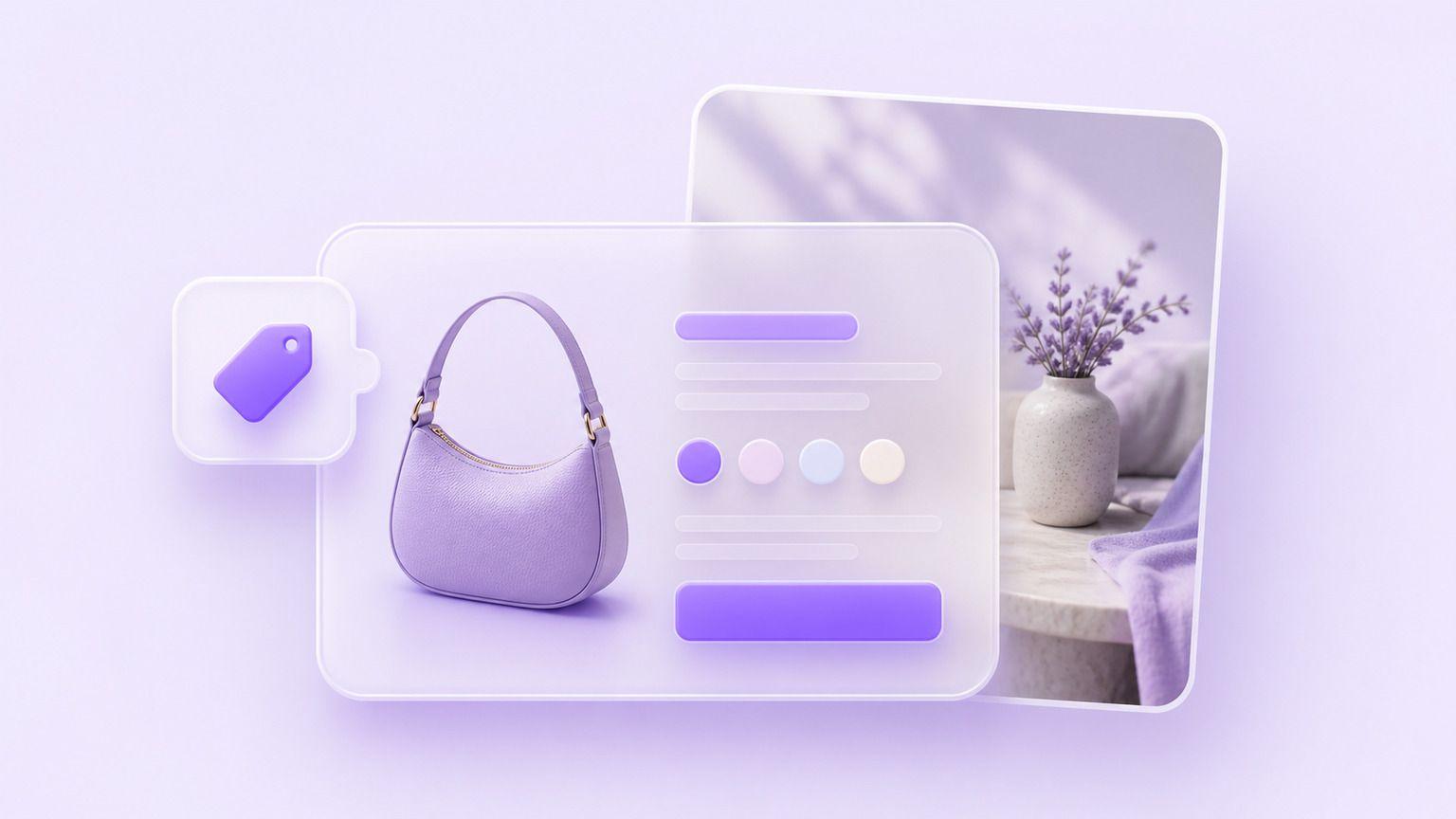
Ecommerce Product Shot
Generate clean catalogue images before the product photography is booked.
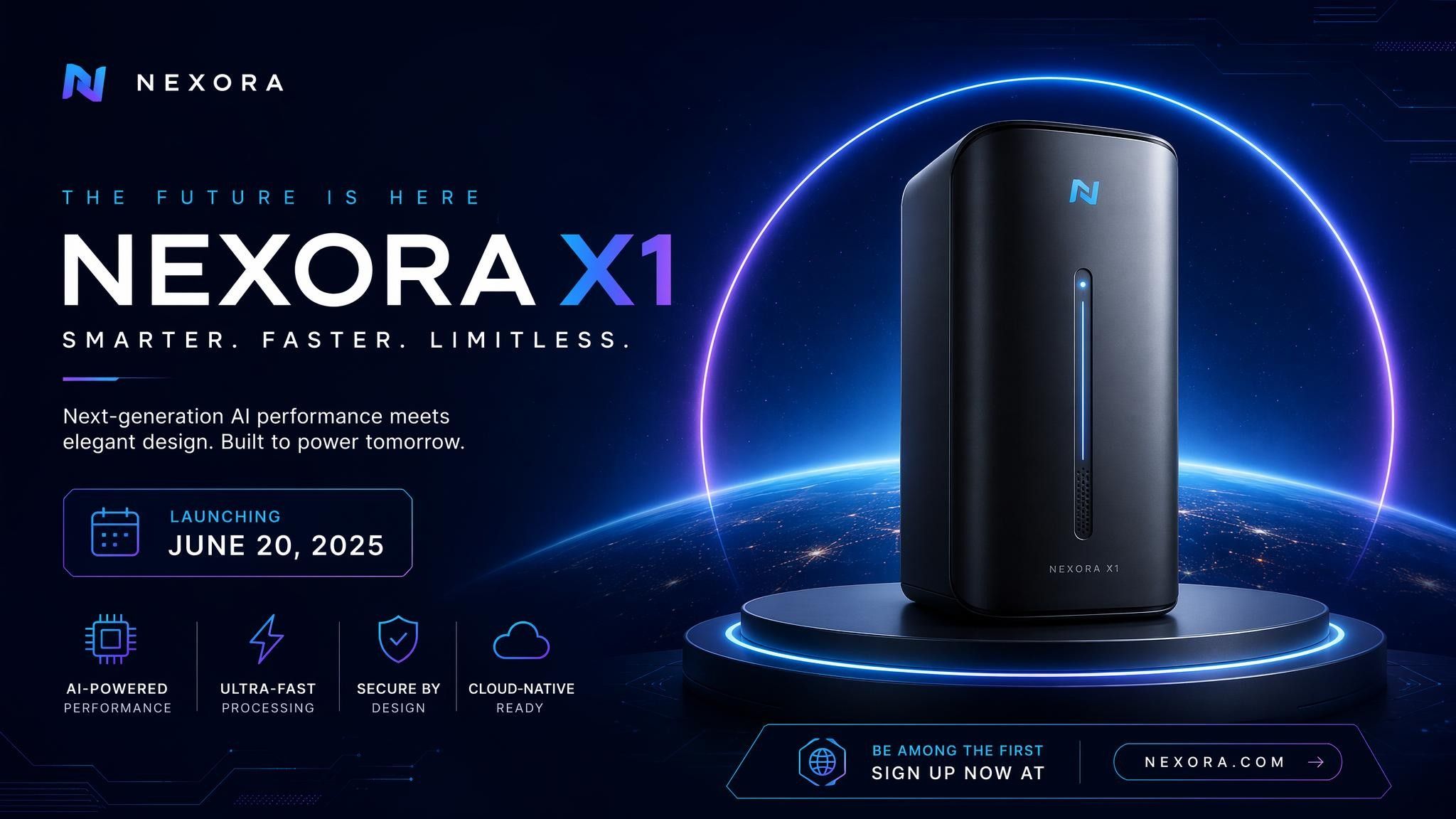
Event Graphic
Produce announcement visuals for launches, sales, and events.
How to Use GPT Image 1.5

Step 1: Enter a Prompt or Upload an Image
Describe the visual you need or upload a picture you want to edit.
Step 2: Customize Settings
Choose image ratio, output quantity, and creative preferences.
Step 3: Generate and Refine
Review the result and refine it with a follow-up instruction.
Step 4: Export Your Image
Download your final visual and use it across ads, storefronts, articles, or social media.
GPT Image 1.5 vs Nano Banana
Feature
- Developer
- Text-to-image
- Image editing
- Prompt understanding
- Speed
- Style control
- Best for
GPT Image 1.5
- OpenAI
- Excellent
- Strong
- Excellent
- Strong
- Excellent
- Campaign and ecommerce visuals
Nano Banana
- Excellent
- Excellent
- Strong
- Excellent
- Strong
- Fast conversational edits
Who Should Use GPT Image 1.5?

Marketing Teams
Produce ad variants and campaign visuals in-house instead of queuing every request with a designer.
Ecommerce Teams
Generate catalogue and lifestyle imagery for listings before a photo shoot is scheduled.
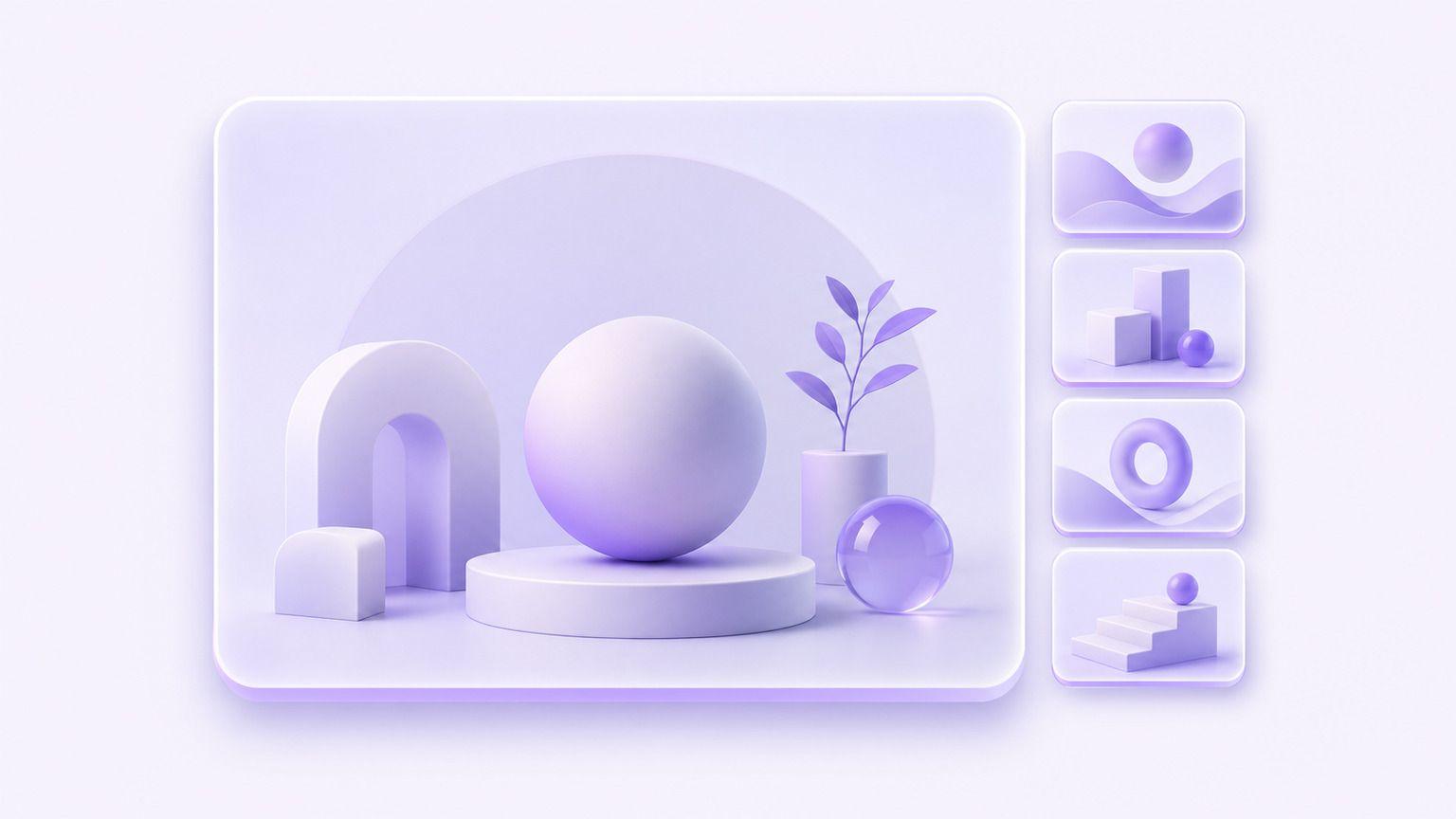
Content Creators
Make original article art, thumbnails, and newsletter images that do not look like stock.
Why Use GPT Image 1.5 on Leadde?
Leadde combines GPT Image 1.5 with an AI creative workspace. Teams can generate images, apply brand assets, and reuse visuals across videos, presentations, and campaigns.
GPT Image 1.5 FAQ
GPT Image 1.5 is OpenAI's AI image generation model that creates images from text prompts and edits pictures you upload through written instructions.
Availability depends on the platform providing access. On Leadde you can start generating images for free, and exports carry no watermark.
Yes. Upload a picture and describe the change. The model swaps backgrounds, removes objects, and restyles the shot from a written instruction.
Both are OpenAI image models available on Leadde. GPT Image 2 is the newer release; GPT Image 1.5 remains a practical option for everyday campaign and ecommerce work.
GPT Image 1.5 can create ad creatives, ecommerce imagery, social posts, blog illustrations, concept art, and event graphics.
GPT Image 1.5 is OpenAI's model, strong on prompt understanding and art direction. Nano Banana is Google's model, aimed at fast conversational editing.
Whether an API is available depends on OpenAI's product lineup and on the platform hosting the model. Leadde provides access through the workspace.
Commercial rights follow OpenAI's terms and those of the platform providing access. Confirm both before output goes into paid work.
Start Creating with GPT Image 1.5
Run your first ad concept through GPT Image 1.5. Free to start, no watermark on export.
