
IMAGE MODEL
GPT Image 2.5 AI Image Generator







What Is GPT Image 2.5?
GPT Image 2.5 is an image model released by OpenAI on September 8, 2026. It creates images from written prompts and edits images you upload.
OpenAI ships it as ChatGPT Images 2.5 in the app and as GPT-Image-2.5 Flare and Sunburst for developers. Leadde runs Flare, the faster of the two.
Key Features of GPT Image 2.5

Reference Image Fidelity
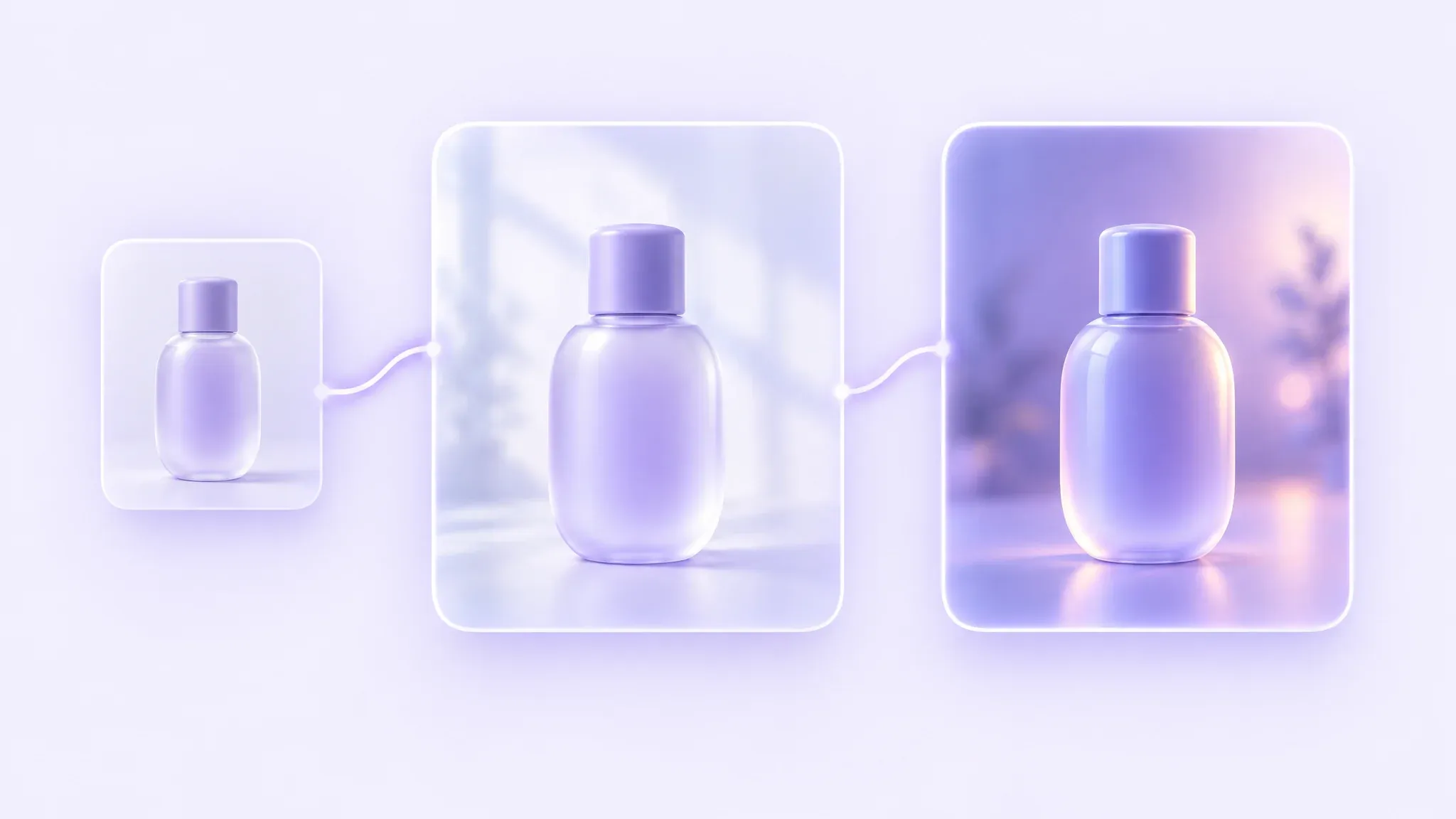
Upload a person, product, or logo and GPT Image 2.5 is better at preserving recognizable features in the result. Useful when one subject runs across a campaign.
Precise Multi-Turn Editing
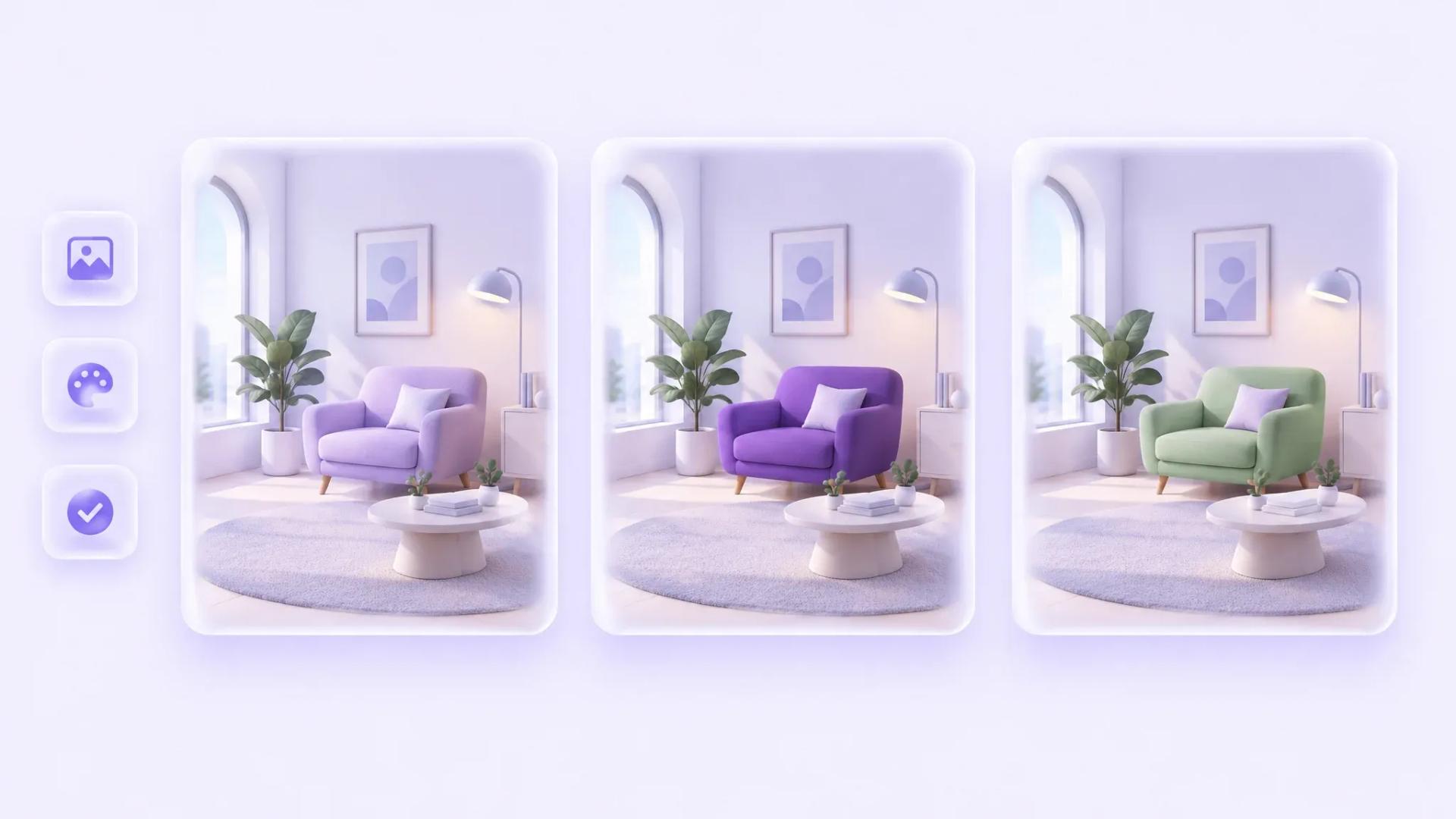
Ask for a targeted change and the model more reliably keeps the rest intact. Across a long session, earlier edits are more likely to hold.

Prompt and Style Accuracy
The model follows complex visual instructions more closely, holds a requested art style, and handles real-world information with fewer mistakes.
Transparent Backgrounds and Complex Layouts
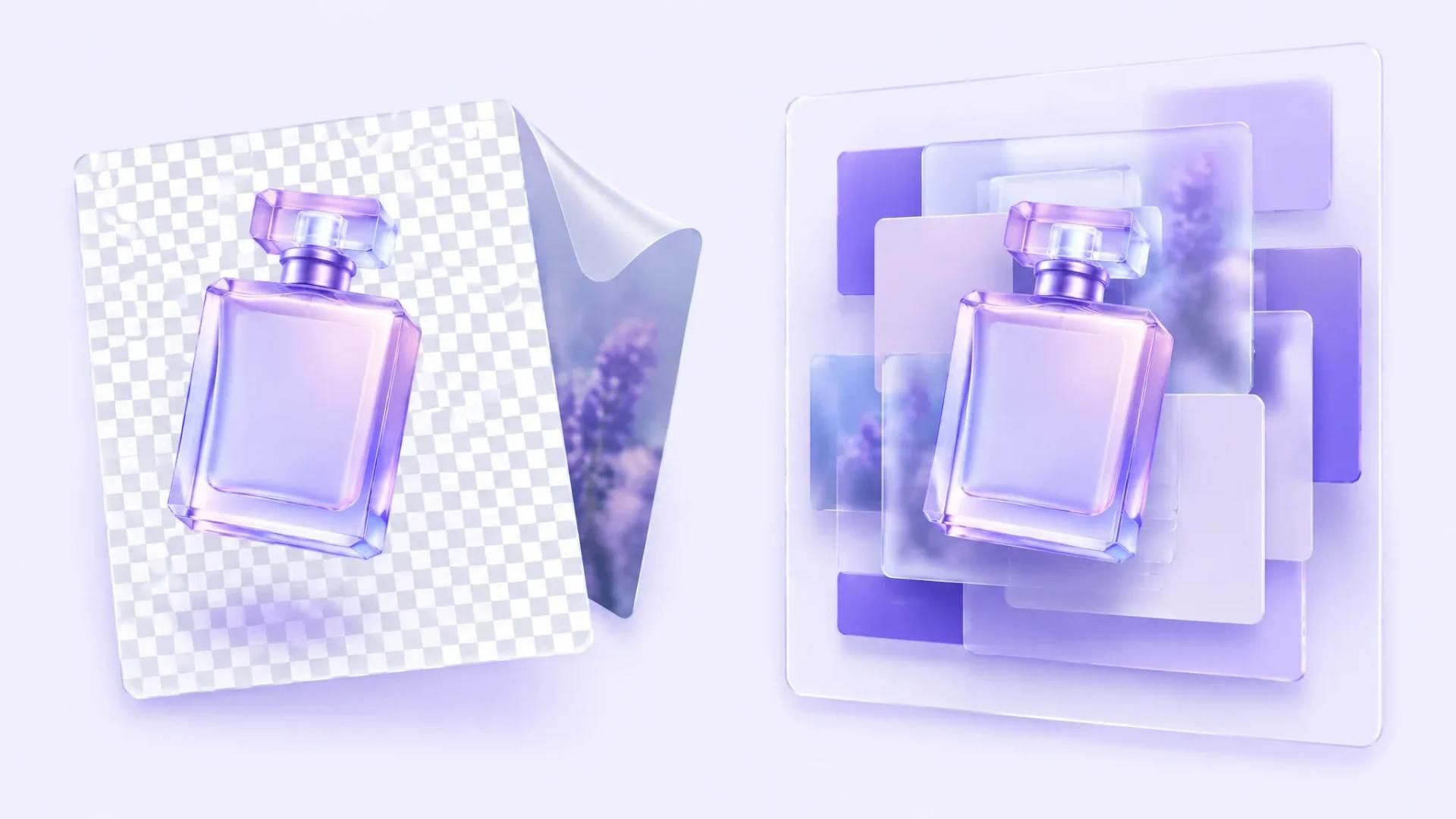
Subject and background separate more cleanly, so cutouts and layered compositions need less manual masking. Dense layouts hold together better than before.

Natural Light and Texture
Lighting and materials read closer to a real photograph across people, products, and environments, so results usually need less retouching.
Faster Generation
Leadde runs the Flare model, which OpenAI measures at up to 50 percent lower latency than Images 2.0. Teams can try several directions before settling on one.
What Can You Create with GPT Image 2.5?
GPT Image 2.5 covers the image work that sits in front of a campaign.
Use Case
- Product Photos
- Posters and Flyers
- Merch Designs
- Ad Variations
- Packaging Concepts
- Storyboards
Description
- Shoot catalog images without a studio booking
- Lay out event and promo posters
- Draft t-shirt, tote, and sticker artwork
- Spin one concept into many ad sizes
- Test label and box designs before print
- Sketch scenes before a video shoot
GPT Image 2.5 Examples
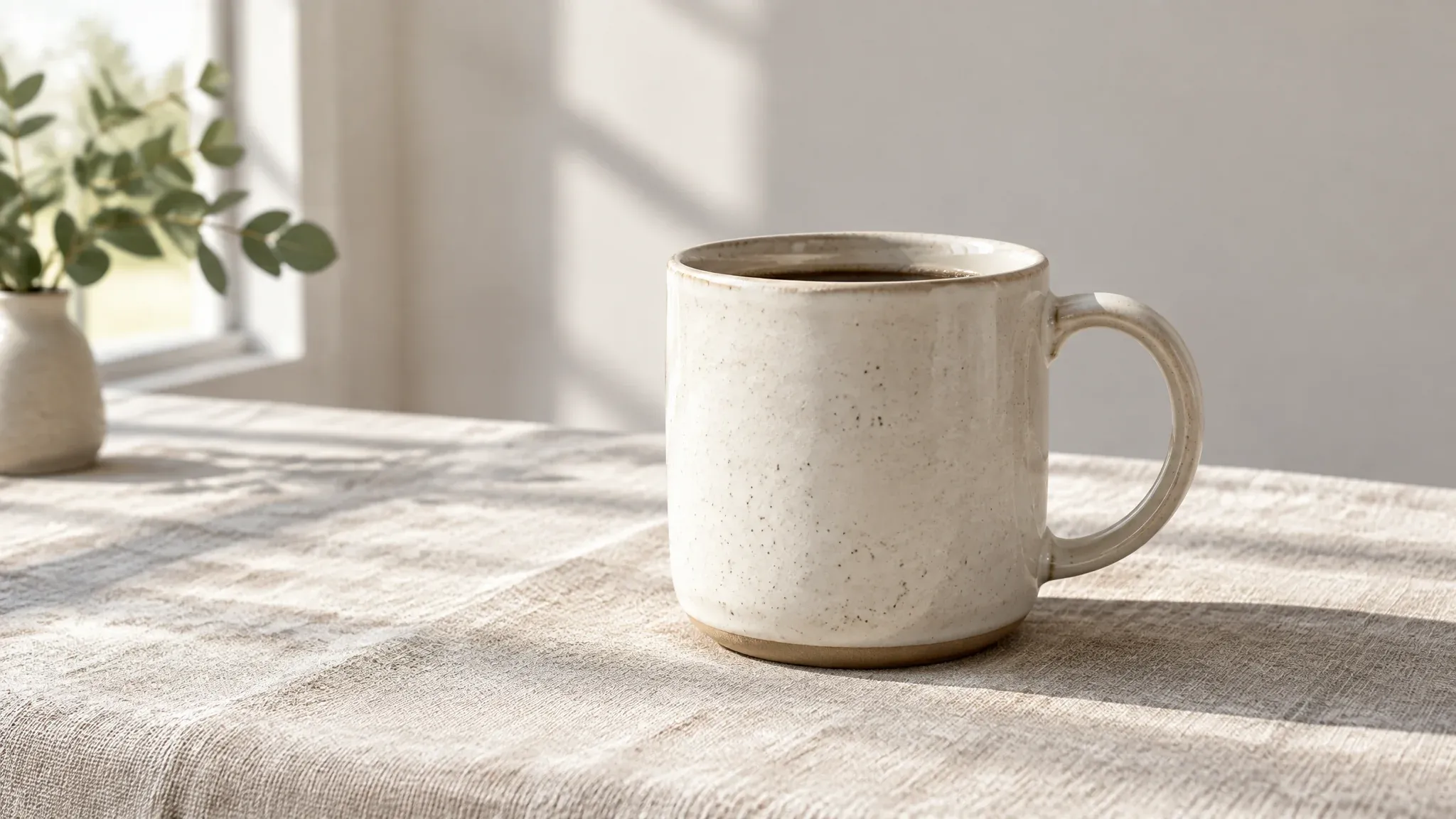
Product Photo
Turn a plain product shot into a lit catalog image on a clean set.
Prompt Example:
Create a ceramic mug on a linen surface, morning window light, soft shadow, neutral background.
Event Flyer
Lay out a dated event flyer with a headline and clear hierarchy.
Prompt Example:
Create a jazz night flyer with bold headline type, deep blue palette, and a saxophone silhouette.

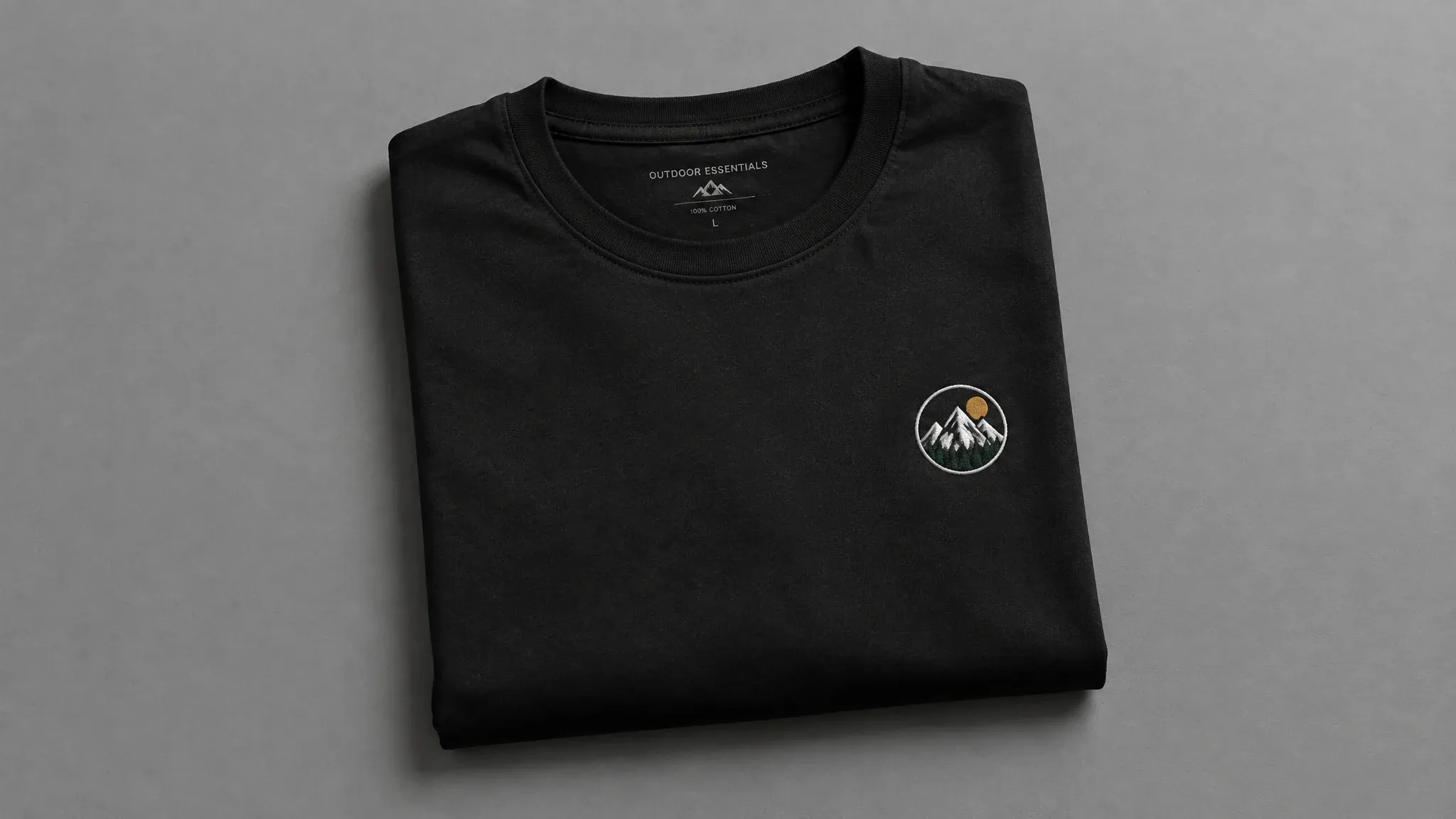
Merch Mockup
Preview artwork on a shirt before ordering a sample run.
Prompt Example:
Create a folded black t-shirt with a small embroidered mountain badge, studio lighting, grey backdrop.
How to Use GPT Image 2.5

Step 1: Enter a Prompt or Upload an Image
Describe the image you want, or upload a reference photo to work from.
Step 2: Customize Settings
Set the aspect ratio and how many images to generate.
Step 3: Generate and Refine
Review the result, then ask for one change at a time.
Step 4: Export Your Image
Download the final file and reuse it in videos, decks, and social posts.
GPT Image 2.5 Flare vs Sunburst
Feature
- Positioning
- Available on Leadde
- Generation speed
- Editing control
- Reference image fidelity
- Best for
GPT Image 2.5 Flare
- Default version of GPT Image 2.5
- Yes
- Up to 50% faster than Images 2.0
- Strong
- Strong
- Social, product, and high-volume work
GPT Image 2.5 Sunburst
- Precision version
- Not currently
- Longer generation time
- Highest precision
- Strong
- Polished product and ad imagery
Who Should Use GPT Image 2.5?

Ecommerce Teams
Produce listing and catalog images for new products without booking a photo studio.
Design Teams
Draft layout and packaging options quickly, then hand the chosen direction to production.

Agencies
Deliver several visual routes per brief and keep each client's subject consistent.
Why Use GPT Image 2.5 on Leadde?
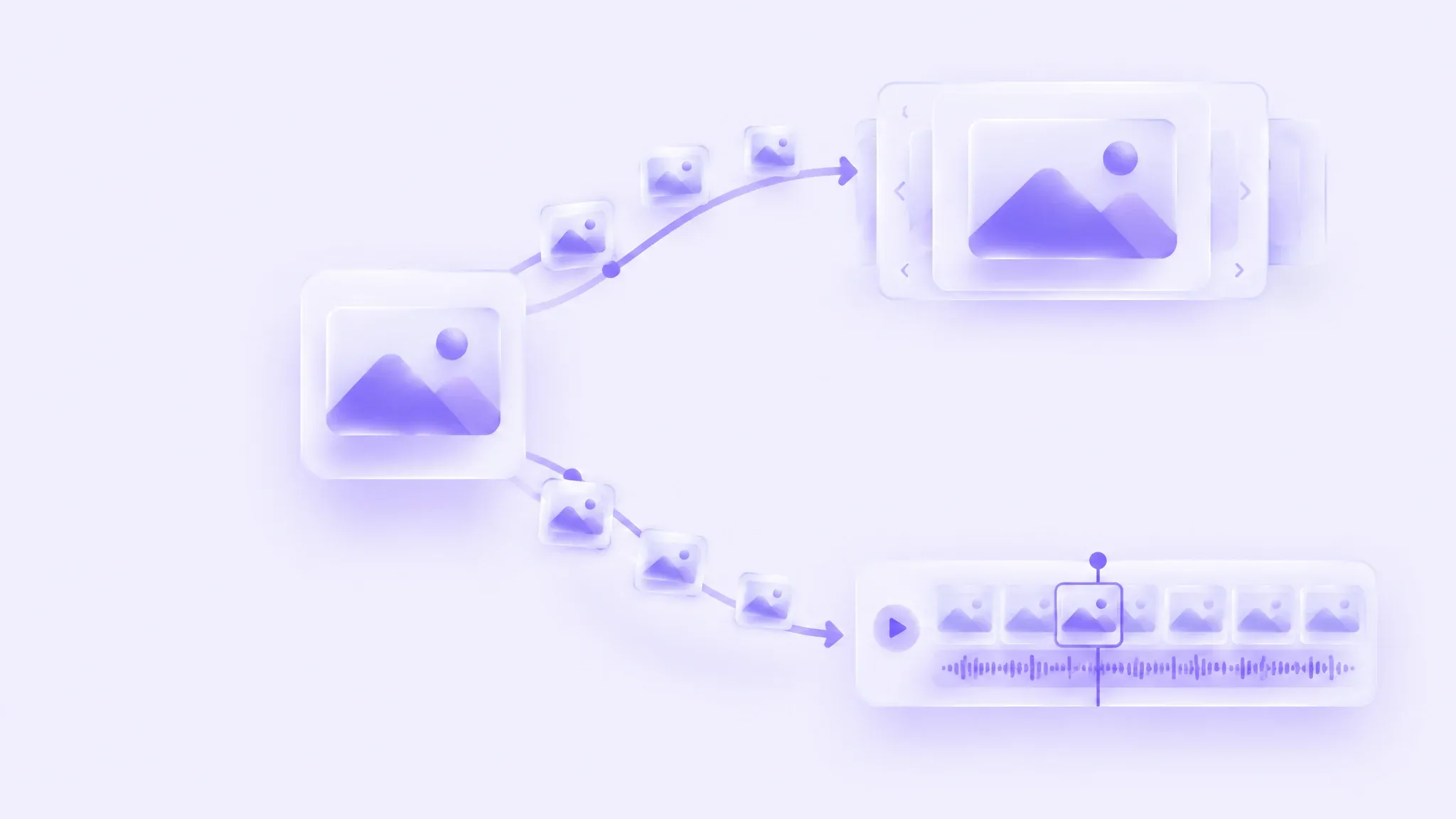
Leadde runs GPT Image 2.5 alongside its video and presentation tools, so one image can travel into a video scene or a slide without leaving the workspace.
GPT Image 2.5 FAQ
GPT Image 2.5 is OpenAI's image model, released September 8, 2026 as ChatGPT Images 2.5. It generates images from text prompts and edits images you upload.
Pricing follows your Leadde plan rather than a separate model fee. Any plan that includes image generation covers GPT Image 2.5, so there is no extra charge for choosing this model.
GPT Image 2.5 preserves reference subjects better, follows edits across several turns, handles transparent backgrounds, and holds a requested style more closely. Its Flare version runs up to 50 percent faster than Images 2.0.
Flare is the default version of GPT Image 2.5. It carries the quality and editing gains of 2.5 and generates faster, which suits everyday and high-volume work. Leadde runs Flare.
Sunburst is the precision version of GPT Image 2.5. It takes longer to generate and aims at detailed creative work such as polished product shots and finished advertising assets.
Use Flare for speed and volume, and Sunburst when precision matters more than turnaround. Leadde runs Flare, so image generation here is tuned for fast everyday output.
Upload a photo of a person, product, or logo and the model carries that subject into the result. This helps when one product appears across a whole campaign.
Yes. Upload an image and describe one change. The model edits that element and is better at leaving the surrounding areas alone, which makes several rounds of edits practical.
Yes. GPT Image 2.5 separates subject from background more cleanly than earlier versions, so cutout-style images and layered compositions need less manual masking.
Yes. GPT Image 2.5 renders headlines, labels, and short captions inside an image, which covers posters, packaging, and merch. Proofread the output before it goes to print.
No. Leadde provides access to GPT Image 2.5 inside its own workspace, so you sign in to Leadde rather than to ChatGPT. Your Leadde plan covers the model.
GPT Image 2.5 is built by OpenAI and leans on reference photos and multi-turn edits. Ideogram 3.0 is built by Ideogram and leans on style references and typographic layouts.
Start Creating with GPT Image 2.5
Generate your first image in under a minute, then reuse it across videos, slides, and social posts.
