
Leadde Logo

AI Bible Video Generator

Illustrate scripture passages, parables, and daily devotionals with our AI Bible video generator. Upload 2 sermon notes or study guides in Video Agent, guide biblical name pronunciation inside Studio, and translate across 88 languages today.
Prompt & Script
File
PPT
Need inspiration? Try one of these ideas
No credit card required

What Is an AI Bible Video Generator?

An AI Bible video generator transforms scripture passages, sermon outlines, and Sunday school lessons into illustrated 16:9 or 9:16 narrative videos. Inside Leadde, Video Agent parses up to 2 study documents into reverent visual chapters while Studio refines biblical pronunciations and translates across 88 languages; secular history projects live at AI Documentary Maker or AI Meditation Video Generator.

Trusted by the world's leading brands

11.png
22.png
33.png
44.png
55.png
66.png
77.png
11.png
22.png
33.png
44.png
55.png
66.png
77.png
11.png
22.png
33.png
44.png
55.png
66.png
77.png

Features of Our Bible Story Video Generator
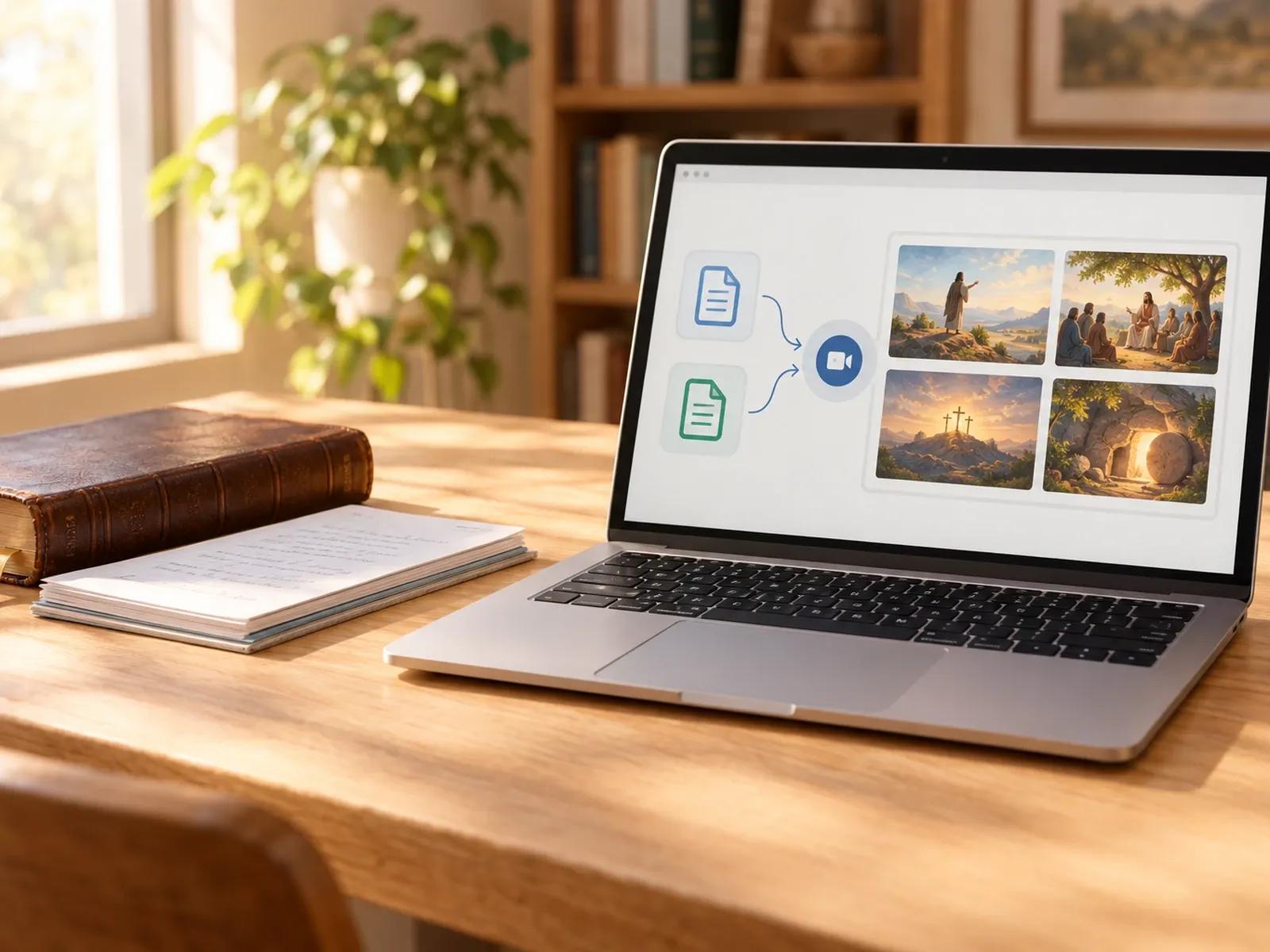
Upload 2 Sermon Outlines or Study Guides
Upload 2 Sermon Outlines or Study Guides

Attach up to 2 scripture study documents, sermon manuscripts, or Sunday school lesson plans (PDF, DOCX, PPTX, or TXT, up to 50MB each) in Video Agent to structure chapter-and-verse storyboards.
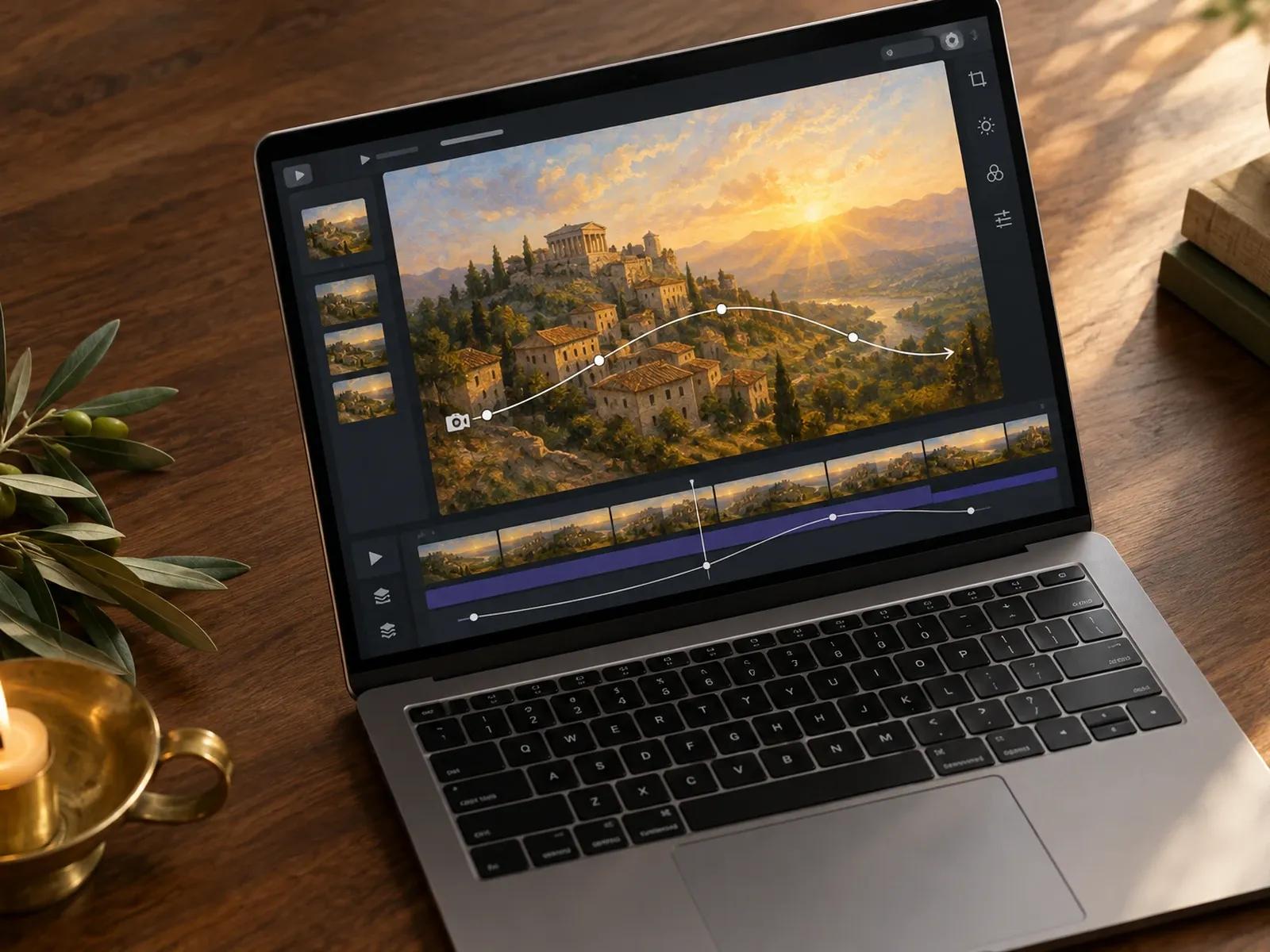
Consistent Classical Painting or Watercolor Art
Consistent Classical Painting or Watercolor Art

Select oil-painting, warm watercolor illustration, or cinematic realism in Video Agent so every parable and Hebrew scripture or Gospel scene maintains a respectful visual aesthetic.
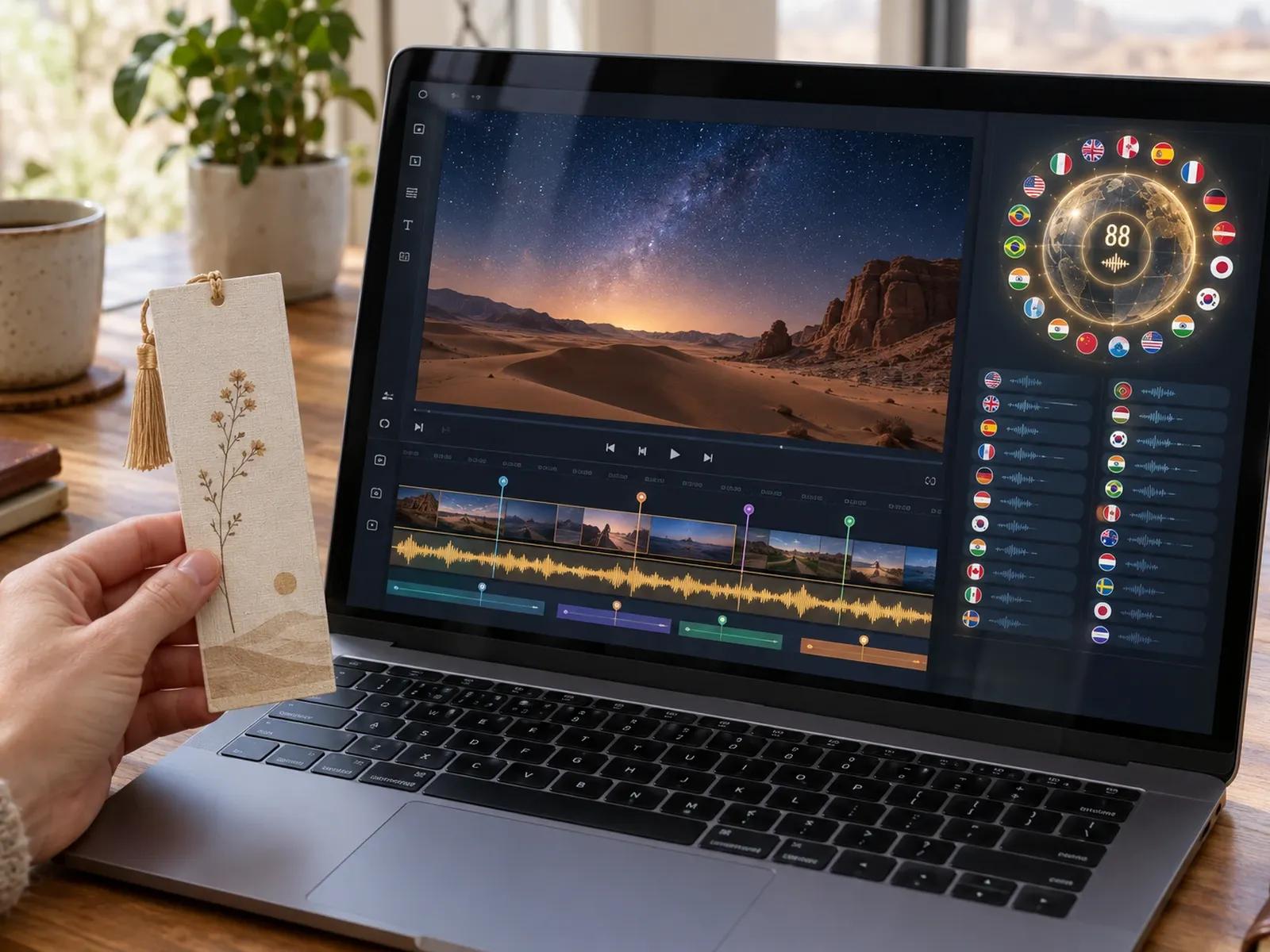
Global Ministry Outreach and Warm Narration
Global Ministry Outreach and Warm Narration

Deliver Sunday teachings across 88 languages and 175 dialects in Studio, highlight Hebrew or Greek names up to 20 characters with the Pronunciation tool, and add 0.5s-5s pauses.
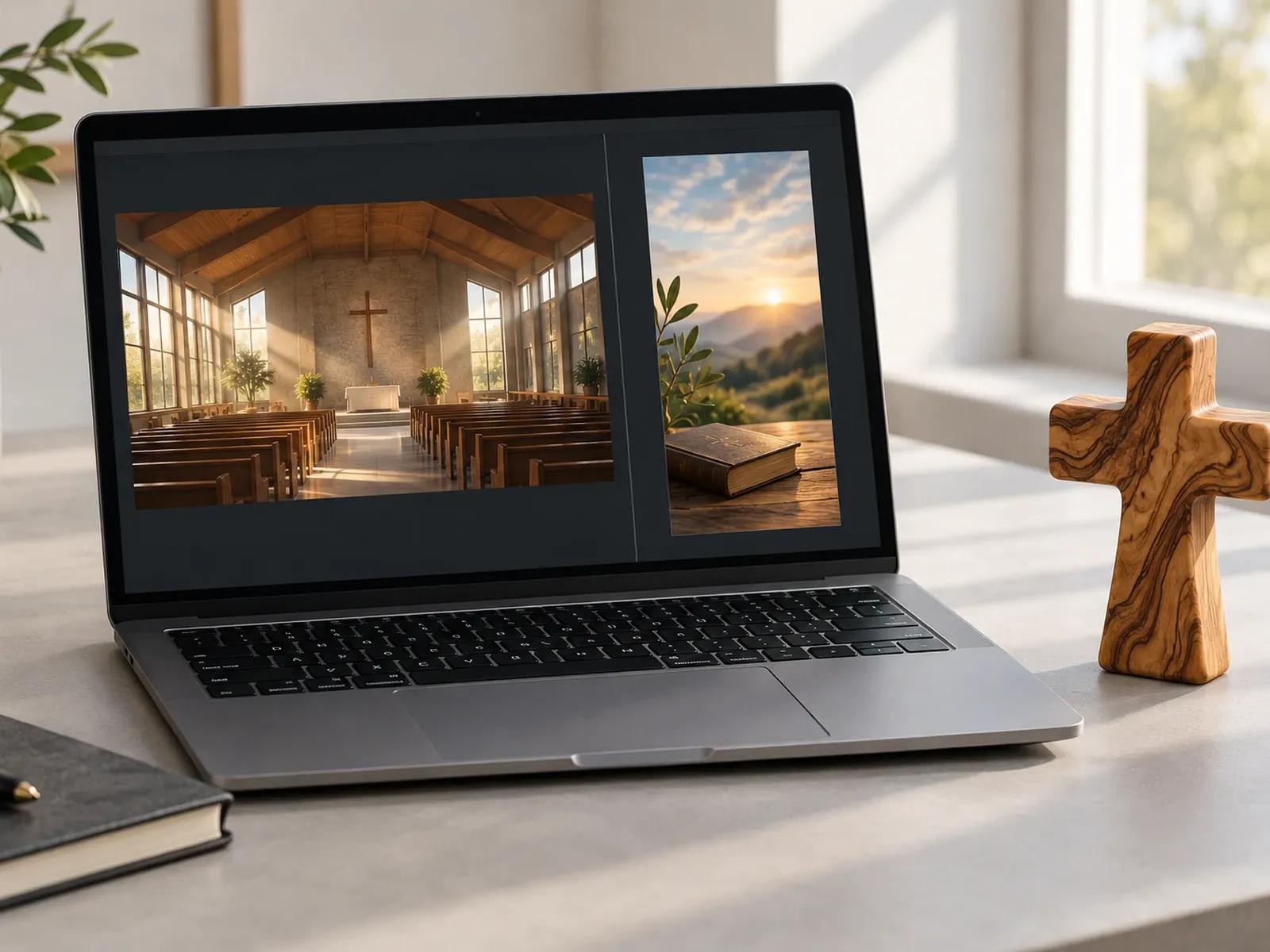
Sanctuary Widescreen and Vertical Verse Reels

Sanctuary Widescreen and Vertical Verse Reels

Display illustrated scripture chapters on 16:9 church projectors and classroom TVs, or share 9:16 daily verse devotionals on mobile feeds in 1080P or 4K.

Workflow in a Scripture Video Maker AI
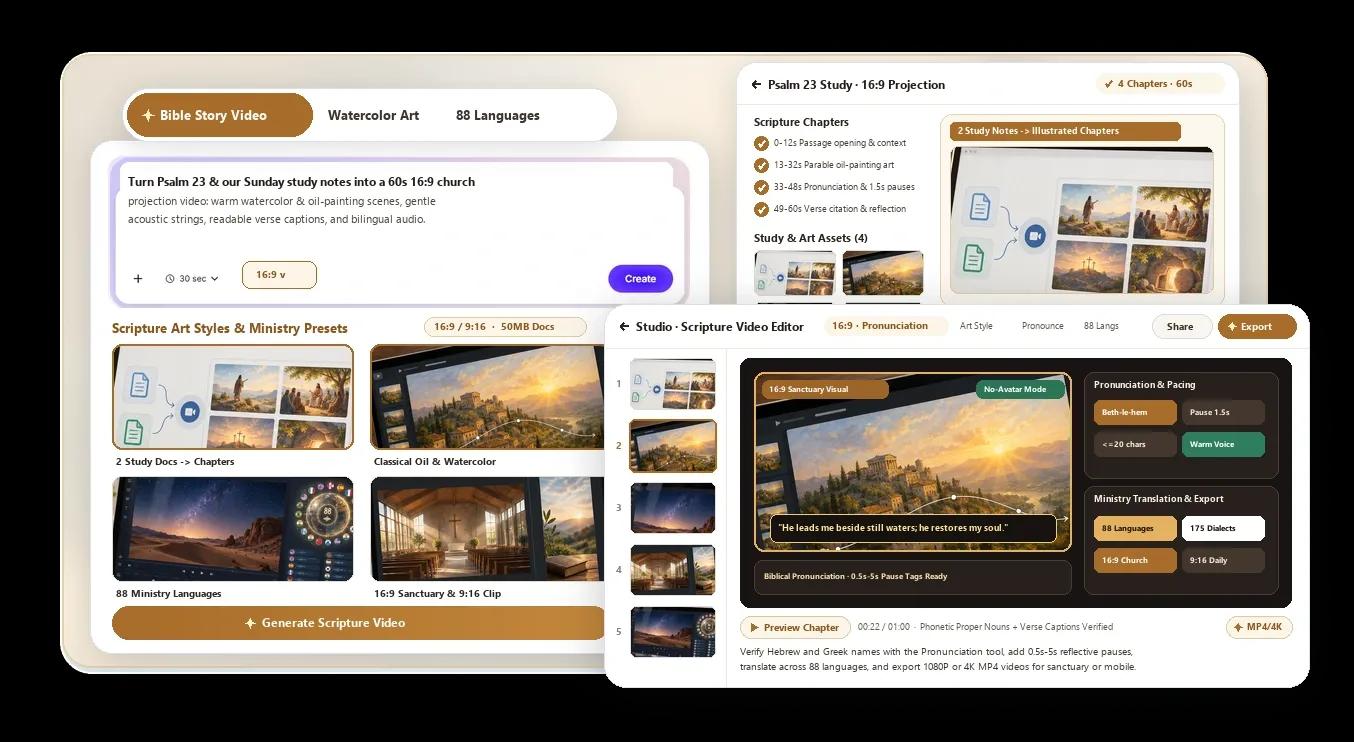
Build an illustrated scripture reflection or Sunday school lesson from your manuscript in three steps.
Step 1: Pick Sanctuary Screen or Mobile Ratio

Step 1: Pick Sanctuary Screen or Mobile Ratio

Select 16:9 widescreen for sanctuary projection and YouTube sermons, or 9:16 vertical for daily devotional reels.

Step 2: Attach Scripture Notes and Choose Art

Attach your sermon manuscript or paste the scripture text in Video Agent, specifying a warm watercolor or oil-painting look.

Step 3: Check Biblical Pronunciations and Export

Verify proper nouns with the Pronunciation tool on the Studio timeline, add verse subtitles, and download your MP4.

Ministry Formats for a Devotional Video Creator

Daily Morning Verse & Prayer Shorts

Publish 60-second vertical scripture reflections with warm instrumental backing and readable verse captions for social feeds.

Children's Sunday School Parable Lessons

Illustrate the Good Samaritan, Noah's Ark, or David and Goliath in gentle watercolor chapters for classroom screens now.

Sermon Series Bumper & Recap Videos

Introduce weekly teaching series or summarize Sunday homilies from uploaded pastor notes for home small-group Bible study.

Multilingual Mission & Congregation Updates

Share translated devotional teachings and church announcements across 88 languages with international partner ministries.

compliance background

Why Churches and Teachers Use This Christian Story Video Maker

Avoid generic clip-art generators that mix modern streetwear into ancient biblical scenes or misread scripture names.

Cohesive Period Visuals Across Every Chapter

Random stock libraries drop modern office clips into ancient narratives; Video Agent locks a unified classical painting or storybook illustration style across your entire passage.

Accurate Delivery of Hebrew and Greek Names

Standard text-to-speech engines stumble over names like Nebuchadnezzar or Gethsemane; Studio's 20-character Pronunciation tool lets pastors set exact phonetic readings once.

Faceless Illustrated Chapters or Pastor Hosts

Run parable stories in a pure faceless mode with warm narration and orchestral strings, or place an on-screen presenter to introduce the historical context of the book.

Update Scripture Citations Without Re-Building

If a small-group leader wants to switch a verse caption from KJV to ESV phrasing, edit that single text layer on the Studio canvas and export a clean MP4.

Best Practices for AI Bible Video Generator Projects

Specify Historical Setting in Your Prompt

Include ancient Near Eastern architecture, desert light, or oil-painting textures in Video Agent to ground each scene card.

Fix Proper Nouns With Pronunciation Rules

Use the 20-character Pronunciation tool in Studio on biblical people and cities before rendering the final voiceover track.

Add Reflective Pauses After Key Passages

Insert a 1-to-2-second pause tag after a central scripture verse so listeners can absorb the passage before moving forward.

Keep Chapter Citations Visible on Screen

Place the book, chapter, and verse citation in a clean corner label on the Studio canvas for small-group classroom viewers.

Choose Faceless Mode for Parable Storytelling

Let illustrated parables and orchestral background strings carry the narrative without an on-screen presenter in Video Agent.

Translate Lessons for Bilingual Youth

Share Sunday school parables with bilingual youth groups by exporting localized editions across 88 languages inside Studio.

AI Bible Video Generator Frequently Asked Questions

Paste your scripture passage or attach up to 2 sermon and study documents (PDF, DOCX, PPTX, or TXT, up to 50MB each) in Leadde Video Agent; the agent structures illustrated chapter cards that open in Studio with narration, music, and verse captions.
Yes; specify "No avatar, warm watercolor illustration and gentle strings" in your Video Agent prompt or remove the presenter layer in Studio so your illustrated biblical scenes and on-screen scripture verses fill the entire 16:9 widescreen or 9:16 vertical canvas.
Inside the Studio script editor, highlight any biblical person or location name up to 20 characters and open the Pronunciation tool to enter phonetic spelling, or insert 0.5s-5s pause tags between verses for measured devotional pacing during spoken readings.
Yes; click Translate in the Studio toolbar to localize spoken narration and on-screen scripture citations across 88 languages and 175 dialects, creating an independent editable project copy for each regional church congregation, bilingual youth ministry, or overseas mission school everywhere.
AI Bible Video Generator is tailored for scripture stories, Sunday school lessons, sermon recaps, and Christian devotionals; for secular historical and biographical films, visit AI Documentary Maker, or use AI Meditation Video Generator for ambient mindfulness and calm breathing loops.
Every new Leadde workspace starts with 200 monthly credits, and uploading sermon notes into Video Agent carries the Free in beta badge; credits are deducted only when rendering AI scene artwork, running translations, or exporting final 1080P and 4K MP4 files per the Leadde Pricing page.

Create Illustrated Scripture and Devotional Videos Today

Turn your weekly sermon manuscript, parable lesson, or daily verse into an illustrated video inside Leadde Studio.
avatar