
Tribute Video Maker
What Is a Tribute Video Maker?
A tribute video maker helps families and memorial organizers combine authorized photographs and family-reviewed remembrance text into a composed commemorative video. Delete the digital presenter layer in Studio to use neutral voiceover narration alone, slow the reading speed, and insert pause cards from 0.1 to 99 seconds between memories. This workspace is dedicated to memorial and tribute presentations, while first-person life stories belong on Personal Story Video Generator and celebrations on Birthday or Graduation Video Maker.
Trusted by the world's leading brands







Thoughtful Tools Inside Leadde's Tribute Video Maker for Memorial Organizers
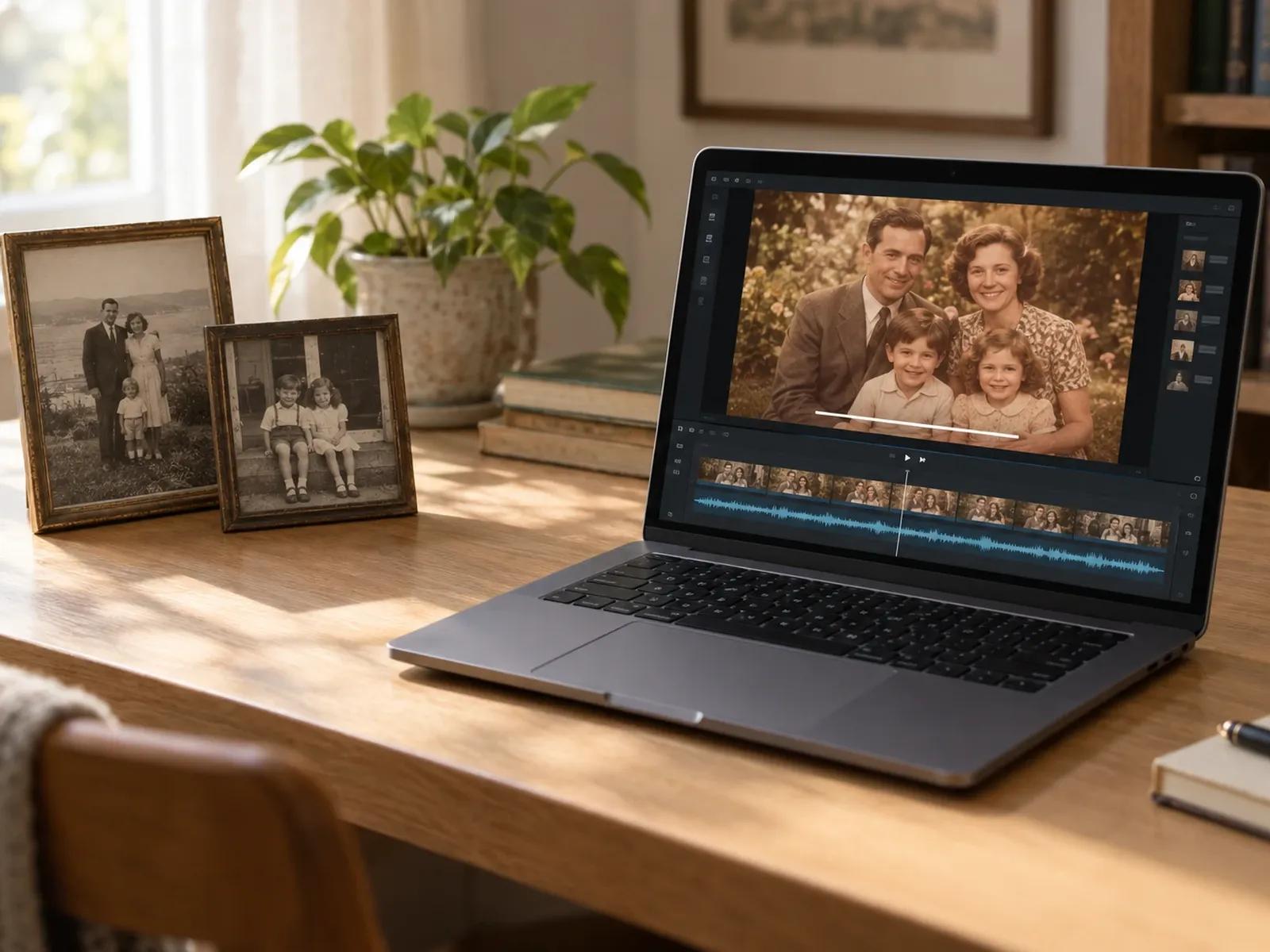
Voiceover-Only Mode Focused on Family Photographs
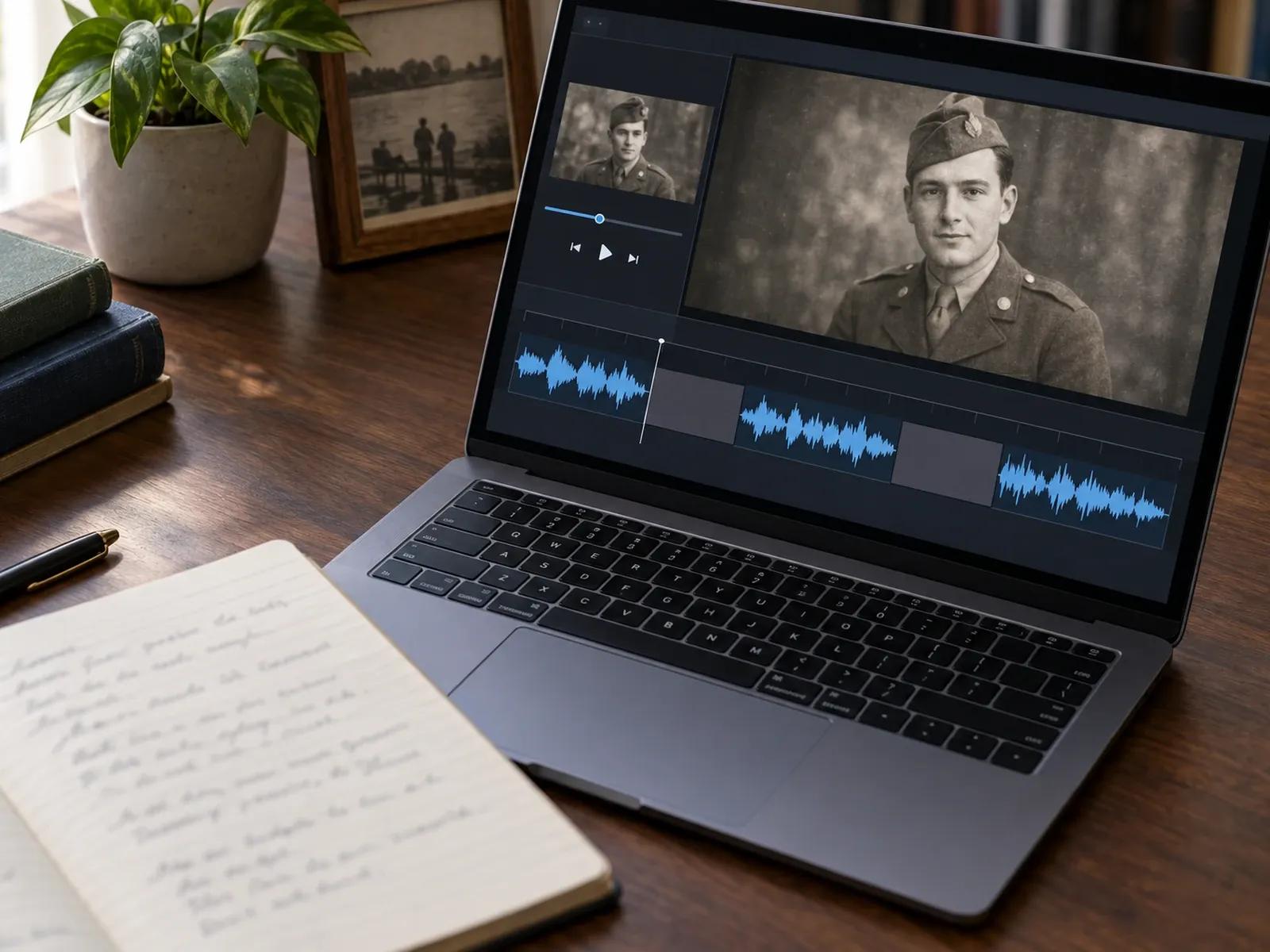
Unhurried Cadence with 0.1s to 99s Pause Cards
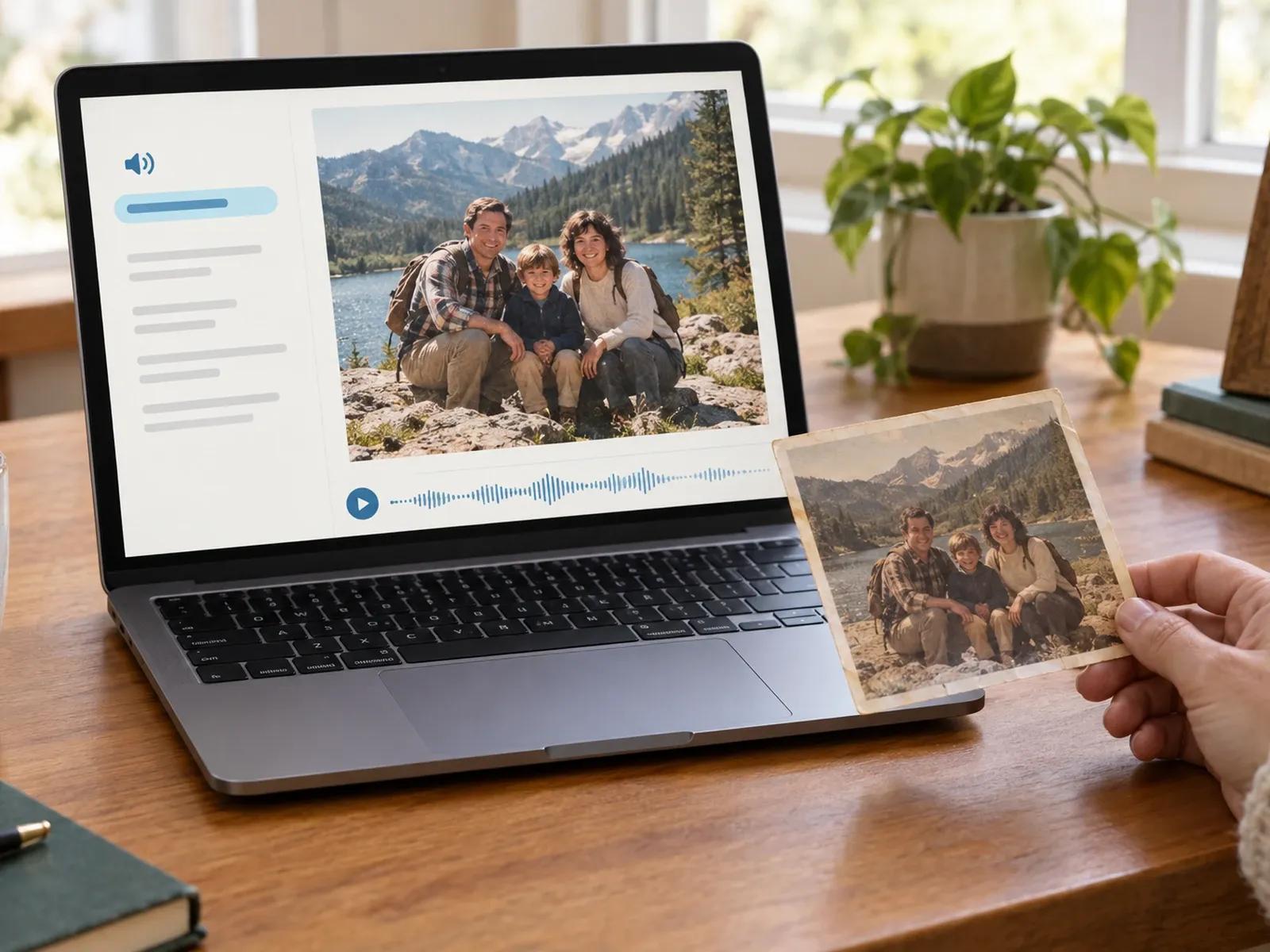
Exact Phonetic Guidance for Family Names and Places
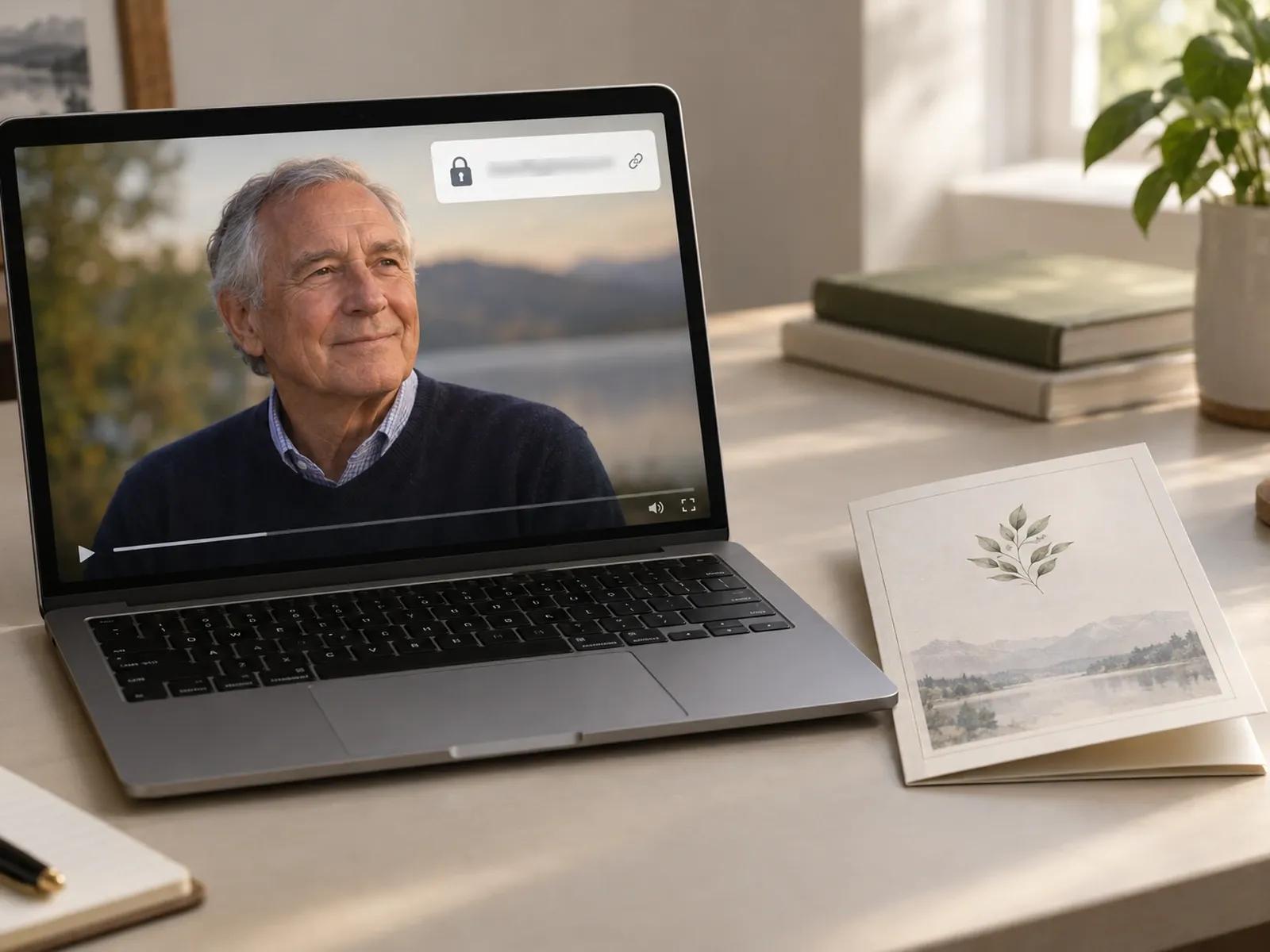
Private Password-Protected Links for Family Review
Assembling a Respectful Memorial Video Step by Step

Step 1: Upload Photographs and Enter Reviewed Tribute Text
Step 2: Remove the Avatar Layer and Set Voiceover Pacing
Step 3: Share Privately for Family Approval and Download MP4
Commemorative Formats Suited for a Tribute Video Maker
Memorial Service Photo Retrospectives
Present chronological family portraits, dates, and reviewed biographical chapters with neutral narration for a memorial gathering.
Celebration of Life Keepsake Films
Combine written memories from siblings, children, and close friends into a multi-scene remembrance video shared via private link.
Community & Civic Remembrance Films
Honor a respected community figure or educator using archival photographs, verified dates, and clear subtitles for hall screens.
Family Archive & Heritage Tributes
Preserve verified family photographs and written remembrance notes in a downloadable MP4 file with accompanying SRT caption text.

Careful Fact Verification, Audio Control, and Private Sharing
Fact-Only Scripting Without Automated Fabrication
Neutral Third-Person Narration Instead of Impersonation
User-Uploaded Instrumental Audio Balance
Clear Subtitles and SRT Exports for Service Venues
Careful Practices When Composing a Memorial Tribute
Leave Quiet Intervals Between Chapters
Keep Photographs as the Sole Visual
Check Surnames and Hometowns First
Slow the Narration Speed Slightly
Review Drafts via Password Link
Include Subtitles for Quiet Venues
Frequently Asked Questions
In Template Video, bring in the photographs your family has chosen and paste the approved remembrance wording into each slide. By deleting the digital presenter layer on the canvas, only your archival portraits, dates, and neutral spoken voiceover appear in the commemorative film.
No. This tribute video maker is built strictly for third-person remembrance using authorized photographs, family-verified text, and neutral voiceover narration. We do not recommend or promise recreating a deceased individual speaking on screen, cloning their voice, or generating unverified biographical events.
Inside each scene's voice settings, lower the narration speed slider for a gentler pace, and insert Pause cards between sentences. Each slide accepts up to 10 pause intervals between 0.1 and 99 seconds, giving family and friends quiet time to take in every historical portrait.
In the scene script editor, select any family surname or hometown up to 20 characters long and click the Pronunciation button. Provide the phonetic spelling in the popover and listen to that single line in Studio before generating the complete remembrance film.
Yes. Click Share Link to generate a viewing URL and enable password protection. Relatives in different locations can watch the draft in their web browser and confirm that all names, dates, and photo sequences are accurate before you download the MP4.
When you want to record your own first-person memoirs or living family history, visit Leadde's Personal Story Video Generator page instead. For milestone celebrations such as birthdays, weddings, or graduations, dedicated Birthday Video Maker, Wedding Video Maker, and Graduation Video Maker pages are available.
Begin Composing Your Memorial Tribute Video Today
