
AI SOP Video Generators: What They Can and Can’t Do

AI SOP video generators can turn SOP documents into training videos with scenes, narration, captions, AI avatars, visual highlights, and multilingual versions. They are useful for onboarding, internal tool walkthroughs, manufacturing work instructions, HR training, compliance refreshers, customer support processes, and repeatable employee training.
But AI SOP video generators cannot replace process owners, subject-matter experts, safety reviewers, version control, or a real training system. They can help teams create and update SOP videos faster, but they still need accurate source documents, human review, modular structure, and a clear workflow for publishing, tracking, and retraining.
The best use case is not “one-click video creation.” The best use case is turning existing SOP documents into reusable, searchable, update-friendly training videos that employees can actually follow.
Platforms like Leadde fit this workflow because they help teams convert SOP documents, PDFs, PPTs, scripts, and business materials into structured AI videos with avatars, voiceovers, templates, visual scenes, and multilingual support. The biggest value is not only creating the first video faster, but making SOP training easier to refresh when the process changes.

What AI SOP Video Generators Can Do
AI SOP video generators are strongest when teams already have process knowledge but need to turn it into training content quickly.
In our user research across small businesses, agencies, manufacturing teams, finance teams, HR teams, MSPs, and operations groups, the strongest demand was not cinematic video production. Teams wanted a faster way to capture repeatable knowledge, reduce repeated explanations, and make SOPs easier for employees to consume.
AI SOP video generators can help with several practical jobs.
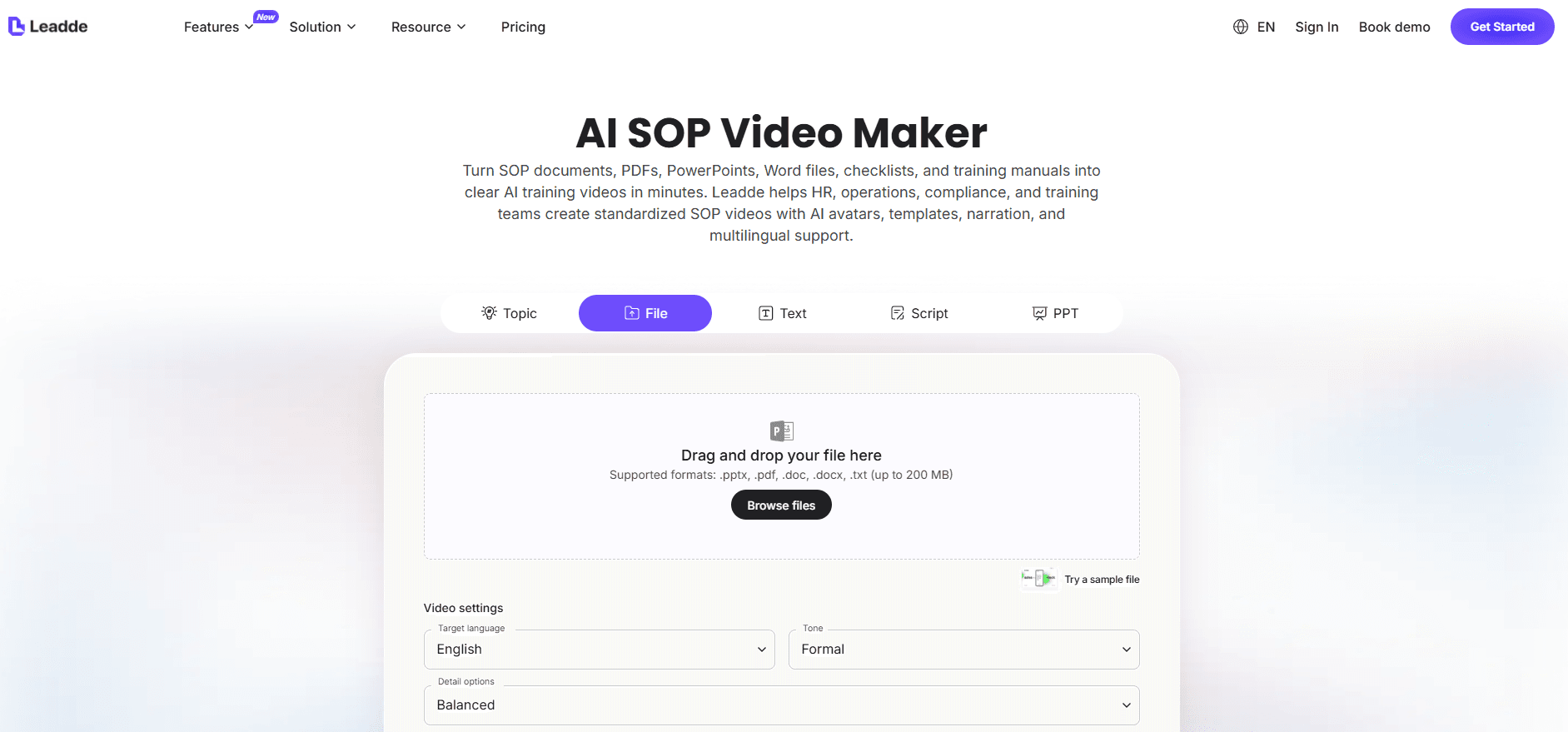
They can turn SOP documents into scripts. Instead of manually rewriting a PDF, Word document, or slide deck into a training script, AI can extract the procedure, simplify the wording, and structure it into scenes.
They can create presenter-style training videos from static documents. This is useful when a team already has manuals, SOPs, onboarding guides, or policy documents, but employees do not read them.
They can add voiceover, captions, visual highlights, and AI avatars. This helps employees understand the process without reading a dense document from start to finish.
They can create multilingual versions faster. This matters for distributed teams, manufacturing workforces, global operations, and customer support teams.
They can also help update videos when SOPs change. Traditional video updates often require rewriting, re-recording, re-editing, exporting, and republishing. AI workflows make it easier to update the source content and regenerate affected sections.
Most importantly, AI SOP video generators help scale repeatable training. When a team needs 20, 50, or 100 internal training videos, the bottleneck is usually not creativity. It is production speed, consistency, and maintenance.
What AI SOP Video Generators Can’t Do
AI SOP video generators cannot fix a vague SOP, an outdated process, or a weak training culture.
If the source document is unclear, the video will also be unclear. If the SOP is wrong, AI may make the wrong process look polished and authoritative. That is risky because employees often trust video more than text.
AI also cannot fully understand operational risk. It may not know which safety warning is critical, which approval step is required, which exception matters, or which field in a software workflow causes downstream errors.
Our research showed that teams were not only asking, “Can AI make a video?” They were asking more practical questions:
Can it avoid missing steps? Can it handle edge cases? Can it update videos when the workflow changes? Can employees search the content? Can managers verify that employees watched and understood the training? Can private internal content stay secure?
One 50-person company in our research had already created SOPs, process videos, FAQs, short summaries, and visual instructions. One basic workflow even had a 3-minute training video. Yet new hires still asked questions already covered in the materials. The company also could not afford to spend 2 hours per new hire explaining basic processes that had already been documented.
This case shows the key limitation: AI can generate SOP videos, but it cannot automatically make employees use the latest training before asking for help.
AI SOP video generators need to be part of a broader system: documentation, search, onboarding, quizzes, manager reinforcement, version control, and retraining.
When AI SOP Video Generators Work Best
AI SOP video generators work best for repeatable, document-based, process-driven training.
Strong use cases include employee onboarding, internal software tutorials, customer onboarding, HR policy training, compliance refreshers, finance workflows, operations procedures, manufacturing work instructions, customer support processes, sales training, product update training, and multilingual employee education.
The best use cases have three traits.
First, the process is repeated often. If managers explain the same thing every week, AI video can reduce that workload.
Second, the process already exists in some form, such as an SOP, PDF, slide deck, checklist, script, or screen recording.
Third, the content can be broken into modules. Short SOP videos are easier to update, search, and rewatch than long recordings.
One small-business case involved a team that grew from 3 people to 8 people. The owner spent a full day training a new hire, only to receive repeated questions the next day. Another operator with a similar challenge reported that moving toward searchable SOPs, checklists, and documented answers helped save 10+ hours per week.
The lesson was not simply “record more videos.” The better lesson was: turn repeated questions into reusable training assets, then train employees to search the system before interrupting managers.
That is where AI SOP video generators create leverage.
Case Study: An 8-Person Agency Repeating Training 10 Times per Week
One of the clearest use cases came from an 8-person agency preparing to grow.
The agency needed training videos for project management tools, client onboarding, and design workflows. The owner was repeating the same explanations around 10 times per week. The team had considered simple screen recording, but their workflows changed almost every month. Traditional editing tools felt too heavy and expensive.
This case shows the difference between a screen recorder and an AI SOP video generator.
A screen recorder is useful when the goal is to quickly capture what someone is doing. An AI SOP video generator is more useful when the goal is to create a repeatable, update-friendly training asset from a process document or script.
For this agency, the ideal workflow would be:
- Document the client onboarding SOP
- Break it into short modules
- Convert each module into an AI training video
- Use consistent templates and narration
- Update the source SOP when the workflow changes
- Regenerate only the affected sections
- Store the videos in a searchable onboarding library
The measurable problem was clear: 10 repeated explanations per week. Even if each explanation took only 10 minutes, that is more than 80 hours per year spent repeating basic training. If each explanation took 20 minutes, the cost doubles.
Case Study: SOP Videos That Employees Still Ignored
The 50-person company case is important because it prevents a common mistake: assuming AI video generation alone solves training.
This company already had SOPs, process videos, FAQs, summaries, and visuals. But employees still asked managers instead of using the documentation.
The better workflow was not to create longer videos. It was to create shorter, searchable, task-specific videos and connect them to onboarding behavior.
For a company like this, the right AI SOP video system should include:
- Short videos named after real employee questions
- A single source of truth for each SOP
- A searchable knowledge base
- Completion tracking for required videos
- Quizzes for critical workflows
- Manager reinforcement: “Check the SOP first, then ask”
The practical lesson is simple: if employees already ignore SOPs, turning them into long videos will not solve the problem. The videos must be short, searchable, current, and tied to how employees actually work.
Case Study: Manufacturing SOP Videos at the Workstation
A manufacturing case showed a different need: point-of-work training.
A small boat-building company wanted to place 5 tablets at workstations so employees could search for training videos by work order number. For example, if an employee was working on job 154, the goal was to open the matching video and related files such as PDFs or spreadsheets.
This is not a marketing video use case. It is operational training.
For this environment, an AI SOP video generator can help turn written work instructions into visual training, but the broader workflow must support:
- Search by job, task, process, or work order
- Version control
- Secure employee access
- Private hosting
- Linked PDFs, checklists, and spreadsheets
- Fast updates when processes change
- Clear safety warnings
- Approval by a process, quality, or safety owner
The risk of outdated training is higher in manufacturing because the video affects physical execution. A wrong instruction can cause rework, quality problems, delays, or safety issues.
AI can help convert dense manuals into clearer videos, but it cannot replace quality control, safety review, or version governance.
Case Study: Capturing Knowledge Before a Key Employee Leaves
AI SOP video generators are also useful for knowledge transfer.
One operational case involved a key medical billing employee leaving the organization. The team had about one week to capture the employee’s computer-based workflow. The immediate need was to record the person doing the work, extract the steps, and turn that knowledge into usable training material for the next hire.
This type of situation is common in small businesses. A critical process often lives in one person’s head. When that person leaves, the company discovers that the SOP was never truly documented.
A good AI-assisted workflow would be:
- Record the task
- Extract the steps into a draft SOP
- Clean the SOP with a process owner
- Convert the SOP into modular training videos
- Store the videos in a searchable knowledge base
- Update the SOP source when the process changes
This is where process documentation tools and AI video generators can work together. Workflow capture tools are useful for click-by-click documentation. AI SOP video generators are useful for turning cleaned procedures into presenter-led training videos.
Case Study: Finance and 400-Employee Training Systems
In a finance case, an FP&A team inside a large private company with F500-level complexity used recorded meetings and training videos to onboard new analysts across multiple systems, including reporting tools and internal workflows.
This approach helped capture knowledge, but it also created the next challenge: keeping those videos searchable, current, and aligned with changing systems.
Finance workflows often include multiple systems, month-end steps, validation routines, dashboard walkthroughs, naming conventions, and exceptions. AI SOP video generators can turn raw recorded knowledge into modular training such as:
- How to pull the monthly report
- How to validate a dashboard
- How to check missing data
- How to escalate an exception
- How to document assumptions
Another case involved a company with around 400 employees looking for a system to organize SOPs, policies, and training materials by role. At that size, the challenge is no longer just video creation. The company needs role-based access, version history, completion tracking, permission control, search, mandatory assignments, and review schedules.
The lesson is clear: AI can accelerate content production, but growing companies still need content governance.
AI SOP Video Generators vs Screen Recorders vs Documentation Tools
Teams often confuse three different tool categories.
AI SOP video generators turn documents, scripts, PDFs, or slides into training videos. They are best for onboarding videos, policy explainers, multilingual training, SOP videos, and presenter-led internal education.
Screen recorders capture what someone does on screen. They are useful for quick explanations, async demos, feedback, and one-off walkthroughs. Their limitation is maintenance. Long screen recordings can become hard to search, hard to update, and inconsistent across teams.
Process documentation tools capture workflows as step-by-step guides with screenshots and instructions. They are useful for click-by-click software SOPs, help center articles, and internal knowledge bases. Their limitation is that they may not create polished video training by themselves.
The best SOP training system often combines all three:
- Use workflow capture to document the process
- Use an AI video generator to create training videos
- Use screen recording for quick context or edge cases
How to Choose the Best AI SOP Video Generator
The best AI SOP video generator is not necessarily the one with the most realistic avatar. It is the one that fits your SOP workflow.
Use this checklist.
Can it import your existing SOP content? Look for support for PDFs, Word documents, PPTs, scripts, and plain text.
Can it structure content into scenes? Good SOP videos are modular.
Can it update videos when the SOP changes? If every update requires a full rebuild, the tool will become a bottleneck.
Does it support captions and voiceover? Captions improve accessibility and searchability. Voiceover helps employees consume dense procedures.
Does it support multilingual training? This matters for global teams, manufacturing, customer support, and distributed operations.
Can humans review and edit the output? AI-generated SOP videos should always be reviewed before publishing.
Does it fit your publishing workflow? Videos should work inside your LMS, intranet, knowledge base, onboarding portal, or secure internal library.
Does it support version control, or can your team manage versioning manually? Every SOP video should have an owner, version number, last updated date, and review schedule.
Best Practices for Using AI SOP Video Generators
The best results come from pairing AI video generation with strong SOP design.
Write SOPs clearly before converting them into video. Avoid vague instructions such as “complete the setup normally.” Use specific actions, conditions, and outcomes.
Keep videos short. A 3-minute task video is usually better than a 30-minute department walkthrough.
Separate the standard workflow from exceptions. One team in our research reduced training time by recording repeatable processes while documenting customer-specific variations separately. That is the right model.
Create a review checklist before publishing. Verify that steps are accurate, safety warnings are included, numbers and thresholds are correct, tool names are current, captions match narration, and the SOP version is correct.
Connect SOP videos to a searchable system. Employees should be able to search by task, tool, role, department, process stage, work order, or SOP ID.
Finally, treat employee questions as improvement signals. If a new hire asks something already covered, the answer may not be “they did not listen.” The video may be too long, outdated, poorly titled, or hard to find.
Where Leadde Fits in the AI SOP Video Generator Market
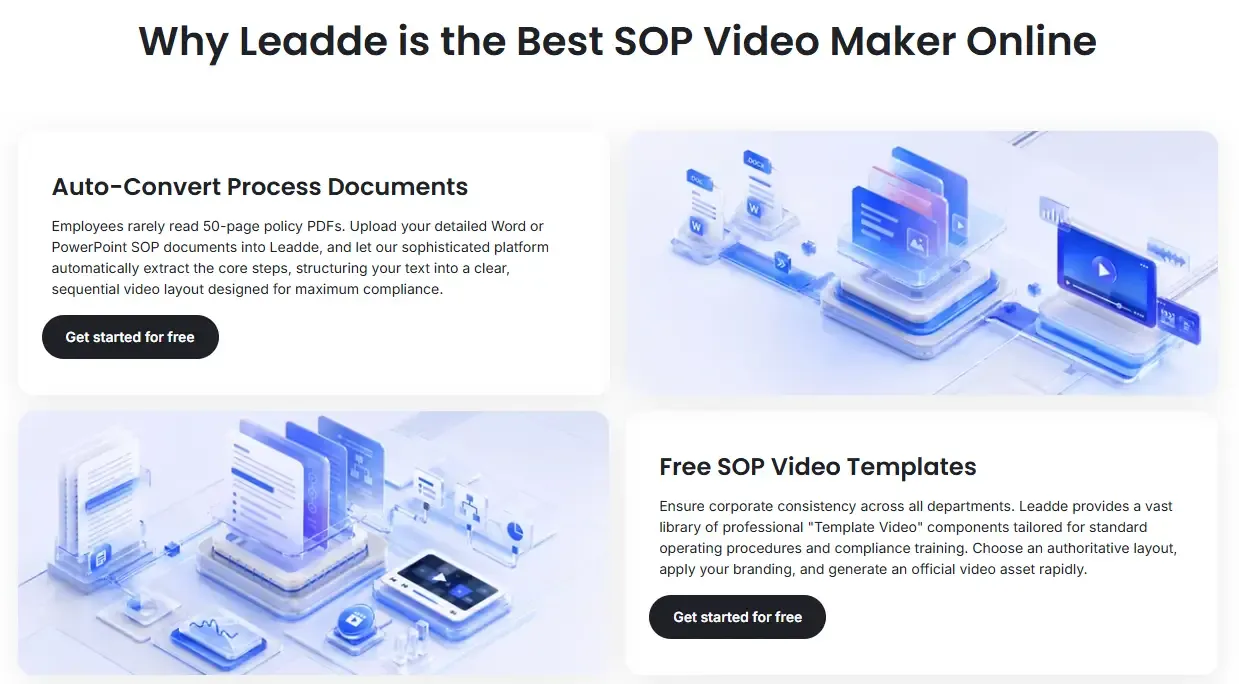
Leadde fits especially well for teams that already have SOP documents and want to convert them into training videos quickly.
Many teams do not need a complex editing suite. They need to turn PDFs, Word documents, PPTs, scripts, and process notes into clear, consistent, presenter-led training videos.
Leadde’s core fit is:
- SOP document to video
- PDF manual to training video
- PPT to onboarding video
- Script to AI avatar video
- Multilingual internal training
- Repeatable business video production
- Faster refreshes when SOP content changes
This makes Leadde relevant for HR teams, operations teams, manufacturing teams, agencies, finance teams, customer success teams, and companies replacing unread PDFs with visual training.
The biggest advantage is speed and repeatability. Leadde is not just useful for creating the first video. Its stronger business value is helping teams keep SOP training content easier to update as documents and processes change.
Conclusion
AI SOP video generators can help teams convert SOP documents, PDFs, slides, scripts, and process notes into structured training videos faster. They can add narration, captions, avatars, visual scenes, and multilingual versions. They can reduce repeated explanations, speed up onboarding, and make dense SOPs easier to consume.
But they cannot replace accurate source documents, process owners, human review, version control, employee accountability, or a real training system.
The strongest use case is AI-assisted SOP video operations: capture the process, clean it into an SOP, turn the SOP into modular video, review it with experts, publish it in a searchable system, update it when the process changes, and track whether employees actually use it.
Our research across real business training scenarios shows one clear pattern: teams do not simply need more videos. They need SOP videos that are accurate, searchable, reusable, role-specific, and easy to update.
That is where AI SOP video generators, especially document-to-video platforms like Leadde, create the most value.





