How to Create AI Lecture Videos with Visuals (Step-by-Step)

Creating AI lecture videos with visual explanations starts with turning your teaching materials into a clear script, adding an AI presenter, and using diagrams or animations to explain complex concepts. Instead of simply reading slides aloud, visual explanations help learners understand how ideas, processes, and systems work.
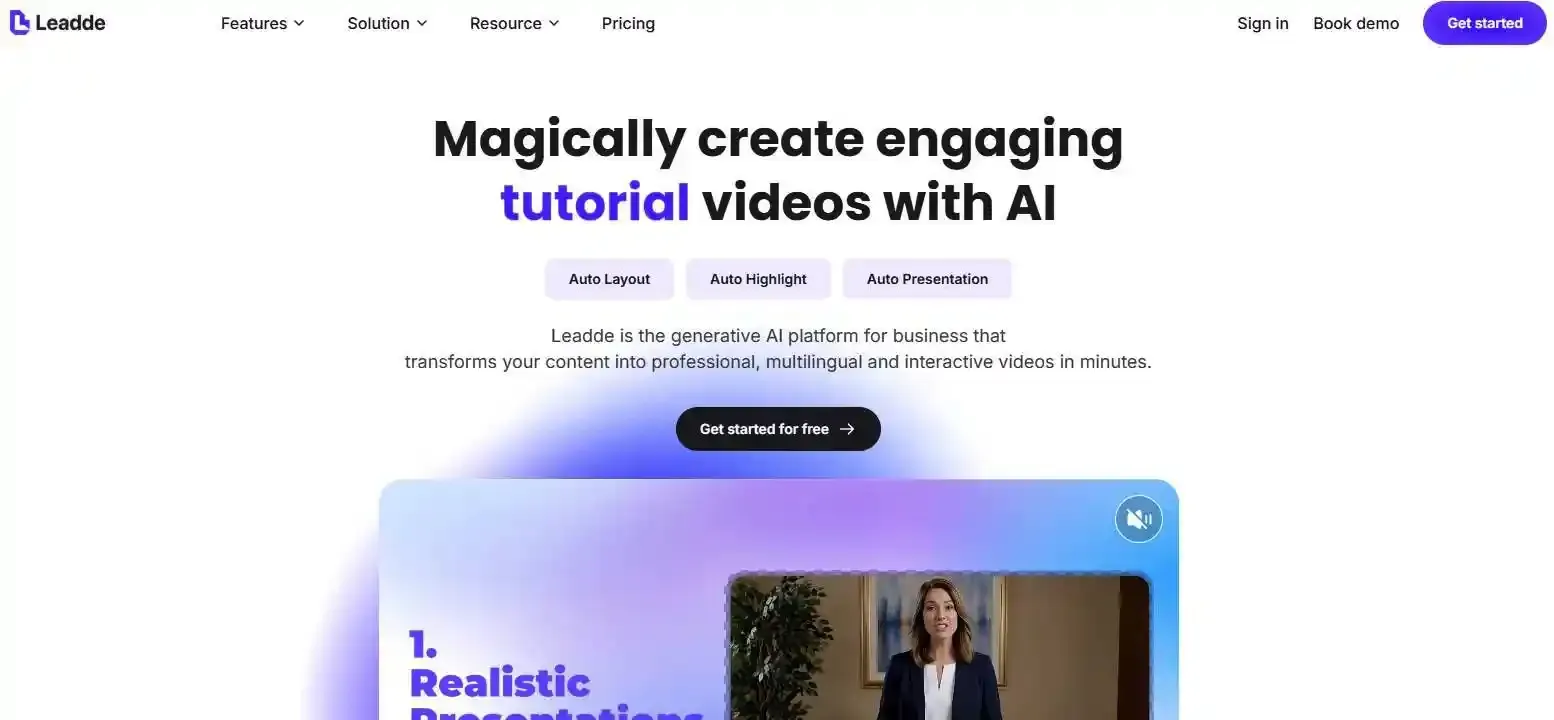
With Leadde, educators and training teams can transform PDFs, PowerPoint slides, and lecture notes into structured AI videos by learning how to make video lectures. Its AI avatars can understand on-screen content, while Motion lets you explore how to create educational animation and insert short clips to make abstract concepts easier to follow.
In this guide, you'll learn how to turn course materials into video lectures step by step, combine AI narration with visual explanations, and design engaging lessons without traditional filming or advanced animation skills.
How to Create AI Lecture Videos with Visual Explanations
Creating AI lecture videos with visual explanations starts with turning your teaching materials into a clear script, adding an AI presenter, and using diagrams or animations to explain complex concepts. Instead of simply reading slides aloud, visual explanations help learners understand how to make educational videos that show how ideas, processes, and systems work.
With Leadde, educators and training teams can transform PDFs, PowerPoint slides, and lecture notes into structured AI videos. Its AI avatars can understand on-screen content, while Motion lets you create and insert short educational animations to make abstract concepts easier to follow.
In this guide, you'll discover how to make lecture videos step by step, combine AI narration with visual explanations, and design engaging video content without traditional filming or advanced animation skills.
How to Create AI Lecture Videos with Visual Explanations Step by Step
The simplest workflow is to transform your teaching materials into a structured video, then add visuals that explain each important concept.
Follow these six steps:
- Upload your teaching materials.
- Generate and refine your lecture script.
- Build a visual storyboard.
- Set up your AI avatar and narration.
- Add diagrams and Motion animations.
- Review, edit, and export your lecture video.
Step 1–2: Upload Teaching Materials and Generate Your Lecture Script
Start with existing materials, such as PDFs, PowerPoint presentations, course notes, or training documents. You can even turn a lesson plan into a video to establish a structured teaching flow.
Before generating your video, identify one clear learning objective. For example, instead of covering an entire biology chapter, focus on explaining how blood moves through the human heart.
Upload your materials to one of the best AI lecture video makers. Platforms such as Leadde can analyze document structure, leverage techniques to generate a script from PowerPoint slides with AI, and organize key information into video scenes and narration.
Review the resulting script carefully using helpful video script templates. A teaching script should explain concepts, not simply repeat slide text. Add definitions, examples, and transitions that help learners follow the lesson.
Step 3–4: Build a Visual Storyboard and Set Up Your AI Avatar
A visual storyboard describes what viewers should see during each part of the narration.
For every important concept, identify:
- Narration: What the instructor explains.
- Visual: What appears on screen.
- Learning purpose: What students should understand.
For example, when explaining photosynthesis, show sunlight reaching a leaf as the narration introduces how plants use light energy.
Next, configure your AI avatar and voice. An avatar can introduce the topic, guide learners through diagrams, and summarize key points—or even provide an avatar-led presentation from PowerPoint. If you prefer vocal clarity alone, you can compare the trade-offs of an AI avatar vs voiceover for lecture videos.
With Leadde, the avatar's ability to understand on-screen content supports explanations connected to the displayed teaching materials.
Step 5–6: Add Motion Animations, Review, and Export
Some concepts need movement to become understandable.
Leadde's Motion feature allows creators to build visual assets using educational animation examples and insert them into lecture videos. These animations can illustrate scientific processes, business workflows, or changing relationships.
Before exporting, check whether every animation matches the narration and accurately represents the concept.
Review terminology, subtitles, pronunciation, and scene transitions. Finally, export the completed video for your course platform or training library.
Practical tip — Visual Beat Mapping: Mark the exact point in your script where each visual change should occur. For example, when the narrator says "water evaporates," the evaporation animation should begin—not several sentences earlier.
What Makes an AI Lecture Video Effective for Visual Learning?
An AI lecture video with visual explanations is an instructional video that combines AI-generated narration or presenters with diagrams, charts, illustrations, or animations to explain knowledge. Unlike basic narrated slideshows, it uses visual elements to demonstrate relationships, processes, and changes that may be difficult to communicate through speech alone.
AI Lecture Videos vs. Slideshows vs. Talking-Head Videos
| Video format | Best for | Main limitation |
| Narrated slideshow | Definitions and lesson summaries | Limited explanation of movement |
| AI avatar lecture | Instructor-led explanations | May rely too heavily on narration |
| Animated visual lecture | Processes and abstract concepts | Requires accurate visual design |
| Hybrid AI lecture | Combining presenter guidance and animations | Needs coordinated scene planning |
A hybrid approach is particularly useful when learners benefit from both an instructor's explanation and an animated demonstration.
How Visual Explanations Support Understanding
Educational videos should make information easier to process, not simply more visually exciting, which is why choosing the best software to make educational videos is critical.
Richard Mayer's research on instructional video design identifies several relevant principles:
- Signaling: Highlight the information learners should notice.
- Segmenting: Introduce complex information in manageable parts.
- Temporal contiguity: Present corresponding narration and visuals together.
Similarly, Cynthia Brame's research on effective educational videos emphasizes cognitive load, engagement, and active learning.
The implication is straightforward: an effective animation helps explain a concept; an unnecessary animation competes for attention.
How Can You Use AI Animations to Explain Complex Lecture Topics?
The most useful teaching animations make invisible processes, changing relationships, or complicated sequences easier to understand.
However, different concepts require different visual formats.
Choosing Between Diagrams, Charts, and Motion Animations
| Teaching topic | Recommended visual | Example |
| Scientific processes | Motion animation | Water evaporation and condensation |
| Mathematics | Graph or equation animation | Changes in a function |
| Business workflows | Animated flowchart | Employee approval process |
| Anatomy | Labeled diagram | Parts of the human heart |
| Software tutorials | Screen recording with callouts | Completing a task in an application |
| Concept comparisons | Side-by-side illustrations | Renewable vs. nonrenewable energy |
Start with the learning objective rather than the animation style.
A diagram may be sufficient to explain the structure of a cell. However, showing how substances move across a cell membrane may benefit from animation, especially when paired with animation tools for educators designed for conceptual modeling.
How to Synchronize Narration with Visual Explanations
Visual synchronization means that learners see the relevant change as they hear its explanation.
A practical approach is to divide a complex process into visual beats.
For example, when explaining a supply-and-demand graph:
- Display the original supply and demand curves.
- Highlight the demand curve when introducing demand.
- Shift the curve when explaining increased demand.
- Mark the new equilibrium when discussing the result.
Allow each visual stage to remain visible long enough for learners to interpret it.
Avoid introducing several changes simultaneously when only one is being explained.
When Should You Avoid Adding Animation?
Not every concept benefits from movement.
A static definition, simple comparison, or reference table may be easier to understand without animation.
Animations can also become misleading when they exaggerate proportions, imply unsupported cause-and-effect relationships, or move too quickly.
A useful editorial rule is One Motion, One Teaching Purpose: every animated movement should help explain one identifiable learning point.
If an animation serves no instructional purpose, simplify the scene.
How Do AI Avatars and Motion Animations Work Together in Lecture Videos?
AI avatars and instructional animations serve complementary purposes.
The avatar guides the explanation, while Motion animations demonstrate the concept. Combining them can create a lecture that feels instructor-led without relying on a talking-head format throughout the lesson.
How AI Avatars Explain On-Screen Teaching Content
Traditional avatar videos often rely on scripts paired with static backgrounds.
An avatar that understands on-screen content can support a more contextual explanation, referring to the diagrams or teaching materials learners are viewing.
For example, an AI instructor presenting an organizational flowchart can explain how information passes between departments while the relevant stages appear on screen.
However, visual understanding should not be confused with guaranteed real-time synchronization. Creators should still review the relationship between narration and visuals.
Creating a Visual Lecture with AI Avatar and Motion
Consider an educator preparing a science lesson about the water cycle.
A possible Leadde-assisted workflow would use an AI avatar for the explanation and short Motion animations for processes that benefit from movement.
| Scene | AI explanation | Visual content |
| Introduction | What is the water cycle? | Avatar and cycle overview |
| Evaporation | How does water become vapor? | Rising water vapor animation |
| Condensation | How do clouds form? | Cooling vapor and cloud formation |
| Precipitation | Why does rain fall? | Rainfall animation with arrows |
| Recap | How are the stages connected? | Complete highlighted cycle |
This is an illustrative teaching storyboard, not a claim that the platform has automatically generated this exact lesson.
When Should the Avatar Appear or Let the Animation Take Over?
A useful presentation technique is Avatar-to-Visual Handoff:
Avatar introduces the question → Animation demonstrates the process → Avatar summarizes the explanation.
For example, the avatar asks, "Why does water rise into the atmosphere?" The video then switches to evaporation animation before returning to a short explanation.
This gives learners room to focus on the mechanism without unnecessary presenter movement competing for attention.
What Should You Look for in an AI Lecture Video Generator?
Choosing an AI lecture video generator requires more than evaluating avatar quality or how quickly a video can be created.
Essential Features for Creating Visual Lecture Videos
Look for tools that support the actual instructional workflow:
- Document understanding: Can the tool organize PDFs, presentations, and notes into meaningful lessons?
- Structured generation: Can it create coherent scripts and scenes?
- AI presentation: Can narration or avatars explain the displayed content?
- Visual explanations: Can you add diagrams, demonstrations, and animations?
- Editing: Can you correct or update individual sections?
- Localization: Can you adapt narration, captions, and visual labels for different audiences?
These capabilities matter differently depending on the subject being taught.
Integrated AI Video Platforms vs. Multi-Tool Workflows
An integrated platform can reduce the need to move between separate scripting, narration, animation, and editing applications.
Alternatively, a multi-tool workflow may combine an AI writing assistant, animation software, and video editor when specialized visual control is required.
In a Reddit instructional design discussion, course creators described using tools such as ChatGPT and Vyond together, while others emphasized updating existing training videos.
The practical decision is whether your priority is a simpler production process or more specialized control over individual visual elements.
How Do You Make AI Lecture Videos Accurate, Engaging, and Easy to Update?
Generating a visually impressive lecture is not the same as producing an accurate learning resource.
Every AI-generated explanation should be reviewed against its source material and learning objective.
Preventing Visual Errors and Cognitive Overload
A useful Visual Integrity Check includes five questions:
- Are the facts, formulas, labels, and data correct?
- Do arrows and movements represent the intended relationships?
- Does the animation imply anything unsupported by the source?
- Does the narration match the visual sequence?
- Can learners understand the scene without excessive distractions?
A real example comes from CJ Blunt's work on animated explainers for LSE100 lecture videos. His published workflow describes turning static systems-thinking diagrams into animations, reviewing visual interpretations, and ensuring that visuals do not make stronger claims than the lecturer.
An important lesson is that AI-assisted animation still requires informed editorial judgment.
Updating, Localizing, and Reusing Lecture Videos
Educational materials change. Product interfaces evolve, policies are revised, and course examples become outdated.
Instead of treating each video as a permanent finished file, design content so that scripts, scenes, visual assets, and narration can be revised where your tools permit.
Reusable diagrams and animations can support multiple lectures or related learning materials. For multilingual lessons, review not only translated narration but also captions, labels, and technical terminology.
A practical Two-Pass Review helps maintain quality:
- Pass 1 — Instructional accuracy: Check facts, examples, diagrams, and learning objectives.
- Pass 2 — Production quality: Check narration, subtitles, timing, accessibility, and visual consistency.
After publication, use learner questions or brief comprehension checks to identify explanations that need improvement.
Frequently Asked Questions About AI Lecture Videos
Can AI create lecture videos from PDFs or PowerPoint slides?
Yes. AI video platforms can transform PDFs, PowerPoint presentations, and lecture notes into structured videos with narration and visual scenes. Tools such as Leadde support document-to-video workflows. However, instructors should review the generated script and visuals to ensure the important concepts and explanations remain accurate.
Can AI generate animated diagrams for educational videos?
Yes. AI-assisted workflows can create educational animations illustrating processes, relationships, or changes over time. Leadde's Motion feature can be used to create and insert short teaching animations. The appropriate visual approach depends on the subject, and diagrams involving scientific data or precise calculations require careful verification.
Can AI avatars explain diagrams and animations in a lecture video?
AI avatars can be used to explain on-screen teaching materials, and Leadde's avatar capability includes understanding displayed content. Combining an avatar with diagrams or Motion animations allows creators to organize lessons around both verbal and visual explanations. The finished video should still be checked for synchronization and accuracy.
Do I need video editing or animation skills to create AI lectures?
Advanced editing or animation skills are not always necessary. AI video tools can automate parts of scripting, narration, scene generation, and visual production. However, educators still need to make instructional decisions, verify generated explanations, and refine scenes when the initial output does not communicate the concept clearly.
How long should an AI lecture video be?
There is no universal ideal duration. A useful lecture should be long enough to explain one learning objective without unnecessary repetition. Short, focused modules may be easier to navigate than lengthy recordings. Complex topics can be divided into separate lessons, with examples or comprehension questions between sections.
Can I create AI lecture videos in multiple languages?
Yes. AI video platforms with multilingual narration capabilities can help educators adapt lectures for international audiences. Leadde supports multilingual video generation. For educational accuracy, translated technical terms, on-screen labels, captions, and pronunciation should be reviewed rather than assuming that automated localization preserves every detail.
How can I update an existing AI lecture video without starting over?
If the editing workflow supports individual scenes, you can revise affected scripts, replace outdated diagrams, update narration, and adjust captions without rebuilding unrelated sections. Keeping teaching animations and visual assets organized makes future maintenance easier, particularly for corporate training, software tutorials, and frequently updated courses.
Conclusion
Creating AI lecture videos with visual explanations is about more than generating narration and placing an avatar on screen. Effective lessons combine clear teaching objectives, structured scripts, accurate diagrams, and purposeful animations. By connecting document-to-video workflows with AI avatars and Motion, educators can create more accessible visual explanations while retaining the human review needed for reliable teaching content.