
Mastering Clear Professional Emails
Learn how to structure professional emails, write effective subject lines, state purposes clearly, and avoid common pitfalls to improve team efficiency.

An e-learning video template gives you a structured starting point for a course module with stated objectives, segmented content, and a checkpoint at the end. Choose a template, upload your syllabus or course outline, and Leadde generates editable scenes, narration, and subtitles.
9 video types
Showing 9 video types across 4 categories
Learn how to structure professional emails, write effective subject lines, state purposes clearly, and avoid common pitfalls to improve team efficiency.
A concise lesson explaining what API rate limits are, why they are implemented, common retry mistakes, and effective patterns like exponential backoff.
Learn how SQL joins combine data from separate tables, covering inner, left, right, and full outer joins with practical business examples.
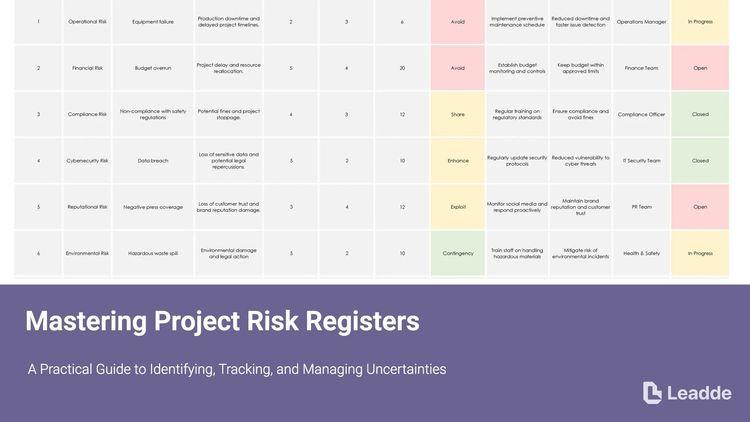
A comprehensive lesson on project risk registers, covering definitions, components, practical examples, differences between risks and issues, and regular review practices.
Learn what DNS is, how the step-by-step resolution process works, and why proper configuration is critical for network troubleshooting.

Covers the fundamentals of color temperature, Kelvin scales, warm vs. cool lighting ranges, and how to properly set white balance to avoid mixed lighting issues.

Covers the differences between RGB and CMYK, essential prepress checks, common mistakes like rich black usage, and strategies to prevent costly print errors.
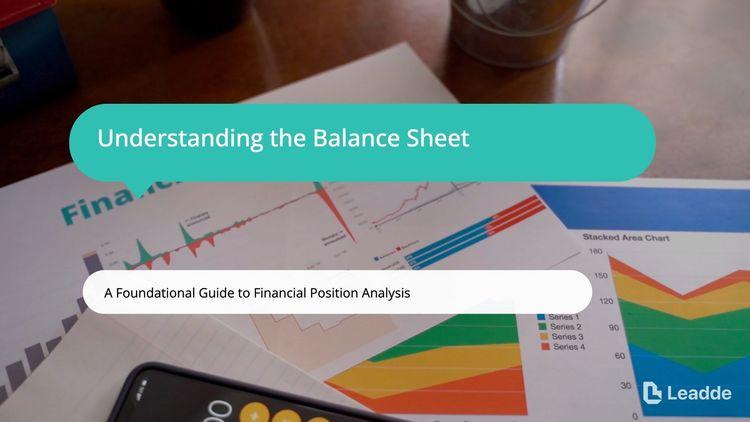
A comprehensive lesson on reading a balance sheet, breaking down assets, liabilities, equity, and practical financial analysis.

Learn step-by-step how to read serving sizes, calculate calories, evaluate nutrients to limit or increase, and use percent daily values to make healthy food choices.

An informative video template gives you a structured starting point for answering one question completely, without asking the viewer to do anything afterwards. Choose a template, upload the notice, FAQ, or update you need to communicate, and Leadde drafts the scenes, narration, and subtitles.

An infographic video template gives you a structured starting point for turning numbers, findings, and comparisons into something people actually watch. Choose a template, upload your report or data summary, and Leadde builds animated scenes, narration, and captions you can edit.

A comparison video template gives you a structured starting point for weighing two options against the same criteria and letting the viewer reach the conclusion. Choose a template, upload your battlecard, spec sheet, or evaluation notes, and Leadde generates editable scenes, narration, subtitles, and visuals.

A product video template gives you a structured starting point for introducing what a product is, who it is for, and what makes it different. Choose a template, upload a spec sheet, catalogue entry, or product page, and Leadde generates editable scenes, narration, subtitles, and visuals.

A product explainer video template gives you a structured starting point for showing why a product exists before showing how it works. Choose a template, upload a release note, PRD, or help-center article, and Leadde turns it into editable scenes, narration, subtitles, and on-screen visuals.

A product promo video template gives you a structured starting point for a short campaign cut built around a launch date, an offer, or a season. Choose a template, upload your launch brief or offer terms, and Leadde generates editable scenes, narration, captions, and visuals.

A SaaS promo video template gives you a structured starting point for campaign videos whose only job is to get a visitor into a free trial. Choose a template, upload your website copy, comparison page, or customer results, and Leadde generates editable scenes, narration, and captions.

An educational video template gives you a structured starting point for teaching one topic to a class that will watch it outside the room. Choose a template, upload a lesson plan, textbook chapter, or slide deck, and Leadde generates editable scenes, narration, subtitles, and visuals.

An instructional video template gives you a structured starting point for teaching one procedure to someone who has to carry it out correctly. Choose a template, upload a user guide, setup sheet, or troubleshooting article, and Leadde generates editable scenes, narration, and subtitles.

A video presentation template gives you a structured starting point for delivering a talk that your audience watches instead of attends. Choose a template, upload your PowerPoint deck, PDF, or speaker notes, and Leadde turns each slide into a narrated, editable scene.
A training video template gives you a structured starting point for teaching a procedure or a system to people who have to get it right at work. Choose a template, upload your SOP, equipment manual, or rollout plan, and Leadde generates editable scenes, narration, and subtitles.

An onboarding video template gives you a structured starting point for walking a new hire or a new customer through their first week. Choose a template, upload your handbook, benefits PDF, or setup checklist, and Leadde generates editable scenes, narration, subtitles, and visuals.

A cyber security video template gives you a structured starting point for awareness training that employees remember when it matters. Choose a template, upload your security policy, phishing report, or incident summary, and Leadde generates editable scenes, narration, and subtitles.

A compliance video template gives you a structured starting point for communicating a policy or a regulatory change to people who then have to acknowledge it. Choose a template, upload your policy PDF or code of conduct, and Leadde generates editable scenes, narration, and subtitles.
An e-learning video template is a reusable video framework for course authors and learning platform administrators building modules that sit inside a larger structure. Unlike a single teaching video, it has to work as one unit among many: consistent runtime, consistent presenter, stated objectives at the start, and a checkpoint that a platform can track.
The template supplies that shape — objectives, segmented content, recap, checkpoint — along with the script structure and narration style that keep a twelve-module course feeling like one course. Leadde generates each module from your outline, so consistency across modules comes from the template rather than from remembering what you did in module three.
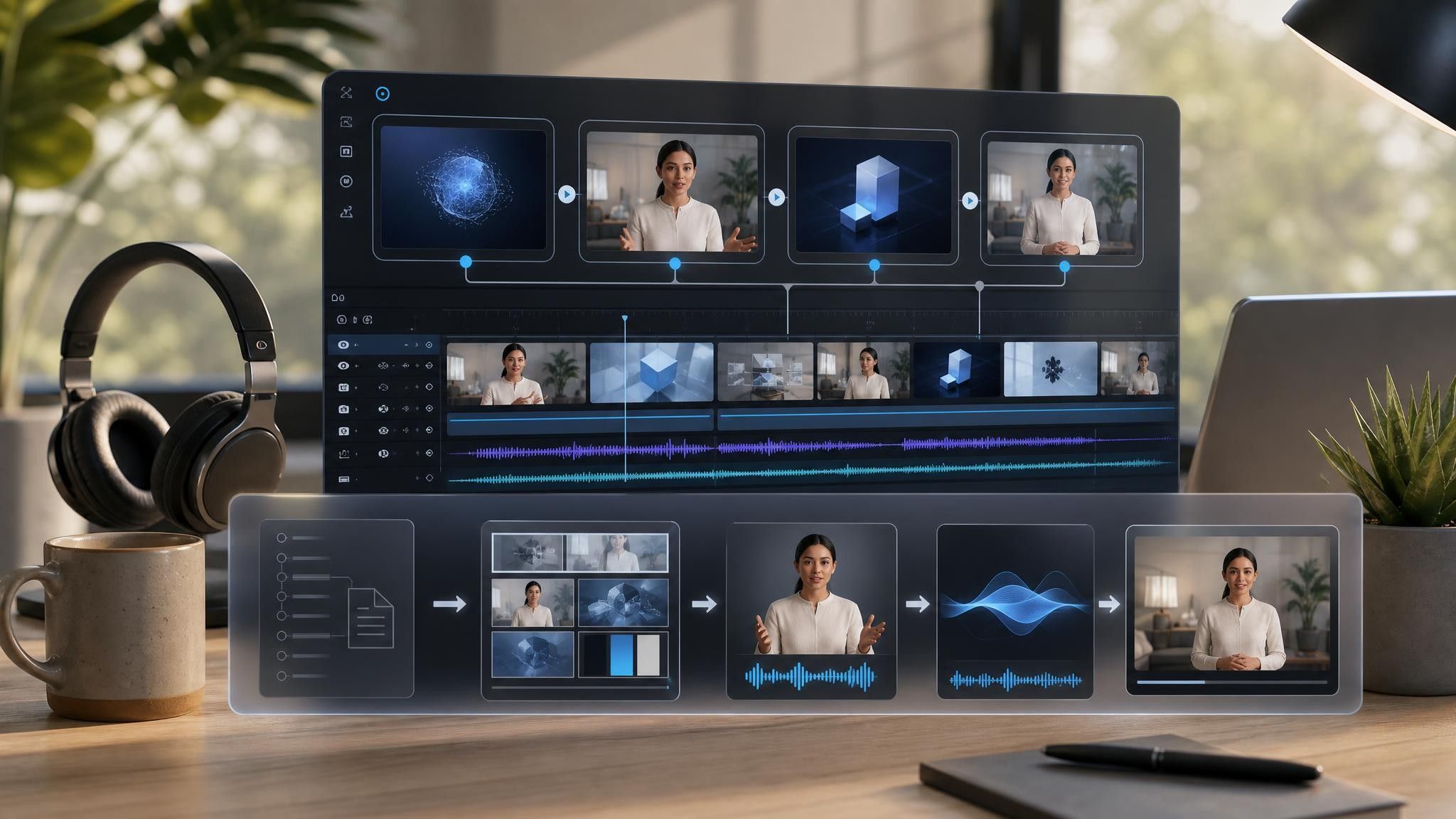

Decide the module list before creating any video, then choose one template and apply it to every module.
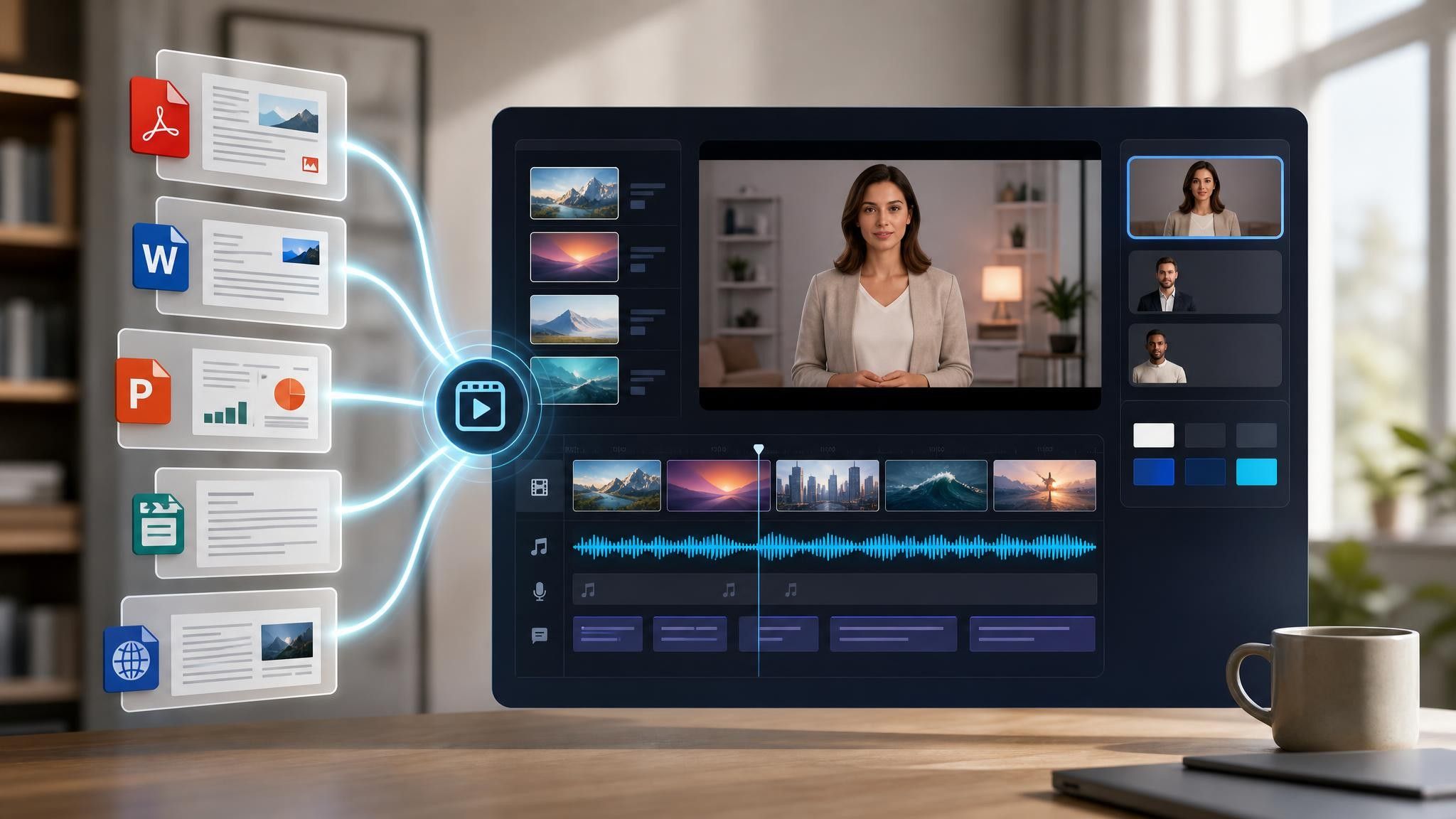
Add the syllabus, course outline, or module notes as PPTX, PDF, DOC, DOCX, or TXT, up to 200 MB.
Use the same presenter, voice, and brand kit across every module. Learners read inconsistency as disorganization.
Produce HD MP4 in 16:9 for upload to your learning platform, and keep subtitles on for accessibility and for learners studying without sound.
Course authors usually finish the outline long before the first module is recorded, and the gap between the two is where projects stall. Leadde turns the outline into module drafts directly, and the outline document stays as your plan of record.
You can turn:
A syllabus into a course introduction that sets scope and effort
A module outline into a standard module with objectives and a checkpoint
A skills matrix into a set of micro-learning units learners can search for
A case scenario into a decision-point module with a pause built in
When a module is revised, regenerate that module alone — the rest of the course is unaffected.
Course authors and platform administrators build modules that have to work as a set. In each situation here, consistency across the course matters more than the polish of any single module.
Modules built one at a time drift in length and tone. Apply one template across all of them and keep the spine fixed.
Learners search rather than enrol. Publish short single-skill units they can find without opening a course.

Certification content ages badly. Regenerate only the modules the standard changed, not the whole programme.

Six to ten minutes for a standard module and under three for micro-learning. Completion rates fall sharply past ten minutes, and platforms report partial completion as failure, so shorter modules make a course look better as well as work better.
Fix the presenter, voice, brand kit, and module structure before you build the second module. Every inconsistency a learner notices costs attention that should be going to the content.
Yes, as a default. A large share of learners study without sound or in a second language, and subtitles are usually the cheapest accessibility improvement available to a course.
Yes. Each module is its own project. Upload the revised outline for that module, regenerate its scenes, and re-upload only that file to your platform.
Choose a template, upload the outline you already wrote, and build the whole course from one consistent structure.


Choose a template, add your existing content, and generate an editable video project.