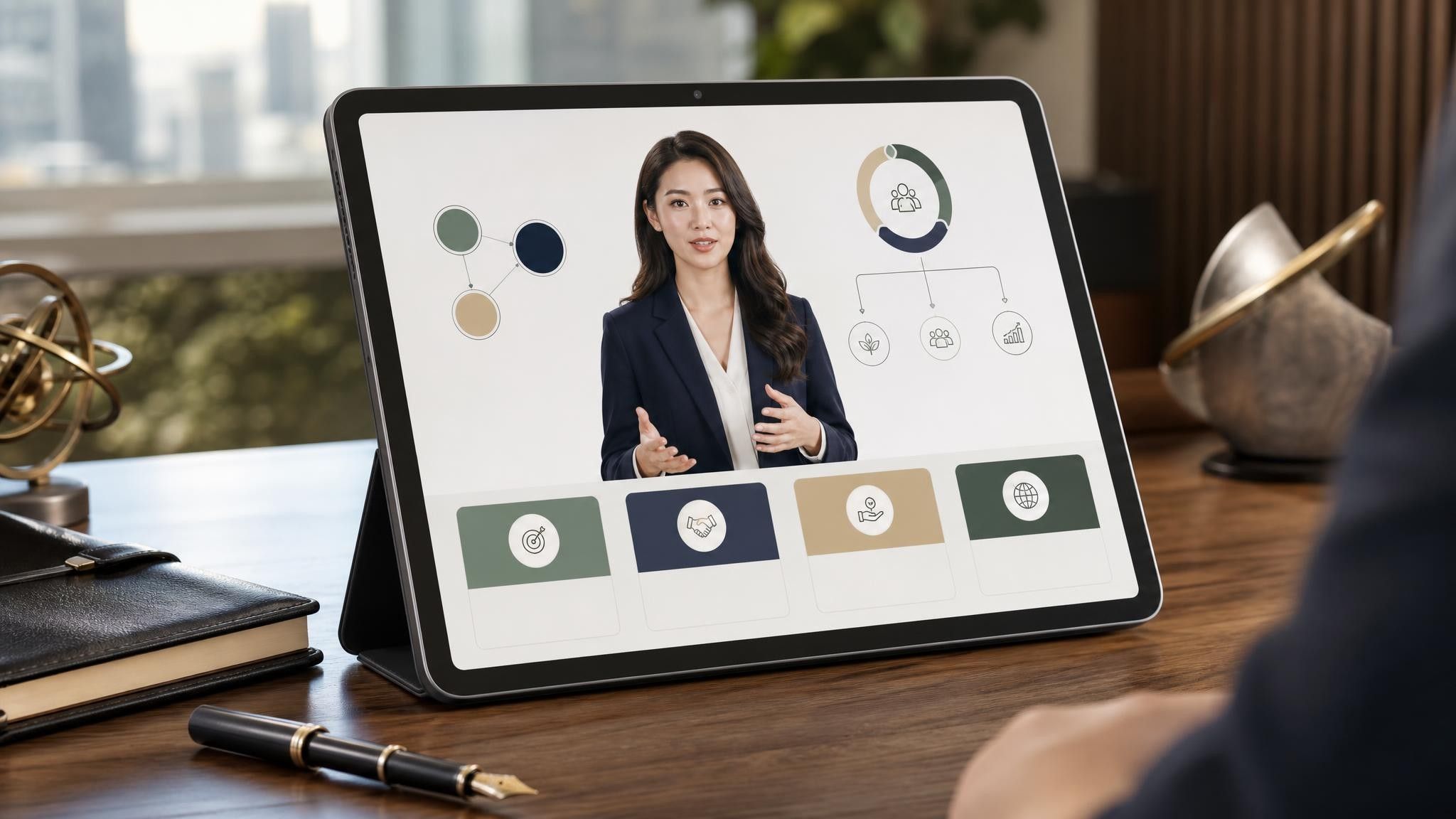
Understanding PCR Testing: How It Works and What It Detects
An accessible explanation of PCR testing, covering sample extraction, thermal cycling amplification, and result interpretation.

An educational video template gives you a structured starting point for teaching one topic to a class that will watch it outside the room. Choose a template, upload a lesson plan, textbook chapter, or slide deck, and Leadde generates editable scenes, narration, subtitles, and visuals.
9 video types
Showing 9 video types across 4 categories
An accessible explanation of PCR testing, covering sample extraction, thermal cycling amplification, and result interpretation.

Explains the science and stages of reverse osmosis desalination, including pretreatment, membrane separation, post-treatment, and its role in global water security.

Explores the chemical and physical causes of battery aging, including ion movement, SEI layer growth, and heat effects, and provides practical care tips to extend battery life.

Explores the definition of wetlands and their critical roles in flood control, water purification, habitat provision, and carbon storage.

Explains light, deep, and REM sleep stages, the 90-minute cycle structure, and practical habits for better sleep quality.

Explores how compound interest accelerates wealth over time, compares early vs late investing, and highlights the dangers of high-interest debt.

Explains how loud sounds damage inner ear hair cells, highlights common noise sources and early symptoms, and outlines practical habits for hearing protection.

Explores the composition of healthy soil, the roles of organic matter and soil compaction, and practical farming practices to improve yields.

Breaks down how PET bottles are converted into recycled polyester fabrics, examining the multi-step manufacturing workflow, advantages, limitations, and future material strategies.

An informative video template gives you a structured starting point for answering one question completely, without asking the viewer to do anything afterwards. Choose a template, upload the notice, FAQ, or update you need to communicate, and Leadde drafts the scenes, narration, and subtitles.

An infographic video template gives you a structured starting point for turning numbers, findings, and comparisons into something people actually watch. Choose a template, upload your report or data summary, and Leadde builds animated scenes, narration, and captions you can edit.

A comparison video template gives you a structured starting point for weighing two options against the same criteria and letting the viewer reach the conclusion. Choose a template, upload your battlecard, spec sheet, or evaluation notes, and Leadde generates editable scenes, narration, subtitles, and visuals.

A product video template gives you a structured starting point for introducing what a product is, who it is for, and what makes it different. Choose a template, upload a spec sheet, catalogue entry, or product page, and Leadde generates editable scenes, narration, subtitles, and visuals.

A product explainer video template gives you a structured starting point for showing why a product exists before showing how it works. Choose a template, upload a release note, PRD, or help-center article, and Leadde turns it into editable scenes, narration, subtitles, and on-screen visuals.

A product promo video template gives you a structured starting point for a short campaign cut built around a launch date, an offer, or a season. Choose a template, upload your launch brief or offer terms, and Leadde generates editable scenes, narration, captions, and visuals.

A SaaS promo video template gives you a structured starting point for campaign videos whose only job is to get a visitor into a free trial. Choose a template, upload your website copy, comparison page, or customer results, and Leadde generates editable scenes, narration, and captions.
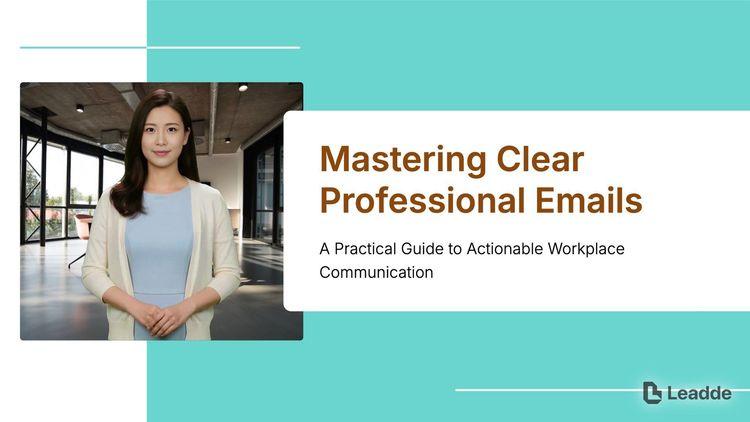
An e-learning video template gives you a structured starting point for a course module with stated objectives, segmented content, and a checkpoint at the end. Choose a template, upload your syllabus or course outline, and Leadde generates editable scenes, narration, and subtitles.

An instructional video template gives you a structured starting point for teaching one procedure to someone who has to carry it out correctly. Choose a template, upload a user guide, setup sheet, or troubleshooting article, and Leadde generates editable scenes, narration, and subtitles.
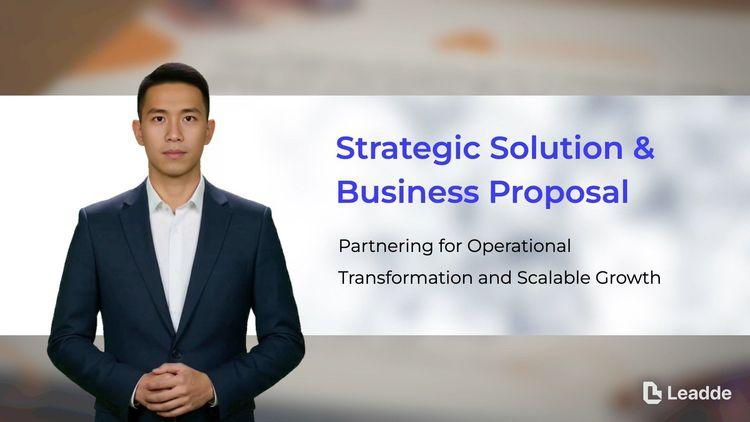
A video presentation template gives you a structured starting point for delivering a talk that your audience watches instead of attends. Choose a template, upload your PowerPoint deck, PDF, or speaker notes, and Leadde turns each slide into a narrated, editable scene.
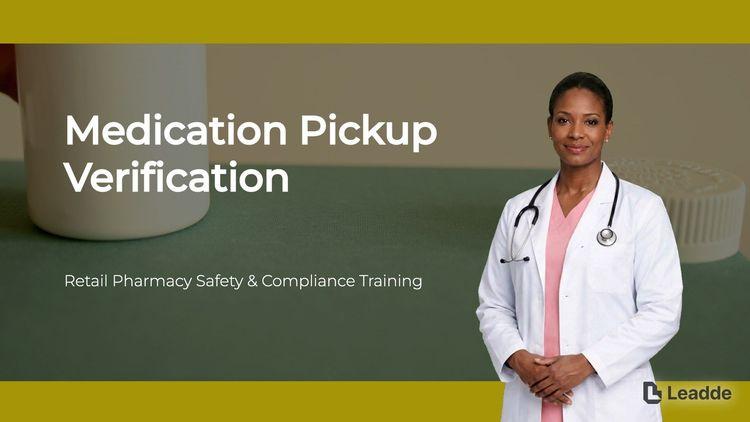
A training video template gives you a structured starting point for teaching a procedure or a system to people who have to get it right at work. Choose a template, upload your SOP, equipment manual, or rollout plan, and Leadde generates editable scenes, narration, and subtitles.

An onboarding video template gives you a structured starting point for walking a new hire or a new customer through their first week. Choose a template, upload your handbook, benefits PDF, or setup checklist, and Leadde generates editable scenes, narration, subtitles, and visuals.

A cyber security video template gives you a structured starting point for awareness training that employees remember when it matters. Choose a template, upload your security policy, phishing report, or incident summary, and Leadde generates editable scenes, narration, and subtitles.

A compliance video template gives you a structured starting point for communicating a policy or a regulatory change to people who then have to acknowledge it. Choose a template, upload your policy PDF or code of conduct, and Leadde generates editable scenes, narration, and subtitles.

Pre-class material, an in-class worked example, and a revision recap are three different templates, not three lengths of the same one.
Add the lesson plan, chapter, or slide deck as PPTX, PDF, DOC, DOCX, or TXT, up to 200 MB.
Extend any scene carrying a definition, formula, or worked step so it stays on screen long enough to be written down.
Export an HD MP4 for your learning platform, or share a Leadde hosted link with password protection for a single class group.
One learning point per video, the common misconception addressed before the correct explanation, and enough on-screen time for anything students are expected to write down. Videos that cover a whole unit at once get rewatched less, not more.
Six to eight minutes for a single concept, and split anything longer into separate videos by topic. Students return to the specific part they did not follow, which only works if the parts are separate files.
No. You can use an AI presenter, a voiceover over your slides, or on-screen text only. Choosing one presenter and reusing it across a unit helps students recognize the material as a set.
Yes. Keep the project, upload the revised lesson plan, and regenerate only the scenes affected by syllabus changes.
Choose a template, upload the lesson you already teach, and give your class something to rewatch.


Choose a template, add your existing content, and generate an editable video project.
An educational video template is a reusable video framework for classroom and lecture teaching, built around a single learning point rather than a whole course. It reflects how teaching actually sequences: surface what students already believe, correct it, work an example, then check understanding.
The template supplies the scene order, script structure, a narration pace suited to note-taking, and a visual direction that keeps definitions and worked steps on screen long enough to copy down. Leadde builds an editable draft from the lesson plan or chapter you already teach from, so preparation time goes into checking accuracy rather than into scripting.
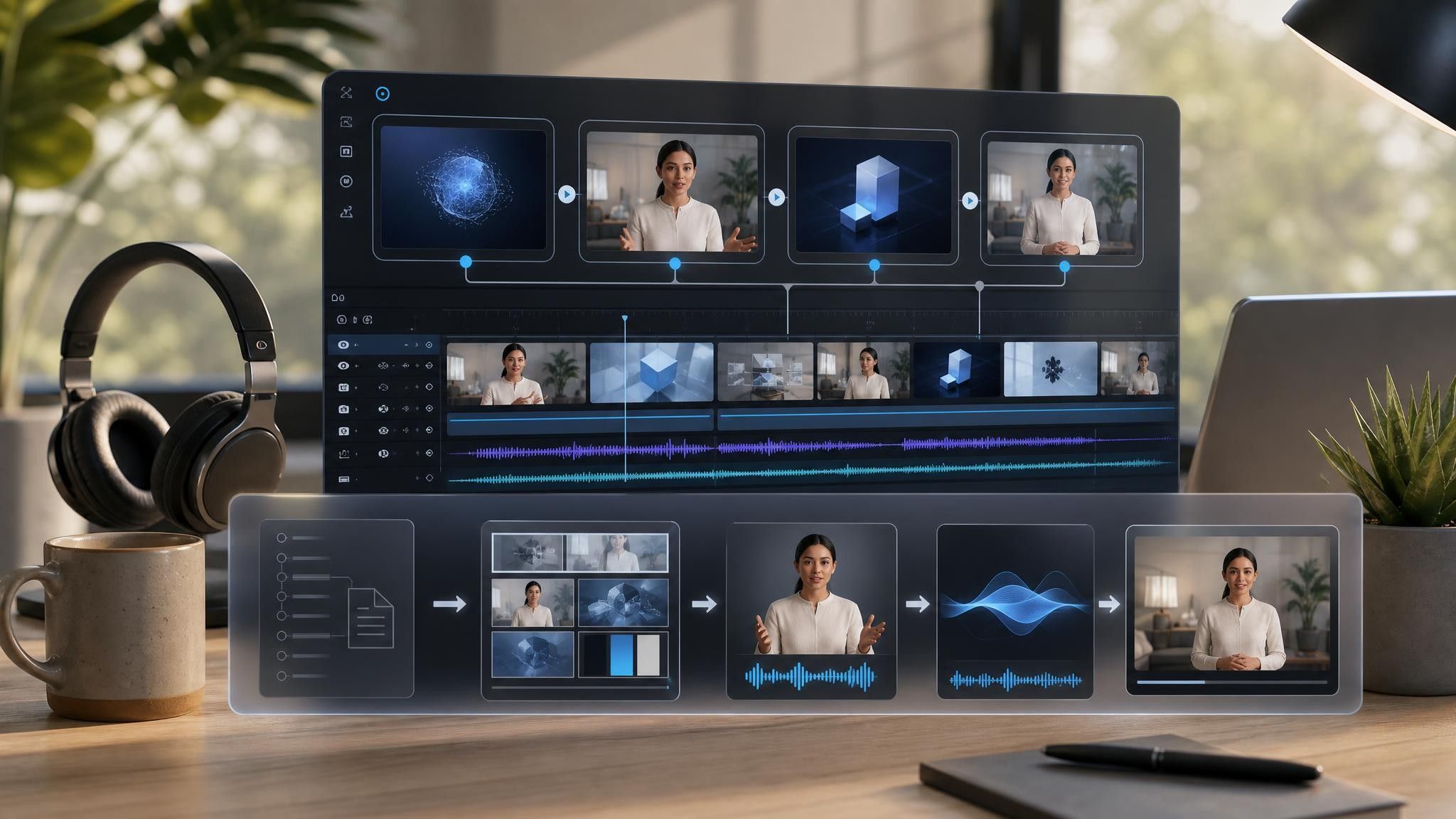
Teachers rarely lack material. They lack the hours to record it and the tools to redo it when a class needs the same explanation again next year. Leadde rebuilds the material as scenes and leaves your original plan untouched.
You can turn:
A lesson plan into pre-class material for a flipped session
A textbook chapter into a narrated summary students can rewatch
A worked solution into a step-by-step example video
A unit outline into a revision recap before assessment week
When the syllabus changes, upload the revised plan and regenerate the affected scenes rather than re-recording the lesson.
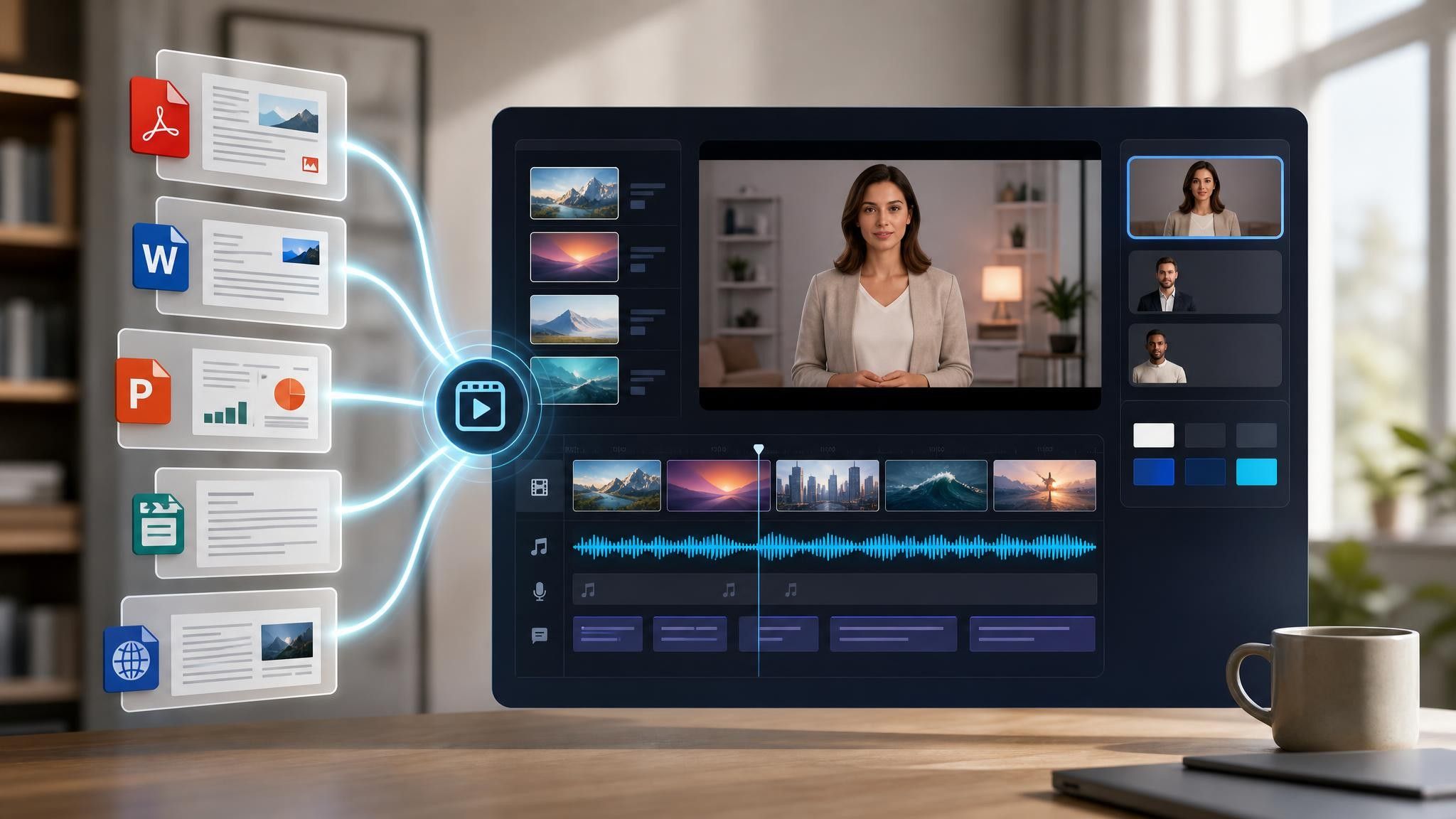
Teachers rarely lack material. What they lack is the same explanation being available when they are not in the room, which is what the following situations have in common.
Class time gets spent explaining rather than practising. Send the explanation ahead and use the room for questions.
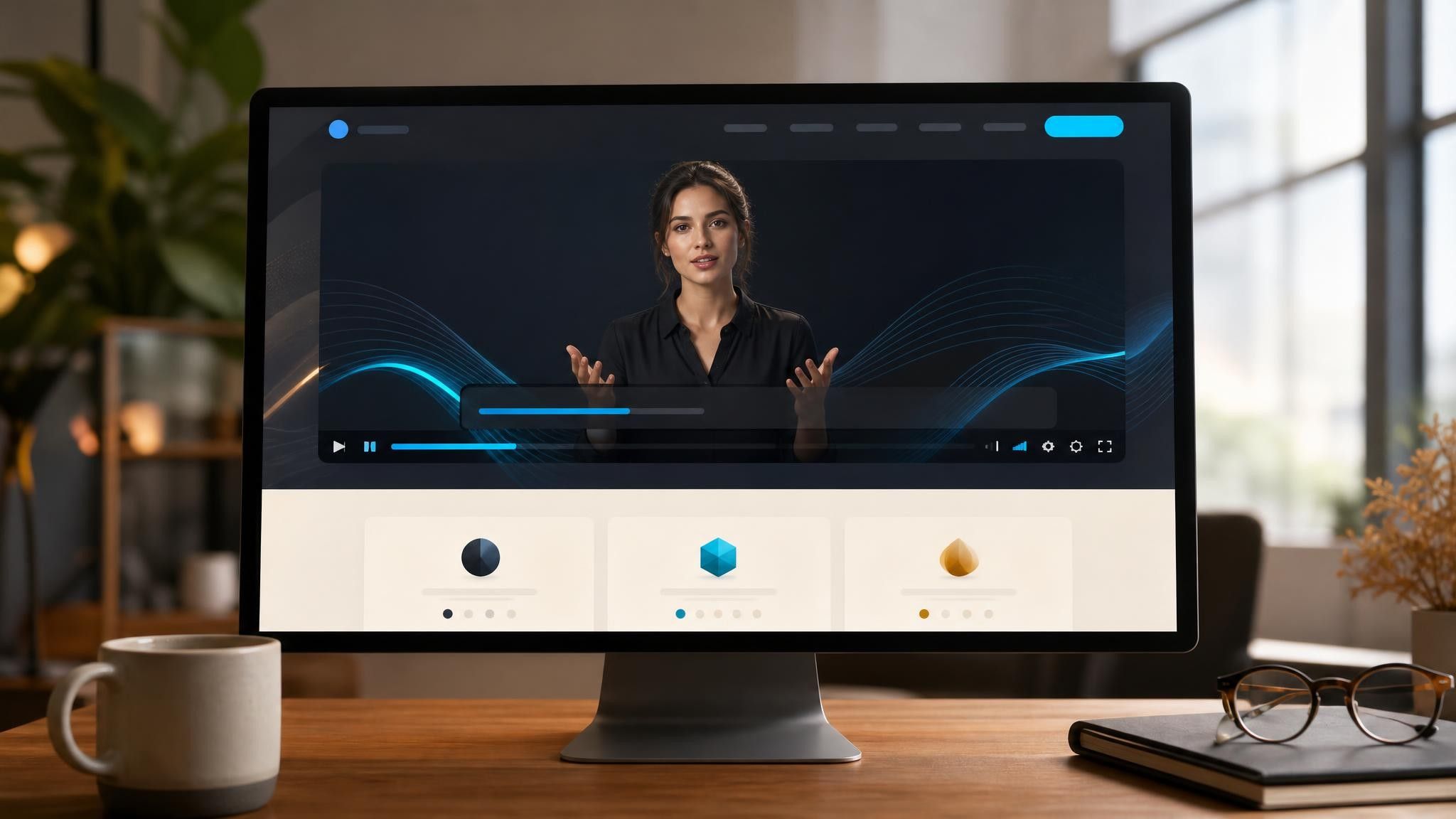
Substitute cover usually means lost time. Leave a recorded lesson that runs whether or not a specialist is available.
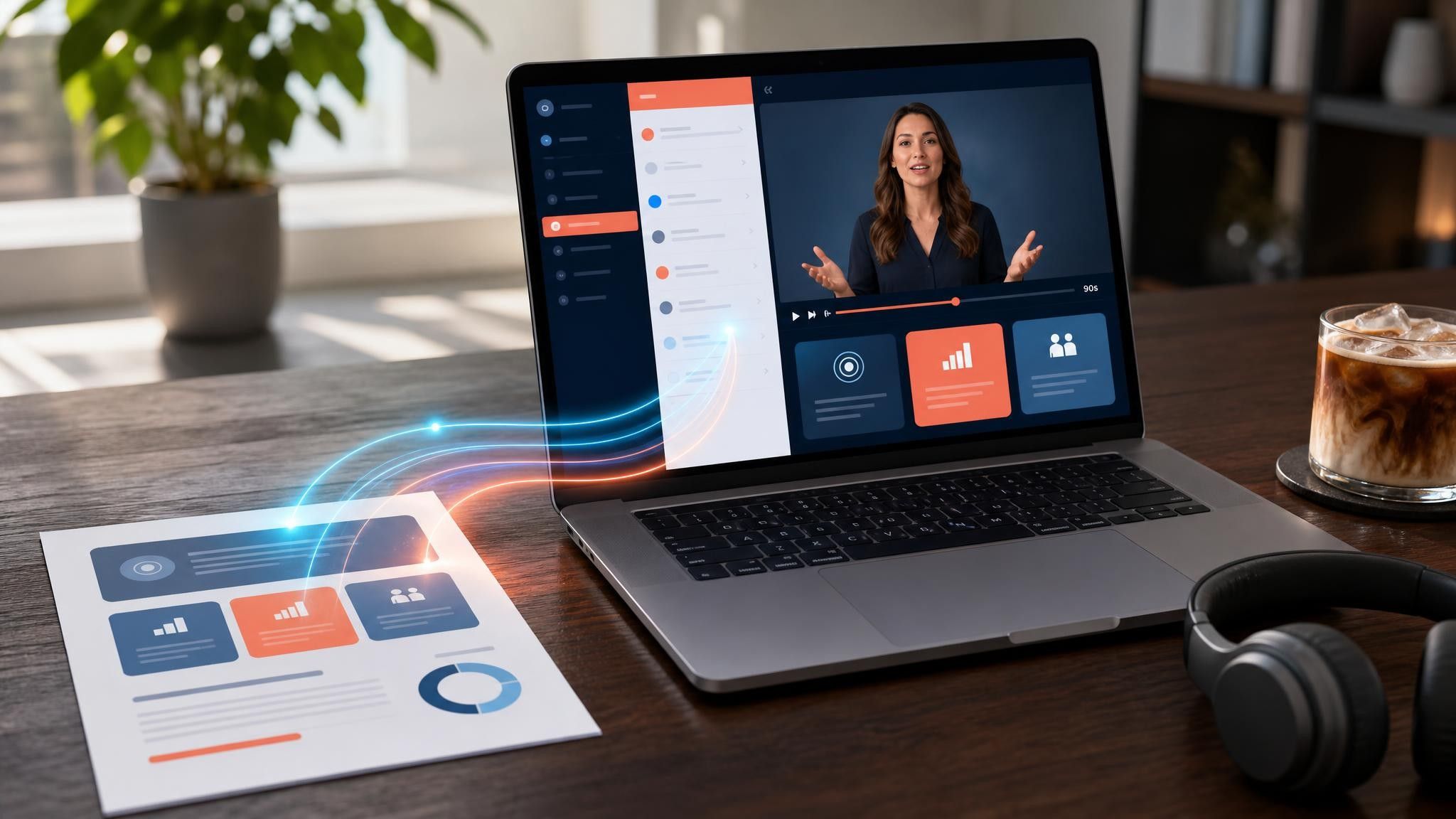
Students revise from incomplete notes. A recap video gives every student the same reference to work from.