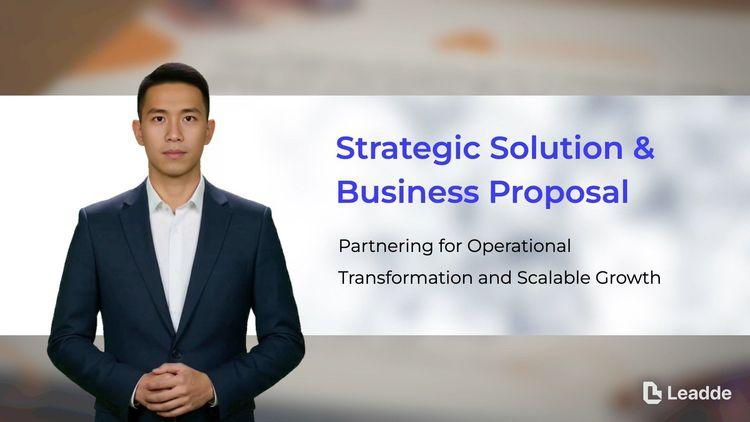
Sales Proposal Presentation for Client Meetings
Frames the client challenge, presents the recommended solution and scope, pricing options, implementation timeline, and clearly defined next steps.

A video presentation template gives you a structured starting point for delivering a talk that your audience watches instead of attends. Choose a template, upload your PowerPoint deck, PDF, or speaker notes, and Leadde turns each slide into a narrated, editable scene.
9 video types
Showing 9 video types across 4 categories
Frames the client challenge, presents the recommended solution and scope, pricing options, implementation timeline, and clearly defined next steps.

Walks through the problem, solution, market size, traction, business model, team, and funding ask in the standard investor pitch order.

A structured company introduction covering mission, history, core services, market position, representative clients, and the reasons partners choose to work with you.

Presents research background, methodology, key results, limitations, and conclusions in the structure expected at an academic or industry conference.
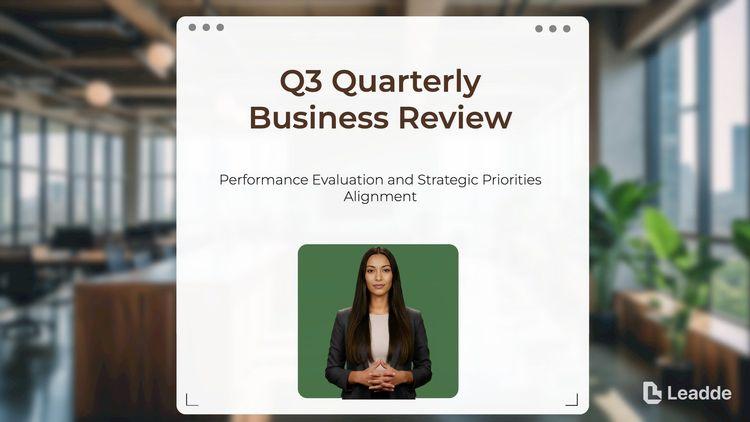
Presents quarterly targets versus actuals, revenue and pipeline movement, key wins and misses, and the agreed priorities for next quarter.

Introduces project goals, scope boundaries, team roles, milestone schedule, communication rules, and known risks for the first stakeholder meeting.
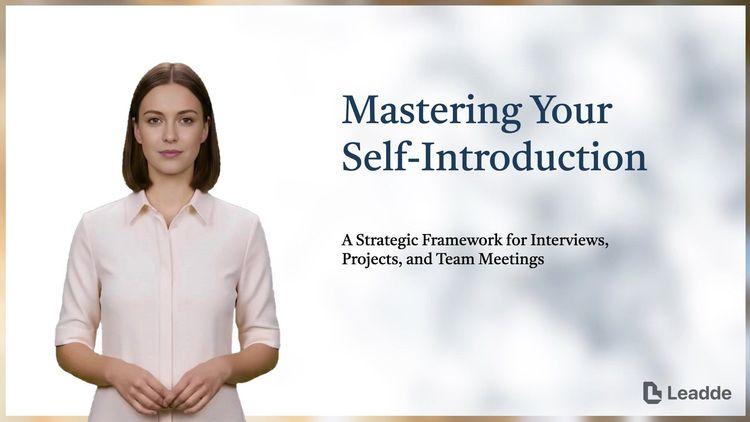
A concise personal introduction covering background, core skills, notable achievements, and career goals for interviews, class projects, or new team meetings.

Covers the business concept, target customers, competitive landscape, operating plan, financial projections, and the milestones planned for the first two years.

Outlines audience segments, channel strategy, campaign calendar, budget allocation, and the metrics used to measure marketing performance across the year.

An informative video template gives you a structured starting point for answering one question completely, without asking the viewer to do anything afterwards. Choose a template, upload the notice, FAQ, or update you need to communicate, and Leadde drafts the scenes, narration, and subtitles.

An infographic video template gives you a structured starting point for turning numbers, findings, and comparisons into something people actually watch. Choose a template, upload your report or data summary, and Leadde builds animated scenes, narration, and captions you can edit.

A comparison video template gives you a structured starting point for weighing two options against the same criteria and letting the viewer reach the conclusion. Choose a template, upload your battlecard, spec sheet, or evaluation notes, and Leadde generates editable scenes, narration, subtitles, and visuals.

A product video template gives you a structured starting point for introducing what a product is, who it is for, and what makes it different. Choose a template, upload a spec sheet, catalogue entry, or product page, and Leadde generates editable scenes, narration, subtitles, and visuals.

A product explainer video template gives you a structured starting point for showing why a product exists before showing how it works. Choose a template, upload a release note, PRD, or help-center article, and Leadde turns it into editable scenes, narration, subtitles, and on-screen visuals.

A product promo video template gives you a structured starting point for a short campaign cut built around a launch date, an offer, or a season. Choose a template, upload your launch brief or offer terms, and Leadde generates editable scenes, narration, captions, and visuals.

A SaaS promo video template gives you a structured starting point for campaign videos whose only job is to get a visitor into a free trial. Choose a template, upload your website copy, comparison page, or customer results, and Leadde generates editable scenes, narration, and captions.

An educational video template gives you a structured starting point for teaching one topic to a class that will watch it outside the room. Choose a template, upload a lesson plan, textbook chapter, or slide deck, and Leadde generates editable scenes, narration, subtitles, and visuals.

An e-learning video template gives you a structured starting point for a course module with stated objectives, segmented content, and a checkpoint at the end. Choose a template, upload your syllabus or course outline, and Leadde generates editable scenes, narration, and subtitles.

An instructional video template gives you a structured starting point for teaching one procedure to someone who has to carry it out correctly. Choose a template, upload a user guide, setup sheet, or troubleshooting article, and Leadde generates editable scenes, narration, and subtitles.

A training video template gives you a structured starting point for teaching a procedure or a system to people who have to get it right at work. Choose a template, upload your SOP, equipment manual, or rollout plan, and Leadde generates editable scenes, narration, and subtitles.

An onboarding video template gives you a structured starting point for walking a new hire or a new customer through their first week. Choose a template, upload your handbook, benefits PDF, or setup checklist, and Leadde generates editable scenes, narration, subtitles, and visuals.

A cyber security video template gives you a structured starting point for awareness training that employees remember when it matters. Choose a template, upload your security policy, phishing report, or incident summary, and Leadde generates editable scenes, narration, and subtitles.

A compliance video template gives you a structured starting point for communicating a policy or a regulatory change to people who then have to acknowledge it. Choose a template, upload your policy PDF or code of conduct, and Leadde generates editable scenes, narration, and subtitles.
A video presentation template is a reusable video framework for anyone who has to deliver a talk to an audience that is not in the room — an analyst circulating a quarterly review, a speaker submitting to a conference, a team sending a briefing ahead of a call. It handles the part that makes recorded presentations difficult: pacing. A slide that works for ninety seconds of live speaking rarely works as ninety seconds of video.
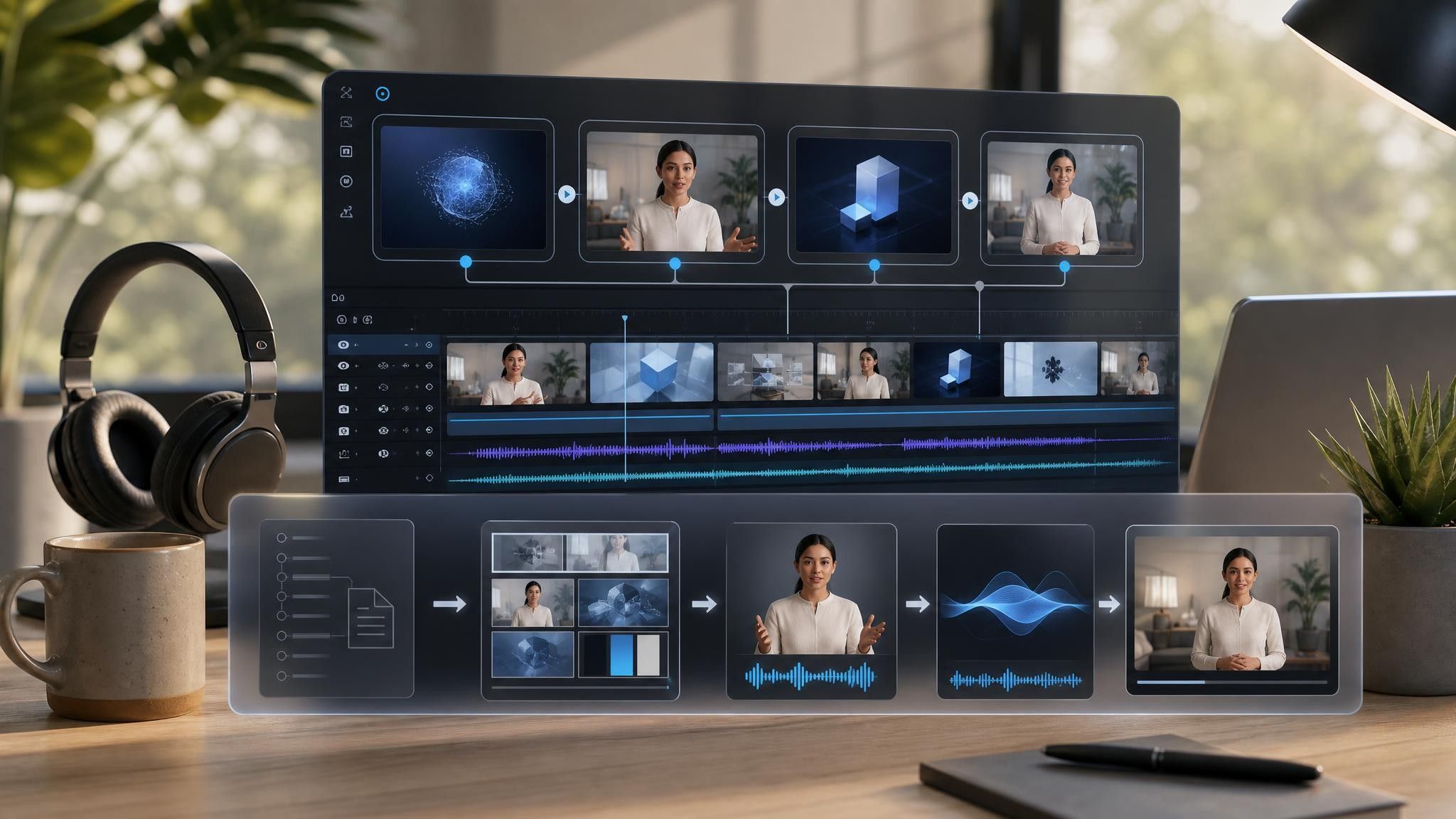
The template provides the scene sequence, script structure, narration style, and visual direction, including where a dense slide should be split into two scenes. Leadde reads your deck, maps each slide to a scene, drafts narration from your speaker notes, and returns a project where every scene, caption, and timing is editable.

A conference submission, a board review, and a partner briefing need different pacing and different closing scenes.
Add your PowerPoint, PDF, or notes — PPTX, PDF, DOC, DOCX, and TXT are supported, up to 200 MB. Speaker notes are used as the narration draft where they exist.
Split any scene whose narration runs past forty seconds, then use the script tools to shorten or expand individual lines. Preview the audio before locking the voice.
Export HD MP4 for an event platform, or share a Leadde hosted link with password protection for internal distribution.
Turning a deck into video usually means booking a room, recording several takes, and re-recording the whole session when one number changes. Leadde builds the narrated version from the file directly, and the original deck is untouched.
You can turn:
A PowerPoint deck into a narrated video presentation, one scene per slide
A quarterly report into a review video circulated before the meeting
A conference abstract and slides into an on-demand submission
A webinar deck into a replay edit that works without the live audience
When the underlying numbers change, replace the source file and regenerate the affected scenes rather than recording the presentation again.
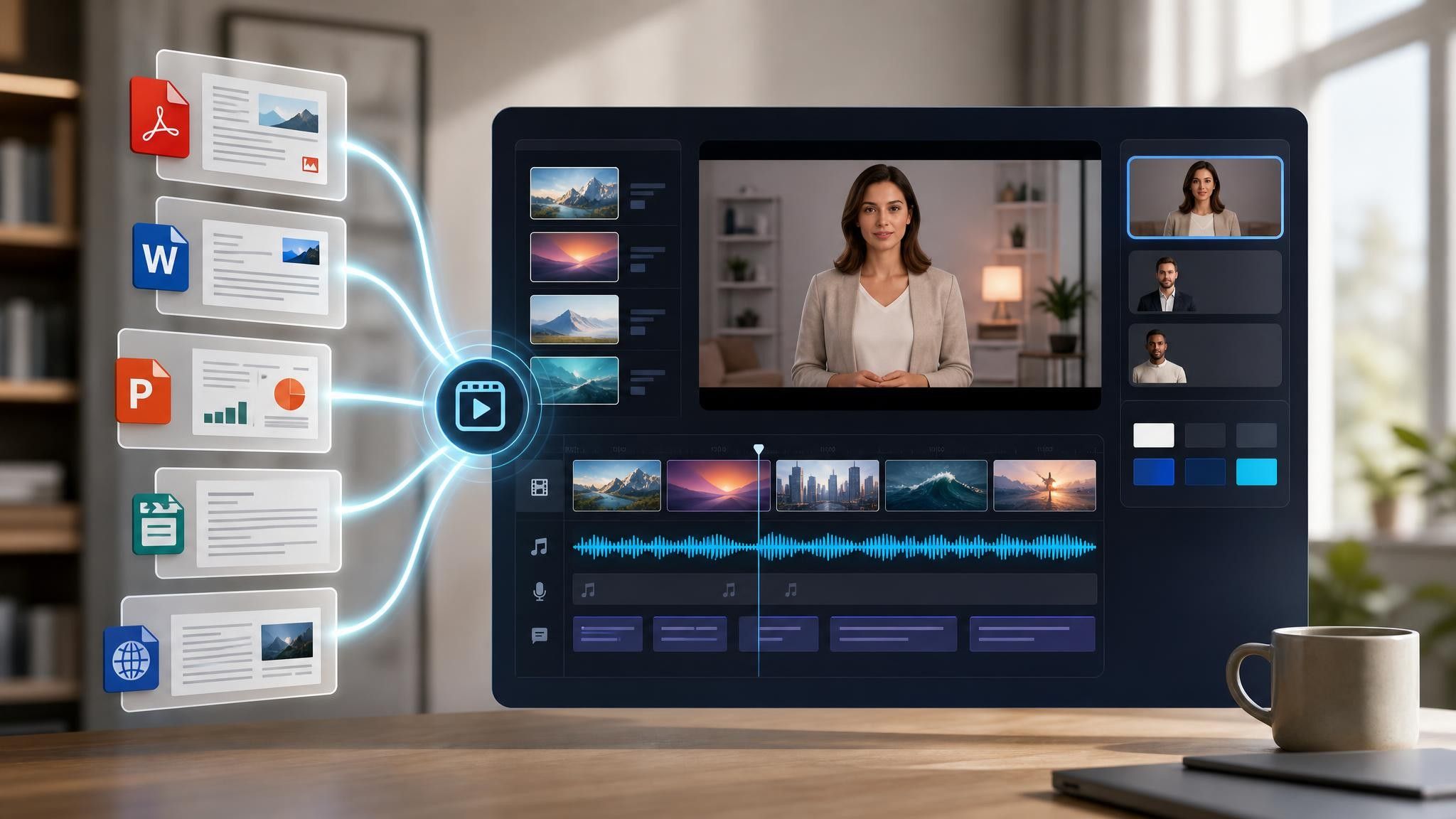
A deck built for a live room does not survive being emailed. Analysts, speakers, and enablement teams hit that gap in three settings, each needing its own pacing and closing scene.
Live sessions exclude half the audience. Submit a narrated version built from the deck you already prepared.
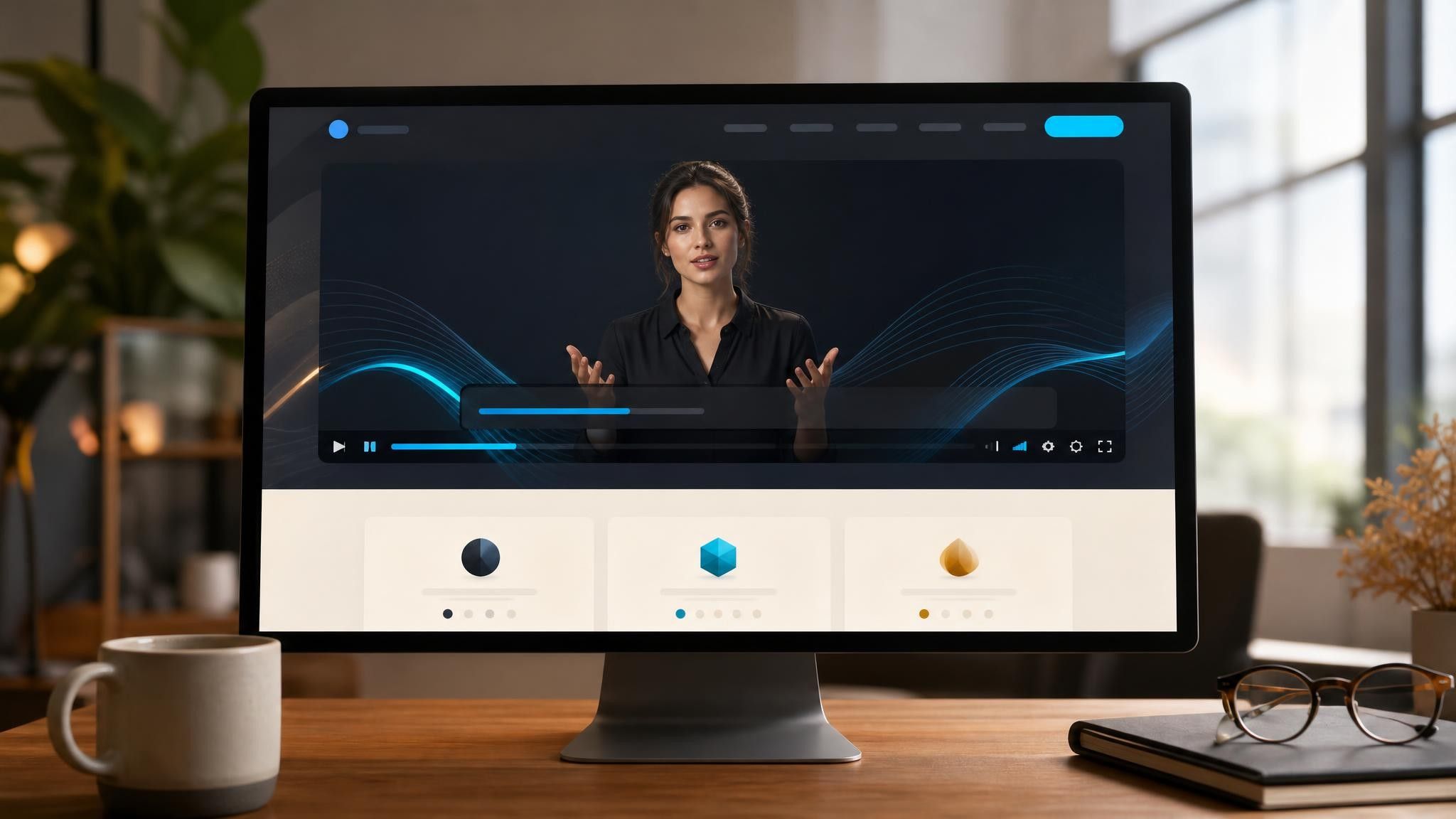
Review meetings get spent on context. Send the numbers as a video first and use the meeting for decisions.
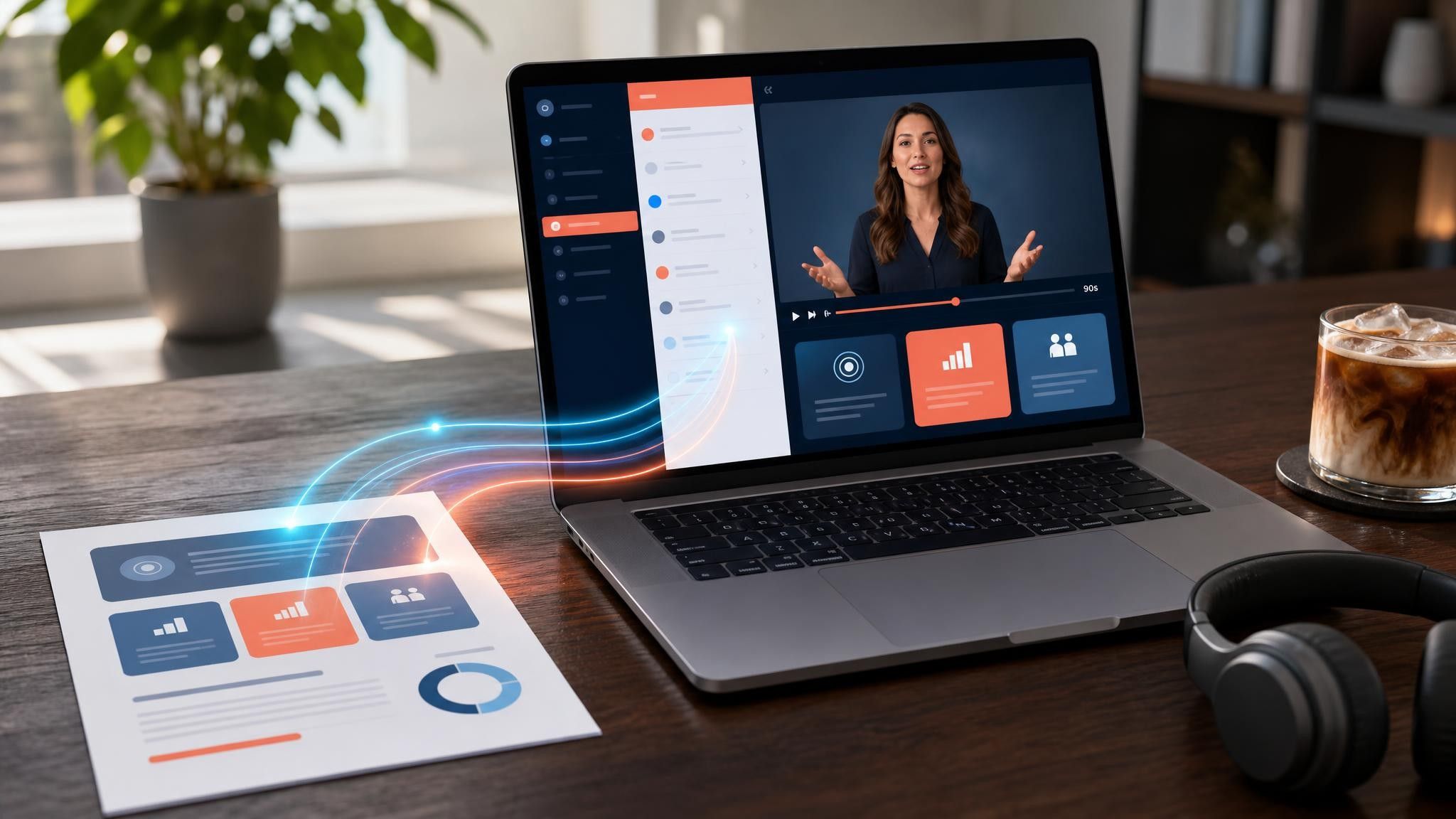
Enablement calls repeat the same walkthrough weekly. Send the deck as a video and keep the call for questions.

Upload the PPTX file and choose a template. Leadde maps each slide to a scene and drafts the narration from your speaker notes where they exist. You then edit the script, adjust scene timing, choose a presenter or voiceover, and export an HD MP4.
Keep any single segment under eight to ten minutes and break longer material into parts. Recorded presentations lose attention faster than live ones, because there is no room, no audience, and nothing preventing the viewer from leaving.
No. You can use an AI presenter, a voiceover with the slides on screen, or on-screen text only. If you are producing a series, choose one presenter and reuse it so the set reads as one body of work.
Split them. A slide carrying three arguments should become three scenes with the same visual, so each point gets its own narration and the viewer is never reading ahead of the audio.
Choose a template, upload the deck you already built, and edit the narration before you send the link.


Choose a template, add your existing content, and generate an editable video project.