
MediFlow: AI-Powered Clinic Scheduling Platform
Overview of MediFlow's automated clinic scheduling, smart matching, waitlist management, and manager dashboard insights.

A product video template gives you a structured starting point for introducing what a product is, who it is for, and what makes it different. Choose a template, upload a spec sheet, catalogue entry, or product page, and Leadde generates editable scenes, narration, subtitles, and visuals.
9 video types
Showing 9 video types across 4 categories
Overview of MediFlow's automated clinic scheduling, smart matching, waitlist management, and manager dashboard insights.
Overview of KitchenTrack platform features, real-time tracking mechanism, and how it drives healthier restaurant profit margins.
An overview of VetWatch Connect, highlighting how it addresses post-surgery tracking challenges through structured logs, timelines, and automated risk alerts.
An overview of GalleryPath, highlighting instant visitor access via QR codes, personalized multimedia content, and robust engagement analytics for museum staff.
Overview of ClauseCheck, an AI-assisted contract review platform that automates clause identification, risk flagging, and standard comparisons.

Introduces BuildSight, a visual dashboard that unifies site updates, photo uploads, task assignments, and schedule tracking to eliminate delays and improve team accountability.
Overview of the FleetPulse platform, its core dashboard and issue-tracking features, and how it improves bus fleet reliability and safety.

Overview of ColdRoute Monitor platform, its real-time monitoring capabilities, and how it protects temperature-sensitive goods to reduce supply chain losses.

Introduction to ClaimView Mobile, detailing its guided field inspection capabilities, photo tagging, and instant synchronization with office teams.

An informative video template gives you a structured starting point for answering one question completely, without asking the viewer to do anything afterwards. Choose a template, upload the notice, FAQ, or update you need to communicate, and Leadde drafts the scenes, narration, and subtitles.

An infographic video template gives you a structured starting point for turning numbers, findings, and comparisons into something people actually watch. Choose a template, upload your report or data summary, and Leadde builds animated scenes, narration, and captions you can edit.

A comparison video template gives you a structured starting point for weighing two options against the same criteria and letting the viewer reach the conclusion. Choose a template, upload your battlecard, spec sheet, or evaluation notes, and Leadde generates editable scenes, narration, subtitles, and visuals.

A product explainer video template gives you a structured starting point for showing why a product exists before showing how it works. Choose a template, upload a release note, PRD, or help-center article, and Leadde turns it into editable scenes, narration, subtitles, and on-screen visuals.

A product promo video template gives you a structured starting point for a short campaign cut built around a launch date, an offer, or a season. Choose a template, upload your launch brief or offer terms, and Leadde generates editable scenes, narration, captions, and visuals.

A SaaS promo video template gives you a structured starting point for campaign videos whose only job is to get a visitor into a free trial. Choose a template, upload your website copy, comparison page, or customer results, and Leadde generates editable scenes, narration, and captions.

An educational video template gives you a structured starting point for teaching one topic to a class that will watch it outside the room. Choose a template, upload a lesson plan, textbook chapter, or slide deck, and Leadde generates editable scenes, narration, subtitles, and visuals.
An e-learning video template gives you a structured starting point for a course module with stated objectives, segmented content, and a checkpoint at the end. Choose a template, upload your syllabus or course outline, and Leadde generates editable scenes, narration, and subtitles.

An instructional video template gives you a structured starting point for teaching one procedure to someone who has to carry it out correctly. Choose a template, upload a user guide, setup sheet, or troubleshooting article, and Leadde generates editable scenes, narration, and subtitles.
A video presentation template gives you a structured starting point for delivering a talk that your audience watches instead of attends. Choose a template, upload your PowerPoint deck, PDF, or speaker notes, and Leadde turns each slide into a narrated, editable scene.
A training video template gives you a structured starting point for teaching a procedure or a system to people who have to get it right at work. Choose a template, upload your SOP, equipment manual, or rollout plan, and Leadde generates editable scenes, narration, and subtitles.

An onboarding video template gives you a structured starting point for walking a new hire or a new customer through their first week. Choose a template, upload your handbook, benefits PDF, or setup checklist, and Leadde generates editable scenes, narration, subtitles, and visuals.

A cyber security video template gives you a structured starting point for awareness training that employees remember when it matters. Choose a template, upload your security policy, phishing report, or incident summary, and Leadde generates editable scenes, narration, and subtitles.

A compliance video template gives you a structured starting point for communicating a policy or a regulatory change to people who then have to acknowledge it. Choose a template, upload your policy PDF or code of conduct, and Leadde generates editable scenes, narration, and subtitles.
A product video template is a reusable video framework for product owners and marketplace teams who need one clear introduction to a product that can be used everywhere — a listing page, a catalogue, a booth screen, an internal briefing. It is the general-purpose version: broader than a demo, less conceptual than an explainer.
The template fixes the order in which product information arrives — identity, audience, differentiator, specification, availability — and supplies the script structure, narration style, and visual direction for each. Leadde maps your spec sheet or product page onto that sequence and returns an editable draft, so a document written for a catalogue becomes a video without a separate scripting round.
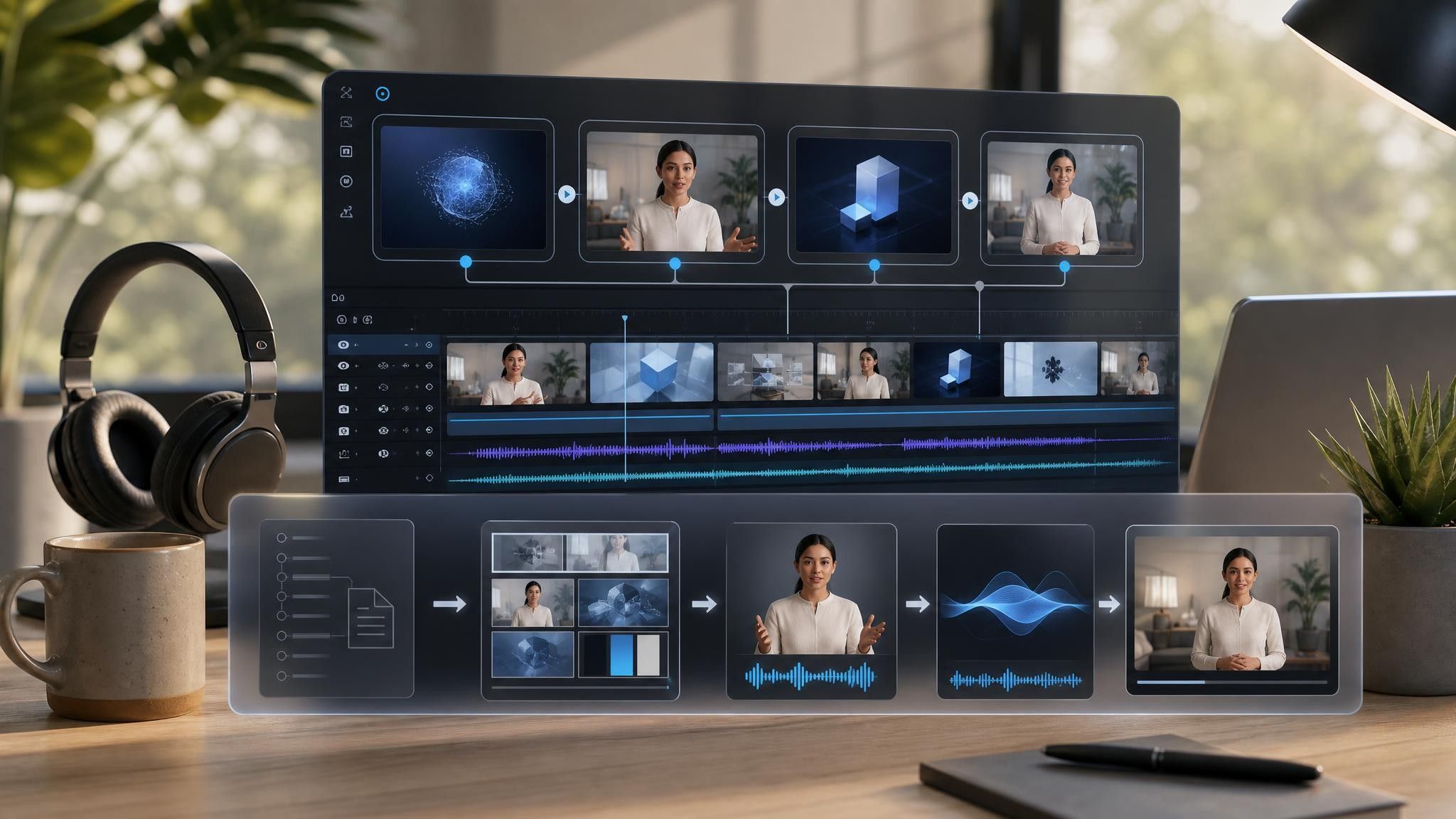

A marketplace listing, a booth loop, and an internal briefing need different lengths and different opening scenes.
Add a spec sheet, catalogue entry, packaging copy, or product page URL. PPTX, PDF, DOC, DOCX, and TXT are supported, up to 200 MB.
Product copy carries commitments — dimensions, certifications, availability. Verify every generated line against the source, and remove anything the document does not support.
Produce HD MP4 in 16:9 for the product page, 1:1 for listings, and 9:16 for social, and use a caption-led version for silent placements.
Product information is usually complete somewhere and unwatchable everywhere. Leadde reorganizes it into scenes and leaves the source file alone.
You can turn:
A spec sheet into a video that shows one specification group per scene
A product page URL into a listing video for a marketplace
A catalogue section into a range walkthrough covering several variants
Packaging and label copy into a short unboxing-style introduction
When a specification changes, upload the revised document and regenerate the affected scenes instead of re-editing the whole video.
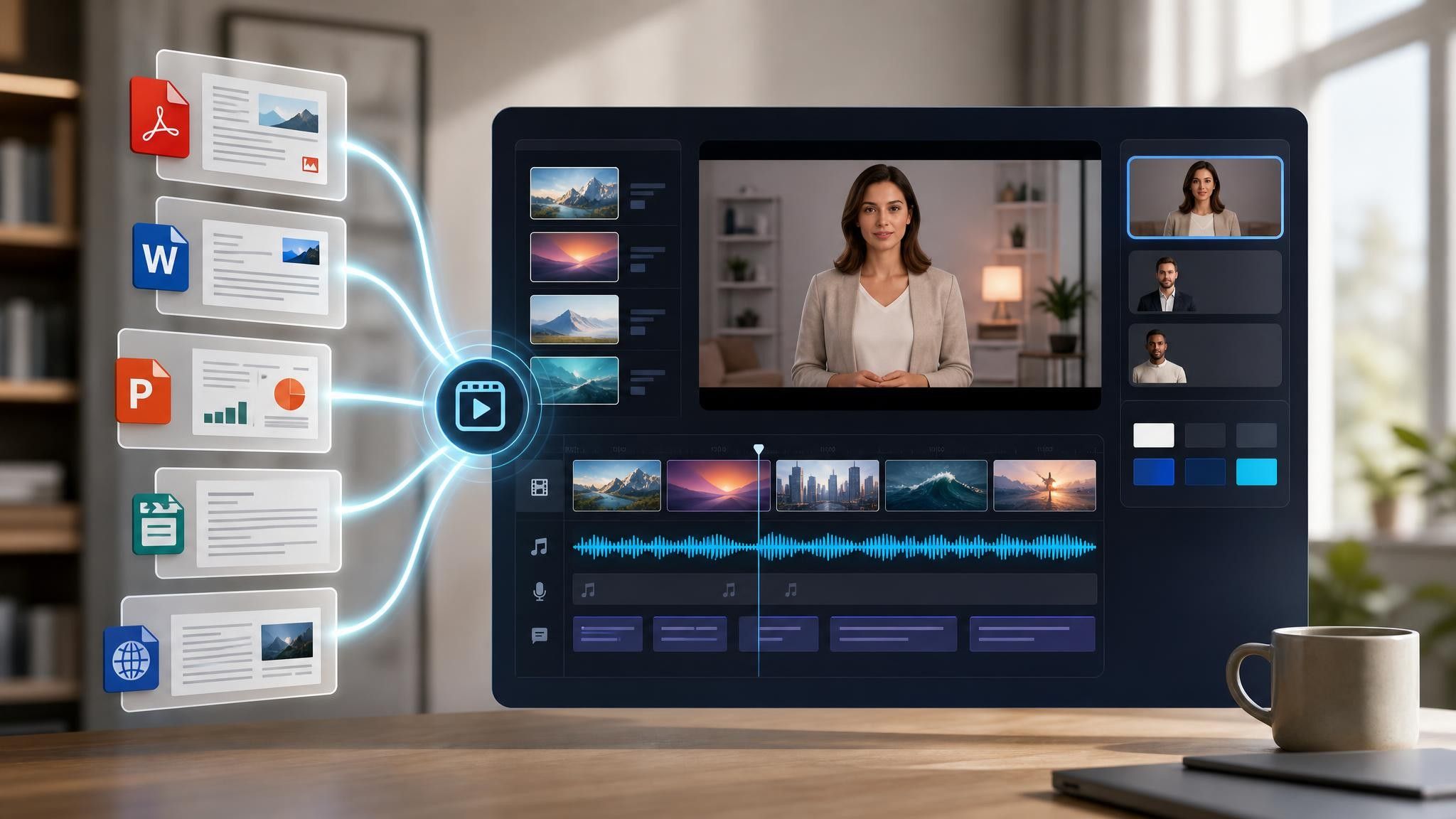
One product introduction rarely serves one placement. Product owners, ecommerce managers, and channel teams reuse the same facts across the following situations, changing only the length and the opening scene.
Listings with video convert better than listings without. Build one per SKU from the spec sheet you already file.
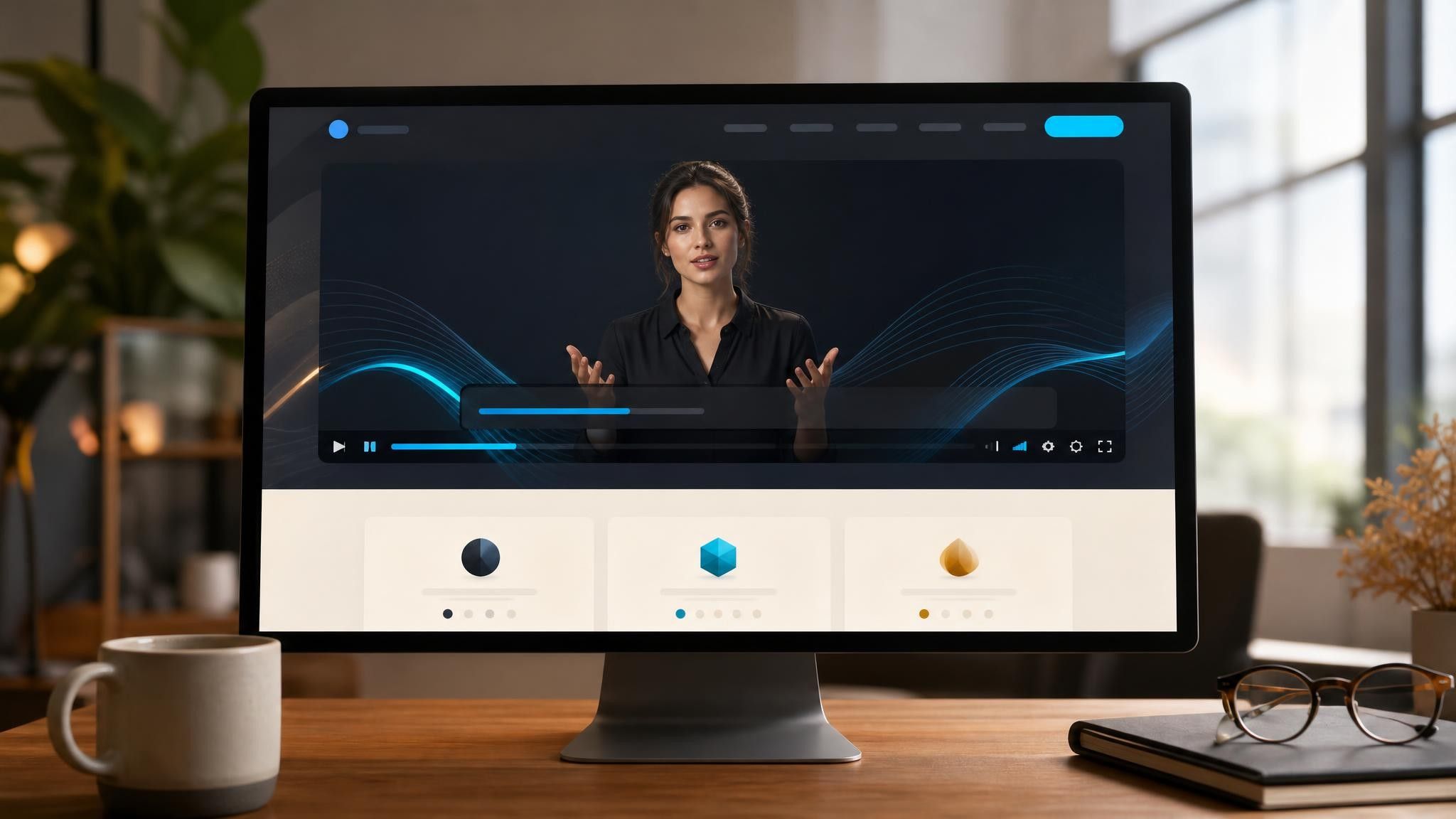
Booth screens run without sound all day. Use a caption-led loop that reads correctly from three meters away.
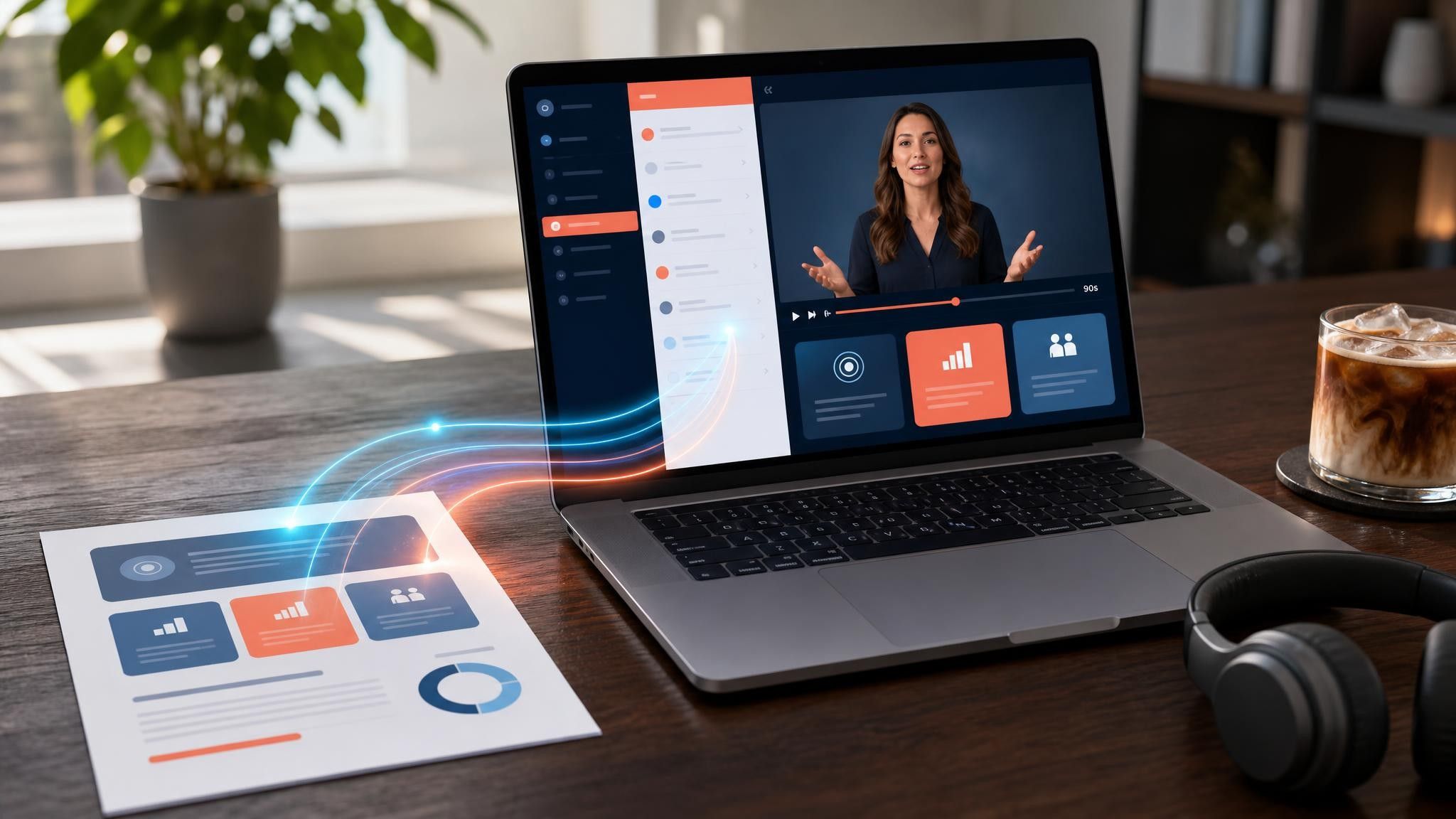
New products reach the sales floor before the training does. Send the briefing video the week before launch.
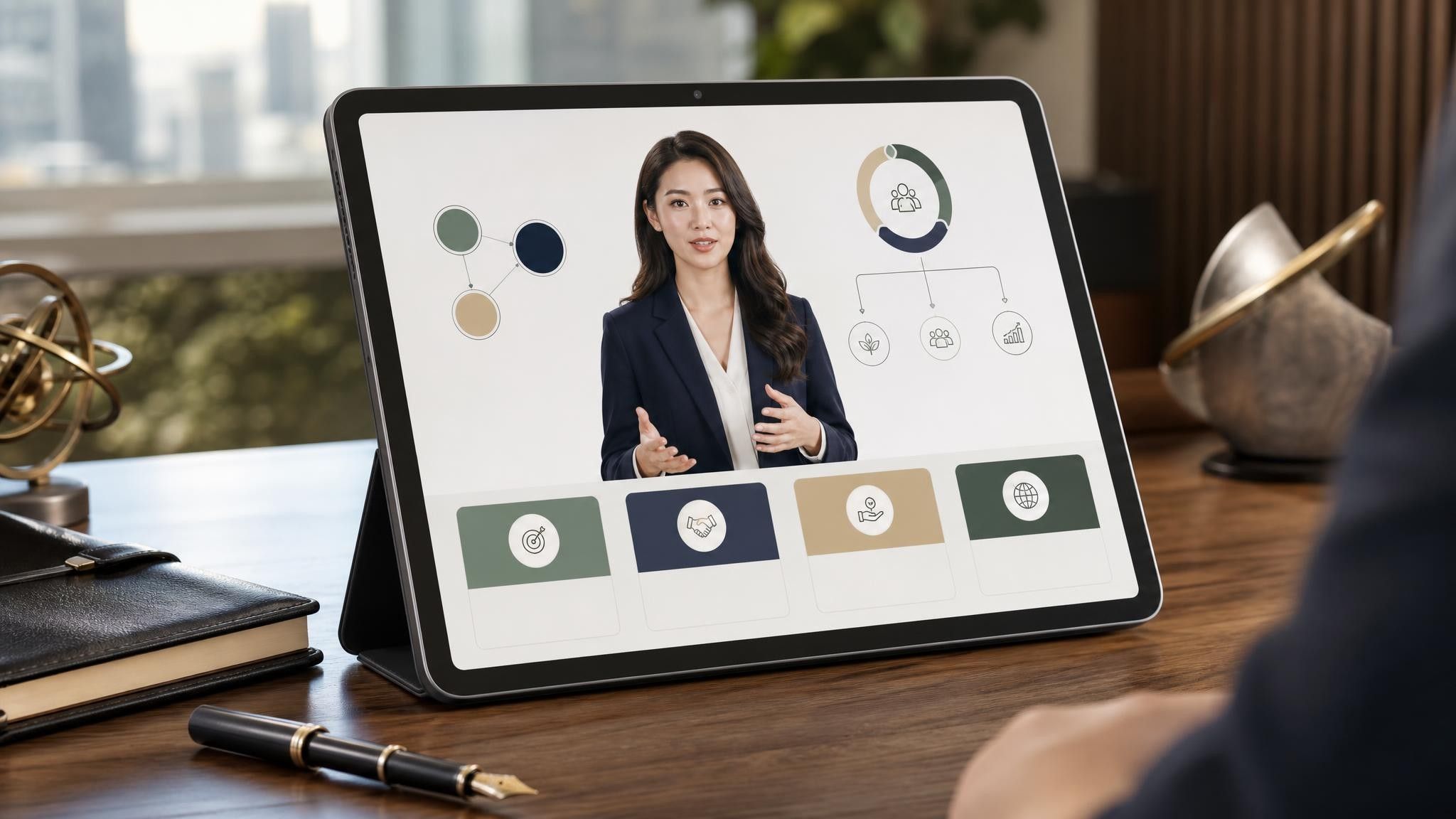
Four things: what the product is, who it is for, what makes it different from the obvious alternative, and where to get it. Specification detail belongs on screen as text rather than in the narration, so viewers can pause and read.
Listing and marketplace videos work best between thirty and sixty seconds. A range walkthrough or an internal briefing can run two to five minutes, because the viewer has a reason to stay.
You can build the video from on-screen text, captions, and an AI presenter alone. If you have photography or existing footage, upload it to My Media and place it into individual scenes.
Yes. Duplicate the project and replace only the scenes that carry variant-specific specifications, keeping the shared introduction and closing scenes identical.
Choose a template, upload the spec sheet or product page you already maintain, and publish a video for every listing.


Choose a template, add your existing content, and generate an editable video project.