
AirLeak Insight: Compressed Air Leak Detection Platform
Explains how AirLeak Insight uses ultrasonic sensors, floor plans, and repair tracking to reduce compressed air energy waste and improve reliability.

A product explainer video template gives you a structured starting point for showing why a product exists before showing how it works. Choose a template, upload a release note, PRD, or help-center article, and Leadde turns it into editable scenes, narration, subtitles, and on-screen visuals.
9 video types
Showing 9 video types across 4 categories
Explains how AirLeak Insight uses ultrasonic sensors, floor plans, and repair tracking to reduce compressed air energy waste and improve reliability.
Demonstrates the SnowRoute Command platform, highlighting live GPS tracking, real-time dashboards, crew reassignment, and post-storm reporting to optimize winter weather operations.

Demonstrates how RailSight Analytics captures track data, detects critical defects, and transitions maintenance teams to a condition-based strategy.

Explains parking congestion problems, how ParkGrid utilizes multi-source data for real-time tracking, and the resulting driver and operational benefits.

Introduces the hospital equipment tracking platform, highlighting current challenges, RFID location technology features, and operational benefits.

Introduction to KitchenCare Ops, highlighting how it tracks critical kitchen assets, enables mobile issue reporting, and reduces operational downtime.

Explores the limitations of manual call reviews, introduces CallCheck AI's automated scoring and analysis features, and highlights business benefits for customer support teams.

Introduction to FieldScan Drone, detailing its aerial imaging capabilities, automated stress detection, and targeted field management support.

Overview of the AirClarity Hub platform, its sensor integrations, real-time dashboards, and how it helps facilities teams transition from guessing to data-driven air quality management.

An informative video template gives you a structured starting point for answering one question completely, without asking the viewer to do anything afterwards. Choose a template, upload the notice, FAQ, or update you need to communicate, and Leadde drafts the scenes, narration, and subtitles.

An infographic video template gives you a structured starting point for turning numbers, findings, and comparisons into something people actually watch. Choose a template, upload your report or data summary, and Leadde builds animated scenes, narration, and captions you can edit.

A comparison video template gives you a structured starting point for weighing two options against the same criteria and letting the viewer reach the conclusion. Choose a template, upload your battlecard, spec sheet, or evaluation notes, and Leadde generates editable scenes, narration, subtitles, and visuals.

A product video template gives you a structured starting point for introducing what a product is, who it is for, and what makes it different. Choose a template, upload a spec sheet, catalogue entry, or product page, and Leadde generates editable scenes, narration, subtitles, and visuals.

A product promo video template gives you a structured starting point for a short campaign cut built around a launch date, an offer, or a season. Choose a template, upload your launch brief or offer terms, and Leadde generates editable scenes, narration, captions, and visuals.

A SaaS promo video template gives you a structured starting point for campaign videos whose only job is to get a visitor into a free trial. Choose a template, upload your website copy, comparison page, or customer results, and Leadde generates editable scenes, narration, and captions.

An educational video template gives you a structured starting point for teaching one topic to a class that will watch it outside the room. Choose a template, upload a lesson plan, textbook chapter, or slide deck, and Leadde generates editable scenes, narration, subtitles, and visuals.

An e-learning video template gives you a structured starting point for a course module with stated objectives, segmented content, and a checkpoint at the end. Choose a template, upload your syllabus or course outline, and Leadde generates editable scenes, narration, and subtitles.

An instructional video template gives you a structured starting point for teaching one procedure to someone who has to carry it out correctly. Choose a template, upload a user guide, setup sheet, or troubleshooting article, and Leadde generates editable scenes, narration, and subtitles.
A video presentation template gives you a structured starting point for delivering a talk that your audience watches instead of attends. Choose a template, upload your PowerPoint deck, PDF, or speaker notes, and Leadde turns each slide into a narrated, editable scene.
A training video template gives you a structured starting point for teaching a procedure or a system to people who have to get it right at work. Choose a template, upload your SOP, equipment manual, or rollout plan, and Leadde generates editable scenes, narration, and subtitles.

An onboarding video template gives you a structured starting point for walking a new hire or a new customer through their first week. Choose a template, upload your handbook, benefits PDF, or setup checklist, and Leadde generates editable scenes, narration, subtitles, and visuals.

A cyber security video template gives you a structured starting point for awareness training that employees remember when it matters. Choose a template, upload your security policy, phishing report, or incident summary, and Leadde generates editable scenes, narration, and subtitles.

A compliance video template gives you a structured starting point for communicating a policy or a regulatory change to people who then have to acknowledge it. Choose a template, upload your policy PDF or code of conduct, and Leadde generates editable scenes, narration, and subtitles.
A product explainer video template is a reusable video framework for product marketers and growth teams who need a buyer to understand the concept behind a product before they see a single screen. It is deliberately different from a demo template: the demo shows the interface, the explainer earns the interest that makes the interface worth watching.
The template supplies the scene order, script structure, narration style, and visual direction — typically opening on the buyer's current workflow, introducing the shift the product represents, and closing on one measurable outcome. Leadde applies that structure to your source material and returns an editable first draft, so a positioning doc written for an internal review becomes a script written for an external audience.
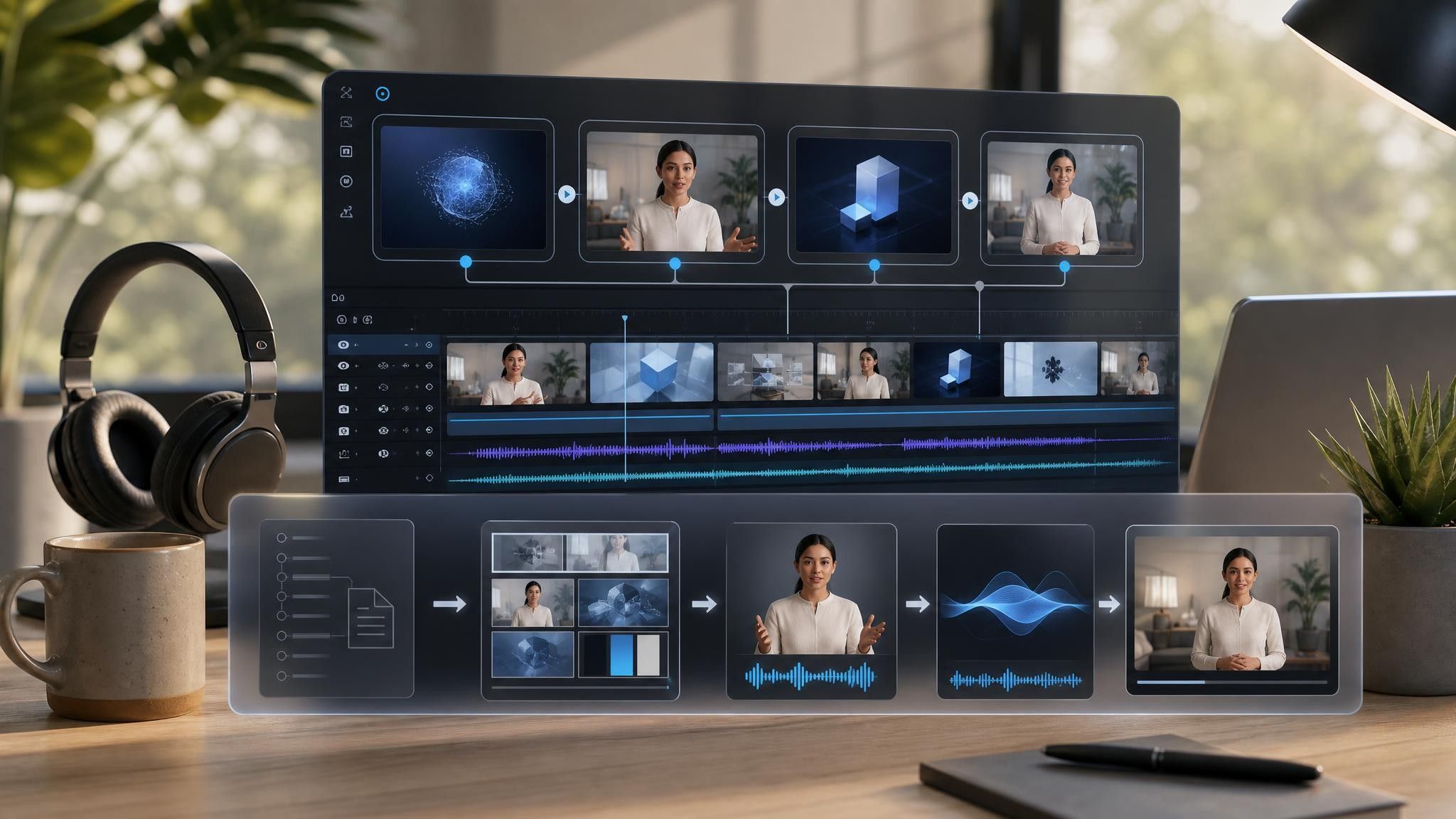

Pick a template based on whether the buyer already knows the category. Category-aware buyers need less setup and more differentiation.
Add the release note, PRD, positioning doc, or help-center article. Leadde accepts PPTX, PDF, DOC, DOCX, and TXT files up to 200 MB.
Review every generated line against what the product actually does today, then adjust the narration and on-screen text. Preview the audio before you commit to a voice.
Apply your brand kit and export HD MP4 in 16:9 for the website, 1:1 for feed placements, and 9:16 for in-app and social.
Product teams generate explanation-shaped documents constantly and then rarely turn them into anything a buyer sees. Leadde reorganizes that material into scenes without changing the source file.
You can turn:
A release note into a SaaS explainer video for the changelog and lifecycle email
A positioning doc into a category explainer for the website
A help-center article into an in-product explainer that reduces support volume
A pricing FAQ into a tier explainer that sales can send before the call
Because the video is generated from the document, updating it after the next release means uploading the new version rather than rebuilding the project.
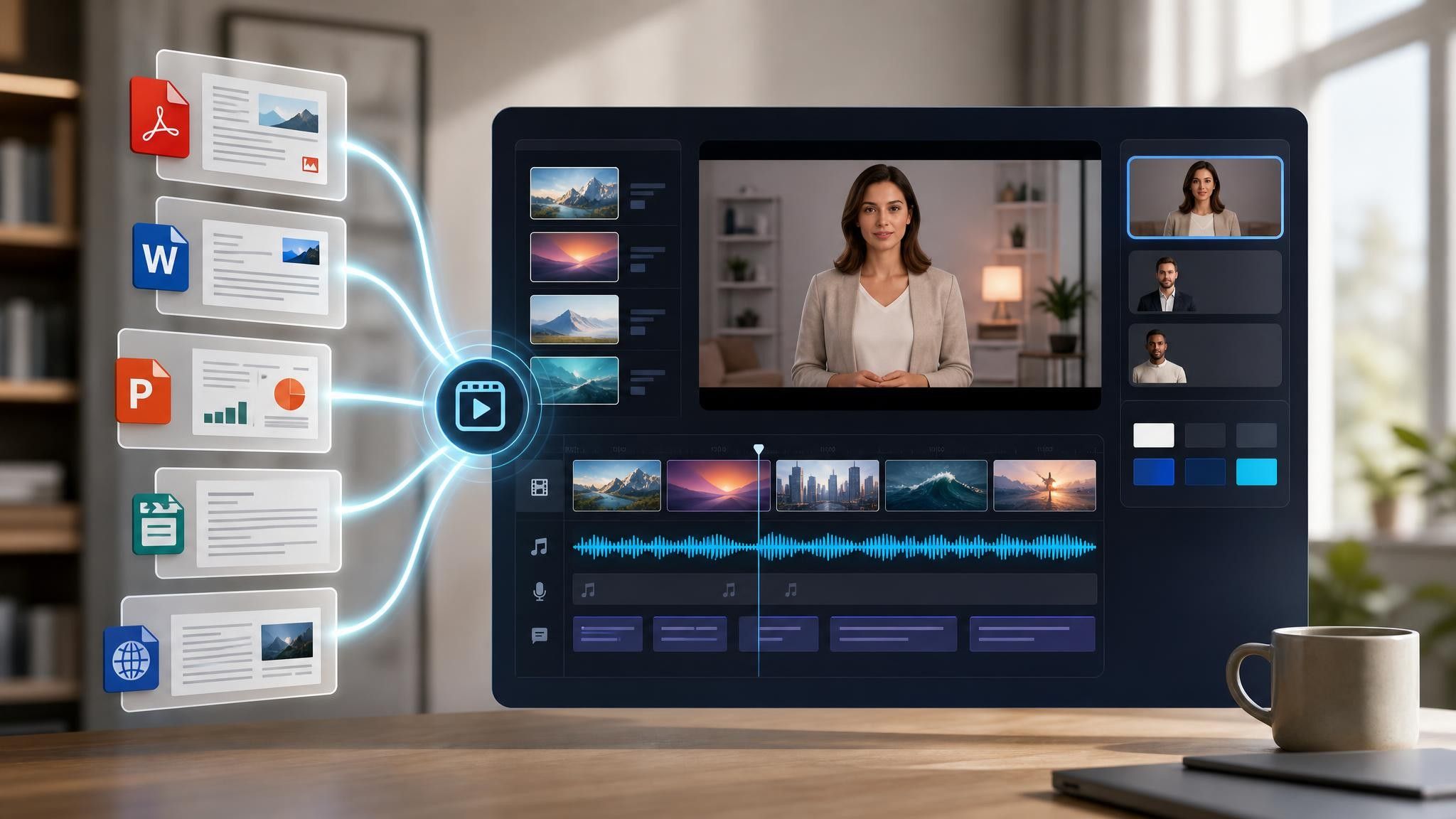
Product marketing and growth teams need the concept to land before the interface does. Buyers stall in three recognizable places, and each one has a document already written about it.
Buyers cannot search for a category they have no name for. Build the explainer from your positioning doc, not the demo.
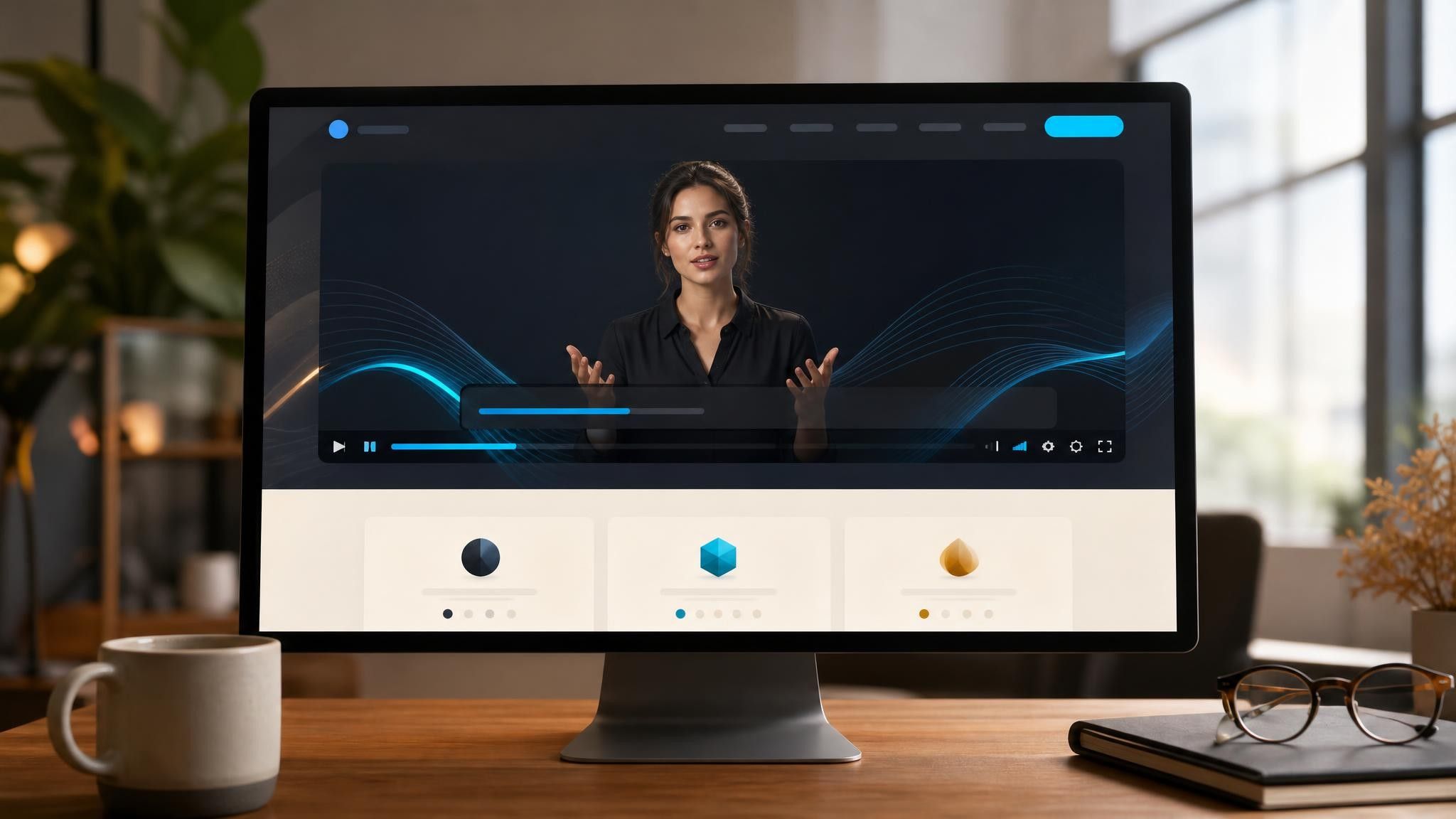
Tier tables raise more questions than they answer. Turn the pricing FAQ into a short video beside the table.
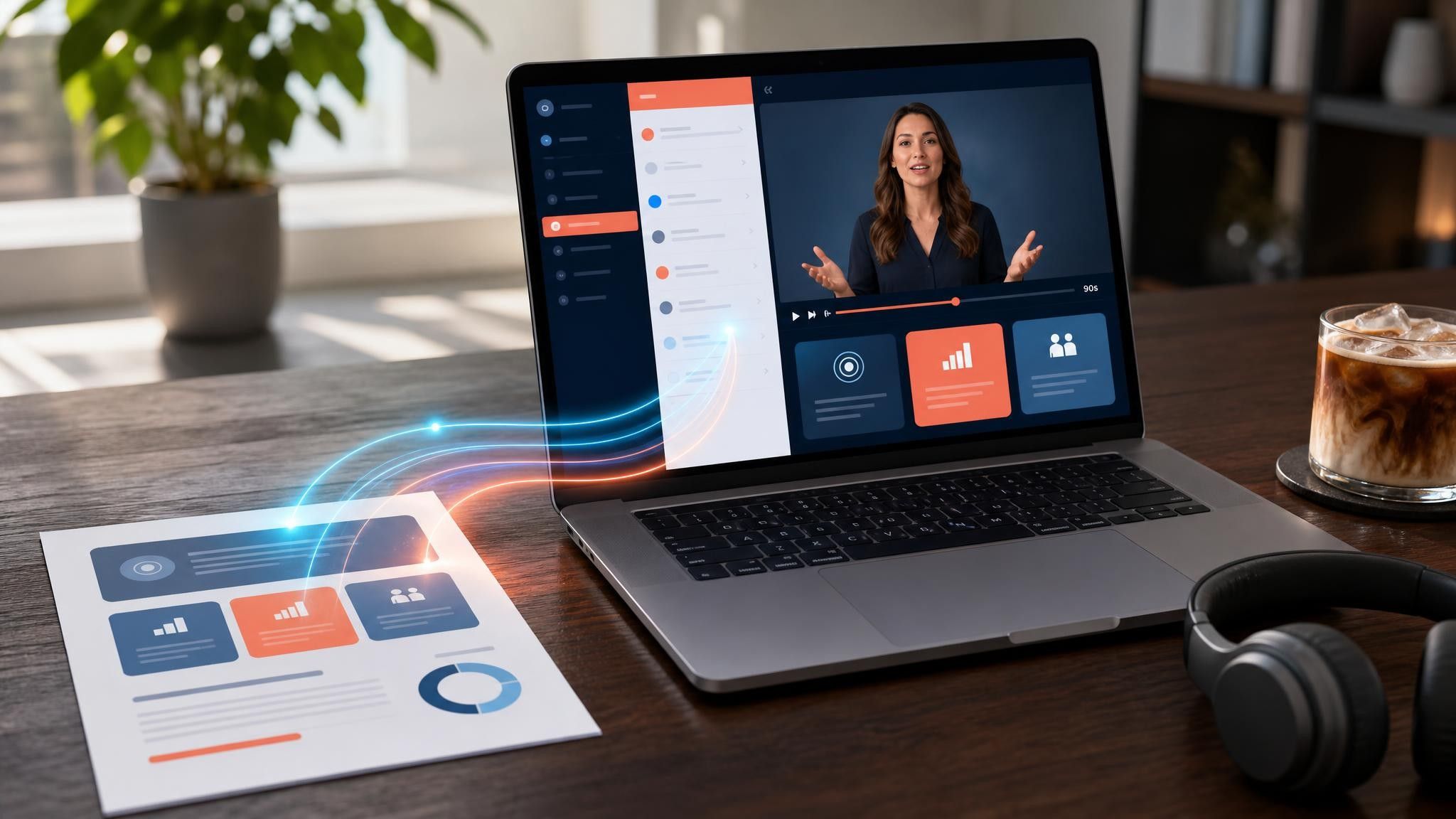
Most trials stall before the first real task. Send an explainer built from the help article for that exact step.

An explainer answers "why would I care", a demo answers "how does it work". The explainer is built for a buyer who has not decided to evaluate yet, so it stays at the level of the problem and the outcome. The demo assumes that decision is already made.
Website and paid placements work best between sixty and ninety seconds. In-product and lifecycle explainers can run two to three minutes, because the viewer has already signed up and is looking for a specific answer.
Yes. These templates run on AI presenters, voiceover, animation, and on-screen text. If you do have screenshots or existing clips, upload them to My Media and place them into individual scenes.
Upload the updated release note or help article and regenerate the affected scenes rather than the whole project. Scenes you have already edited stay as they are unless you choose to replace them.
Choose a template, upload the release note or positioning doc you already have, and edit every scene before launch.


Choose a template, add your existing content, and generate an editable video project.