
PipelineIQ: AI-Powered CRM for Sales Teams
Overview of PipelinelQ, an Al-powered CRM that automateslead scoring, updates deal records, and provides reliable revenue forecasting.

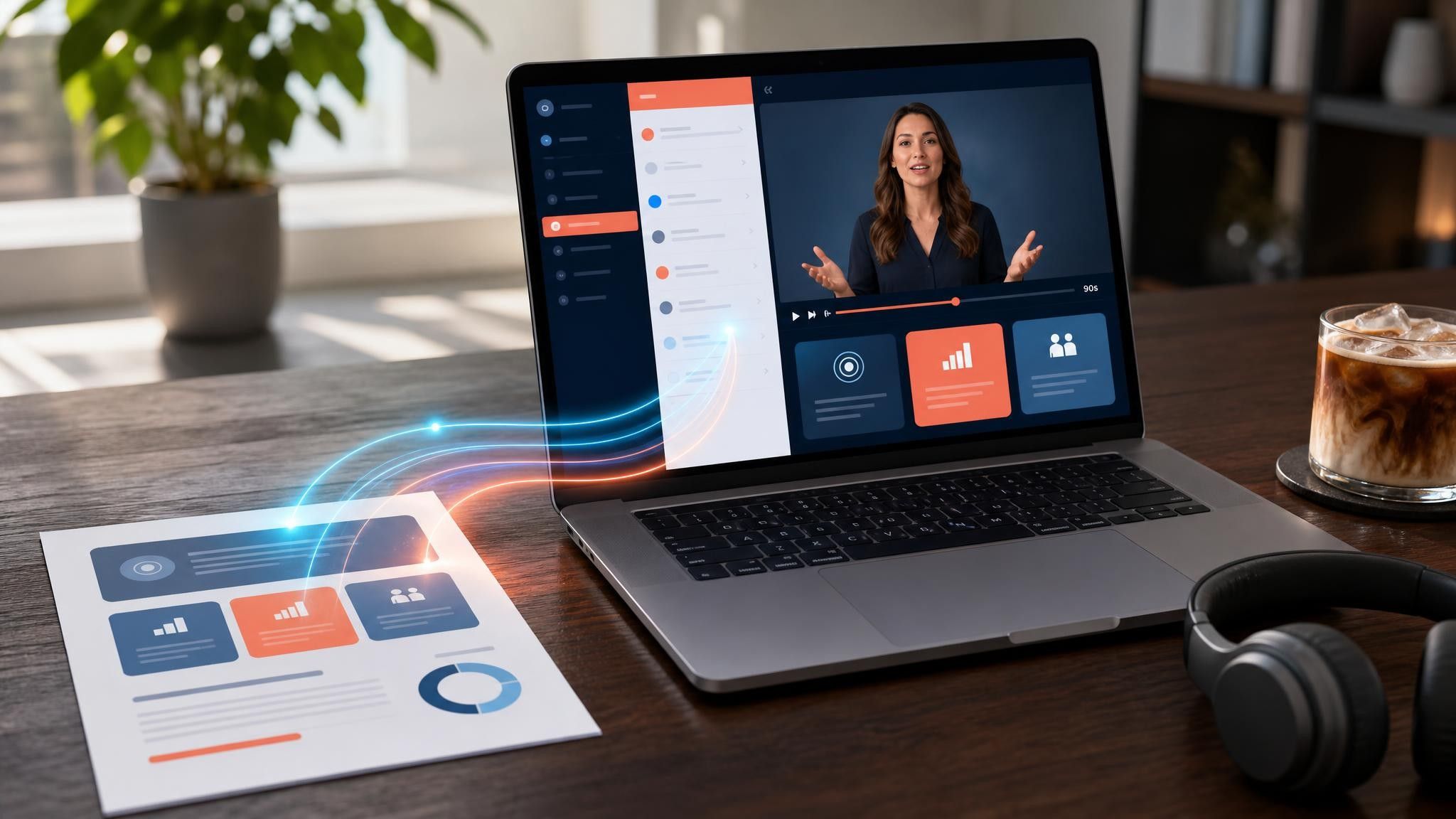
A SaaS promo video template gives you a structured starting point for campaign videos whose only job is to get a visitor into a free trial. Choose a template, upload your website copy, comparison page, or customer results, and Leadde generates editable scenes, narration, and captions.
9 video types
Showing 9 video types across 4 categories
Overview of PipelinelQ, an Al-powered CRM that automateslead scoring, updates deal records, and provides reliable revenue forecasting.
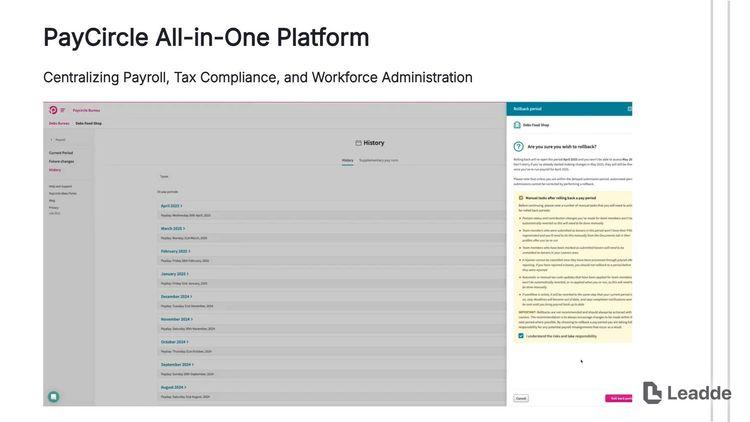
Highlights how PayCircle runs payroll, handles tax filings, tracks time off, and stores employee records in one compliant workspace.
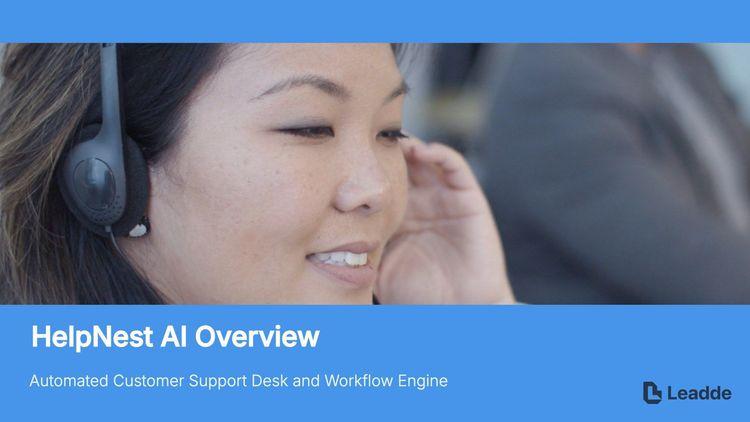
Shows how HelpNest AI drafts replies, routes tickets by intent, surfaces help articles, and reports on resolution time and satisfaction.

Introduction to TaskOrbit, detailing shared boards, automaated status updates, workload balancing, and timezone-aware scheduling for distributed teams.

Demonstrates how StackBridge connects business apps without engineering work, syncing data through visual workflows and alerting teams when a sync fails.
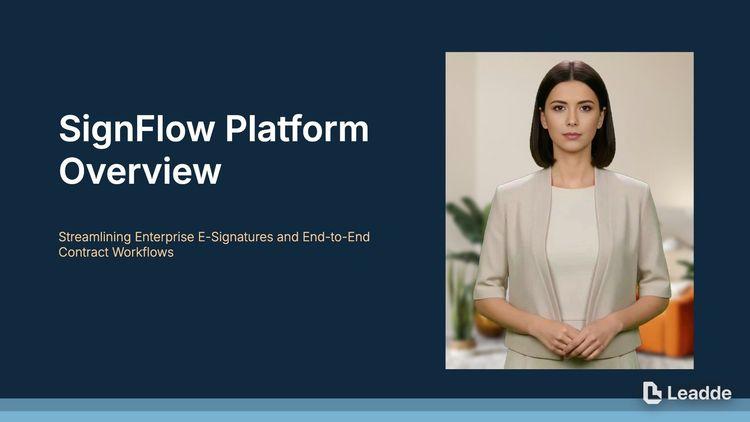
Shows how SignFlow prepares documents, routes approvals in order, captures legally valid signatures, and keeps a complete audit trail.

Introduces the SendCraft visual campaign builder, audience segmentation, A/B testing, and revenue attribution reporting for email and lifecycle marketing.

Demonstrates how MetricLoop tracks user journeys, funnels, and retention cohorts so teams can see which features actually drive activation.

Presents how LedgerLite syncs bank transactions, automates invoicing and reminders, tracks expenses, and prepares clean books for tax season.

An informative video template gives you a structured starting point for answering one question completely, without asking the viewer to do anything afterwards. Choose a template, upload the notice, FAQ, or update you need to communicate, and Leadde drafts the scenes, narration, and subtitles.

An infographic video template gives you a structured starting point for turning numbers, findings, and comparisons into something people actually watch. Choose a template, upload your report or data summary, and Leadde builds animated scenes, narration, and captions you can edit.

A comparison video template gives you a structured starting point for weighing two options against the same criteria and letting the viewer reach the conclusion. Choose a template, upload your battlecard, spec sheet, or evaluation notes, and Leadde generates editable scenes, narration, subtitles, and visuals.

A product video template gives you a structured starting point for introducing what a product is, who it is for, and what makes it different. Choose a template, upload a spec sheet, catalogue entry, or product page, and Leadde generates editable scenes, narration, subtitles, and visuals.

A product explainer video template gives you a structured starting point for showing why a product exists before showing how it works. Choose a template, upload a release note, PRD, or help-center article, and Leadde turns it into editable scenes, narration, subtitles, and on-screen visuals.

A product promo video template gives you a structured starting point for a short campaign cut built around a launch date, an offer, or a season. Choose a template, upload your launch brief or offer terms, and Leadde generates editable scenes, narration, captions, and visuals.

An educational video template gives you a structured starting point for teaching one topic to a class that will watch it outside the room. Choose a template, upload a lesson plan, textbook chapter, or slide deck, and Leadde generates editable scenes, narration, subtitles, and visuals.

An e-learning video template gives you a structured starting point for a course module with stated objectives, segmented content, and a checkpoint at the end. Choose a template, upload your syllabus or course outline, and Leadde generates editable scenes, narration, and subtitles.

An instructional video template gives you a structured starting point for teaching one procedure to someone who has to carry it out correctly. Choose a template, upload a user guide, setup sheet, or troubleshooting article, and Leadde generates editable scenes, narration, and subtitles.
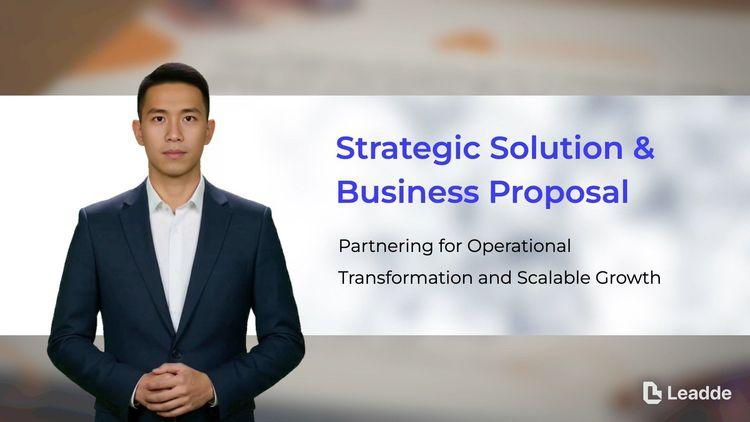
A video presentation template gives you a structured starting point for delivering a talk that your audience watches instead of attends. Choose a template, upload your PowerPoint deck, PDF, or speaker notes, and Leadde turns each slide into a narrated, editable scene.
A training video template gives you a structured starting point for teaching a procedure or a system to people who have to get it right at work. Choose a template, upload your SOP, equipment manual, or rollout plan, and Leadde generates editable scenes, narration, and subtitles.

An onboarding video template gives you a structured starting point for walking a new hire or a new customer through their first week. Choose a template, upload your handbook, benefits PDF, or setup checklist, and Leadde generates editable scenes, narration, subtitles, and visuals.

A cyber security video template gives you a structured starting point for awareness training that employees remember when it matters. Choose a template, upload your security policy, phishing report, or incident summary, and Leadde generates editable scenes, narration, and subtitles.

A compliance video template gives you a structured starting point for communicating a policy or a regulatory change to people who then have to acknowledge it. Choose a template, upload your policy PDF or code of conduct, and Leadde generates editable scenes, narration, and subtitles.
A SaaS promo video template is a reusable video framework for demand generation teams selling subscription software, where the conversion event is a free trial rather than a purchase. That single difference reshapes the video: there is no price to justify, so the whole runtime goes to removing the reason someone would not start.
The template supplies the scene order, script structure, and visual direction for that specific job — the friction named in the first five seconds, one credible outcome, and a signup step that is stated rather than implied. Leadde builds an editable draft from your website copy or comparison page, which means a campaign can ship variants for several audiences from the same source.
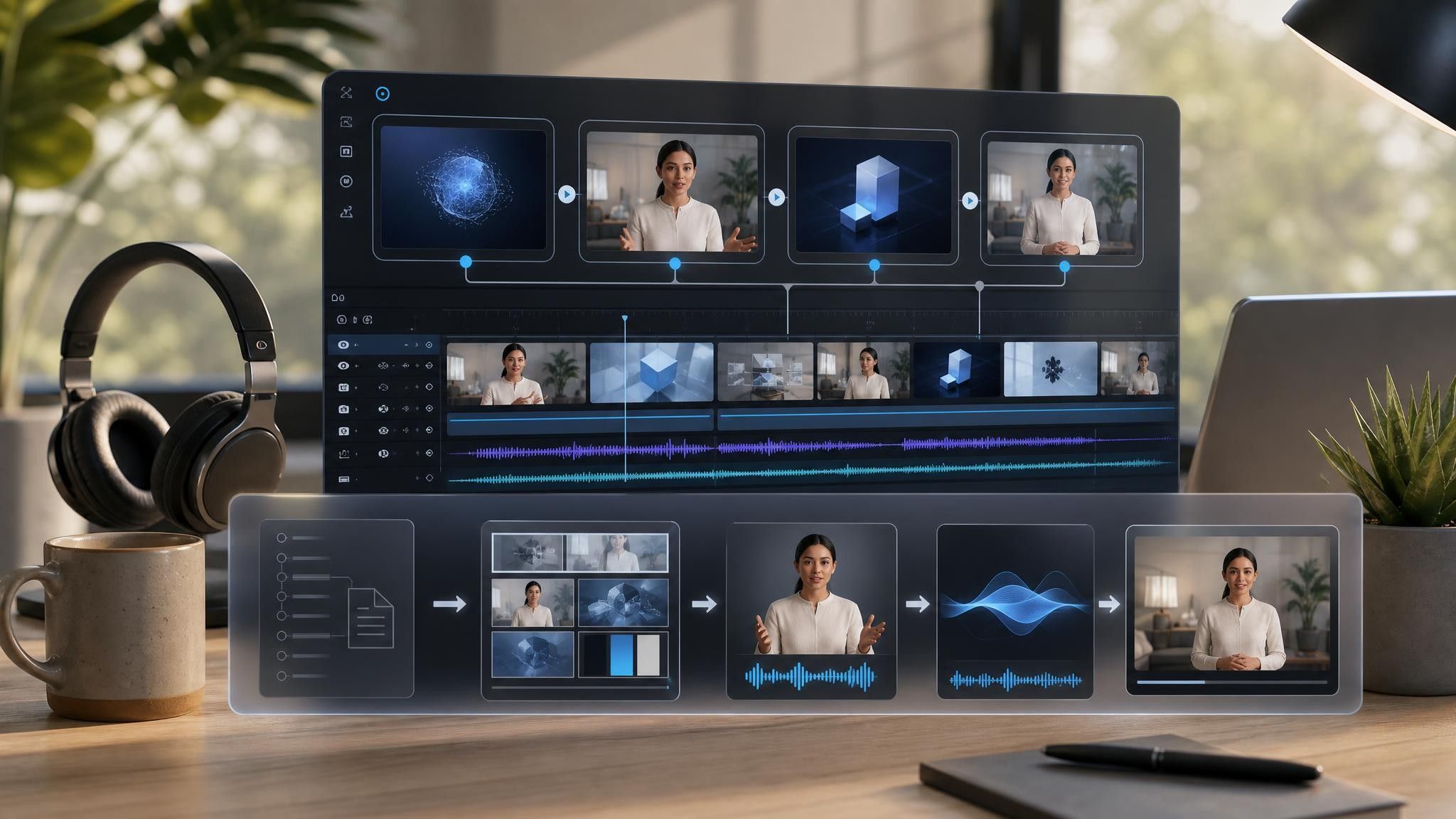

A cold feed audience, a competitor-comparison visitor, and an existing account on a lower tier need three different openings.
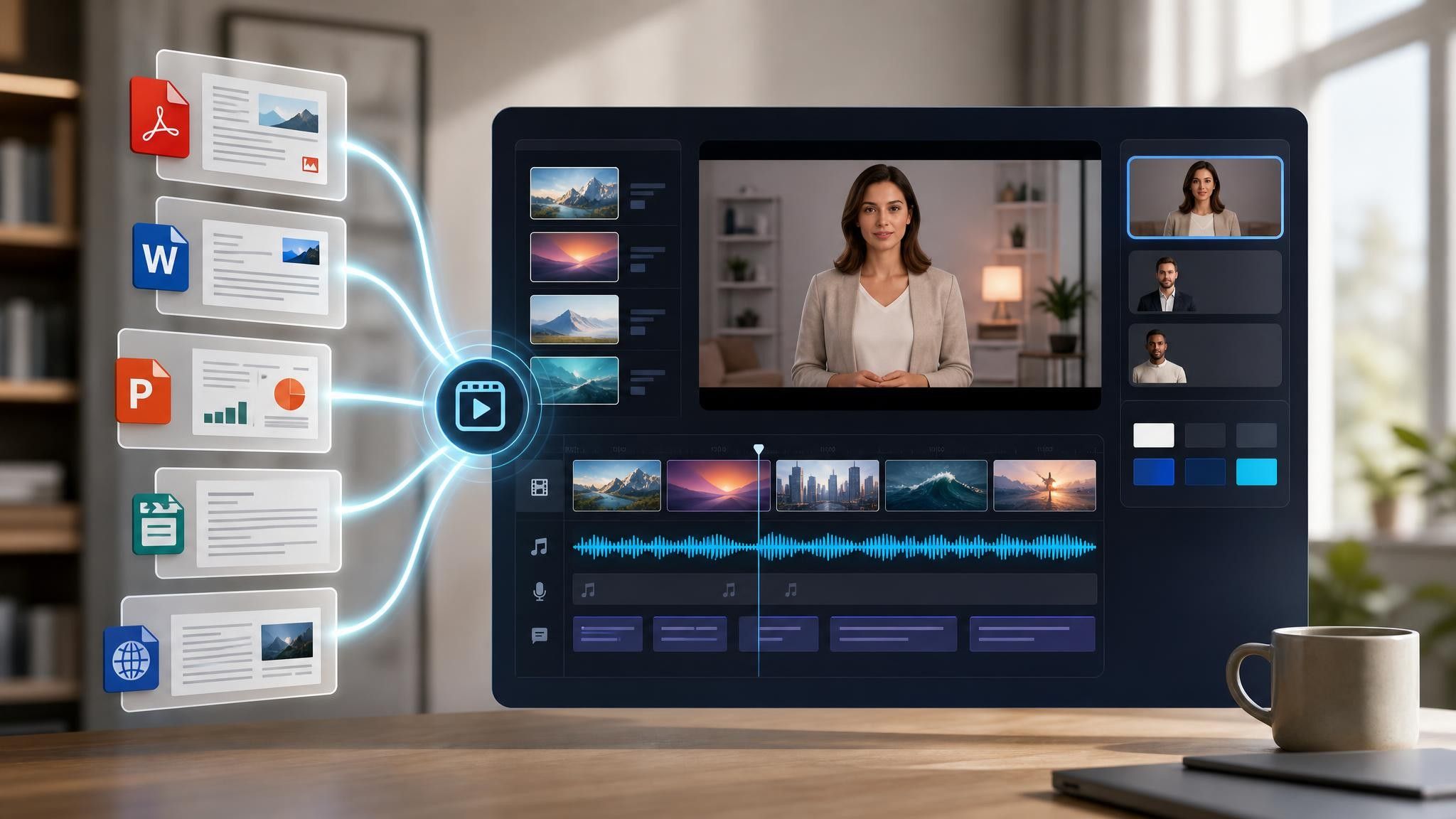
Add your website copy, comparison page URL, or customer results document. PPTX, PDF, DOC, DOCX, and TXT are supported, up to 200 MB.
Feature lists belong on the pricing page. Use the AI script tools to shorten any scene that starts describing capabilities.
Produce 16:9, 1:1, and 9:16 from one project, and keep a captioned version for silent autoplay.
SaaS teams already have the argument written — it is spread across the homepage, the comparison page, and a case study. Leadde pulls it into a sequence without changing any of those pages.
You can turn:
Homepage copy into a free-trial promo for paid channels
A competitor comparison page into a switch campaign for search and social
A customer results summary into a single-number proof cut
A pricing page into an upgrade promo aimed at existing lower-tier accounts
When positioning changes, replace the source file and regenerate the affected scenes rather than rewriting the campaign.
Demand generation teams selling subscriptions have one conversion event and several audiences arriving at it. What differs is the friction stopping each of them, which is what the opening scene has to remove.
Cold audiences do not read pricing pages. Name the friction in the first five seconds and end on the signup step.
Switching costs stop more deals than price does. Build the cut from your comparison page and address migration directly.
Existing accounts ignore feature emails. Send a short promo aimed only at the tier limit they keep hitting.

The reason someone has not started a trial, not the reason your product is good. Name that reason in the opening seconds, remove it, and close on the signup step. Feature coverage belongs on the pricing page.
Fifteen to thirty seconds for paid and feed placements, up to sixty on your own site. A visitor already on your homepage will give you more time than someone who was scrolling past.
An explainer teaches a buyer what the product does and why the category exists. A promo assumes they can already tell and pushes for the trial. If your category is new, use an explainer template first and a promo template second.
Yes. Keep the outcome and closing scenes identical and swap only the opening scene per audience — cold, comparison-shopping, or existing customer — from the same project.
Choose a template, upload the page that already makes your case, and ship a campaign cut for every audience.


Choose a template, add your existing content, and generate an editable video project.