
New Staff Onboarding: Pet Boarding Procedures
An overview of pet boarding onboarding covering shift preparation, pet identification, feeding, cleaning, health reporting, and safe animal handling.

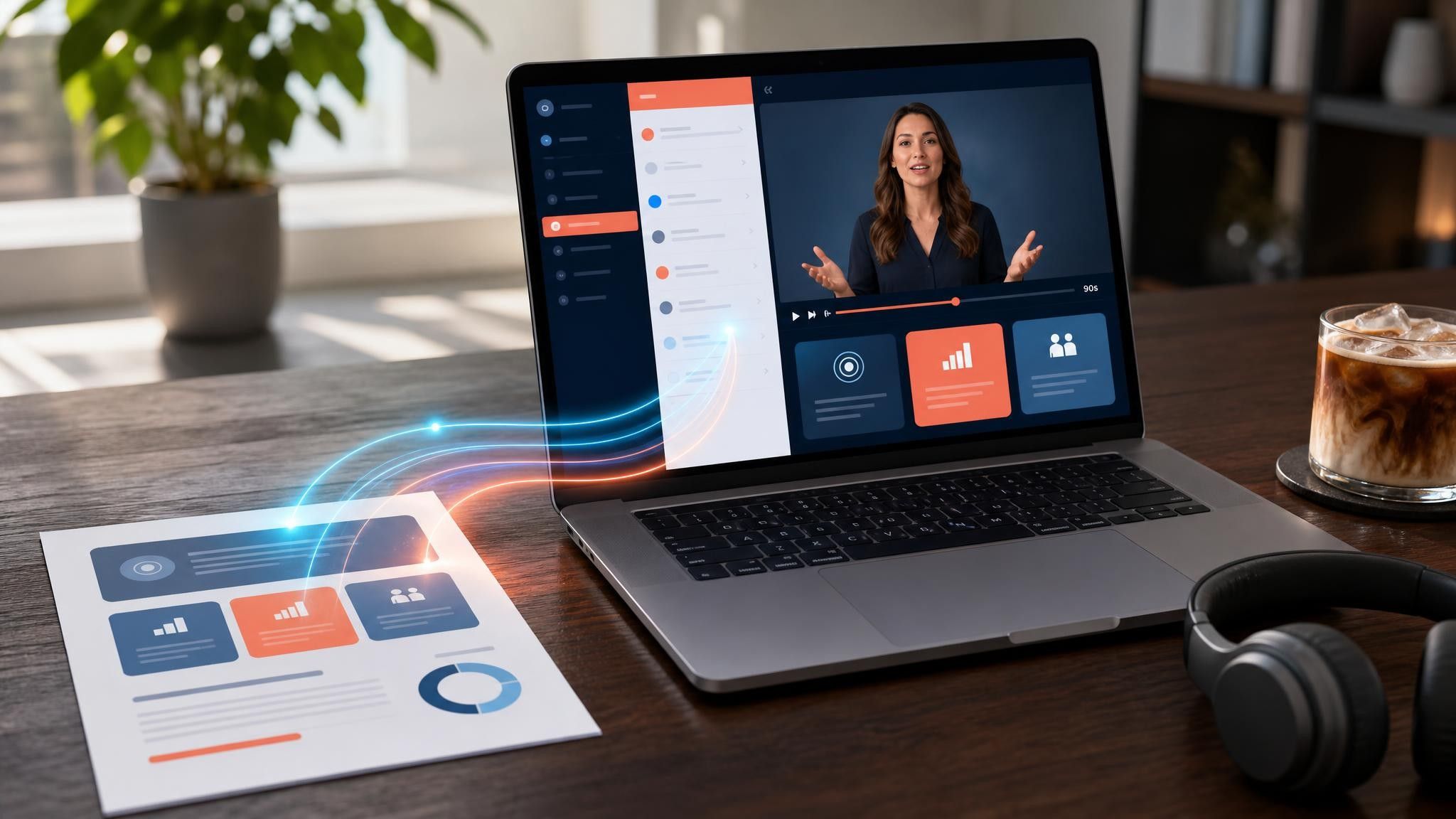
An onboarding video template gives you a structured starting point for walking a new hire or a new customer through their first week. Choose a template, upload your handbook, benefits PDF, or setup checklist, and Leadde generates editable scenes, narration, subtitles, and visuals.
9 video types
Showing 9 video types across 4 categories
An overview of pet boarding onboarding covering shift preparation, pet identification, feeding, cleaning, health reporting, and safe animal handling.

A comprehensive training guide covering pre-route preparation, app-guided delivery execution, address verification, safety rules, and end-of-shift procedures.
Comprehensive guide on barista shift operations, covering station preparation, order taking accuracy, espresso bar recipe standards, team communication, and closing checklists.

Explains shift opening routines, member check-in procedures, visitor rules, customer service boundaries, and facility safety monitoring.

Essential training for new volunteers covering arrival check-in, food safety rules, donation sorting categories, client respect, and end-of-shift procedures.
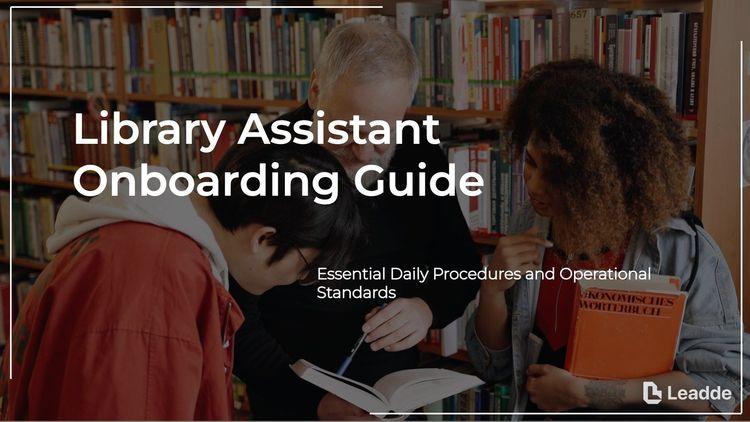
An overview of daily library assistant duties, including shift start procedures, circulation, shelving, patron privacy, and assistance.

Covers daily routine, prospect engagement, property tour steps, compliance rules, and follow-up procedures for residential leasing consultants.

Step-by-step guide on how housekeeping attendants prepare guest rooms safely and efficiently from shift start to final inspection.

Step-by-step walkthrough of a front desk coordinator's daily responsibilities, covering shift preparation, patient reception, paperwork verification, phone management, and checkout.

An informative video template gives you a structured starting point for answering one question completely, without asking the viewer to do anything afterwards. Choose a template, upload the notice, FAQ, or update you need to communicate, and Leadde drafts the scenes, narration, and subtitles.

An infographic video template gives you a structured starting point for turning numbers, findings, and comparisons into something people actually watch. Choose a template, upload your report or data summary, and Leadde builds animated scenes, narration, and captions you can edit.

A comparison video template gives you a structured starting point for weighing two options against the same criteria and letting the viewer reach the conclusion. Choose a template, upload your battlecard, spec sheet, or evaluation notes, and Leadde generates editable scenes, narration, subtitles, and visuals.

A product video template gives you a structured starting point for introducing what a product is, who it is for, and what makes it different. Choose a template, upload a spec sheet, catalogue entry, or product page, and Leadde generates editable scenes, narration, subtitles, and visuals.

A product explainer video template gives you a structured starting point for showing why a product exists before showing how it works. Choose a template, upload a release note, PRD, or help-center article, and Leadde turns it into editable scenes, narration, subtitles, and on-screen visuals.

A product promo video template gives you a structured starting point for a short campaign cut built around a launch date, an offer, or a season. Choose a template, upload your launch brief or offer terms, and Leadde generates editable scenes, narration, captions, and visuals.

A SaaS promo video template gives you a structured starting point for campaign videos whose only job is to get a visitor into a free trial. Choose a template, upload your website copy, comparison page, or customer results, and Leadde generates editable scenes, narration, and captions.

An educational video template gives you a structured starting point for teaching one topic to a class that will watch it outside the room. Choose a template, upload a lesson plan, textbook chapter, or slide deck, and Leadde generates editable scenes, narration, subtitles, and visuals.
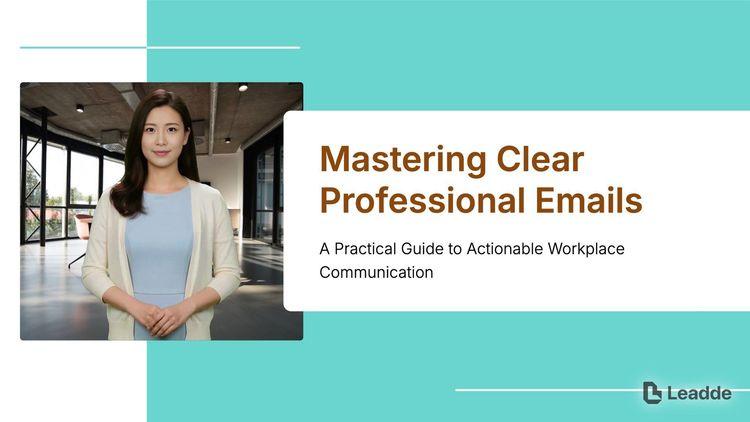
An e-learning video template gives you a structured starting point for a course module with stated objectives, segmented content, and a checkpoint at the end. Choose a template, upload your syllabus or course outline, and Leadde generates editable scenes, narration, and subtitles.

An instructional video template gives you a structured starting point for teaching one procedure to someone who has to carry it out correctly. Choose a template, upload a user guide, setup sheet, or troubleshooting article, and Leadde generates editable scenes, narration, and subtitles.
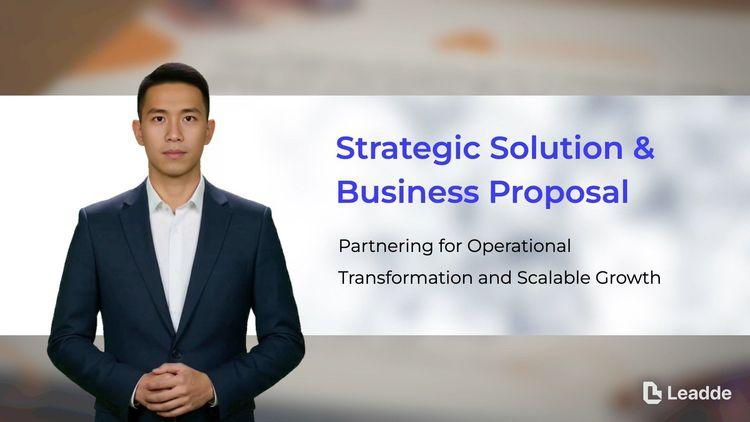
A video presentation template gives you a structured starting point for delivering a talk that your audience watches instead of attends. Choose a template, upload your PowerPoint deck, PDF, or speaker notes, and Leadde turns each slide into a narrated, editable scene.
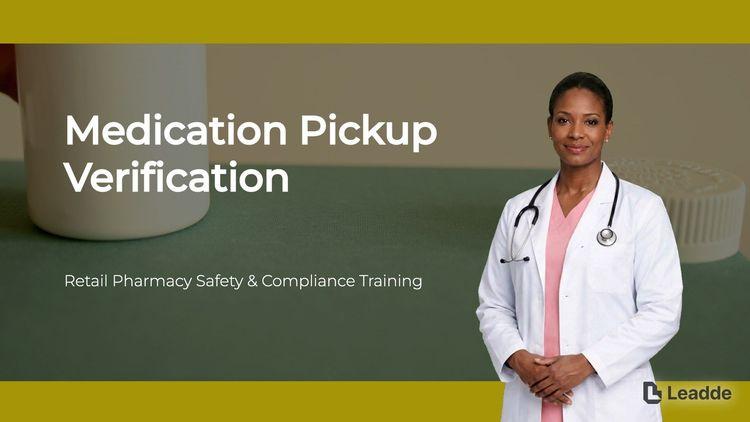
A training video template gives you a structured starting point for teaching a procedure or a system to people who have to get it right at work. Choose a template, upload your SOP, equipment manual, or rollout plan, and Leadde generates editable scenes, narration, and subtitles.

A cyber security video template gives you a structured starting point for awareness training that employees remember when it matters. Choose a template, upload your security policy, phishing report, or incident summary, and Leadde generates editable scenes, narration, and subtitles.

A compliance video template gives you a structured starting point for communicating a policy or a regulatory change to people who then have to acknowledge it. Choose a template, upload your policy PDF or code of conduct, and Leadde generates editable scenes, narration, and subtitles.
An onboarding video template is a reusable video framework for People Ops and customer success teams who deliver the same first-week explanation to every new person, one at a time. It sequences information the way a newcomer meets it — what happens now, what happens this week, and who to ask when something is unclear.
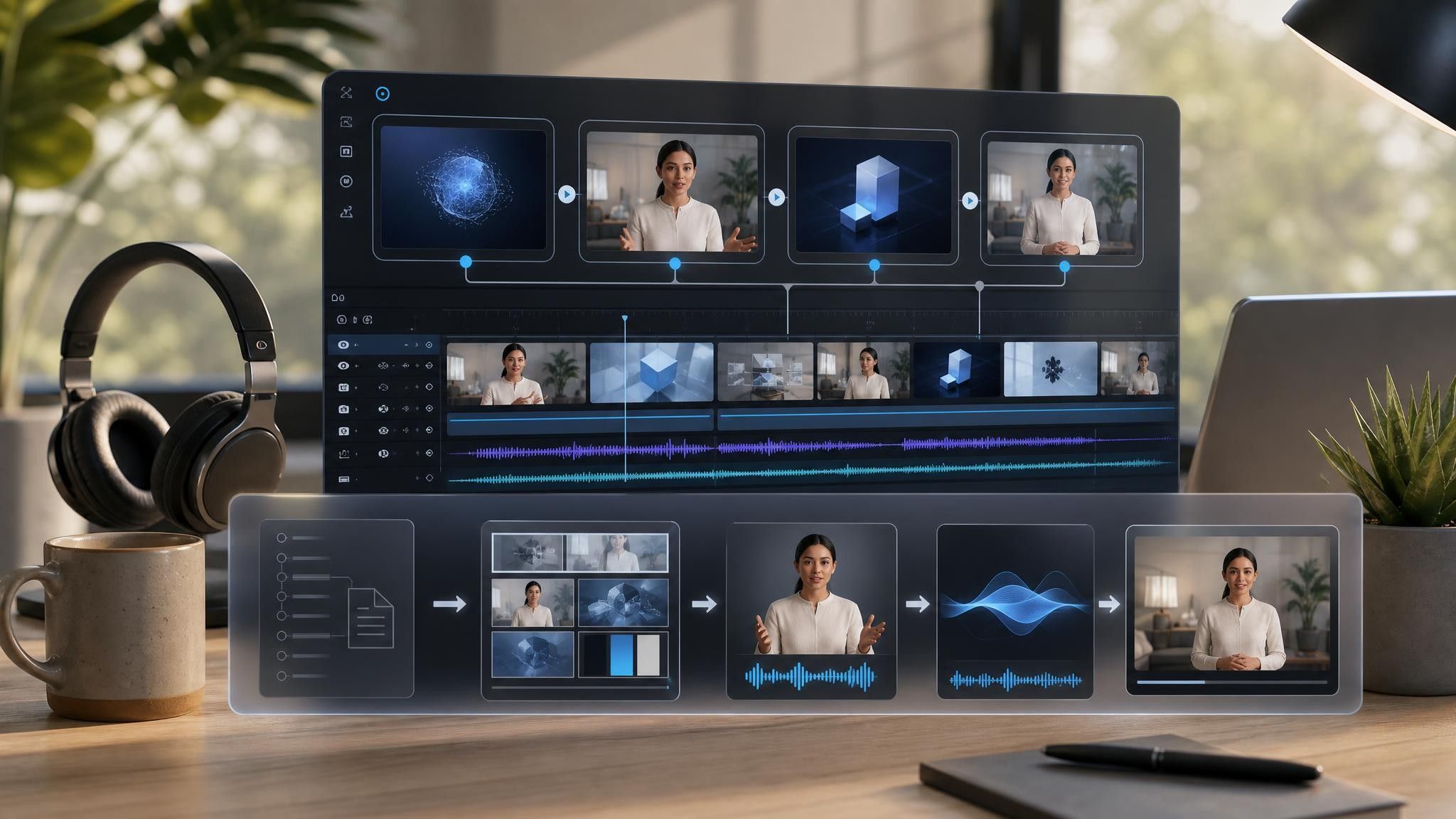
Rather than starting from an empty project, the template provides the scene order, script structure, a narration tone suited to someone new and slightly overwhelmed, and a visual direction that keeps policy detail on screen while the narration stays plain. Leadde builds an editable first draft from your existing handbook or setup documentation, so the version everyone watches matches the version HR maintains.

Employee onboarding and customer onboarding need different templates, and week one needs a different template from day one.
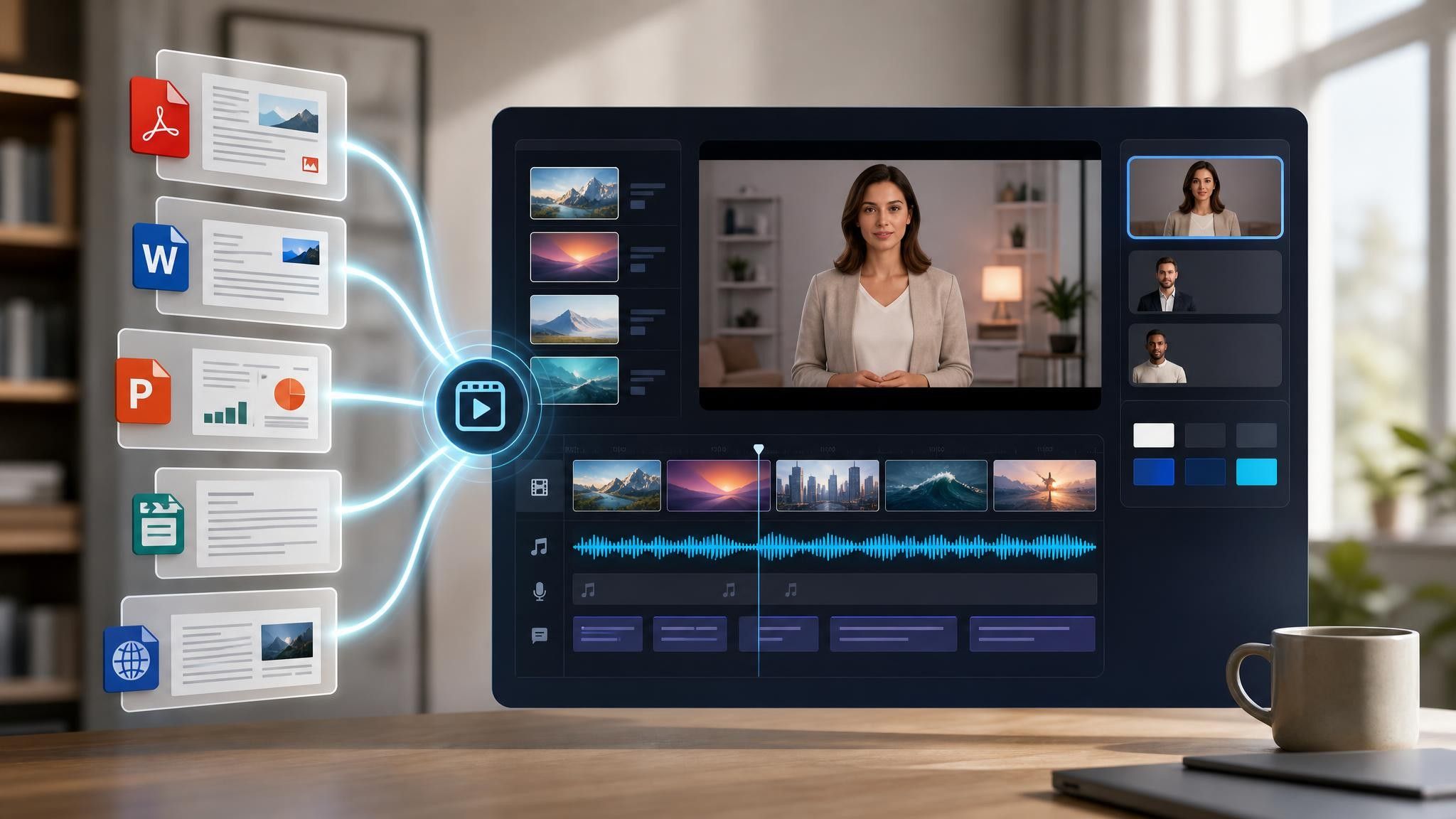
Add the handbook, offer pack, benefits summary, or account setup checklist as PPTX, PDF, DOC, DOCX, or TXT, up to 200 MB.
Adjust deadlines, entitlements, and contact names per scene. Where policy differs by country, duplicate the scene rather than generalizing the wording.
Export an HD MP4 for your learning platform, or share a Leadde hosted link with password protection for pre-start delivery before IT accounts exist.
The onboarding content is almost always already written. It is just written as a 40-page PDF nobody finishes in week one. Leadde reorganizes that material into short, watchable segments while the source document stays intact.
You can turn:
An employee handbook into a welcome video and a separate policy segment
A benefits summary into an enrolment walkthrough tied to the real deadline
An IT access checklist into a tools setup video that reduces first-week helpdesk tickets
A customer implementation plan into an account setup video for new logos
When the handbook is revised, upload the new version and regenerate only the affected segments.
People Ops and customer success teams repeat the same first-week explanation one person at a time. These are the points where that repetition costs the most and a recorded version fits cleanly.
New hires in other time zones miss the live session. Send a hosted link they can watch before their laptop arrives.
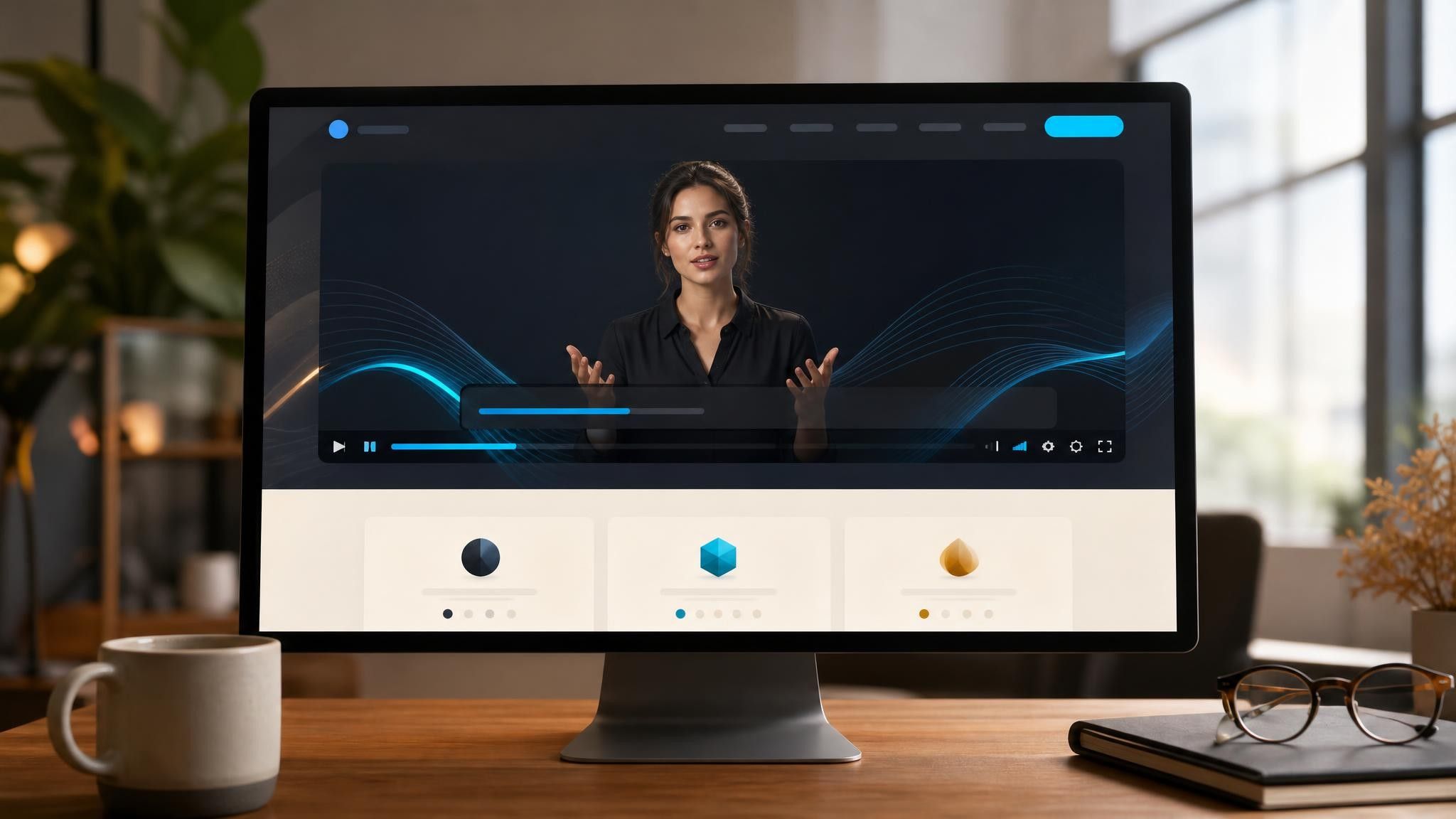
Enrolment questions arrive the week it closes. Turn the benefits PDF into a walkthrough with the dates on screen.
Every new account gets the same kickoff call. Replace the setup half with a video and keep the call for questions.
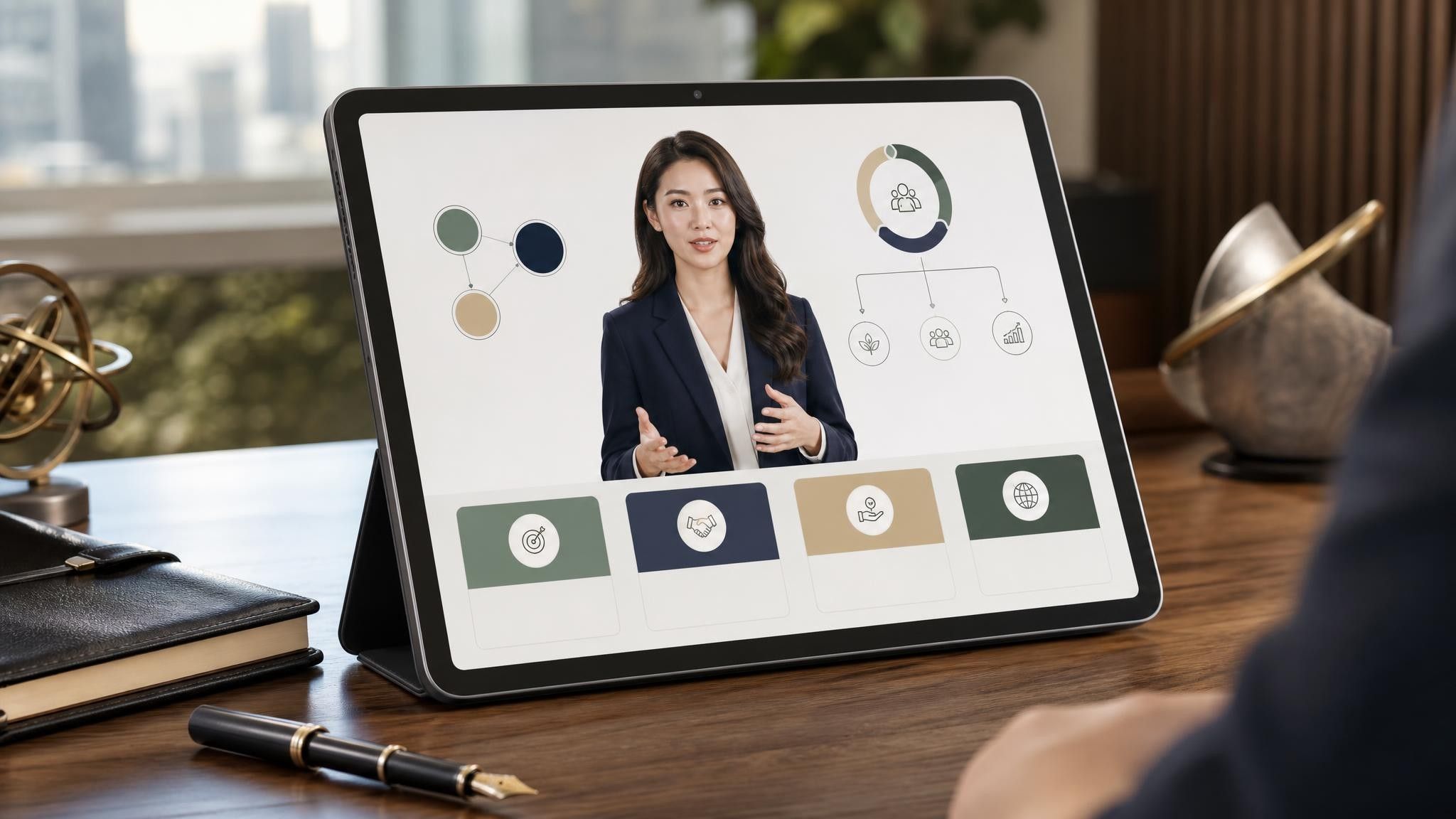
Four things, with the rest left to documentation: what happens on day one, who the new hire reports to and contacts for help, what they must complete in week one with real dates, and what nobody expects them to know yet.
Split by topic rather than aiming for one length. A day-one welcome works under two minutes. A benefits or systems walkthrough can run five to ten minutes because the viewer is following along and will pause and rewind.
Yes. Duplicate the project and replace only the scenes that differ — entitlements, deadlines, reporting lines — while keeping the shared welcome and culture segments identical across versions.
Upload the revised handbook and regenerate the affected scenes. Because the video is generated from the document, keeping them in sync is a re-upload rather than a re-shoot.
Choose a template, upload the handbook or checklist you already send, and have it ready before the next start date.


Choose a template, add your existing content, and generate an editable video project.