Making Video Content ADA and WCAG Accessible
Explains ADA, Section 508, and WCAG requirements for video, including captions, audio description, color contrast, and keyboard-accessible players.

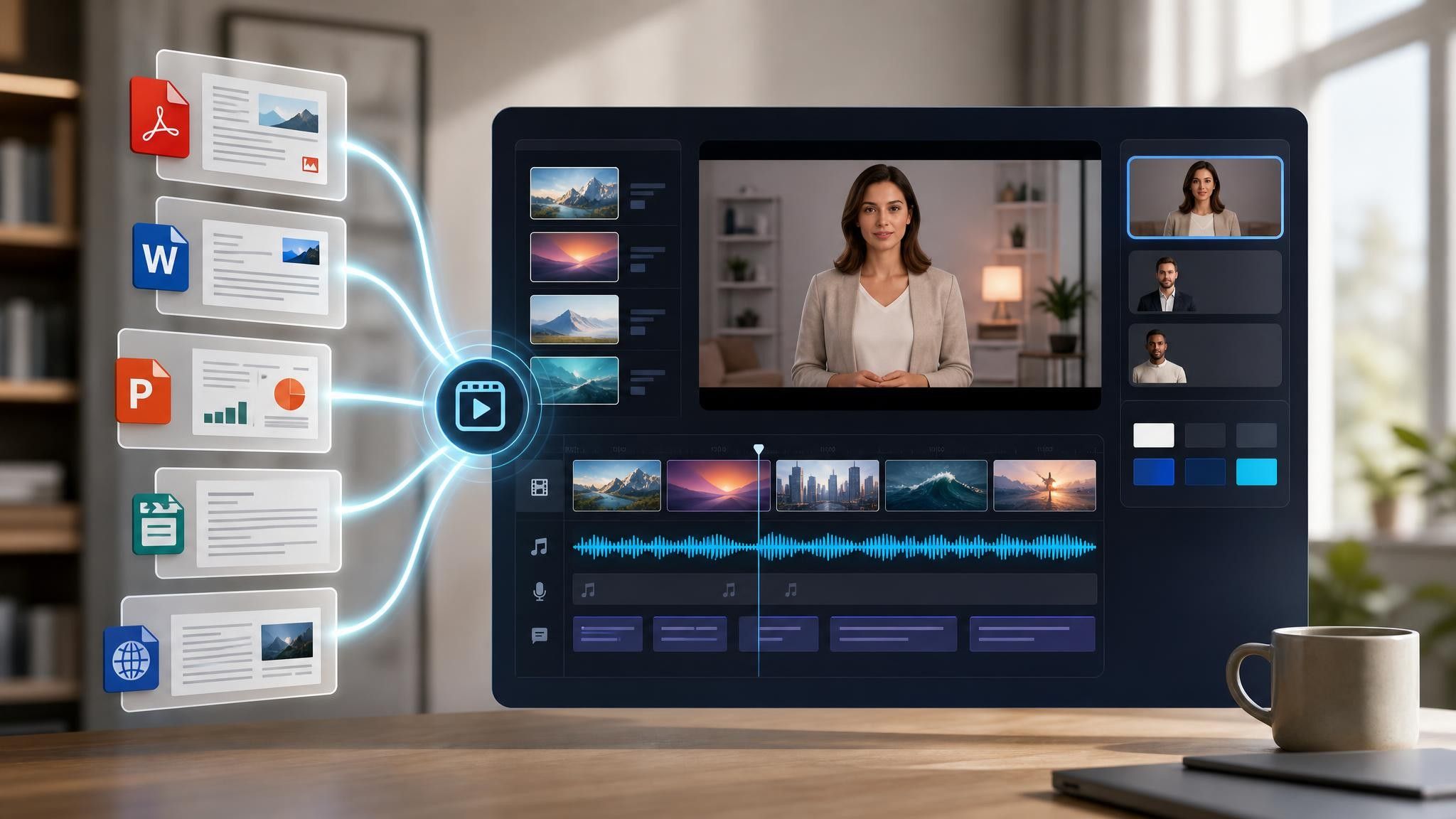
A compliance video template gives you a structured starting point for communicating a policy or a regulatory change to people who then have to acknowledge it. Choose a template, upload your policy PDF or code of conduct, and Leadde generates editable scenes, narration, and subtitles.
9 video types
Showing 9 video types across 4 categories
Explains ADA, Section 508, and WCAG requirements for video, including captions, audio description, color contrast, and keyboard-accessible players.

Explains what counts as protected health information, the minimum necessary standard, permitted disclosures, and the daily habits that keep patient records private.

Introduces AML obligations, customer due diligence steps, common suspicious activity patterns, and the correct internal escalation path for raising concerns.

Explains retention schedules by record type, secure archiving and tiered storage, legal hold obligations, and approved procedures for defensible deletion.

Defines harassment and discrimination at work, explains bystander responsibilities, available reporting channels, and the anti-retaliation protections every employee should know.

Explains cardholder data scope, storage and transmission restrictions, access control duties, and the frontline habits that keep a business PCI compliant.

Reviews employer and worker duties under OSHA, hazard communication rules, required injury recordkeeping, and how to report unsafe conditions without retaliation.

Covers lawful bases for processing personal data, consent and data subject rights, cross-border transfer limits, and how to report a suspected breach.

Walks through the company code of conduct, conflicts of interest, gift and entertainment limits, anti-bribery rules, and confidential reporting options.

An informative video template gives you a structured starting point for answering one question completely, without asking the viewer to do anything afterwards. Choose a template, upload the notice, FAQ, or update you need to communicate, and Leadde drafts the scenes, narration, and subtitles.

An infographic video template gives you a structured starting point for turning numbers, findings, and comparisons into something people actually watch. Choose a template, upload your report or data summary, and Leadde builds animated scenes, narration, and captions you can edit.

A comparison video template gives you a structured starting point for weighing two options against the same criteria and letting the viewer reach the conclusion. Choose a template, upload your battlecard, spec sheet, or evaluation notes, and Leadde generates editable scenes, narration, subtitles, and visuals.

A product video template gives you a structured starting point for introducing what a product is, who it is for, and what makes it different. Choose a template, upload a spec sheet, catalogue entry, or product page, and Leadde generates editable scenes, narration, subtitles, and visuals.

A product explainer video template gives you a structured starting point for showing why a product exists before showing how it works. Choose a template, upload a release note, PRD, or help-center article, and Leadde turns it into editable scenes, narration, subtitles, and on-screen visuals.

A product promo video template gives you a structured starting point for a short campaign cut built around a launch date, an offer, or a season. Choose a template, upload your launch brief or offer terms, and Leadde generates editable scenes, narration, captions, and visuals.

A SaaS promo video template gives you a structured starting point for campaign videos whose only job is to get a visitor into a free trial. Choose a template, upload your website copy, comparison page, or customer results, and Leadde generates editable scenes, narration, and captions.

An educational video template gives you a structured starting point for teaching one topic to a class that will watch it outside the room. Choose a template, upload a lesson plan, textbook chapter, or slide deck, and Leadde generates editable scenes, narration, subtitles, and visuals.
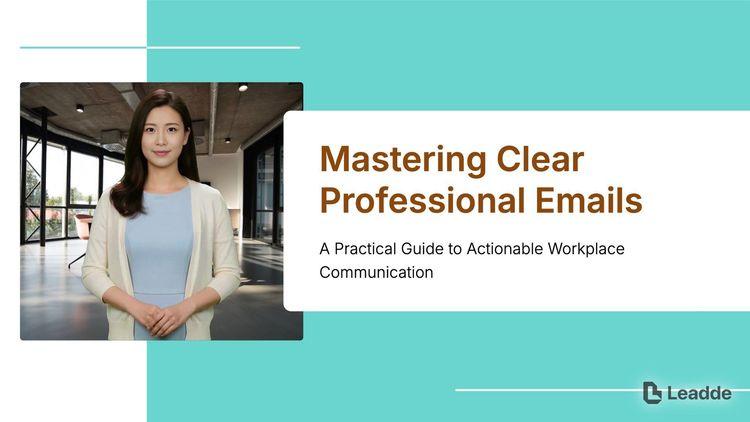
An e-learning video template gives you a structured starting point for a course module with stated objectives, segmented content, and a checkpoint at the end. Choose a template, upload your syllabus or course outline, and Leadde generates editable scenes, narration, and subtitles.

An instructional video template gives you a structured starting point for teaching one procedure to someone who has to carry it out correctly. Choose a template, upload a user guide, setup sheet, or troubleshooting article, and Leadde generates editable scenes, narration, and subtitles.

A video presentation template gives you a structured starting point for delivering a talk that your audience watches instead of attends. Choose a template, upload your PowerPoint deck, PDF, or speaker notes, and Leadde turns each slide into a narrated, editable scene.
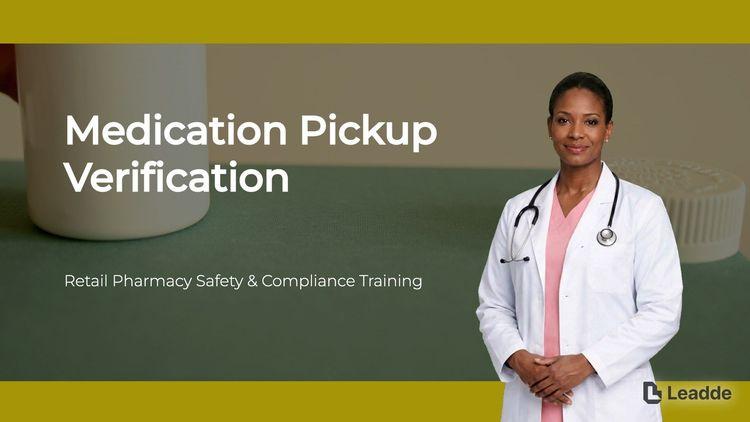
A training video template gives you a structured starting point for teaching a procedure or a system to people who have to get it right at work. Choose a template, upload your SOP, equipment manual, or rollout plan, and Leadde generates editable scenes, narration, and subtitles.

An onboarding video template gives you a structured starting point for walking a new hire or a new customer through their first week. Choose a template, upload your handbook, benefits PDF, or setup checklist, and Leadde generates editable scenes, narration, subtitles, and visuals.

A cyber security video template gives you a structured starting point for awareness training that employees remember when it matters. Choose a template, upload your security policy, phishing report, or incident summary, and Leadde generates editable scenes, narration, and subtitles.
A compliance video template is a reusable video framework for compliance officers in regulated environments who have to deliver policy content that is both legally precise and actually understood. Those two requirements usually pull against each other, and the template exists to hold both: approved wording stays on screen while the narration explains it in plain language.
It fixes the sequence that policy communication needs — scope and applicability first, the obligation itself, the situations where it is easy to get wrong, then the acknowledgement step. Leadde builds an editable draft from the policy document you already maintain, which keeps the training aligned to the controlled version rather than to someone's summary of it.


Decide exactly which roles, entities, and jurisdictions the video covers. Ambiguous scope is the most common defect in policy training.
Add the policy, code of conduct, or regulatory update as PDF, DOCX, PPTX, or TXT, up to 200 MB.
Put the binding language in scene text and let the narration paraphrase. Route the draft through your policy owner before publishing, not after.
Export an HD MP4 for your learning platform or share a hosted link with password protection. Attestation and record-keeping stay in your compliance system.
Compliance content is written to survive review, not to be understood on first reading — which is why it gets acknowledged far more often than it gets absorbed. Leadde rebuilds the same document as scenes without modifying the controlled file.
You can turn:
A policy PDF into an annual refresher with the year's changes called out
A code of conduct into scenario-led training rather than a list of principles
A regulatory update into a briefing for the roles it actually affects
A whistleblowing procedure into a short video on how to raise a concern
When the policy is revised, upload the new version and regenerate the affected scenes so the training and the controlled document stay on the same revision.
Scope first — who it applies to and from when — then the obligation itself, then the two or three situations where people get it wrong in practice, and finally what the viewer has to do to acknowledge it. Everything else belongs in the policy document.
Short enough to be watched properly, split by obligation rather than delivered as one annual module. A ten-minute video covering four unrelated policies is remembered as one long video about nothing.
Yes, and you should where the wording is binding. Put the approved language on screen as scene text and let the narration paraphrase it, so the legally reviewed version stays intact while the spoken version stays understandable.
No. Leadde generates the training video; it does not certify your programme, track attestation, or serve as evidence of completion. Those stay in your own compliance system. Leadde itself maintains SOC 2, ISO 42001, and GDPR alignment.
Choose a template, upload the policy you already maintain, and issue training that stays on the same revision as the document.


Choose a template, add your existing content, and generate an editable video project.
Compliance officers have to deliver policy content that is precise and understood at once. In the cases that follow, the document on its own gets acknowledged reliably and absorbed rarely.
Annual training gets clicked through. Lead with what changed this year so returning employees have a reason to watch.
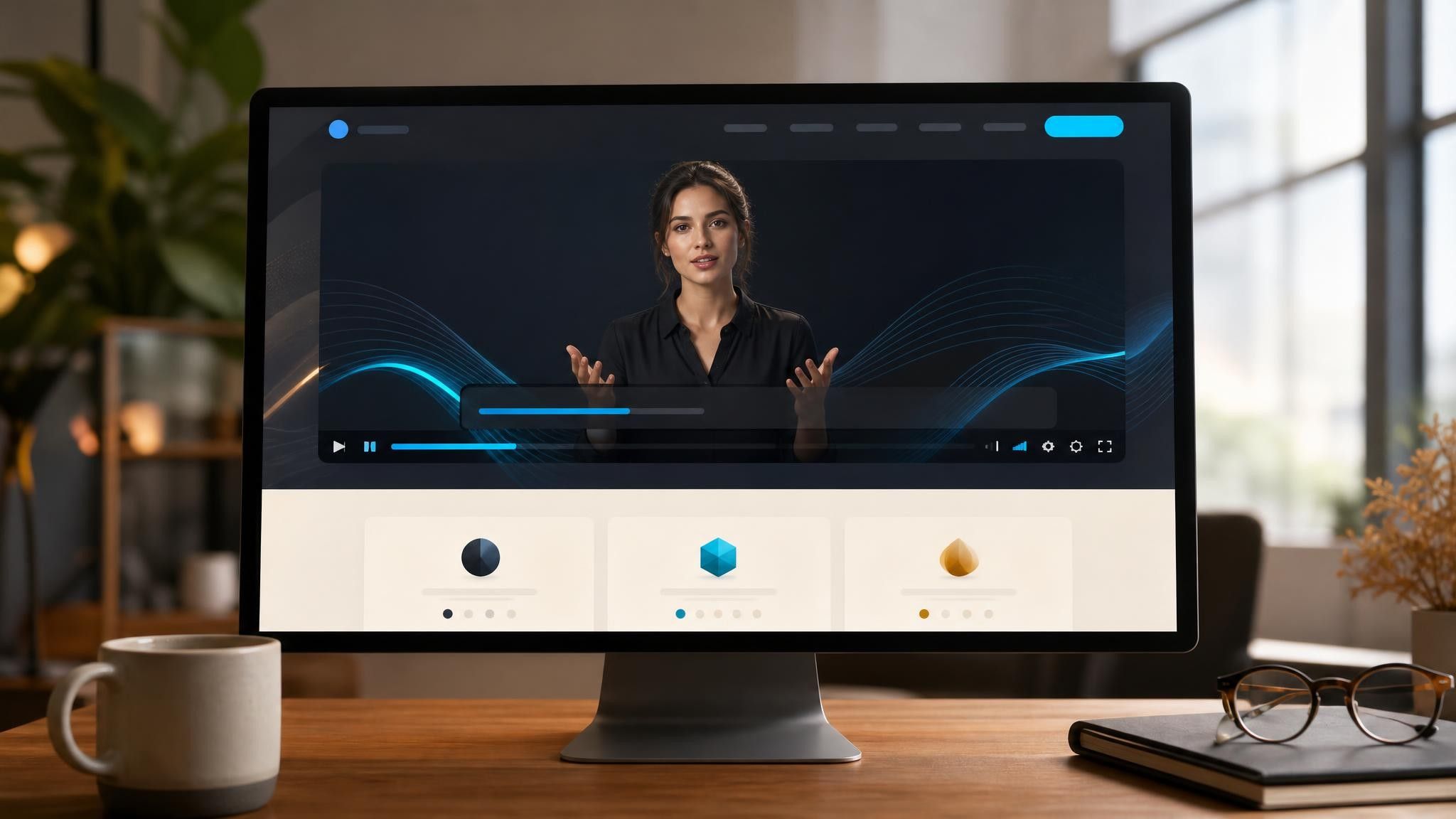
Rule changes affect a few roles, not everyone. Build a short briefing scoped to the roles that must act differently.

Suppliers ignore policy attachments. Send the obligations as a short video written in the language of their contract.