
How to Inspect an AED Station
Step-by-step guide on how to visually inspect an AED station, check status indicators, inspect pads and accessories, and properly record the inspection.

An instructional video template gives you a structured starting point for teaching one procedure to someone who has to carry it out correctly. Choose a template, upload a user guide, setup sheet, or troubleshooting article, and Leadde generates editable scenes, narration, and subtitles.
9 video types
Showing 9 video types across 4 categories
Step-by-step guide on how to visually inspect an AED station, check status indicators, inspect pads and accessories, and properly record the inspection.

Step-by-step instructional guide covering surface setup, zeroing, entering calibration mode, using certified weights, testing, and why accuracy matters in baking.

Learn how to properly place key, fill, and back lights to create a natural, professional look with depth.

A comprehensive guide on physical microphone placement, software gain adjustments, room acoustics optimization, and conducting pre-recording test clips.

Step-by-step instructional guide on locating a tripped breaker, preparing the circuit, performing the reset procedure safely, and identifying warning signs.

Step-by-step guidance on preparing receiving areas, inspecting packaging, verifying temperatures, storing items promptly, and handling rejected products.

Step-by-step guide on inspecting ladder side rails, rungs, hinges, and feet to prevent falls and ensure workplace safety.

Step-by-step guide on selecting boxes, wrapping fragile goods, cushioning, sealing, and labeling to reduce shipping damage and returns.

Step-by-step guidance on establishing storage locations, file naming rules, version numbering, ownership, and archiving practices.

An informative video template gives you a structured starting point for answering one question completely, without asking the viewer to do anything afterwards. Choose a template, upload the notice, FAQ, or update you need to communicate, and Leadde drafts the scenes, narration, and subtitles.

An infographic video template gives you a structured starting point for turning numbers, findings, and comparisons into something people actually watch. Choose a template, upload your report or data summary, and Leadde builds animated scenes, narration, and captions you can edit.

A comparison video template gives you a structured starting point for weighing two options against the same criteria and letting the viewer reach the conclusion. Choose a template, upload your battlecard, spec sheet, or evaluation notes, and Leadde generates editable scenes, narration, subtitles, and visuals.

A product video template gives you a structured starting point for introducing what a product is, who it is for, and what makes it different. Choose a template, upload a spec sheet, catalogue entry, or product page, and Leadde generates editable scenes, narration, subtitles, and visuals.

A product explainer video template gives you a structured starting point for showing why a product exists before showing how it works. Choose a template, upload a release note, PRD, or help-center article, and Leadde turns it into editable scenes, narration, subtitles, and on-screen visuals.

A product promo video template gives you a structured starting point for a short campaign cut built around a launch date, an offer, or a season. Choose a template, upload your launch brief or offer terms, and Leadde generates editable scenes, narration, captions, and visuals.

A SaaS promo video template gives you a structured starting point for campaign videos whose only job is to get a visitor into a free trial. Choose a template, upload your website copy, comparison page, or customer results, and Leadde generates editable scenes, narration, and captions.

An educational video template gives you a structured starting point for teaching one topic to a class that will watch it outside the room. Choose a template, upload a lesson plan, textbook chapter, or slide deck, and Leadde generates editable scenes, narration, subtitles, and visuals.
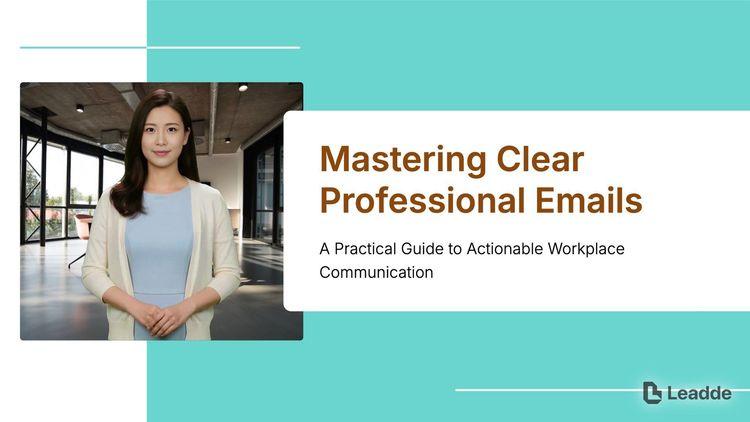
An e-learning video template gives you a structured starting point for a course module with stated objectives, segmented content, and a checkpoint at the end. Choose a template, upload your syllabus or course outline, and Leadde generates editable scenes, narration, and subtitles.

A video presentation template gives you a structured starting point for delivering a talk that your audience watches instead of attends. Choose a template, upload your PowerPoint deck, PDF, or speaker notes, and Leadde turns each slide into a narrated, editable scene.
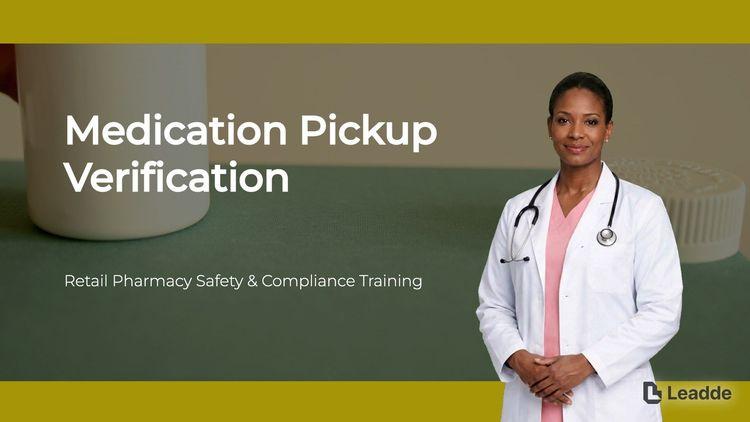
A training video template gives you a structured starting point for teaching a procedure or a system to people who have to get it right at work. Choose a template, upload your SOP, equipment manual, or rollout plan, and Leadde generates editable scenes, narration, and subtitles.

An onboarding video template gives you a structured starting point for walking a new hire or a new customer through their first week. Choose a template, upload your handbook, benefits PDF, or setup checklist, and Leadde generates editable scenes, narration, subtitles, and visuals.

A cyber security video template gives you a structured starting point for awareness training that employees remember when it matters. Choose a template, upload your security policy, phishing report, or incident summary, and Leadde generates editable scenes, narration, and subtitles.

A compliance video template gives you a structured starting point for communicating a policy or a regulatory change to people who then have to acknowledge it. Choose a template, upload your policy PDF or code of conduct, and Leadde generates editable scenes, narration, and subtitles.
An instructional video template is a reusable video framework for technical writers and support teams who need someone to complete a procedure without help. It is narrower than a training video and more practical than a lesson: one task, start to finish, with no context the viewer does not need in order to act.
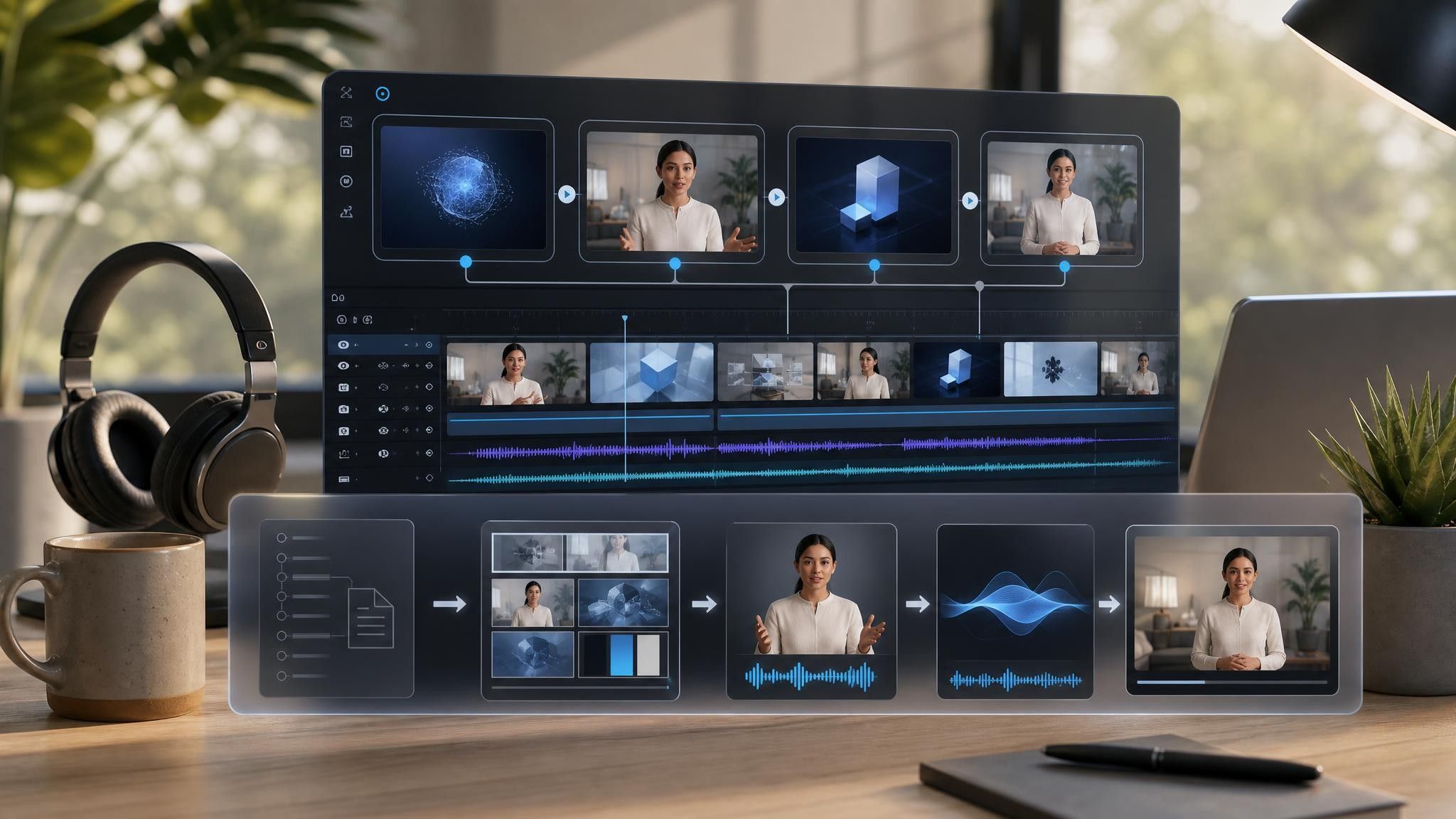
The template enforces the rules that make instructions work on video — one step per scene, the step number visible throughout, the expected result shown before moving on, and the common mistake named at the step where it happens. Leadde builds an editable draft from the manual or article you already maintain, which keeps the video and the documentation describing the same procedure.

Decide exactly where the procedure starts and ends. Videos that quietly cover two procedures are the ones people abandon halfway.
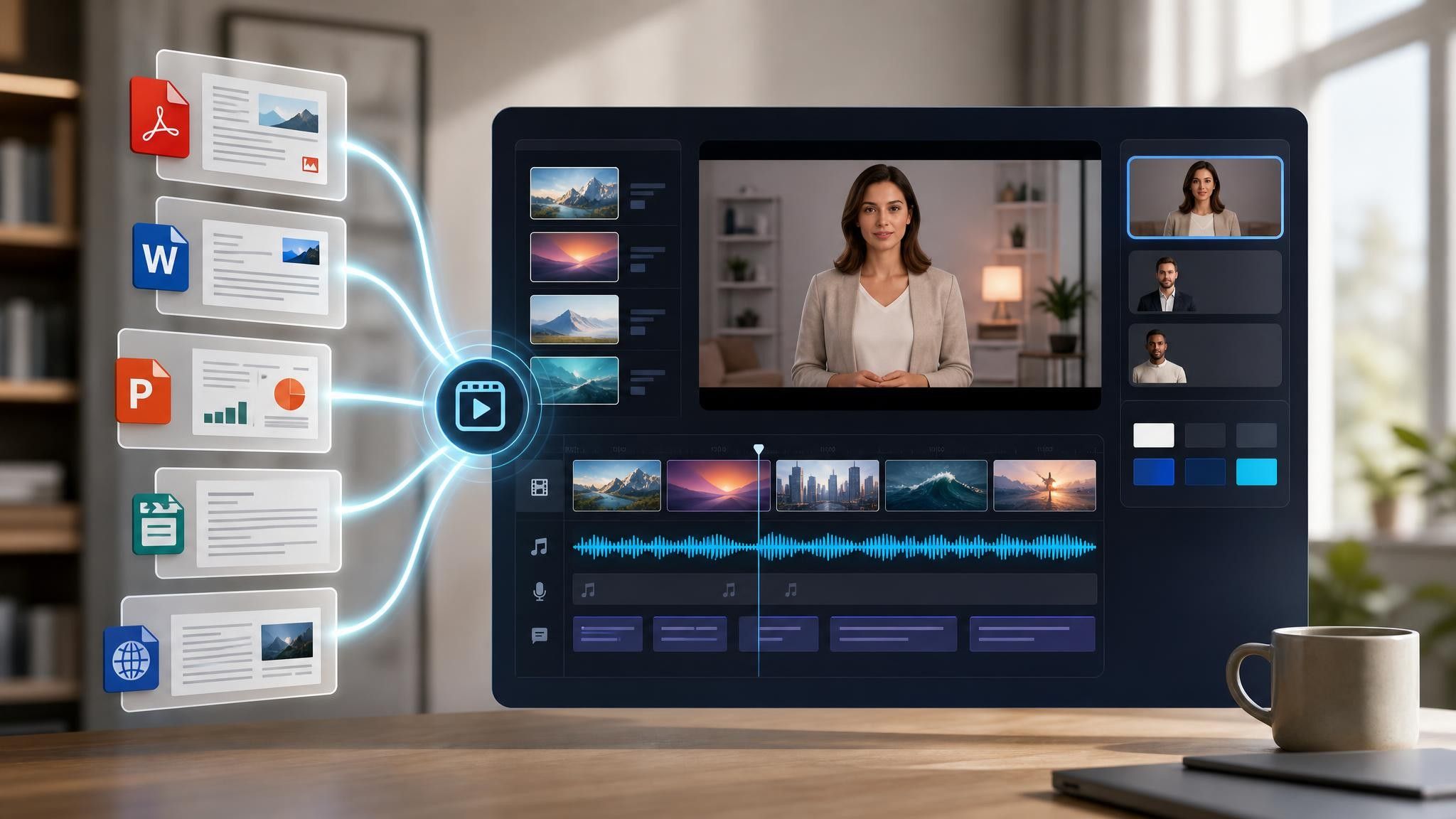
Add the user guide, setup sheet, or troubleshooting article as PDF, DOCX, PPTX, or TXT, up to 200 MB.
Where a step is commonly done wrong, say so in that scene rather than in a summary at the end.
Export an HD MP4 for your help center or product page, and keep subtitles on — instructional videos are often watched without sound.
Documentation teams already own the correct procedure. What they do not own is the twenty minutes it takes a customer to read it. Leadde reorganizes the same steps into scenes, and the source document remains the record.
You can turn:
A user guide into a step-by-step procedure video
A setup sheet into a first-use walkthrough for new customers
A troubleshooting article into a symptom-to-fix video for the help center
An assembly instruction into a walkthrough with parts named on screen
When the procedure changes, upload the revised document and regenerate the affected steps rather than re-recording the sequence.
Technical writers and support teams already document the procedure correctly. These are the situations where the written version alone still leaves someone stuck short of a working result.
The same procedure generates the same tickets. Put the video at the top of the article that already covers it.
First-use failure looks like a product problem. A setup walkthrough gets people to a working result on day one.
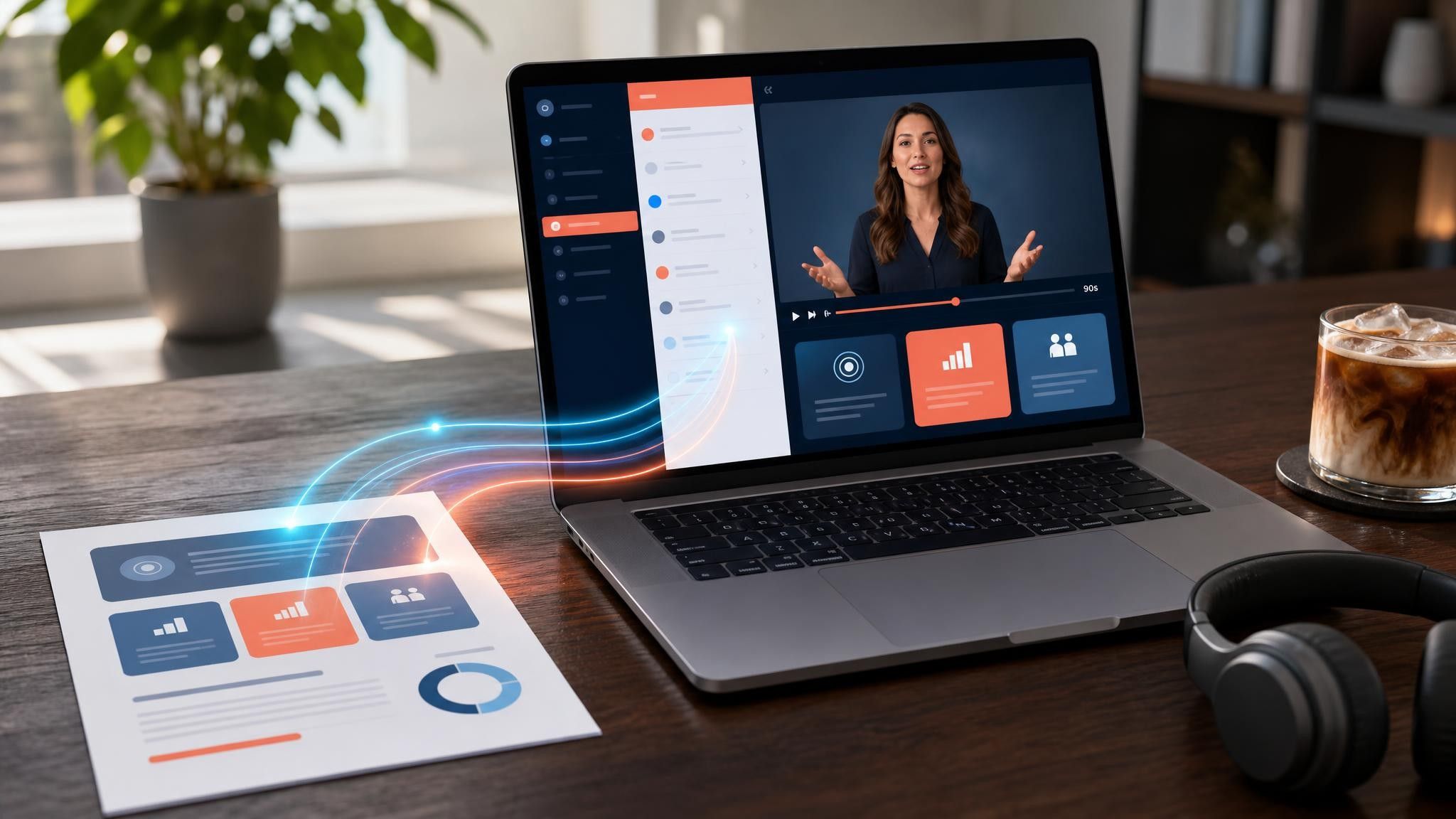
Internal tools are documented badly and used daily. Record the procedure once and link it from the tool itself.
An instructional video shows someone how to complete one specific task from start to finish. It is measured by whether the viewer succeeds afterwards, which is why it stays narrow and skips anything that does not affect the outcome.
As long as the procedure and no longer — usually two to five minutes. If a task genuinely takes fifteen minutes to explain, split it into separate videos by stage so viewers can return to the stage that failed.
Yes. Viewers pause, rewind, and return to instructional videos more than any other type, and visible step numbers are what let them find their place again without rewatching from the start.
Yes. The templates work from on-screen text, captions, animation, and narration. If you have screenshots or existing footage, upload them to My Media and place them into the relevant steps.
Choose a template, upload the guide you already maintain, and publish it beside the article people are already reading.


Choose a template, add your existing content, and generate an editable video project.