
HiveSignal: Smart Beehive Monitoring System
Introduces HiveSignal's core monitoring features, smart alert mechanisms, and operational benefits for commercial beekeepers.

A product promo video template gives you a structured starting point for a short campaign cut built around a launch date, an offer, or a season. Choose a template, upload your launch brief or offer terms, and Leadde generates editable scenes, narration, captions, and visuals.
9 video types
Showing 9 video types across 4 categories
Introduces HiveSignal's core monitoring features, smart alert mechanisms, and operational benefits for commercial beekeepers.

Introduction to FitWise AI, an AI-powered sizing tool designed to solve online shopping uncertainty, reduce return rates, and boost customer confidence.

Overview of the SortLoop smart waste sorting and bin monitoring system, detailing how it solves recycling challenges, features core tracking tools, and drives sustainability benefits.

Introduces the common challenges of office meeting room waste, showcases RoomFlow's core features like real-time booking and sensor integration, and highlights its value for data-driven office planning.

Introduction to LiftGuard Pro, detailing how it unifies elevator data for early fault detection, proactive alerts, and comprehensive property management reporting.

Overview of the GreenFlow IQ smart irrigation system, highlighting traditional watering inefficiencies, sensor-based automation, leak detection, and centralized dashboard management.
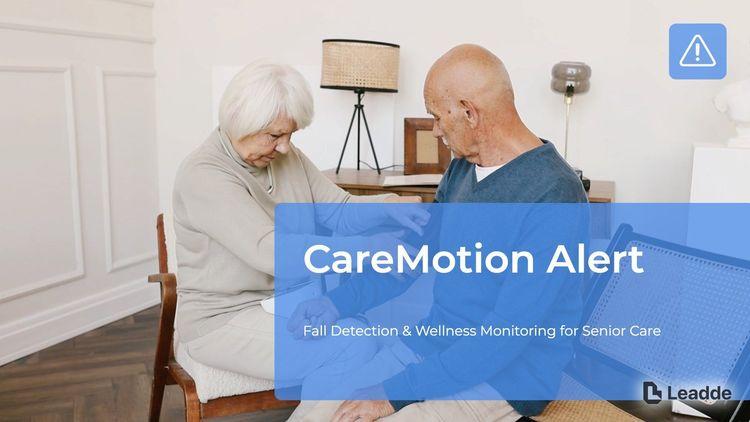
Introduces the CareMotion Alert wellness monitoring system, detailing its sensor mechanisms, instant fall alert notifications, and long-term wellness trend tracking for care facilities.

Overview of apartment EV charging pain points, the ChargeNest platform features, and how it simplifies property management administration.

Introduction to AquaSense Pro, highlighting real-time water condition monitoring, automated alerts, historical data analysis, and operational efficiency benefits.

An informative video template gives you a structured starting point for answering one question completely, without asking the viewer to do anything afterwards. Choose a template, upload the notice, FAQ, or update you need to communicate, and Leadde drafts the scenes, narration, and subtitles.

An infographic video template gives you a structured starting point for turning numbers, findings, and comparisons into something people actually watch. Choose a template, upload your report or data summary, and Leadde builds animated scenes, narration, and captions you can edit.

A comparison video template gives you a structured starting point for weighing two options against the same criteria and letting the viewer reach the conclusion. Choose a template, upload your battlecard, spec sheet, or evaluation notes, and Leadde generates editable scenes, narration, subtitles, and visuals.

A product video template gives you a structured starting point for introducing what a product is, who it is for, and what makes it different. Choose a template, upload a spec sheet, catalogue entry, or product page, and Leadde generates editable scenes, narration, subtitles, and visuals.

A product explainer video template gives you a structured starting point for showing why a product exists before showing how it works. Choose a template, upload a release note, PRD, or help-center article, and Leadde turns it into editable scenes, narration, subtitles, and on-screen visuals.

A SaaS promo video template gives you a structured starting point for campaign videos whose only job is to get a visitor into a free trial. Choose a template, upload your website copy, comparison page, or customer results, and Leadde generates editable scenes, narration, and captions.

An educational video template gives you a structured starting point for teaching one topic to a class that will watch it outside the room. Choose a template, upload a lesson plan, textbook chapter, or slide deck, and Leadde generates editable scenes, narration, subtitles, and visuals.

An e-learning video template gives you a structured starting point for a course module with stated objectives, segmented content, and a checkpoint at the end. Choose a template, upload your syllabus or course outline, and Leadde generates editable scenes, narration, and subtitles.

An instructional video template gives you a structured starting point for teaching one procedure to someone who has to carry it out correctly. Choose a template, upload a user guide, setup sheet, or troubleshooting article, and Leadde generates editable scenes, narration, and subtitles.
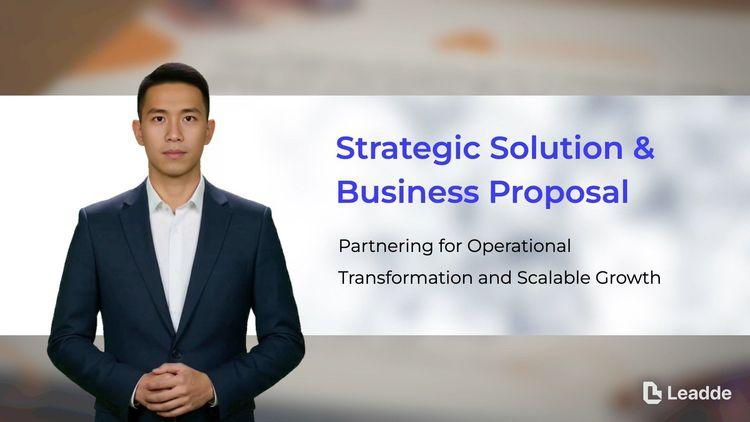
A video presentation template gives you a structured starting point for delivering a talk that your audience watches instead of attends. Choose a template, upload your PowerPoint deck, PDF, or speaker notes, and Leadde turns each slide into a narrated, editable scene.
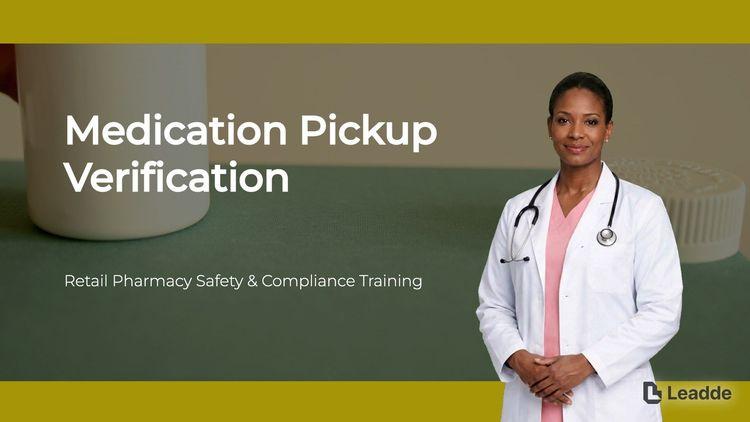
A training video template gives you a structured starting point for teaching a procedure or a system to people who have to get it right at work. Choose a template, upload your SOP, equipment manual, or rollout plan, and Leadde generates editable scenes, narration, and subtitles.

An onboarding video template gives you a structured starting point for walking a new hire or a new customer through their first week. Choose a template, upload your handbook, benefits PDF, or setup checklist, and Leadde generates editable scenes, narration, subtitles, and visuals.

A cyber security video template gives you a structured starting point for awareness training that employees remember when it matters. Choose a template, upload your security policy, phishing report, or incident summary, and Leadde generates editable scenes, narration, and subtitles.

A compliance video template gives you a structured starting point for communicating a policy or a regulatory change to people who then have to acknowledge it. Choose a template, upload your policy PDF or code of conduct, and Leadde generates editable scenes, narration, and subtitles.
A product promo video template is a reusable video framework for growth and performance marketers who need a short, dated, placement-specific cut rather than a full product story. It assumes the viewer did not choose to watch, which is why it front-loads the hook and puts the offer terms on screen instead of in the narration.
The template fixes the timing as much as the content: how many seconds before the offer appears, how long the terms stay readable, and where the end card sits. Leadde builds an editable draft from your launch brief or offer document, so a campaign that needs six variants by Friday starts from six drafts rather than six blank projects.
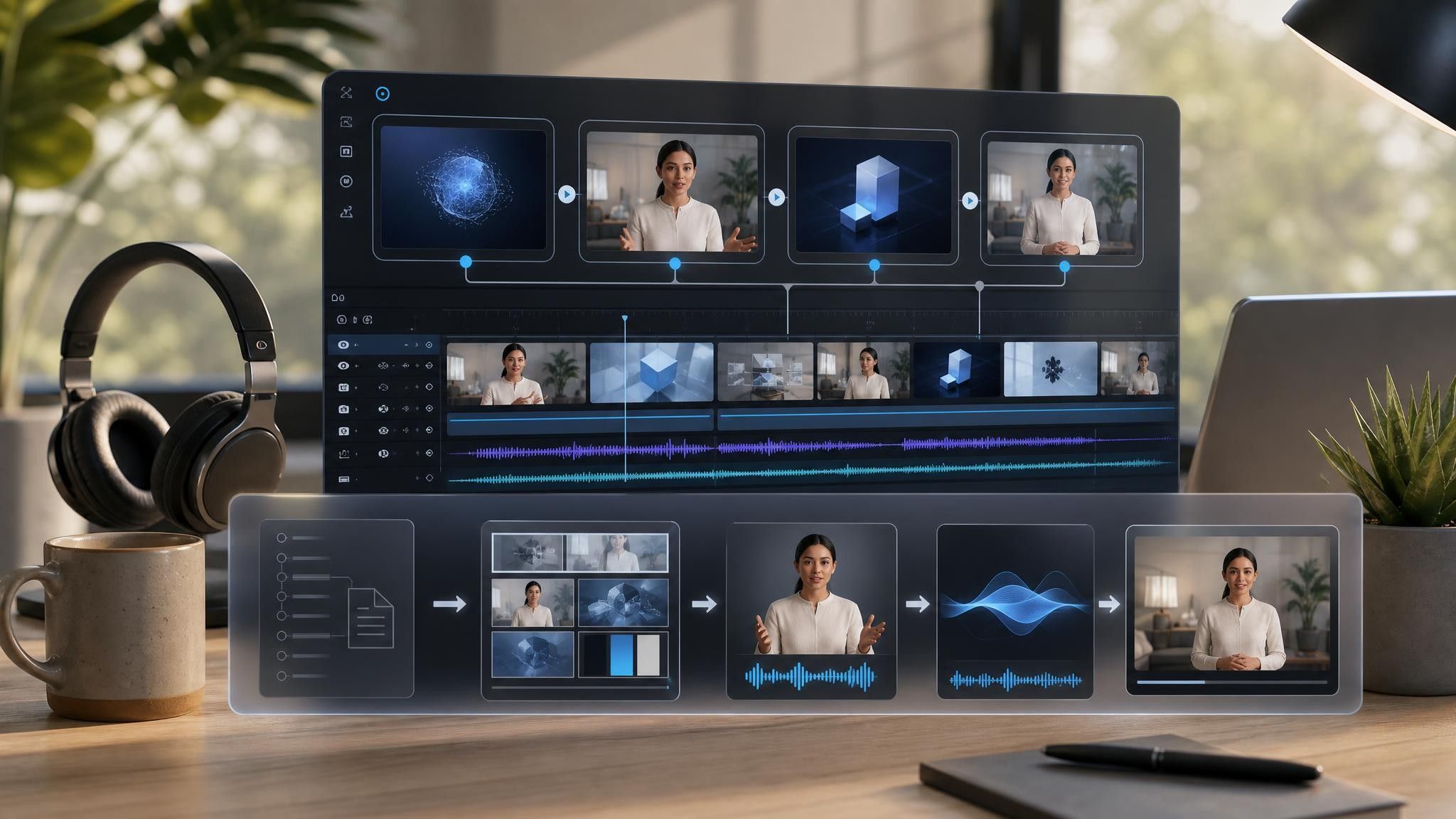

Paid social, a launch email, and a retargeting slot need different opening seconds and different end cards.
Add the launch brief, offer terms, or announcement copy as PDF, DOCX, PPTX, or TXT, up to 200 MB.
Dates, eligibility, and pricing carry legal exposure. Keep the exact terms on screen and check them against the source before anything else.
Produce 16:9, 1:1, and 9:16 from the same project, and build a captioned version for silent autoplay.
Campaign teams write the brief once and then rebuild the creative separately for every channel. Leadde generates the variants from the same source, and the brief itself is never modified.
You can turn:
A launch brief into a launch-day cut for email and paid channels
An offer document into a promo with the terms and expiry on screen
A seasonal calendar entry into a dated campaign cut
A performance report into a retargeting cut aimed at viewers who did not convert
When the offer changes, replace the source and regenerate the terms scene rather than the entire campaign.
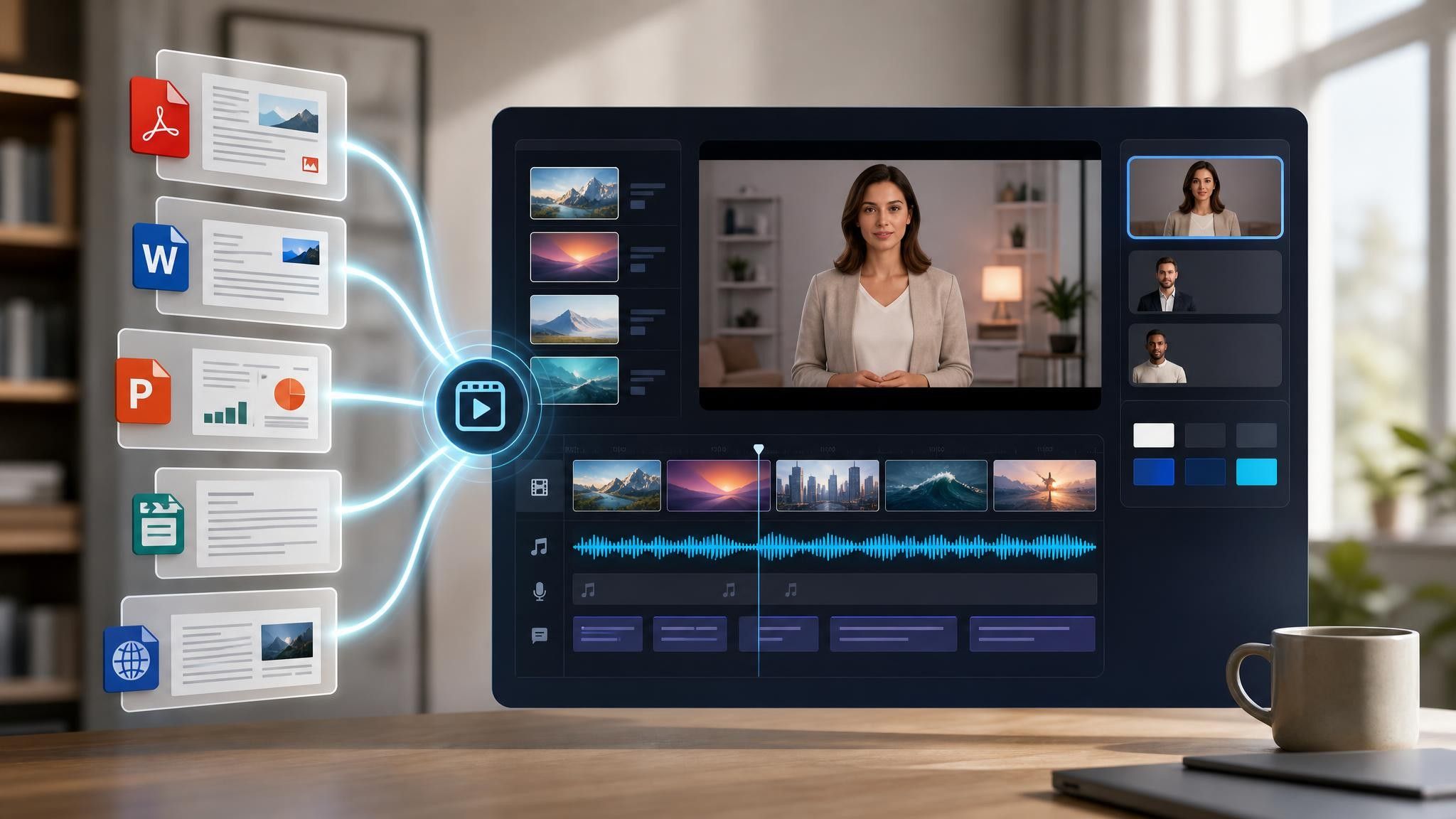
Performance marketers judge a promo by its placement rather than by the product. Placement decides the opening seconds, the end card, and how many variants a campaign needs before launch day.
Feed viewers decide in two seconds. Lead with the change itself and keep the product name out of the opening line.
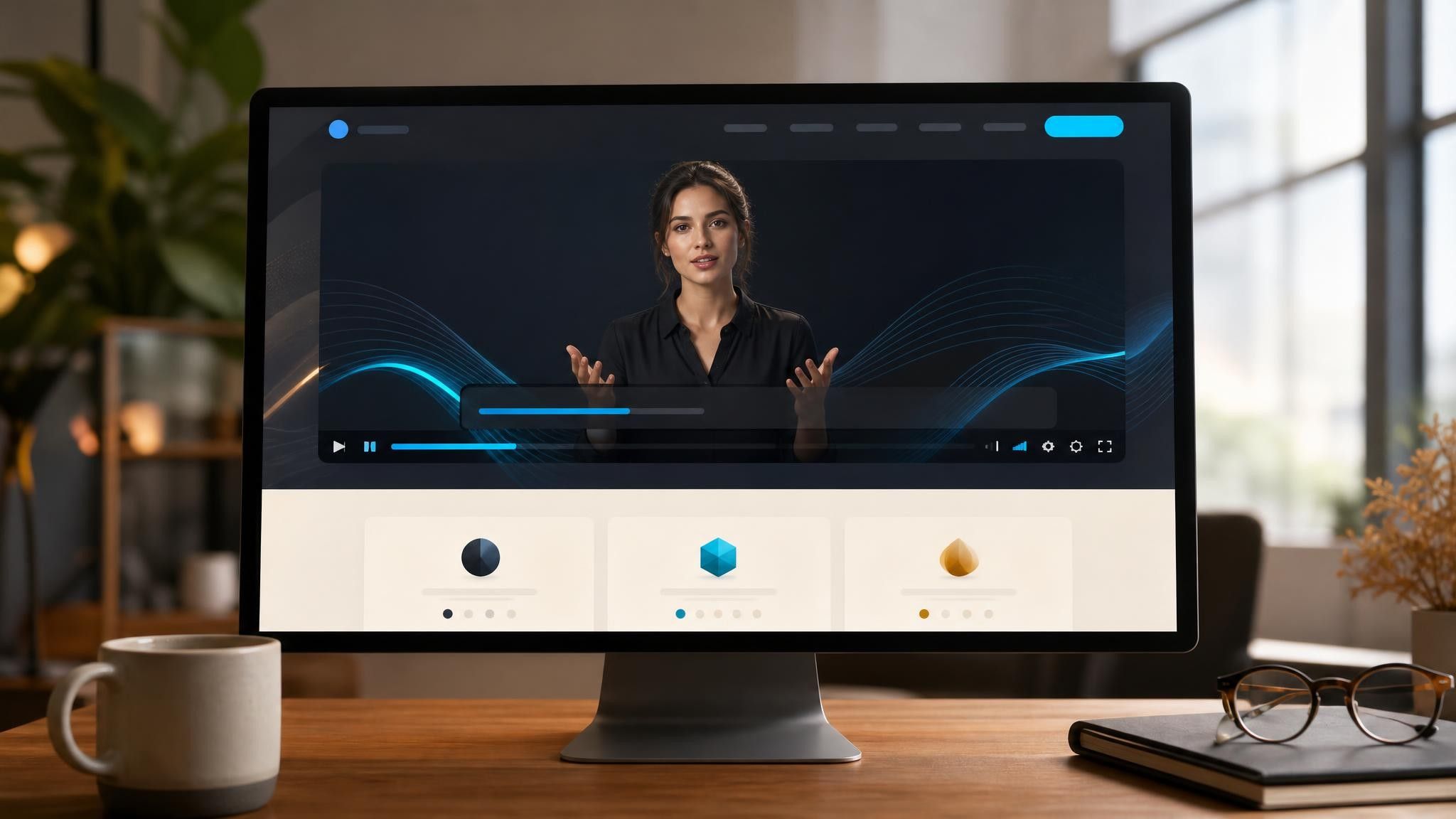
Launch days need creative across five channels at once. Generate the variants from one brief instead of five.
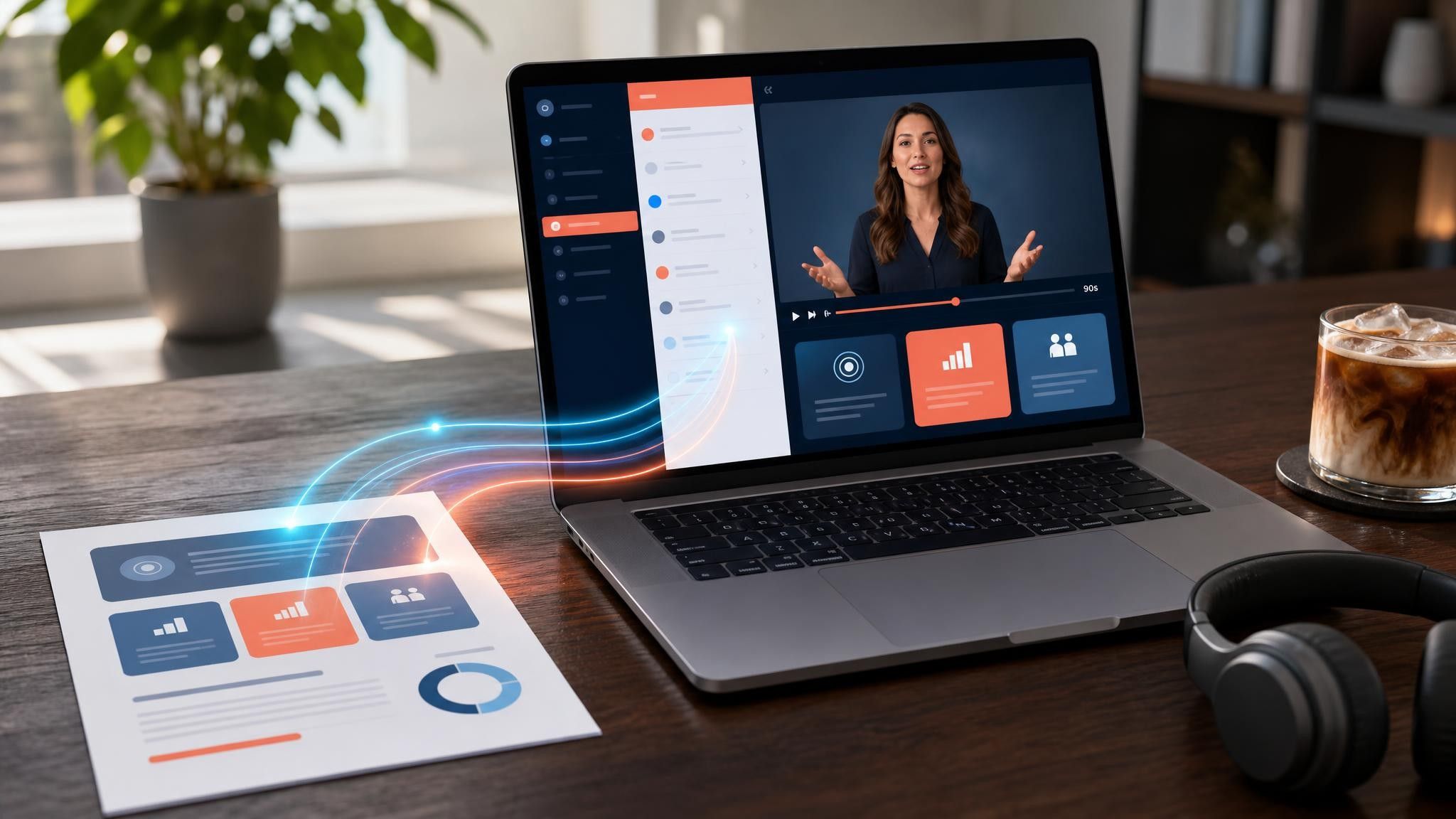
Offers repeat every quarter with new terms. Reuse the project and replace only the scene carrying the dates.
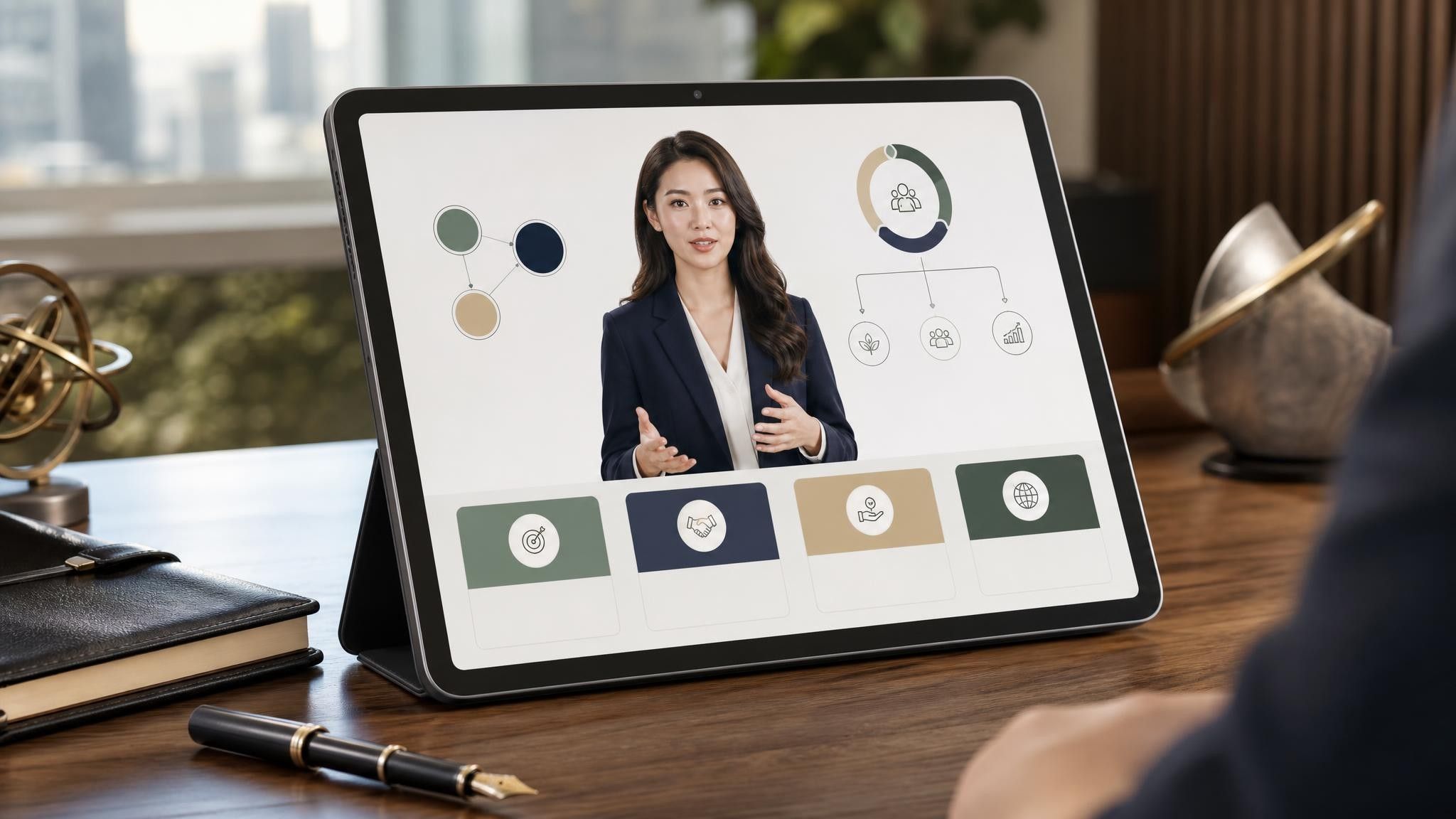
Fifteen to thirty seconds for paid social and feed placements, up to sixty for email and owned channels. Beyond a minute you are no longer making a promo, you are making a product video with an offer attached.
A promo assumes interest and pushes for action within a deadline. An explainer builds interest that did not exist yet and has no deadline. Running an explainer as a promo usually fails because the offer arrives too late in the video.
Different ratios and different opening seconds, yes; a different project, no. Export 16:9, 1:1, and 9:16 from one project and swap only the opening scene per placement.
Yes. Put terms in scene text with enough duration to be read at the size they will actually appear, and keep the narration paraphrase separate from the binding wording.
Choose a template, upload the brief you already wrote, and have every channel variant ready before the launch date.


Choose a template, add your existing content, and generate an editable video project.