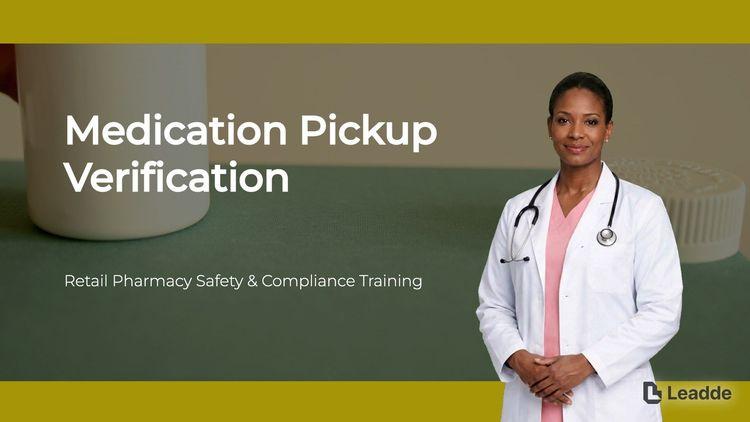
Medication Pickup Verification Training
Explains the essential steps for medication pickup verification, including patient ID confirmation, system matching, handling controlled substances, and managing exceptions.

A training video template gives you a structured starting point for teaching a procedure or a system to people who have to get it right at work. Choose a template, upload your SOP, equipment manual, or rollout plan, and Leadde generates editable scenes, narration, and subtitles.
9 video types
Showing 9 video types across 4 categories
Explains the essential steps for medication pickup verification, including patient ID confirmation, system matching, handling controlled substances, and managing exceptions.

A comprehensive guide on maintaining composure, listening actively, confirming facts, providing realistic solutions, and knowing when to escalate safety issues.

Training on safety-first priorities, observation techniques, normal customer service integration, proper documentation, and escalation procedures for suspected retail theft.

Step-by-step training on how to inspect pallets, apply stretch wrap correctly, and perform final stability checks to protect products and prevent worker injuries.

Explains essential requirements for sample labeling, proper application steps, verification methods, and error correction protocols to ensure data integrity.

Explains the definition of cross-contact, common food allergens, and essential step-by-step safety rules for preparing and labeling allergy-sensitive orders.

Comprehensive overview of LOTO fundamentals, step-by-step isolation and verification processes, and strict safety rules regarding lock removal.

This training explains how to inspect server rack airflow in a data center, covering safety rules, layout principles, vent and panel checks, and issue escalation.

Learn how to securely count physical cash, compare totals with the teller system, and handle discrepancies according to branch policy.

An informative video template gives you a structured starting point for answering one question completely, without asking the viewer to do anything afterwards. Choose a template, upload the notice, FAQ, or update you need to communicate, and Leadde drafts the scenes, narration, and subtitles.

An infographic video template gives you a structured starting point for turning numbers, findings, and comparisons into something people actually watch. Choose a template, upload your report or data summary, and Leadde builds animated scenes, narration, and captions you can edit.

A comparison video template gives you a structured starting point for weighing two options against the same criteria and letting the viewer reach the conclusion. Choose a template, upload your battlecard, spec sheet, or evaluation notes, and Leadde generates editable scenes, narration, subtitles, and visuals.

A product video template gives you a structured starting point for introducing what a product is, who it is for, and what makes it different. Choose a template, upload a spec sheet, catalogue entry, or product page, and Leadde generates editable scenes, narration, subtitles, and visuals.

A product explainer video template gives you a structured starting point for showing why a product exists before showing how it works. Choose a template, upload a release note, PRD, or help-center article, and Leadde turns it into editable scenes, narration, subtitles, and on-screen visuals.

A product promo video template gives you a structured starting point for a short campaign cut built around a launch date, an offer, or a season. Choose a template, upload your launch brief or offer terms, and Leadde generates editable scenes, narration, captions, and visuals.

A SaaS promo video template gives you a structured starting point for campaign videos whose only job is to get a visitor into a free trial. Choose a template, upload your website copy, comparison page, or customer results, and Leadde generates editable scenes, narration, and captions.

An educational video template gives you a structured starting point for teaching one topic to a class that will watch it outside the room. Choose a template, upload a lesson plan, textbook chapter, or slide deck, and Leadde generates editable scenes, narration, subtitles, and visuals.

An e-learning video template gives you a structured starting point for a course module with stated objectives, segmented content, and a checkpoint at the end. Choose a template, upload your syllabus or course outline, and Leadde generates editable scenes, narration, and subtitles.

An instructional video template gives you a structured starting point for teaching one procedure to someone who has to carry it out correctly. Choose a template, upload a user guide, setup sheet, or troubleshooting article, and Leadde generates editable scenes, narration, and subtitles.

A video presentation template gives you a structured starting point for delivering a talk that your audience watches instead of attends. Choose a template, upload your PowerPoint deck, PDF, or speaker notes, and Leadde turns each slide into a narrated, editable scene.

An onboarding video template gives you a structured starting point for walking a new hire or a new customer through their first week. Choose a template, upload your handbook, benefits PDF, or setup checklist, and Leadde generates editable scenes, narration, subtitles, and visuals.

A cyber security video template gives you a structured starting point for awareness training that employees remember when it matters. Choose a template, upload your security policy, phishing report, or incident summary, and Leadde generates editable scenes, narration, and subtitles.

A compliance video template gives you a structured starting point for communicating a policy or a regulatory change to people who then have to acknowledge it. Choose a template, upload your policy PDF or code of conduct, and Leadde generates editable scenes, narration, and subtitles.
A training video template is a reusable video framework for L&D teams and operations managers who have to teach the same procedure to every employee and be able to show later that it was taught. Its job is to keep content in the order the work happens, not the order the procedure document was written.
The template supplies the scene sequence, script structure, a narration style suited to instruction rather than persuasion, and a visual direction that keeps exact procedural wording on screen while the narration explains it plainly. Leadde builds an editable draft from the SOP or manual you already maintain, which stops the training and the controlled document from drifting apart between revisions.
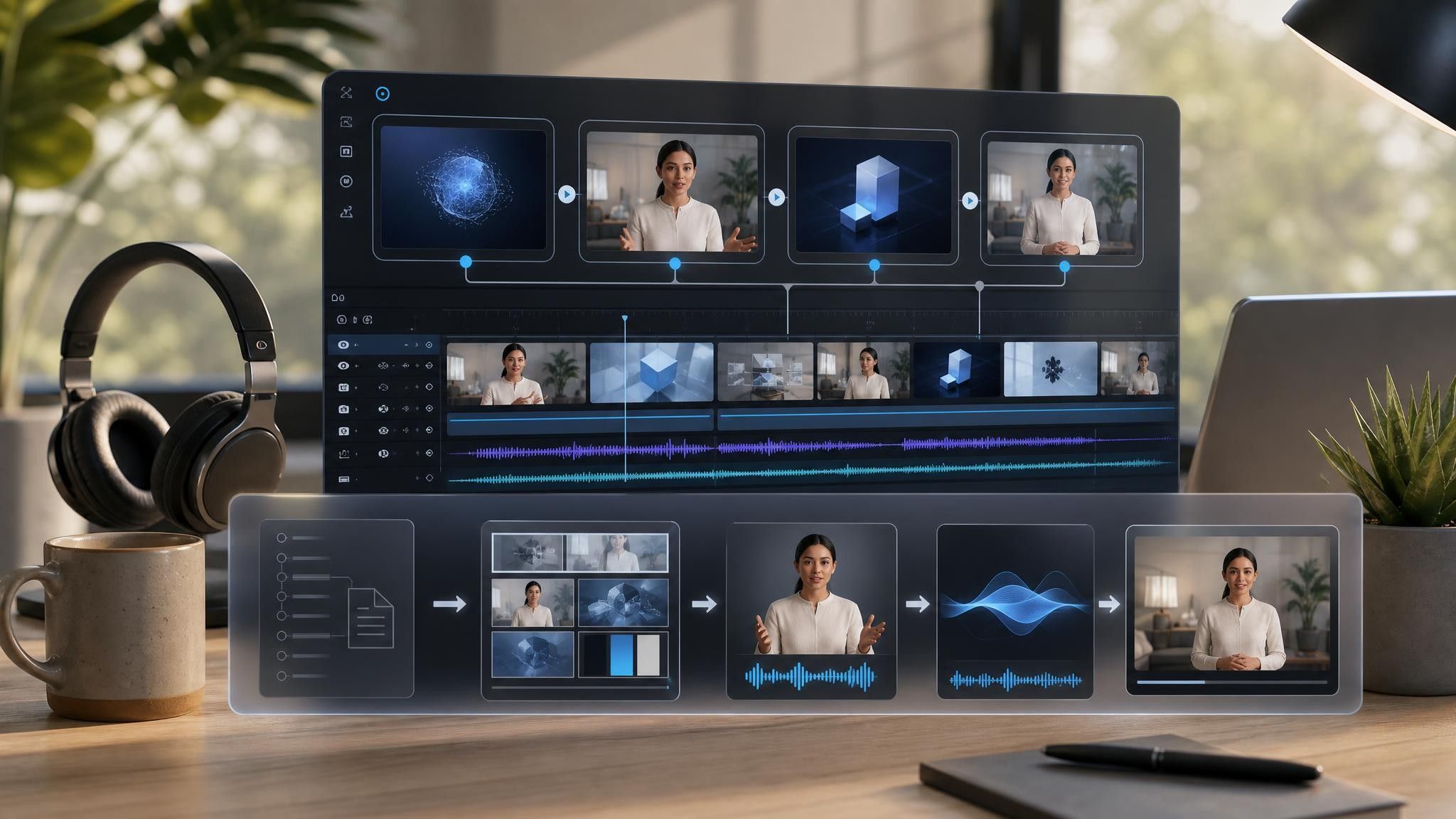

A refresher and a first-time procedure need different depth. Steps where a mistake is expensive deserve their own scene rather than a bullet.
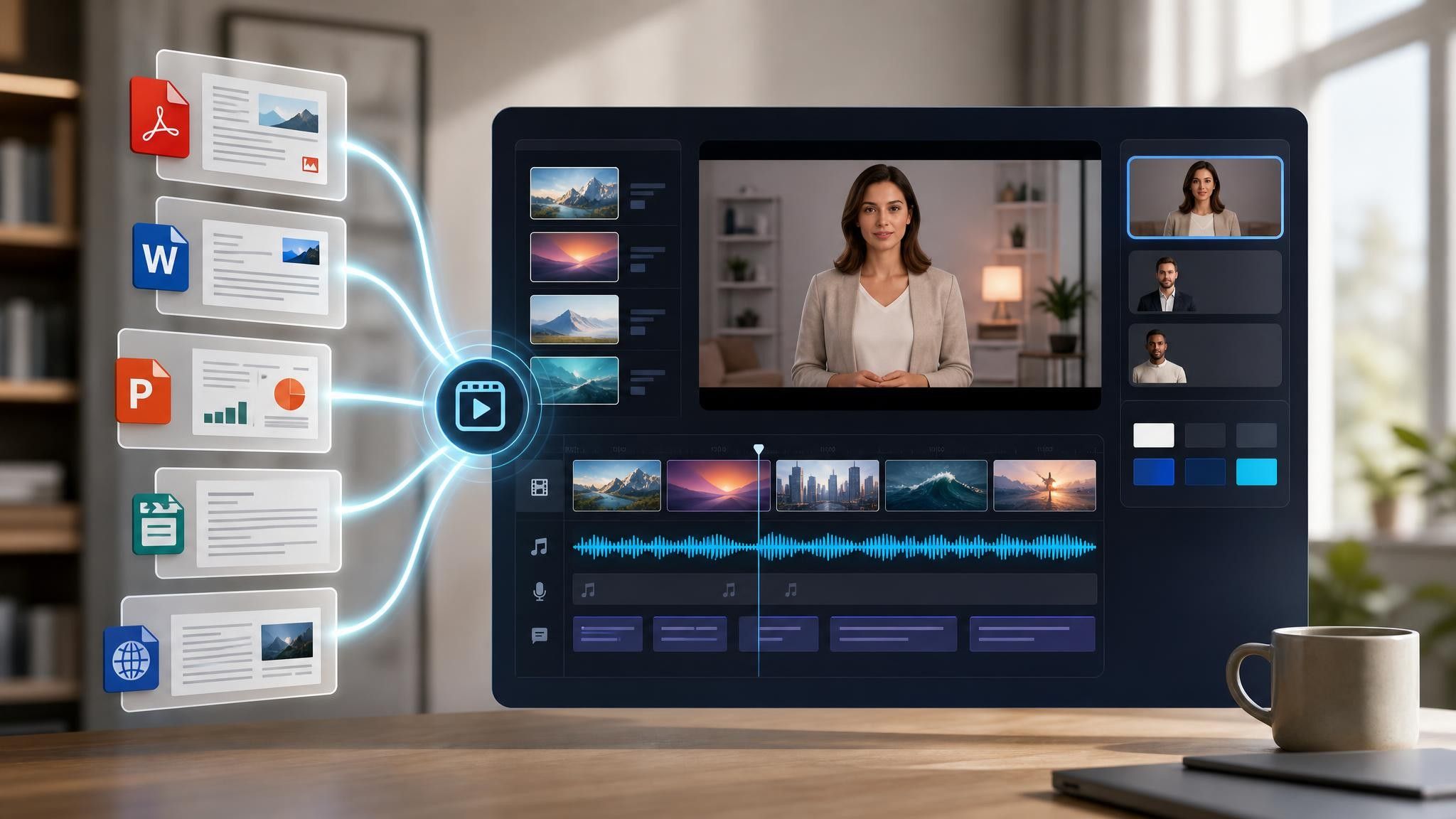
Add the SOP, equipment manual, or rollout plan as PPTX, PDF, DOC, DOCX, or TXT, up to 200 MB, so the training matches approved wording.
Check every generated line against the source before publishing, and keep exact procedural language on screen where precision matters operationally.
Export HD MP4 for your learning platform, or share a hosted link with password protection. When the SOP is revised, upload the new version and regenerate only the affected scenes.
Training content is rarely missing — it is sitting in a document nobody reads past page three. Leadde reorganizes that material into segments people finish, and the controlled source file is never modified.
You can turn:
An SOP manual into a step-by-step procedure video for the floor or the service desk
An equipment manual into an operation video that names the failure mode at each step
A rollout plan into system training delivered before go-live rather than after
A role matrix into two versions of the same procedure for two different jobs
Because each version is generated from a document, re-issuing training after a revision is an upload rather than a rebuild.
L&D and operations teams have to teach a procedure and be able to show later that it was taught. Written SOPs stop being enough in the situations that follow.
Written SOPs get signed but not read. Rebuild the procedure as scenes so each step is seen before it is performed.
Operator errors repeat across shifts. Name the failure mode at the step where it happens, not in a summary.
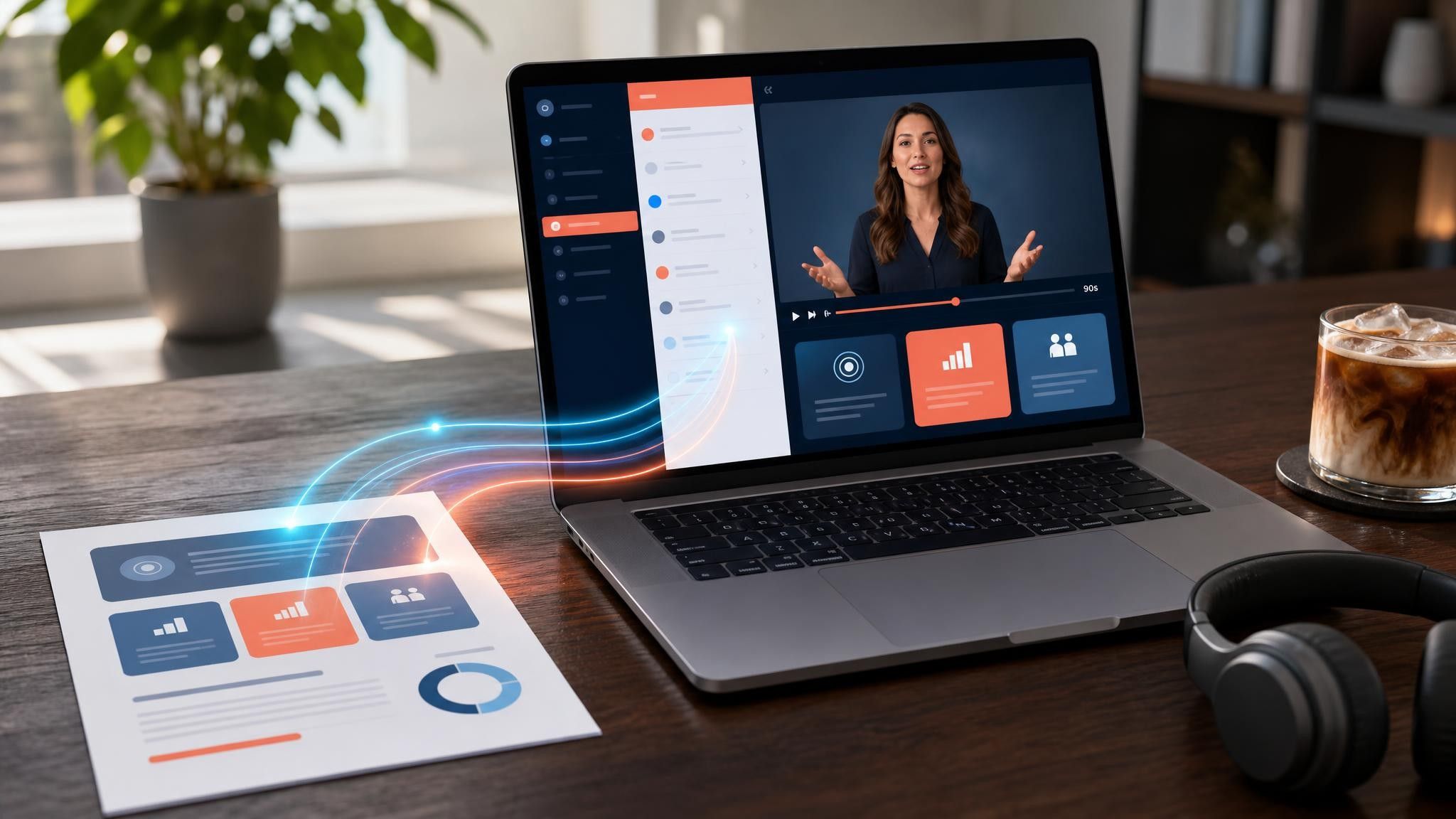
New systems arrive faster than training does. Build the walkthrough from the rollout plan and ship it first.
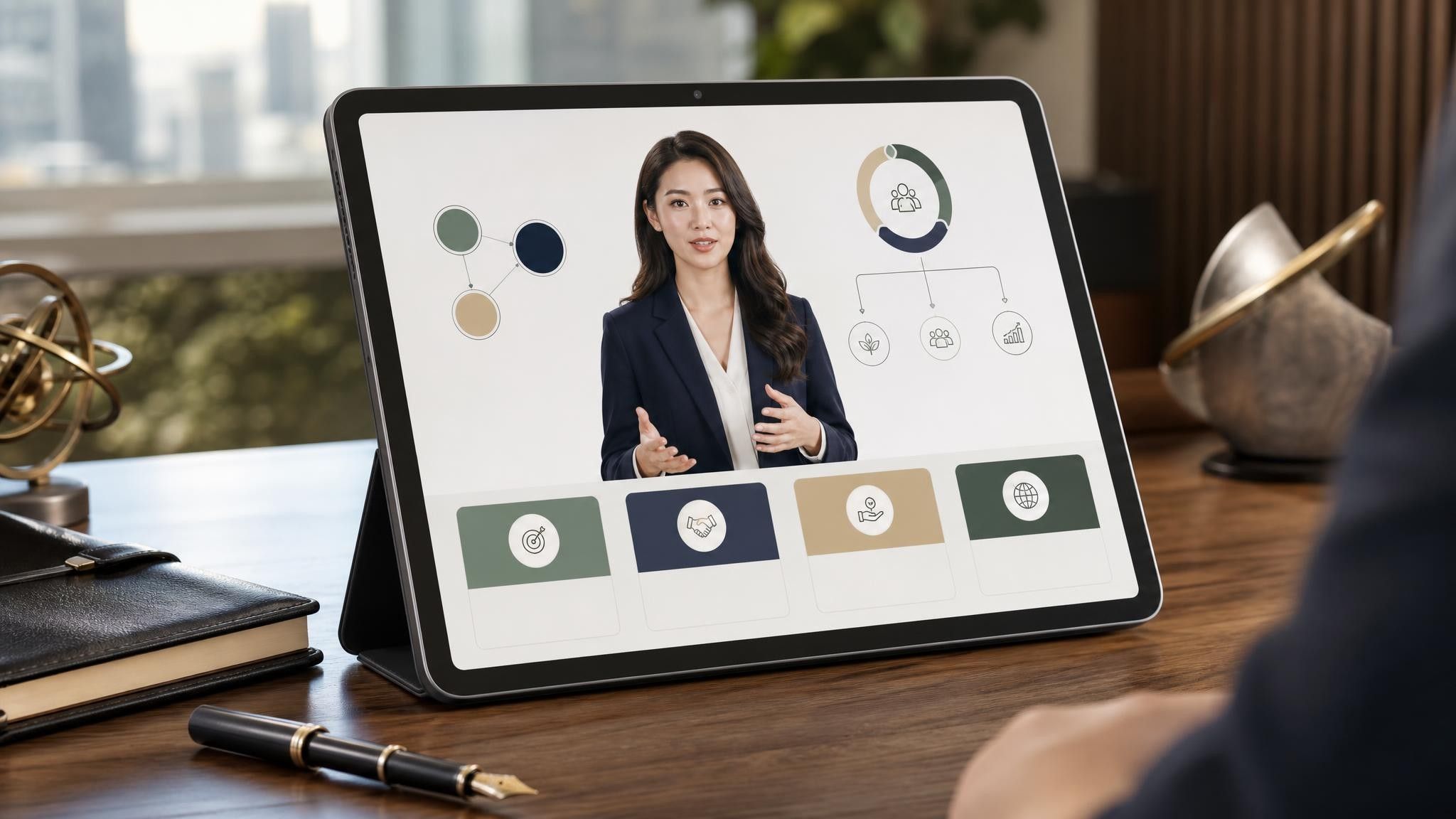
A stated objective, the procedure broken into one step per scene, the failure mode named at each step where a mistake carries cost, and a closing scene that says exactly what the viewer does next — practise, sign off, or contact someone.
Long enough to cover one procedure and no longer. Most procedures fit in five to ten minutes; anything beyond that should be split so learners can return to the specific step they need.
Upload the revised document and regenerate the affected scenes. Scenes you have already reviewed stay unchanged unless you replace them, so a minor revision does not mean re-approving the whole video.
Yes. Duplicate the project and replace only the scenes that differ by role or location, keeping the shared safety and process steps identical across every version.
Choose a template, upload the SOP you already maintain, and issue the training this week.


Choose a template, add your existing content, and generate an editable video project.