
How Earthquake Early Warning Systems Work
Explains how seismic sensors detect initial P-waves, calculate seismic impact, and send rapid alerts to give seconds of life-saving warning.

An informative video template gives you a structured starting point for answering one question completely, without asking the viewer to do anything afterwards. Choose a template, upload the notice, FAQ, or update you need to communicate, and Leadde drafts the scenes, narration, and subtitles.
9 video types
Showing 9 video types across 4 categories
Explains how seismic sensors detect initial P-waves, calculate seismic impact, and send rapid alerts to give seconds of life-saving warning.

This video explains how storm drains collect and transport rainwater, distinguishes them from household wastewater plumbing, and highlights why maintenance and public awareness matter.

An educational overview of semiconductor cleanrooms, covering why dust destroys microchips, how cleanroom suits and air filtration work, and the critical wafer manufacturing steps.

Explains what payment tokenization is, how tokens replace actual card numbers during digital transactions, and why this method significantly reduces data breach risks.

Explains the crucial steps after blood donation, including transportation, medical testing, component separation, storage, and hospital delivery.
Explains the fundamental mechanics of water towers, how they utilize gravity to create water pressure, and their vital role during peak demand and emergencies.

Explains the various runway lighting systems—including edge lights, centerline lights, touchdown zone lights, and approach indicators—and how they guide pilots safely to landing.
Explains the technology behind hotel key cards, including magnetic stripes vs RFID/NFC, offline lock verification, and lost card security management.

Understand the core components of an e-passport, including electronic chips, digital facial recognition systems, and advanced security mechanisms.

An infographic video template gives you a structured starting point for turning numbers, findings, and comparisons into something people actually watch. Choose a template, upload your report or data summary, and Leadde builds animated scenes, narration, and captions you can edit.

A comparison video template gives you a structured starting point for weighing two options against the same criteria and letting the viewer reach the conclusion. Choose a template, upload your battlecard, spec sheet, or evaluation notes, and Leadde generates editable scenes, narration, subtitles, and visuals.

A product video template gives you a structured starting point for introducing what a product is, who it is for, and what makes it different. Choose a template, upload a spec sheet, catalogue entry, or product page, and Leadde generates editable scenes, narration, subtitles, and visuals.

A product explainer video template gives you a structured starting point for showing why a product exists before showing how it works. Choose a template, upload a release note, PRD, or help-center article, and Leadde turns it into editable scenes, narration, subtitles, and on-screen visuals.

A product promo video template gives you a structured starting point for a short campaign cut built around a launch date, an offer, or a season. Choose a template, upload your launch brief or offer terms, and Leadde generates editable scenes, narration, captions, and visuals.

A SaaS promo video template gives you a structured starting point for campaign videos whose only job is to get a visitor into a free trial. Choose a template, upload your website copy, comparison page, or customer results, and Leadde generates editable scenes, narration, and captions.

An educational video template gives you a structured starting point for teaching one topic to a class that will watch it outside the room. Choose a template, upload a lesson plan, textbook chapter, or slide deck, and Leadde generates editable scenes, narration, subtitles, and visuals.

An e-learning video template gives you a structured starting point for a course module with stated objectives, segmented content, and a checkpoint at the end. Choose a template, upload your syllabus or course outline, and Leadde generates editable scenes, narration, and subtitles.

An instructional video template gives you a structured starting point for teaching one procedure to someone who has to carry it out correctly. Choose a template, upload a user guide, setup sheet, or troubleshooting article, and Leadde generates editable scenes, narration, and subtitles.
A video presentation template gives you a structured starting point for delivering a talk that your audience watches instead of attends. Choose a template, upload your PowerPoint deck, PDF, or speaker notes, and Leadde turns each slide into a narrated, editable scene.
A training video template gives you a structured starting point for teaching a procedure or a system to people who have to get it right at work. Choose a template, upload your SOP, equipment manual, or rollout plan, and Leadde generates editable scenes, narration, and subtitles.

An onboarding video template gives you a structured starting point for walking a new hire or a new customer through their first week. Choose a template, upload your handbook, benefits PDF, or setup checklist, and Leadde generates editable scenes, narration, subtitles, and visuals.

A cyber security video template gives you a structured starting point for awareness training that employees remember when it matters. Choose a template, upload your security policy, phishing report, or incident summary, and Leadde generates editable scenes, narration, and subtitles.

A compliance video template gives you a structured starting point for communicating a policy or a regulatory change to people who then have to acknowledge it. Choose a template, upload your policy PDF or code of conduct, and Leadde generates editable scenes, narration, and subtitles.
An informative video template is a reusable video framework for internal communications teams, membership organizations, and public-facing bodies that need to tell an audience something accurately, without persuading them of anything. Its defining feature is what it leaves out: there is no offer, no benefit framing, and no call to action at the end.
That constraint changes the structure. The template puts the conclusion first rather than building to it, states scope and effective dates explicitly, and keeps the exact wording of a notice on screen while the narration explains it plainly. Leadde applies that structure to your source document and returns an editable draft, so the version people watch matches the version that was approved.
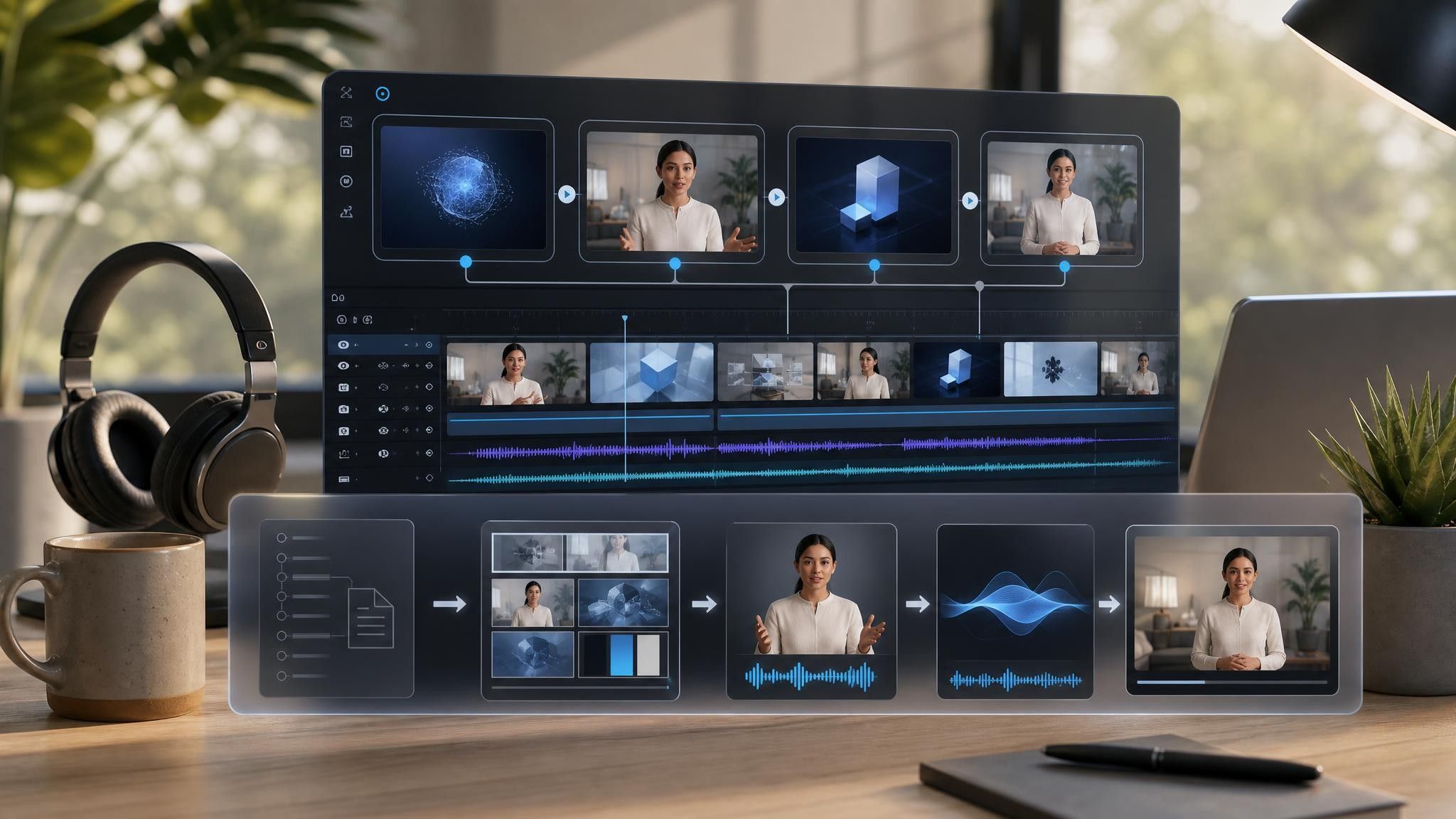

Pick the template that matches the shape of the answer — a single fact, a change with a date, or a set of related questions.
Add the notice, FAQ, or memo as PDF, DOC, DOCX, PPTX, or TXT, up to 200 MB. Where wording has been signed off, keep it on screen verbatim.
Confirm every date, threshold, and "who this applies to" statement against the source. Narration can be rephrased; scope cannot.
Export an HD MP4 or share a Leadde hosted link, with password protection when the audience is internal.
Information that matters usually already exists as approved text. The problem is that approved text is written to be defensible, not to be understood on first reading. Leadde rebuilds it as scenes without editing the source.
You can turn:
A policy notice into a plain-language video with the effective date on screen
An internal FAQ into a video employees watch instead of emailing the same question
A membership update into an announcement for an association newsletter
A correction memo into a short clarification video that closes a rumor cycle
Because the video is generated from the document, a revised notice means a re-upload rather than a rewrite.
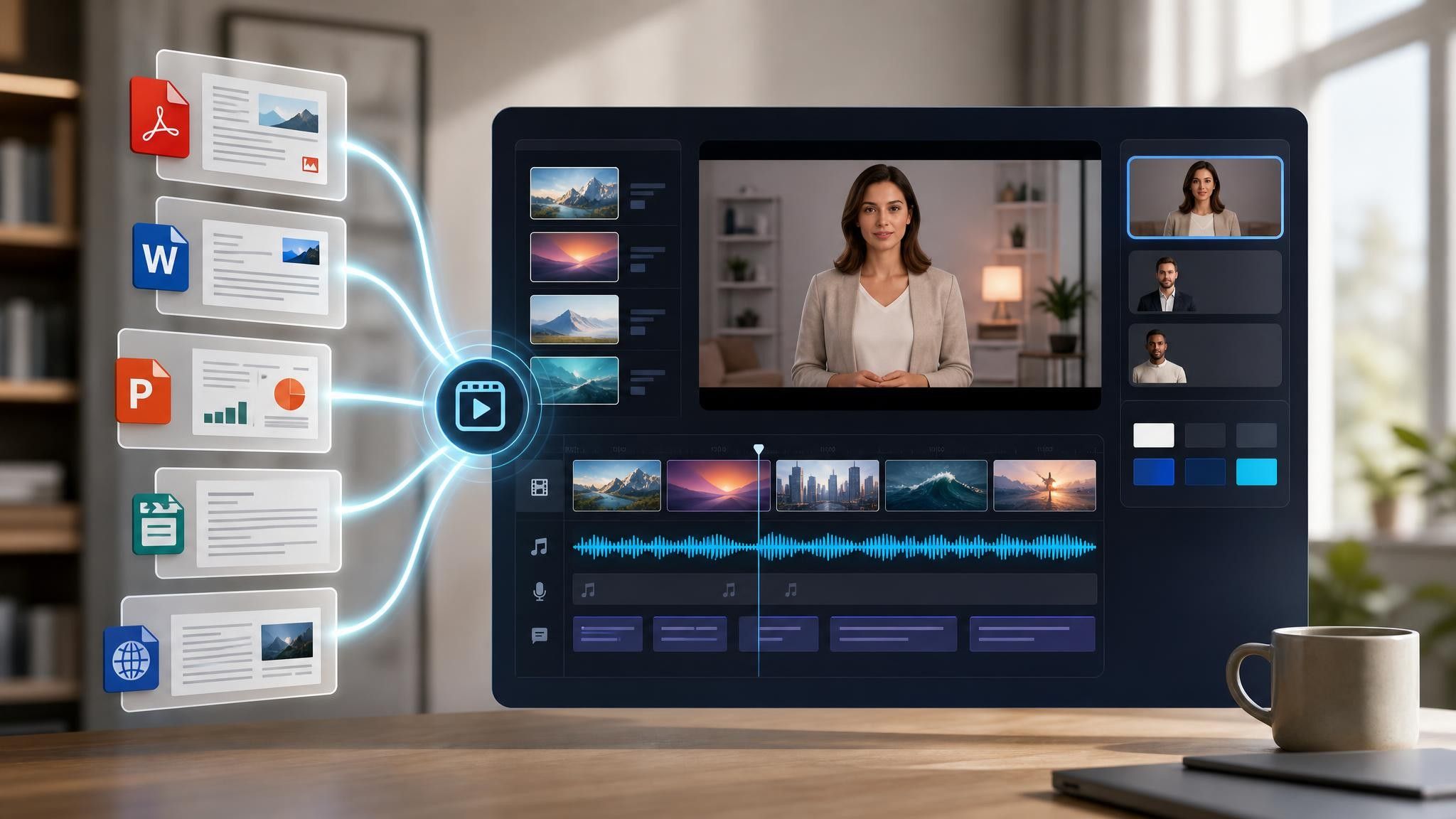
Internal communications, membership bodies, and public-facing organizations share one problem: the text is approved, and nobody reads it. Video changes that without changing a word of what was signed off.
Emails about changes get skimmed. Send the notice as a short video with the date and scope stated on screen.
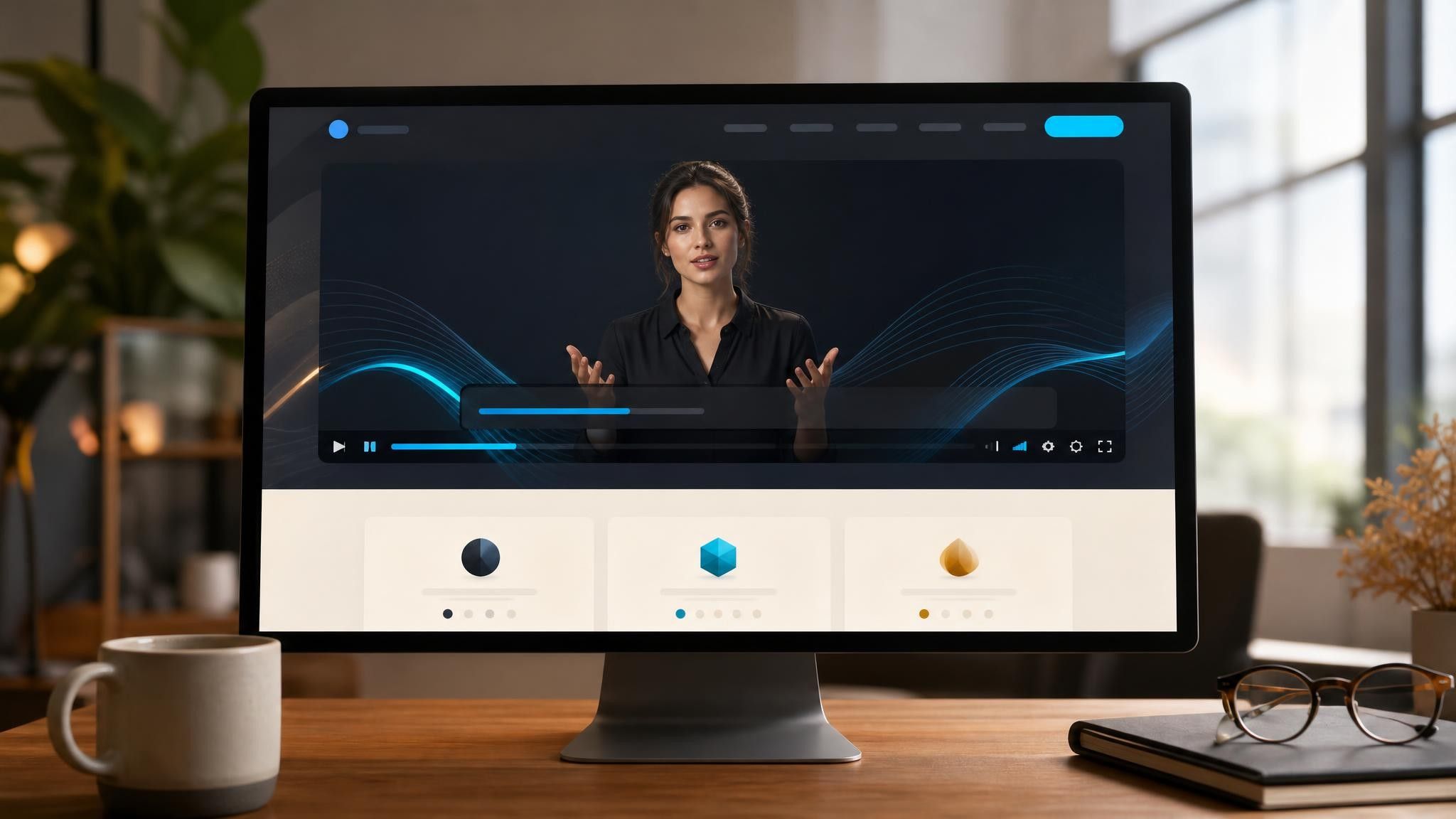
Associations report the same update in every channel. Build one video from the approved text and reuse it.

Rumors outrun corrections. A calm ninety-second video restating the facts closes it faster than another email.

An informative video communicates a fact, a change, or an answer to a specific question without trying to sell or persuade. It is judged on accuracy and clarity rather than engagement, which is why it usually opens with the conclusion instead of building toward it.
An announcement tells people that something has happened. An informative video tells them what it means for them — scope, dates, and what changes in practice. Many organizations need both, and the announcement can link to the informative version.
Usually not. If the viewer has to do something, that is a different video. Where an action is unavoidable — a deadline, a form — state it as a fact with the date rather than as a prompt.
Yes. Put the approved text on screen as scene text and let the narration paraphrase it in plain language. That keeps the legally reviewed wording intact while the spoken version stays understandable.
Choose a template, upload the notice or FAQ that has already been approved, and publish it where people will actually see it.


Choose a template, add your existing content, and generate an editable video project.