
Understanding and Defending Against Phishing Attacks
Explains how phishing attacks work, why they target human psychology, and actionable best practices for users and companies to defend against security breaches.

An explainer video template gives you a structured starting point for making an unfamiliar idea, service, or offer easy to understand in under two minutes. Choose a template, upload a one-pager, deck, or webpage, and Leadde drafts the scenes, narration, subtitles, and visuals for you to edit.
9 video types
Showing 9 video types across 4 categories
Explains how phishing attacks work, why they target human psychology, and actionable best practices for users and companies to defend against security breaches.

Explains the definition of eSIM, the digital profile downloading process, and its main benefits and dependencies.

Explores port preparation, crane operations, yard transport, safety considerations, and the use of real-time terminal operating systems.

Learn what virtual power plants are, how distributed energy resources work together to balance the grid, and why they are becoming vital for future energy systems.
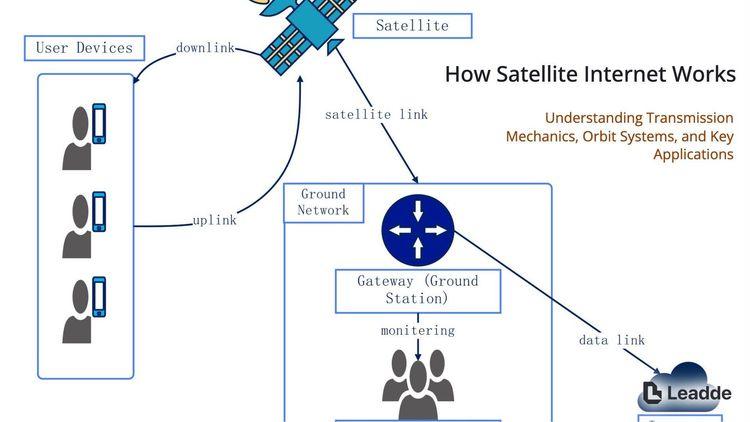
Explains the basic process of satellite internet signal transmission, different orbit systems, and current technological challenges.

An educational overview of corporate carbon accounting, detailing the three emission scopes, calculation methods, and business value.
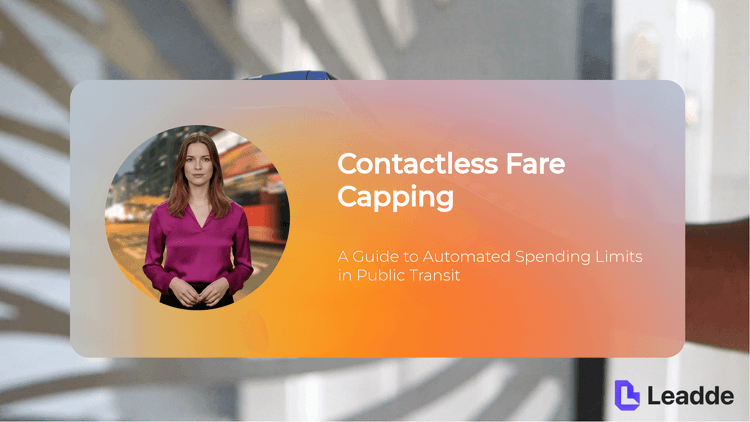
Explains how fare capping automatically limits daily or weekly transit spending based on tap records, removing the need to buy passes in advance.

An educational overview detailing the checked baggage journey from check-in, barcode tagging, security screening, sorting, and loading to final baggage claim.

Explains how mixed-use development integrates different urban spaces, its benefits for street vitality and infrastructure efficiency, and essential planning requirements.

An informative video template gives you a structured starting point for answering one question completely, without asking the viewer to do anything afterwards. Choose a template, upload the notice, FAQ, or update you need to communicate, and Leadde drafts the scenes, narration, and subtitles.

An infographic video template gives you a structured starting point for turning numbers, findings, and comparisons into something people actually watch. Choose a template, upload your report or data summary, and Leadde builds animated scenes, narration, and captions you can edit.

A comparison video template gives you a structured starting point for weighing two options against the same criteria and letting the viewer reach the conclusion. Choose a template, upload your battlecard, spec sheet, or evaluation notes, and Leadde generates editable scenes, narration, subtitles, and visuals.

A product video template gives you a structured starting point for introducing what a product is, who it is for, and what makes it different. Choose a template, upload a spec sheet, catalogue entry, or product page, and Leadde generates editable scenes, narration, subtitles, and visuals.

A product explainer video template gives you a structured starting point for showing why a product exists before showing how it works. Choose a template, upload a release note, PRD, or help-center article, and Leadde turns it into editable scenes, narration, subtitles, and on-screen visuals.

A product promo video template gives you a structured starting point for a short campaign cut built around a launch date, an offer, or a season. Choose a template, upload your launch brief or offer terms, and Leadde generates editable scenes, narration, captions, and visuals.

A SaaS promo video template gives you a structured starting point for campaign videos whose only job is to get a visitor into a free trial. Choose a template, upload your website copy, comparison page, or customer results, and Leadde generates editable scenes, narration, and captions.

An educational video template gives you a structured starting point for teaching one topic to a class that will watch it outside the room. Choose a template, upload a lesson plan, textbook chapter, or slide deck, and Leadde generates editable scenes, narration, subtitles, and visuals.

An e-learning video template gives you a structured starting point for a course module with stated objectives, segmented content, and a checkpoint at the end. Choose a template, upload your syllabus or course outline, and Leadde generates editable scenes, narration, and subtitles.

An instructional video template gives you a structured starting point for teaching one procedure to someone who has to carry it out correctly. Choose a template, upload a user guide, setup sheet, or troubleshooting article, and Leadde generates editable scenes, narration, and subtitles.
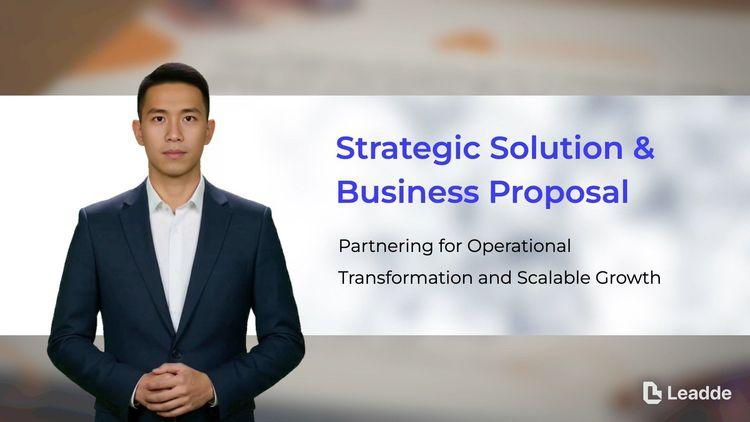
A video presentation template gives you a structured starting point for delivering a talk that your audience watches instead of attends. Choose a template, upload your PowerPoint deck, PDF, or speaker notes, and Leadde turns each slide into a narrated, editable scene.

A training video template gives you a structured starting point for teaching a procedure or a system to people who have to get it right at work. Choose a template, upload your SOP, equipment manual, or rollout plan, and Leadde generates editable scenes, narration, and subtitles.

An onboarding video template gives you a structured starting point for walking a new hire or a new customer through their first week. Choose a template, upload your handbook, benefits PDF, or setup checklist, and Leadde generates editable scenes, narration, subtitles, and visuals.

A cyber security video template gives you a structured starting point for awareness training that employees remember when it matters. Choose a template, upload your security policy, phishing report, or incident summary, and Leadde generates editable scenes, narration, and subtitles.

A compliance video template gives you a structured starting point for communicating a policy or a regulatory change to people who then have to acknowledge it. Choose a template, upload your policy PDF or code of conduct, and Leadde generates editable scenes, narration, and subtitles.
An explainer video template is a reusable video framework built to make one unfamiliar idea understandable to an audience that has never encountered it. It fixes the order in which the explanation arrives, so the viewer is never asked to hold two new concepts at once.
Instead of starting from a blank timeline, the template supplies a recommended scene sequence, a script structure, a narration style, and a visual direction. Leadde reads your source file against that structure and returns an editable first draft, which means the writing you have already done becomes the script rather than being rewritten from scratch.
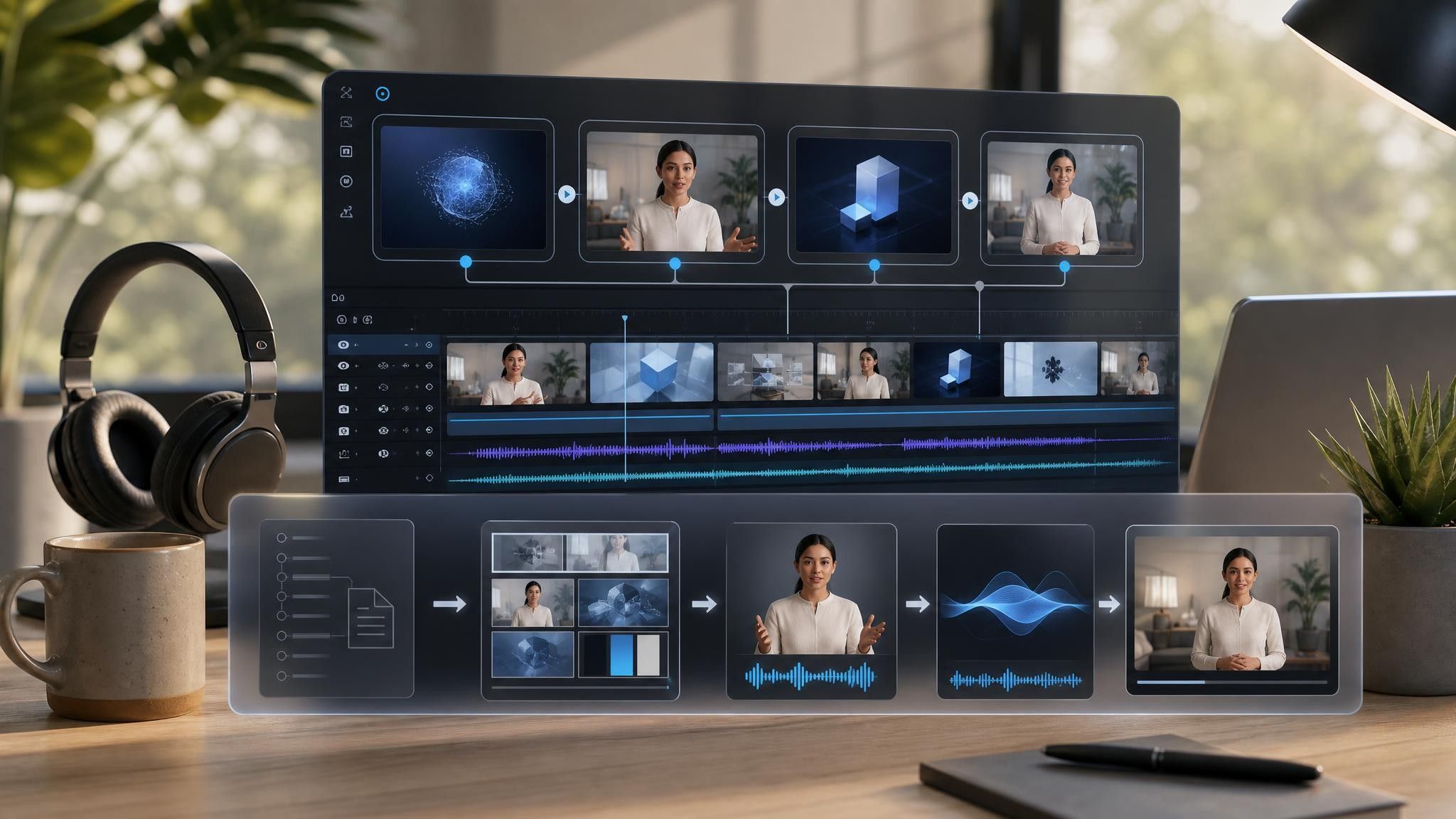

Choose the template whose sequence matches how your idea is best introduced — problem first, process first, or misconception first.
Add the one-pager, deck, or landing page that already contains the explanation. Supported formats include PPTX, PDF, DOC, DOCX, and TXT, up to 200 MB.
Leadde drafts the scenes, narration, subtitles, and visuals. Use the AI script tools to shorten a scene that runs long, expand one that moves too fast, or regenerate a line that reads awkwardly.
Apply your brand kit, preview the audio, then export an HD MP4 in 16:9, 1:1, or 9:16, or share a hosted link.
Most teams have already written the explanation somewhere. It is just written for readers who will give it five minutes, not viewers who will give it ninety seconds. Leadde reorganizes that material into shorter, visual scenes without touching the original file.
You can turn:
A homepage or landing page URL into a website explainer video
A one-page overview into a first-touch explainer for cold audiences
A services page into an explainer for an offering that has no interface to show
A partner brief into an explainer a reseller can re-narrate for their own market
The source file stays unchanged, and every generated scene remains editable before you publish.
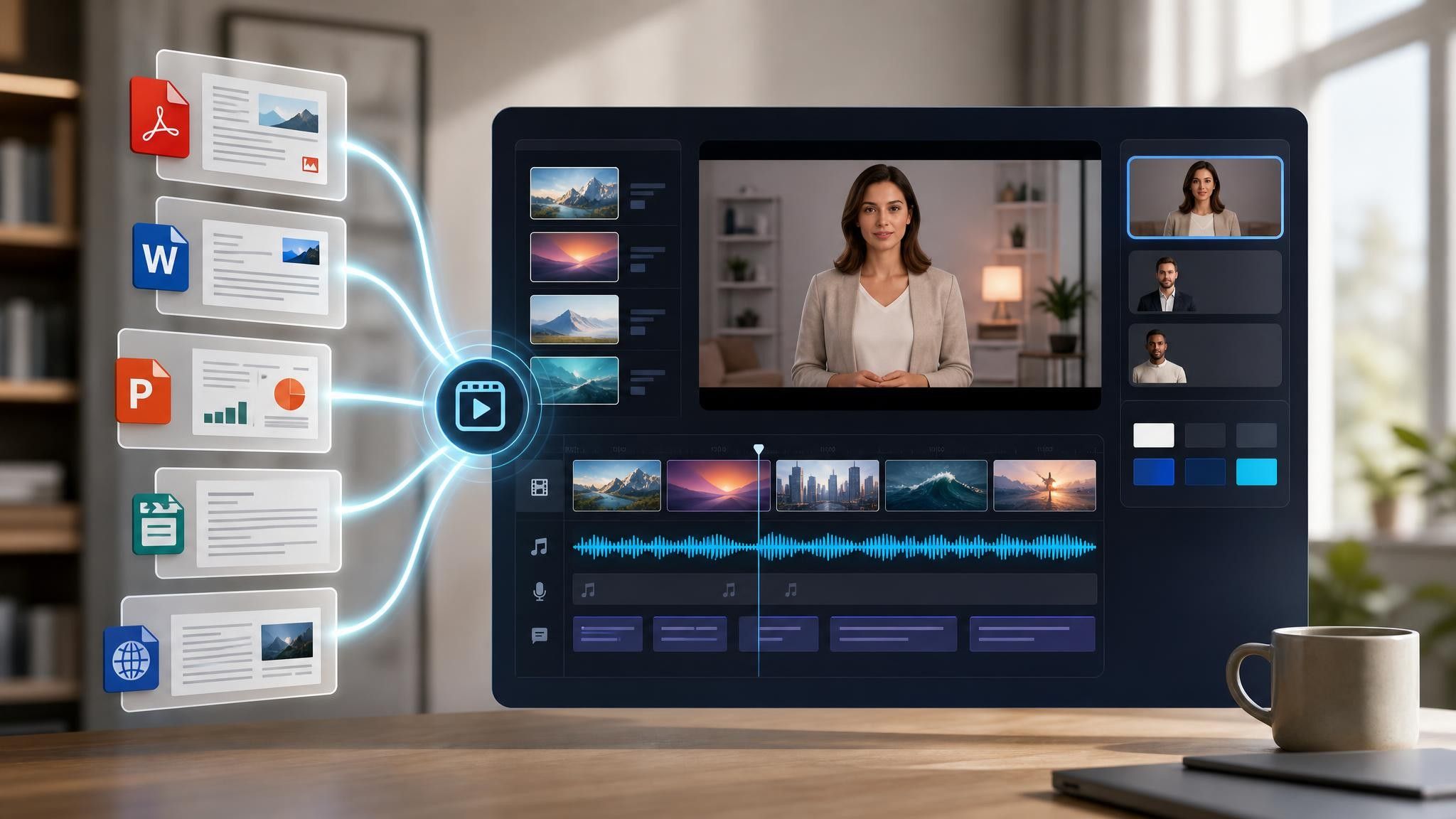
Marketing and brand teams reach for an explainer whenever the audience arrives with no reference point. The three situations that come up most often each start from a page you have already written.
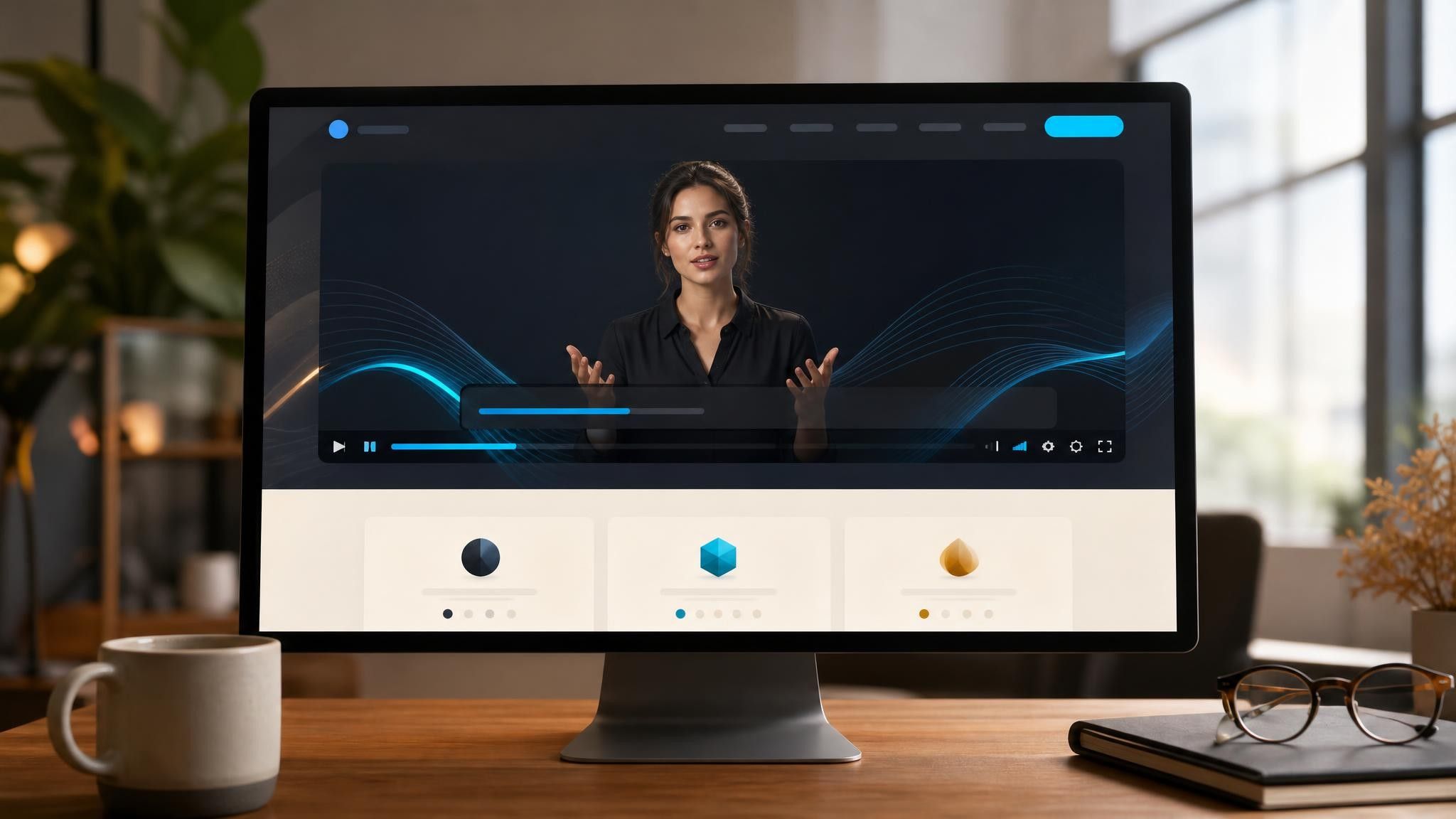
Visitors leave when the homepage does not explain itself. Build the explainer from the landing page copy you already wrote.
Prospects who never opened your deck will watch ninety seconds. Turn the one-pager into a video you attach instead.
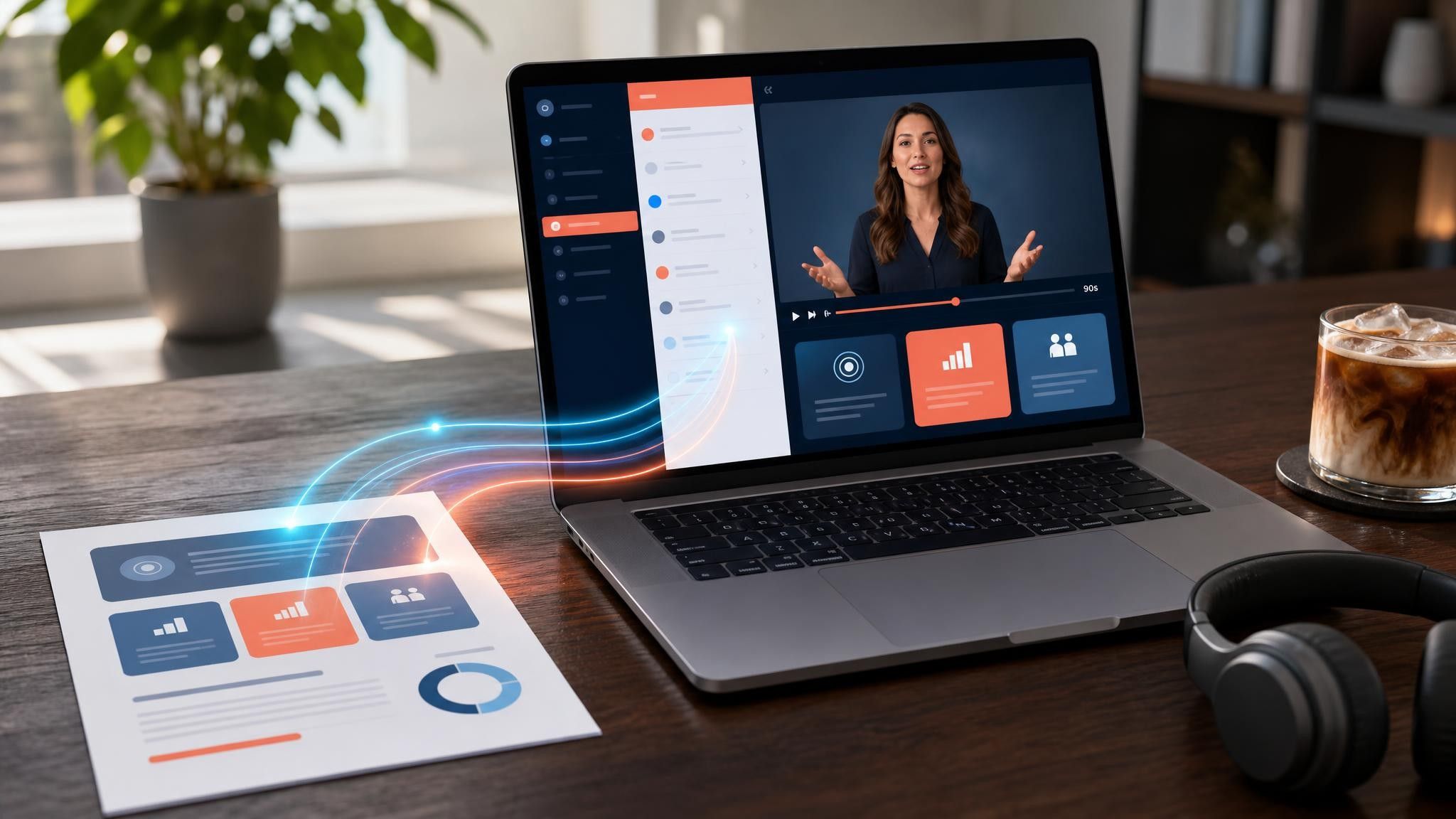
Consultancies and nonprofits have nothing to demo. Explain the offering itself, using the services page as the source.

Most explainer videos work in three moves: establish the situation the viewer already recognizes, introduce the one idea that changes it, then show a single piece of proof and one clear next step. Adding a fourth idea is the most common reason an explainer stops working.
For a cold audience, aim under ninety seconds — roughly 200 to 230 words of narration. An explainer for an audience that already knows the category can run two to three minutes, because you no longer need to spend time on the setup.
Yes. The template sets the starting sequence, not a fixed one. You can add, remove, reorder, and re-time scenes, and replace the narration in any scene without regenerating the rest of the video.
An explainer video is built to change what the viewer does next, so it ends on an action. An informative video is built to answer a question completely and can end without a call to action. Same source material, different closing scene.
Choose a template, upload the page or document that already explains it, and edit the draft before you share it.


Choose a template, add your existing content, and generate an editable video project.