Best AI Narrator in 2026: 10 Tools for Natural Voiceovers
The best AI narrator in 2026 depends on what you're creating. ElevenLabs stands out for natural-sounding voices, Murf AI suits professional voiceovers, and Descript makes narration editing easier. For training and educational videos, Leadde takes a different approach, turning PDFs, presentations, and documents into structured videos with AI narration and avatars.
In this guide, we compare 10 AI narrator tools by voice quality, features, pricing, and real-world use cases. You'll discover the best free and paid options for YouTube, explainer videos, and training videos—and how to choose the right tool without unnecessary editing or production costs.
Best AI Narrator Tools in 2026: Which One Should You Choose?
The best AI narrator should match your content, audience, and production workflow. Some tools specialize in realistic speech, while others combine narration with video creation.
The 10 Best AI Narrator Tools Compared
| AI Narrator | Best For | Key Strength |
| ElevenLabs | Natural-sounding narration | Expressive voices and voice cloning |
| Murf AI | Business voiceovers | Speech emphasis and pronunciation controls |
| Speechify Studio | Long-form narration | Voice selection and pacing controls |
| WellSaid | Professional training | Precise word-level editing |
| Descript | Video narration editing | Text-based audio and video editing |
| Fliki | Script-to-video | Voiceovers, visuals, and captions |
| Narakeet | Presentation narration | PowerPoint-to-video workflows |
| TTSMaker | Free AI narration | Free text-to-speech with commercial usage options |
| NaturalReader | Document reading | Document-to-speech and commercial voice options |
| Leadde | Training and educational videos | Document-to-video with AI narration and avatars |
ElevenLabs is a strong option for expressive storytelling, audiobooks, and YouTube narration. Its voice generation and cloning capabilities support different speaking styles, although creators may need multiple generations to achieve a particular delivery.
Murf AI suits marketing presentations, corporate explainer videos, and professional voiceovers. Its emphasis, pacing, and pronunciation controls help teams refine how information is communicated.
Speechify Studio provides a broad voice library and controls for pauses, tone, and speed. It is worth considering for longer scripts, although voice consistency should be tested before committing to large projects.
WellSaid focuses on professional voice production, with detailed controls that are useful when technical terminology or precise delivery matters.
Descript combines AI speech generation with text-based editing. It is particularly useful when a creator needs to revise narration inside an existing audio or video project.
Fliki turns scripts into videos with AI voices, visuals, and captions, making it useful for creators who want more than an audio file.
Narakeet is a practical option for narrated presentations and instructional videos, especially when turning slide decks into video.
TTSMaker offers accessible free text-to-speech generation. It is suitable for simple narration projects, although voice quality and editing flexibility should be evaluated.
NaturalReader supports reading documents and PDFs aloud and offers separate commercial voice-generation options. Users should distinguish personal listening subscriptions from licenses for published content.
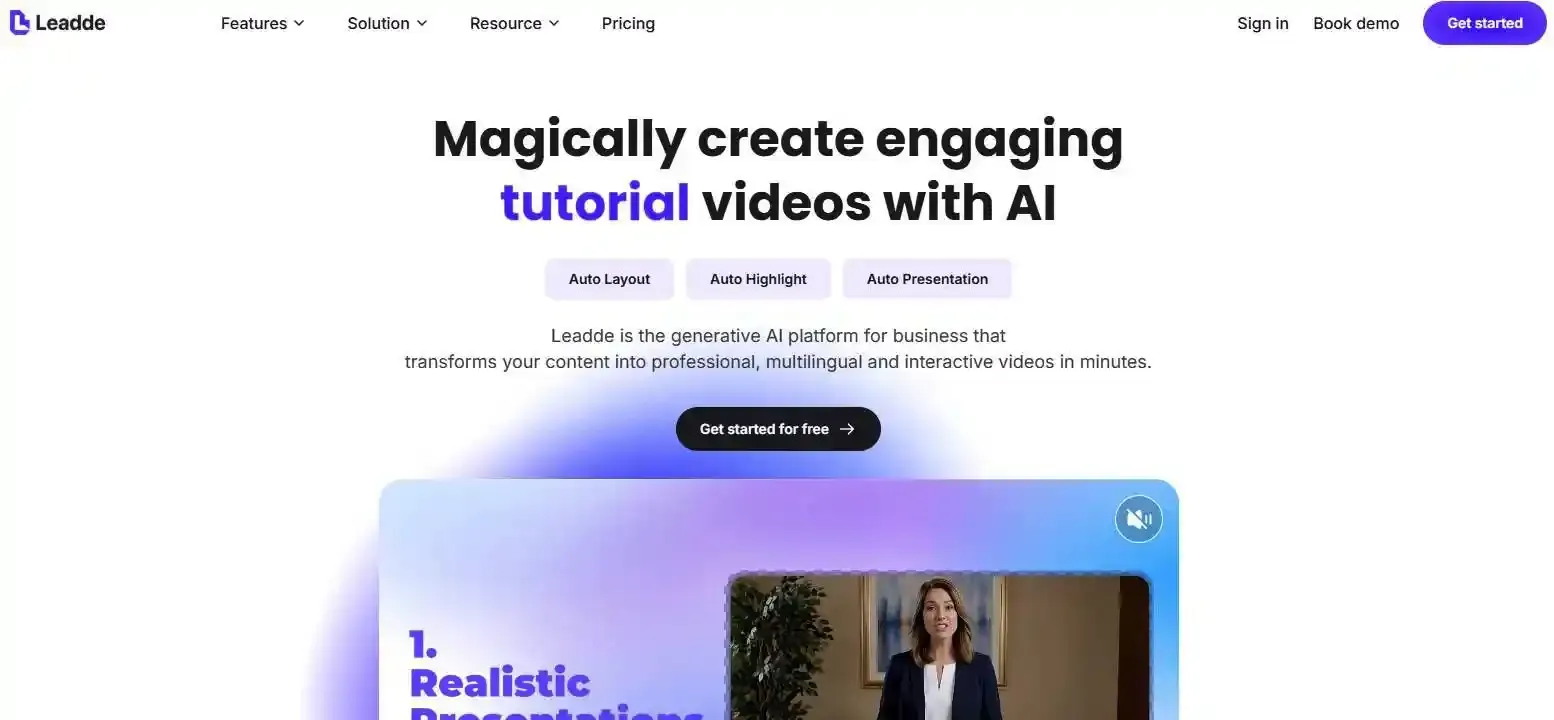
Leadde focuses on a broader production problem: converting business knowledge into videos. Instead of manually extracting information from training documents, preparing scenes, and adding narration separately, teams can use Leadde's document-to-video workflow to create structured videos with AI narration and AI avatars.
AI Narrator vs. AI Voice Generator vs. AI Video Generator
An AI narrator is software that uses speech synthesis to turn written content into spoken narration. Depending on the platform, it may produce audio alone or combine speech with visuals, subtitles, and virtual presenters.
| Tool Type | Main Output |
| AI Voice Generator | Synthetic speech or downloadable audio |
| AI Narration Editor | Editable voiceovers synchronized with media |
| AI Video Generator | Complete videos with narration and visuals |
The distinction matters: generating a realistic voice is only one part of producing an effective video.
How to Choose the Most Realistic AI Narrator
A realistic AI narrator should sound natural while delivering information accurately and consistently.
What Makes an AI Voice Sound Natural?
Three characteristics strongly influence narration quality:
- Pacing: Natural variations in speaking speed and pauses.
- Intonation: Changes in pitch that communicate meaning.
- Emotion: Appropriate expression without exaggerated delivery.
For corporate training videos, clarity and consistency may matter more than dramatic expression. For storytelling, emotional variation becomes more important.
Voice Cloning, Multilingual Support, and Pronunciation Control
Professional projects may require consistent brand voices, multiple languages, or accurate pronunciation of specialized terms.
Voice cloning can help maintain a recognizable speaking identity when properly authorized. Multilingual AI generation supports localization, while pronunciation controls help with acronyms, product names, and technical vocabulary.
However, supporting many languages does not guarantee equally natural pronunciation in every language.
How to Test AI Narrator Quality Before Paying
Instead of relying exclusively on polished demonstrations, try a simple AI Narrator Stress Test:
- Prepare a short script containing numbers, abbreviations, technical terms, and questions.
- Generate the same script using several tools.
- Compare pacing, pronunciation, and emotional delivery.
- Generate additional segments and check whether the voice remains consistent.
Listen on headphones and ordinary speakers. A narrator that sounds impressive in a short sample may behave differently during longer recordings.
What Is the Best Free AI Narrator, and How Much Does AI Narration Cost?
TTSMaker is a practical free AI narrator option for basic text-to-speech projects. Other platforms, including ElevenLabs and Speechify Studio, offer free plans with different limitations.
Best Free vs. Paid AI Narrators
Free tools can work well for occasional narration. Paid subscriptions generally provide additional controls, higher usage allowances, or commercial production features.
Before choosing, check:
- Monthly character, credit, or audio limits.
- Commercial-use permissions.
- Available export formats.
- Voice cloning and editing restrictions.
For example, ElevenLabs includes commercial licensing in its paid Starter tier, while Speechify Studio's free plan does not include commercial usage rights.
Always verify current terms before publishing paid content.
The Hidden Cost of AI Narration: Regeneration and Editing
Subscription price alone rarely captures the entire production cost.
Creators may regenerate recordings to correct pronunciation, adjust timing, or maintain consistent delivery. Additional editing can also be necessary when narration changes a video's timing.
A useful metric is:
Cost per approved minute = Total narration production cost ÷ Final approved audio minutes
This includes generation, corrections, and relevant editing expenses.
For teams producing recurring videos, the ability to fix individual segments may be more valuable than a slightly cheaper initial generation.
How to Create AI-Narrated Videos From Text, PDFs, or Presentations
Creating an AI-narrated video involves more than converting words into speech. An effective workflow connects content structure, spoken explanations, and visuals.
Step-by-Step AI Narration Workflow
Step 1: Prepare your content. Start with a script, PDF, presentation, or training document. Remove unnecessary detail and organize the information into logical sections.
Step 2: Choose a suitable voice. Match the tone, language, and delivery style to your audience.
Step 3: Generate narration. Review pronunciation, timing, terminology, and factual accuracy.
Step 4: Synchronize visuals and captions. Align the narration with presentation slides, demonstrations, and subtitles.
Step 5: Export and review. Watch the completed video and correct any mismatches before publishing.
Turning Documents Into AI-Narrated Training Videos
Training teams often begin with existing PDFs, PowerPoint presentations, standard operating procedures, and knowledge-base articles.
In a traditional workflow, they extract information, write narration scripts, create slides, generate audio, and assemble videos separately.
Leadde offers a more integrated approach by analyzing document structure and generating organized video scenes with AI narration and avatars.
For example, an HR team updating employee onboarding videos could use an automated document-to-video workflow to turn approved policies into training videos. Reviewers would still need to verify policy accuracy, narration, and the finished video.
This approach is particularly relevant when organizations need to produce educational content from existing documentation rather than start each video from scratch.
How to Fix Robotic Narration and Pronunciation Errors
Many narration problems begin with the script.
Replace complicated sentences with shorter, conversational language. Spell out ambiguous abbreviations, review technical terminology, and introduce natural pauses.
When a single phrase sounds incorrect, regenerate or replace that segment where the tool permits it.
Before publishing, review the corrected audio alongside surrounding narration to avoid noticeable changes in tone, volume, or pacing.
Which AI Narrator Is Best for Your Use Case?
Different content formats place different demands on AI narration.
YouTube Videos, Audiobooks, and Podcasts
YouTube creators should prioritize natural delivery, editing flexibility, and commercial-use permissions. ElevenLabs, Descript, and Fliki are worth comparing depending on whether the creator needs audio alone or a complete video.
Audiobook producers should test long-form consistency, expressive delivery, and pronunciation across chapters.
| Content Use Case | Primary Need | Top Recommended Tools | Why It Fits |
| YouTube & Social Media | High expression, dynamic pacing, commercial rights | ElevenLabs, Descript, Fliki | Expressive inflection and direct timeline editing |
| Corporate Training & SOPs | Document conversion, avatars, factual clarity | Leadde, WellSaid | Direct slide/doc ingestion and precise word-level control |
| Audiobooks & Long-form | Chapter-to-chapter consistency, subtle emotive depth | ElevenLabs, Speechify Studio | Expansive voice library and stable long-form audio synthesis |
| Quick Presentations & Slides | Slide-by-slide narration alignment | Narakeet, Murf AI | Native PowerPoint sync and fine-grained emphasis controls |
| Budget / Casual Projects | No-cost voice generation, zero barrier to entry | TTSMaker, NaturalReader (Free) | Commercial-friendly free tier without complex software overhead |